YouTube

This tweak makes YouTube videos look nicer on notched iPhones

YouTube dark icon.

When watching videos in the YouTube app for iOS, those with notched handsets can view them one of two ways when the handset is in landscape orientation: 1) zoomed out such that the notch remains hidden in the video’s black side border; and 2) zoomed in such that the notch physically cuts into the video frame. Switching between these modes is as easy as using a pinch gesture while a video is playing.

As you might have noticed by now, some YouTube videos take better advantage of the wider display canvas, filling the display up to where the notch begins. This usually depends solely on the aspect ratio of the videographer’s filming equipment, but with the help of a new jailbreak tweak called UniZoom by iOS developer Lavie Gariv, users can synthetically impose similar scaling effects on virtually any video on YouTube.
AVPlayerPlus supercharges iOS’ native video player with useful new gestures

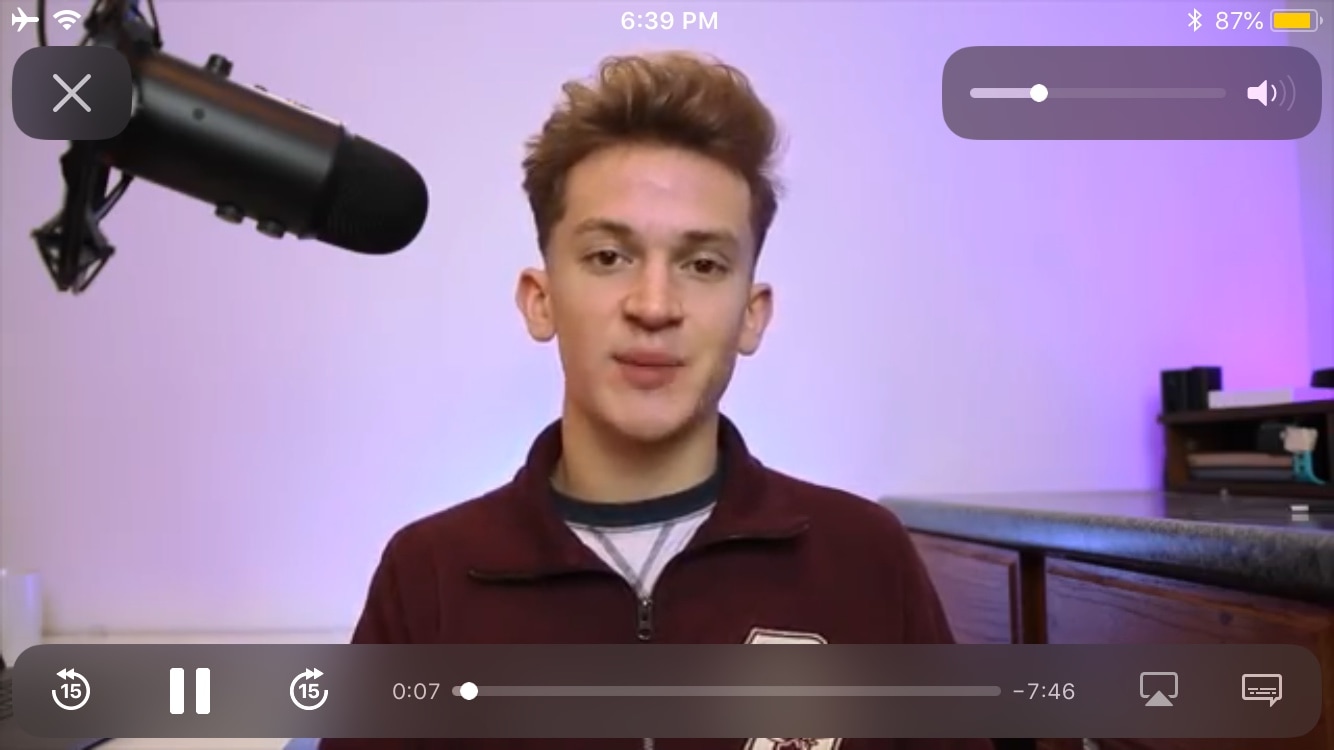
Whenever you tap on a video in the mobile Safari web browser, such as on YouTube or otherwise, iOS displays that video in a familiar interface called the AVPlayer, which appears in the screenshot example above.

Like most video players, iOS’ native AVPlayer provides only the fundamental controls to and get things done, but with the help of a newly released and free jailbreak tweak called AVPlayerPlus by iOS developer Tr1fecta, you can enjoy several more luxury controls in the native AVPlayer interface that Apple never bothered to provide to you out of the box.

This jailbreak tweak lets you play videos in the background via Safari

While refreshing my sources in Cydia this week, I happened upon a particularly interesting jailbreak tweak dubbed playbackSafari by iOS developer CydiaGeek. Intrigued by the name and the brief description provided in Cydia’s ‘Changes’ tab, I tapped on the tweak to learn more about it, and I’m glad that I did.

With playbackSafari, you can begin playing a video in the Safari web browser and then close the app or lock your device without experiencing interruptions to the playback. While leaving the app would prevent you from watching the video, it’s worth noting that the audio continues playing in the background.

Make iOS’ Spotlight search feature more powerful with LuxSit

iOS’ Spotlight search function is severely underpowered, and with just a bit more oomph, it could be a significantly more powerful tool for both casual and power users alike.

It remains to be seen whether Apple will ever expand upon Spotlight’s seemingly limited search functionalities in upcoming iterations of iOS or not, but in any case, jailbreakers won’t need to wait around for that to happen. With a newly-released and free jailbreak tweak called LuxSit by iOS developer LacertosusDeus, you can enjoy an upgraded Spotlight search experience today.

AnyTrans brings support for automatic wireless iOS backups, WhatsApp/Viber chats & more [sponsor]

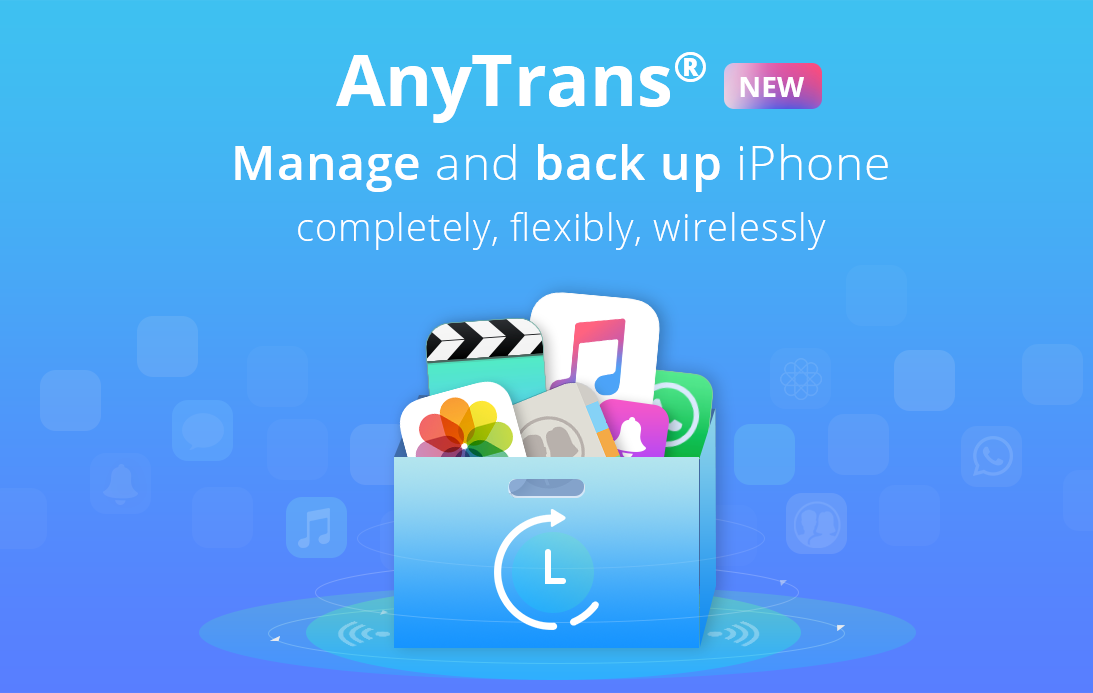
AnyTrans, a comprehensive Mac and Windows app by iMobie for transferring, backing up and managing your iOS, Android and cloud content, was updated recently with several new features, including comprehensive iOS backup enhancements with the selective restore and automatic wireless backup features, plus the ability to move WhatsApp and Viber chats between devices and support for downloading videos from 1,000+ online sources.

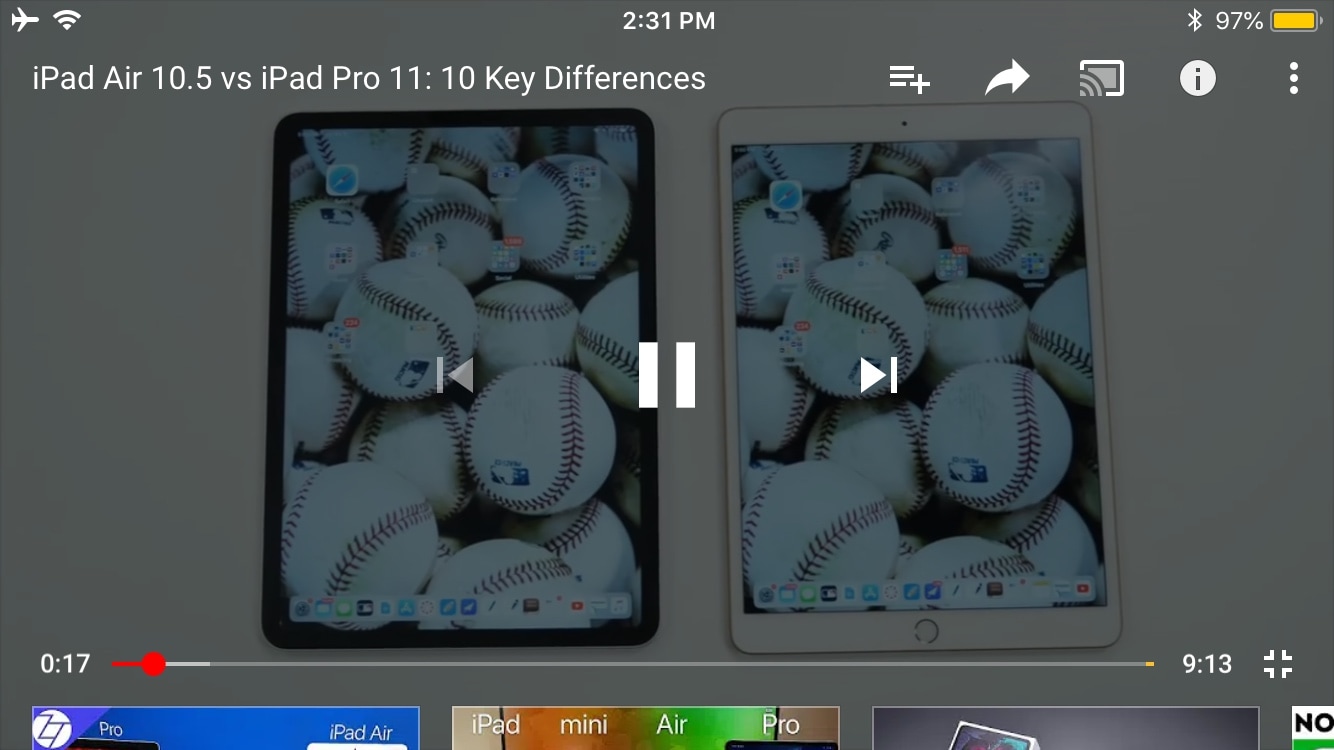
YTStatus lets you access the Status Bar while enjoying YouTube videos in landscape mode

One of the things I’ve always disliked about the YouTube app is how elusive the Status Bar becomes when you begin watching a video in landscape orientation. Obviously, I wouldn’t want the Status Bar to be in the way while a video was playing, but I also don’t like being compelled to switch to portrait orientation to check the time.

iOS developer Karimo299 has devised the ultimate solution and released it in the form of a new free jailbreak tweak called YTStatus. As you can discern for yourself in the before and after screenshot examples embedded above, this tweak implements the native iOS Status Bar into YouTube’s own video controls interface.