Knowing when you sent or received particular messages can be handy for a number of reasons.
Apple’s Messages app hides timestamps by default for simplicity’s sake, but you can reveal them with a quick gesture, and here’s how.
Learn how to master your Apple devices with our comprehensive tutorials. From iPhone and iPad to Mac, Apple Watch, AirPods, and more, our expert guides will help you unlock the full potential of your Apple products. Discover new features, tips, and tricks each day to enhance your user experience.

Knowing when you sent or received particular messages can be handy for a number of reasons.
Apple’s Messages app hides timestamps by default for simplicity’s sake, but you can reveal them with a quick gesture, and here’s how.
One of the major features that shipped with iOS 9 was Markup, better known for the ability to draw on and annotate attachments of various file types that you receive in the Mail app and then send them back to the original sender, or someone else for that matter.
Despite how useful this feature is, few people actually use it, either because they don't know it exists or they don't know how to access it. In this tutorial, we'll take you through how to access it and cover some of the features it provides.

If you're a minimalist type of person, then you might prefer to keep your Mac's desktop free of any icons.
Yes, you can easily drag documents and other files that have been cluttering your desktop and put them in a folder on your Mac. However, that doesn't change the fact that icons for external hard drives, USB thumb drives and other hardware devices will still pop up on the desktop as soon as they're connected to your Mac.
Wouldn't it be nice if you could do something about that? Thankfully, Apple's engineers though of that, too, because macOS makes it easy to optionally remove desktop icons for different types of devices with just a few clicks.

All Macs with OS X El Capitan installed on them have a new layer of security known as System Integrity Protection, which has been given the nickname 'Rootless' because it closes off a lot of system files to user access to prevent malicious programs and code from causing harmful changes to the core of OS X.
For some, the added security feels like a must for protection of your personal information, but for more advanced users who poke their noses into system files quite often, the feature can get in the way and prevent user modifications to the operating system. In this tutorial, we'll give you an overview of System Integrity Protection and show you a way to disable it.

Try these tips if you’re having Bluetooth problems on your Mac and can’t connect accessories, AirPods, or other wireless devices, or send files to an Android phone or Windows PC.
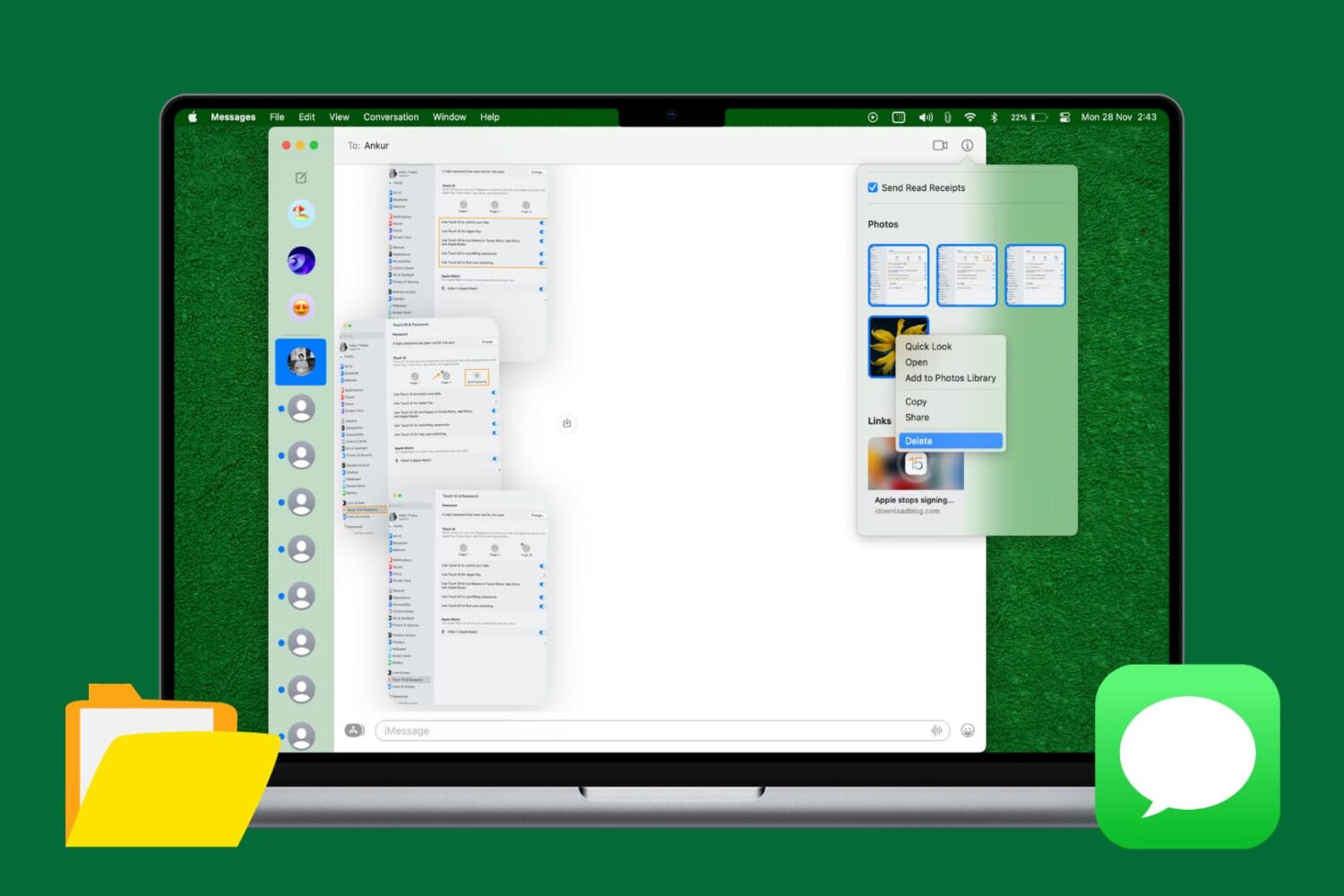
Learn how to quickly delete multiple attachments like photos and videos in Apple's built-in Messages app on the Mac to free up storage space and keep things organized.

Apple's Mail is a great place to start trying out iOS's time-saving 3D Touch interactions on your iPhone. With 3D Touch, not only can you create a new email and jump to your inboxes right from the Home screen but manage your emails more efficiently with in-app Peek and Pop gestures.
In this tutorial, you will learn about all the ways Mail takes advantage of 3D Touch to make you more productive by letting you preview emails, contacts, web links, as well as embedded dates and times, airline codes, package tracking numbers and more.

Not long ago, we took you through an overview of the location services settings that come with your iOS device and told you all about how you can increase your privacy by configuring your location services wisely.
It's worth noting, however, that even your Mac uses your location for certain things; and with that in mind, you may want to look at your location services settings on your Mac to make sure you're limiting what you need to limit and are only allowing location services for the things you actually use.
In this walk-through, we'll explain the location services settings that come with macOS and tell you all about what might be using your location in the background.

Storage almost full? In this guide, we share over fifty tips to free up space on your iPhone or iPad and make way for new files.
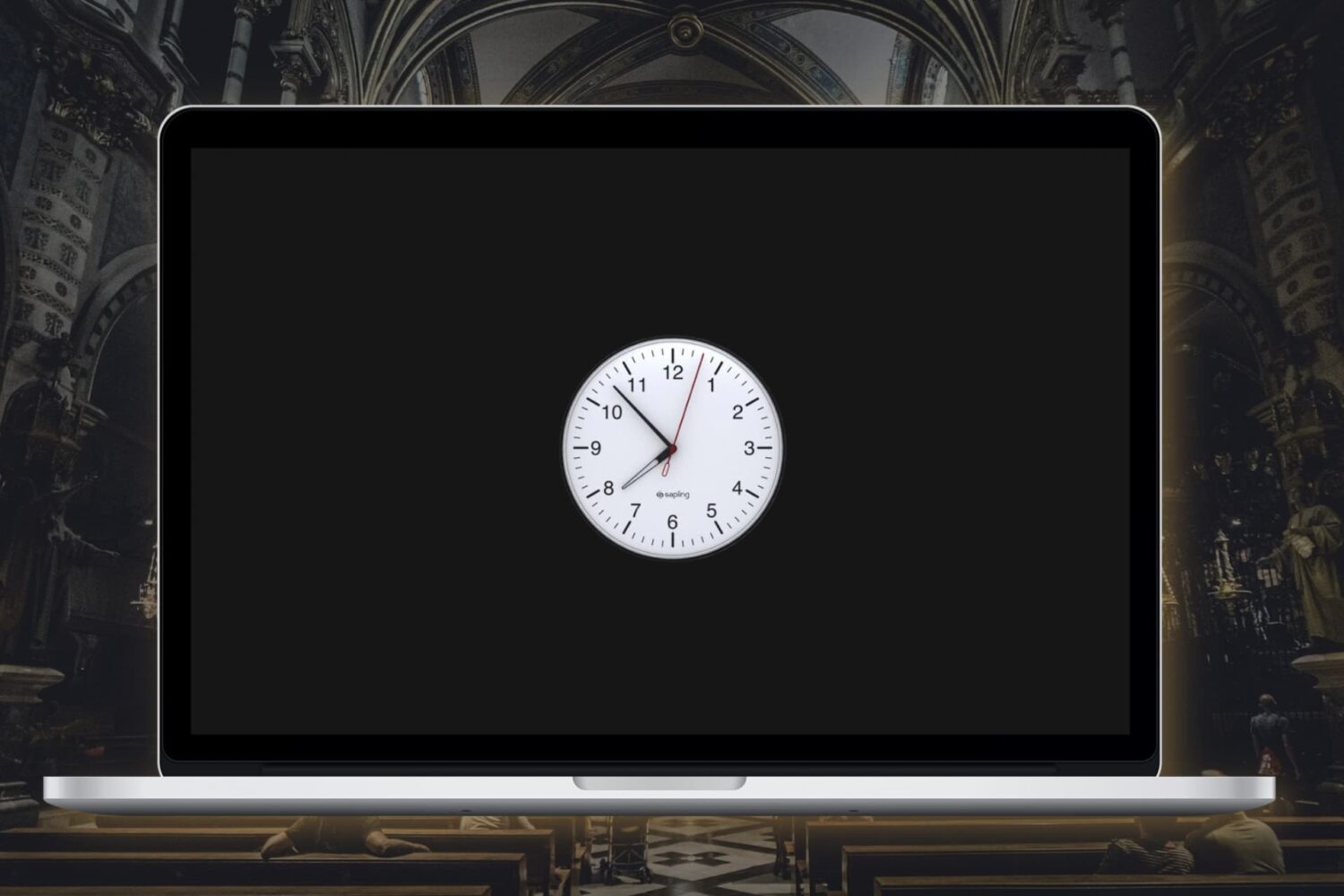
In this tutorial, we’ll show you how to enable the analog clock in the menu bar on your Mac, replacing the digital clock.

It's happened many times to me before, and I can relate to those that it happens to – you're trying to be quiet in the middle of class or in the middle of a meeting for work, and all of a sudden you hear a random noise and then Siri starts blabbering.
Siri says "I didn't quite get that," or "Sorry, I missed that."
In this tutorial, we'll show you how to solve this problem once and for all.
High Dynamic Range (HDR) photography is great for making the most from your iPhone's camera, especially in high-contrast situations.
With this feature, your iPhone takes multiple photos in rapid succession, each at a different exposure, and automatically blends them together. You get an image that has optimized highlights and really brings the shadows out of the noise, with way better detail in the bright and midtown areas.
When you enable HDR photography by tapping the HDR icon in the Camera app, your iPhone will save two copies of the image in your photo library: the “normal” image (without HDR) along with its HDR counterpart.
This can put a strain on your iPhone's storage, especially when taking a lot of HDR photos. If your iPhone's storage is low, or you're the type of person who likes to plan ahead, read this tutorial to learn how to turn off HDR photo duplicates and save significant amounts of storage space on your device.