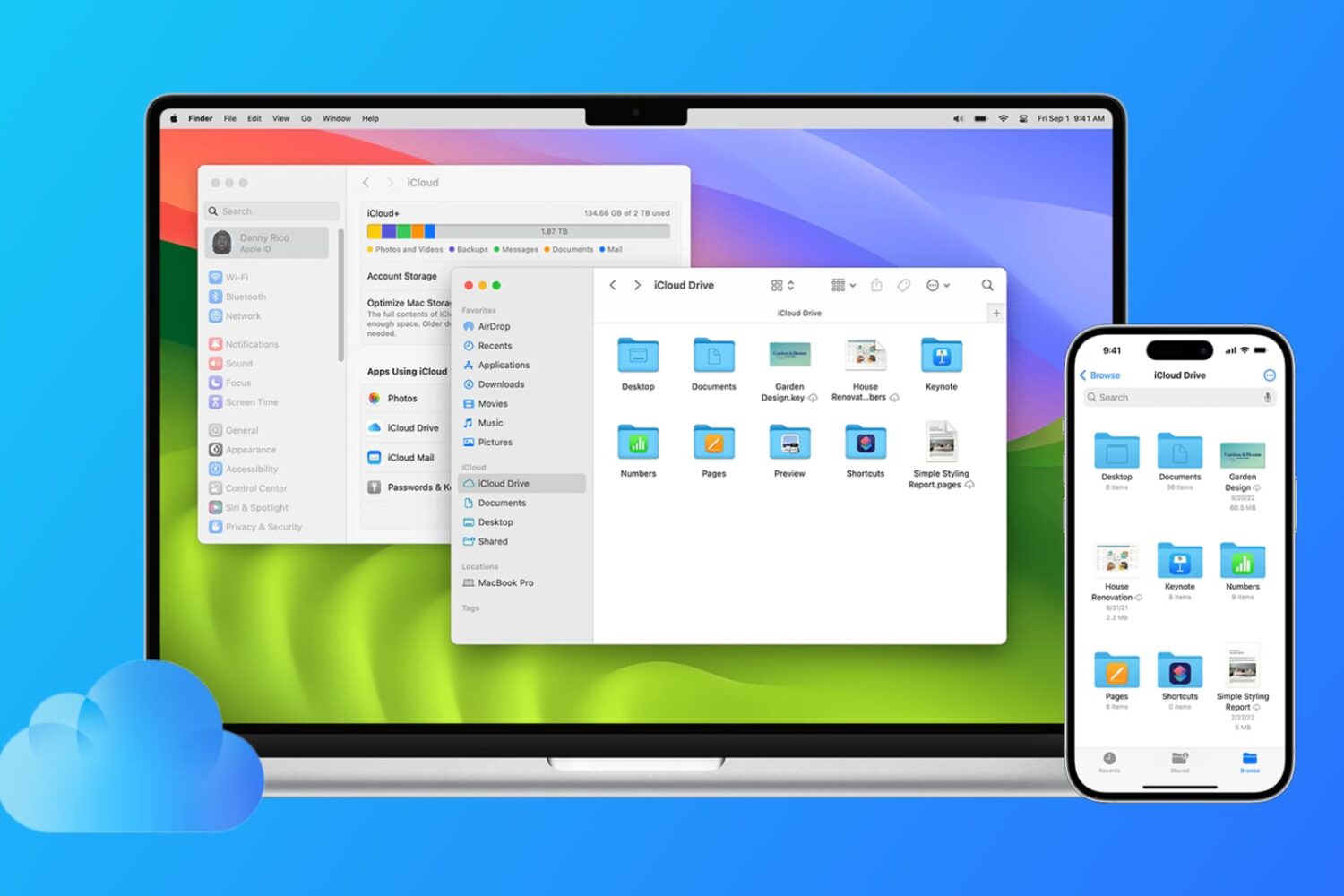
Find out how to sync files from the Desktop and Documents folders of your Mac to all your other devices, including other Mac, iPhone, iPad, iCloud Web, and even Windows PC.
How to sync Mac desktop & documents to iCloud and other devices
Learn how to master your Apple devices with our comprehensive tutorials. From iPhone and iPad to Mac, Apple Watch, AirPods, and more, our expert guides will help you unlock the full potential of your Apple products. Discover new features, tips, and tricks each day to enhance your user experience.
Find out how to sync files from the Desktop and Documents folders of your Mac to all your other devices, including other Mac, iPhone, iPad, iCloud Web, and even Windows PC.
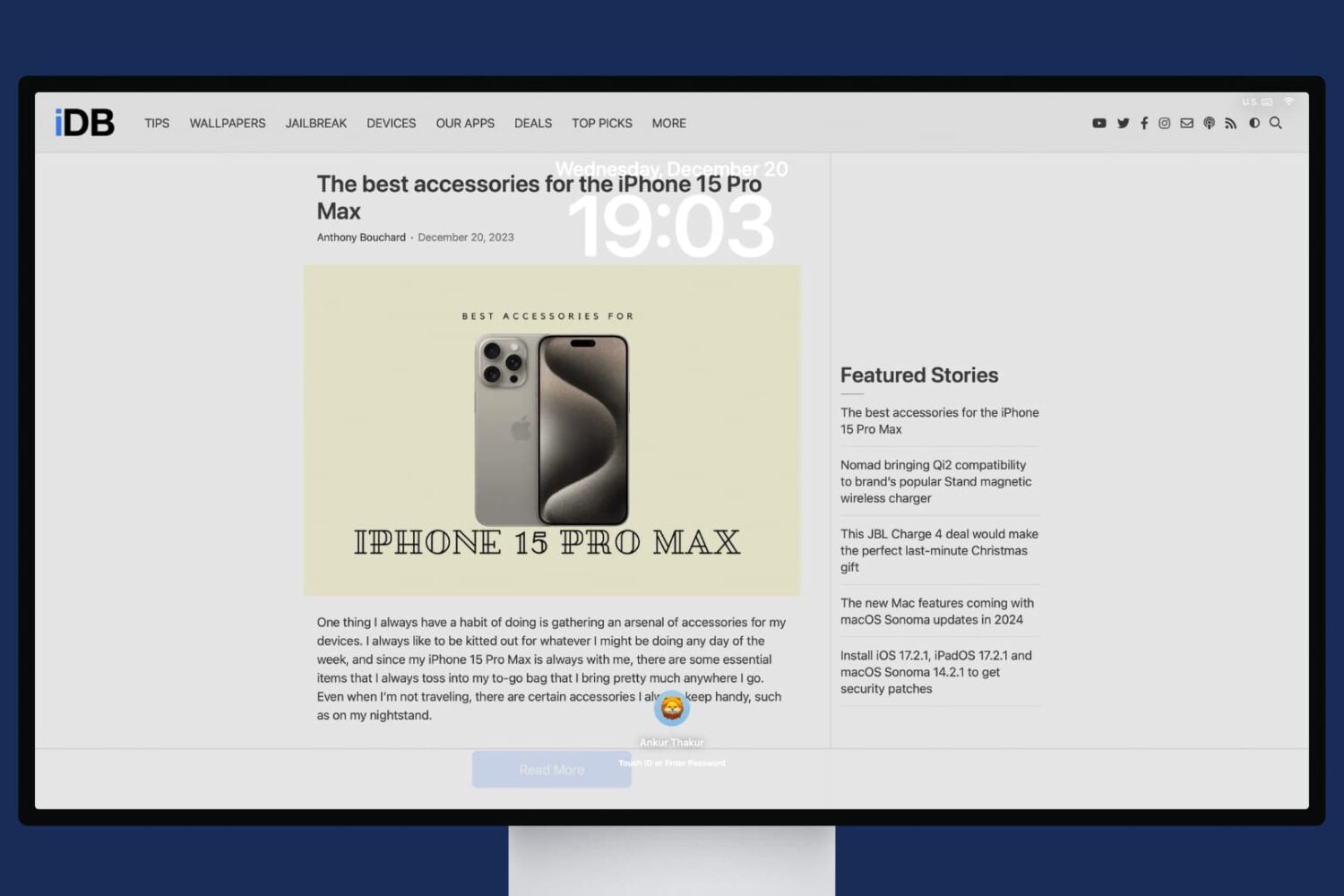
In this tutorial, we will share the quick steps to set one or more websites as your Mac's screen saver so you have their latest news or articles displayed constantly on the screen.

Are GIFs opening as still images or as individual frames on Mac? In this tutorial, we’ll share 3 quick built-in methods to view animated GIFs the right way.

Safari, like just about all other web browsers, lets you set a home page to load every time you open the app. Most people think this feature is limited just to only websites, but that's not the case at all. In this tutorial, we'll show you how to set an image file as your Home page in Safari.
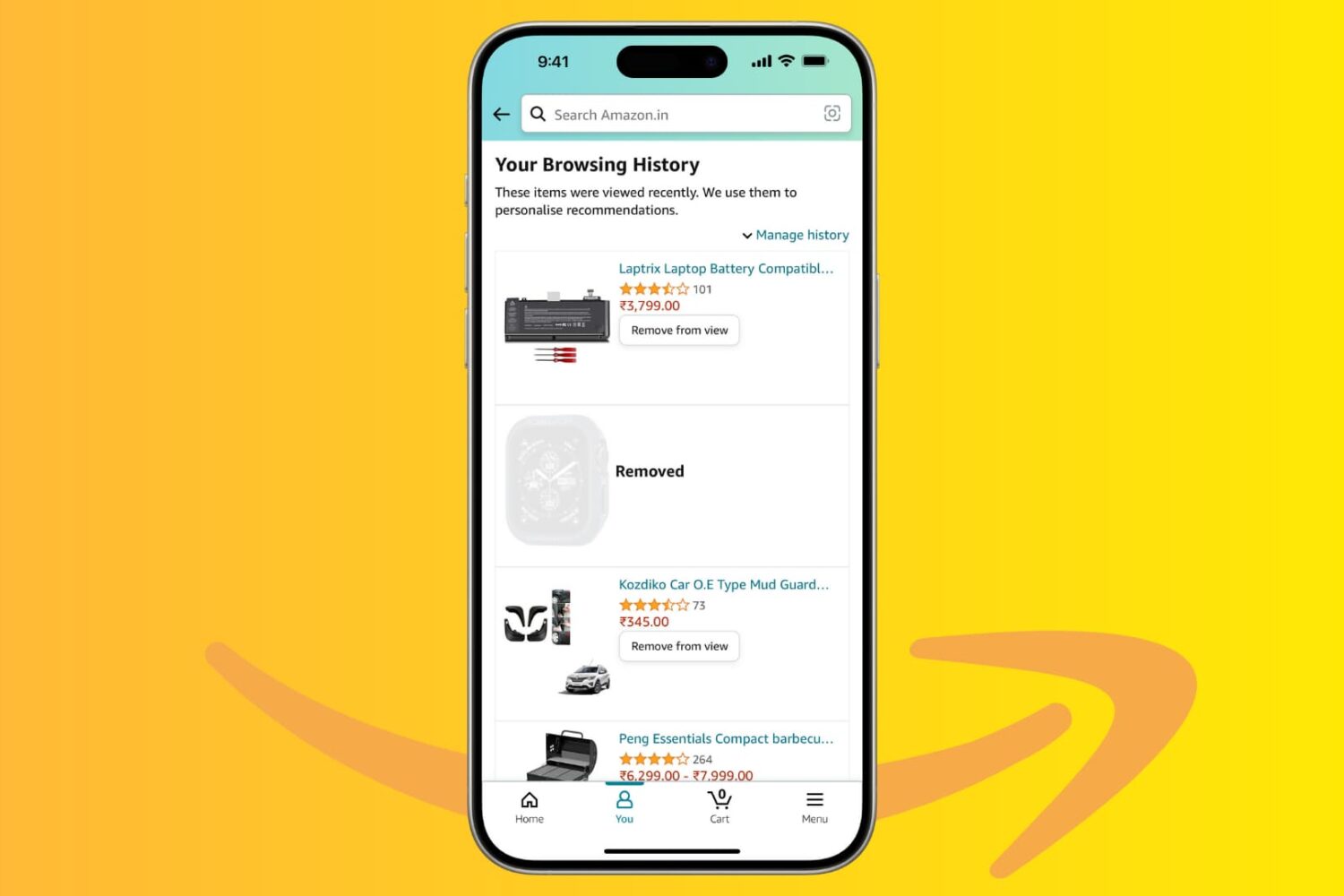
Amazon keeps a history of everything you look at on their platform, and in this tutorial, we’ll show you how you can hide or remove items from your browsing history using the Amazon app or website. We’ll also show you how to stop the shopping giant from saving your browsing history.

iPadOS 26 has removed Slide Over and Split View. So, to view two or more websites at the same time in Safari, you’ll have to use the new Windowed Apps feature or Stage Manager. We’ll explain both below.
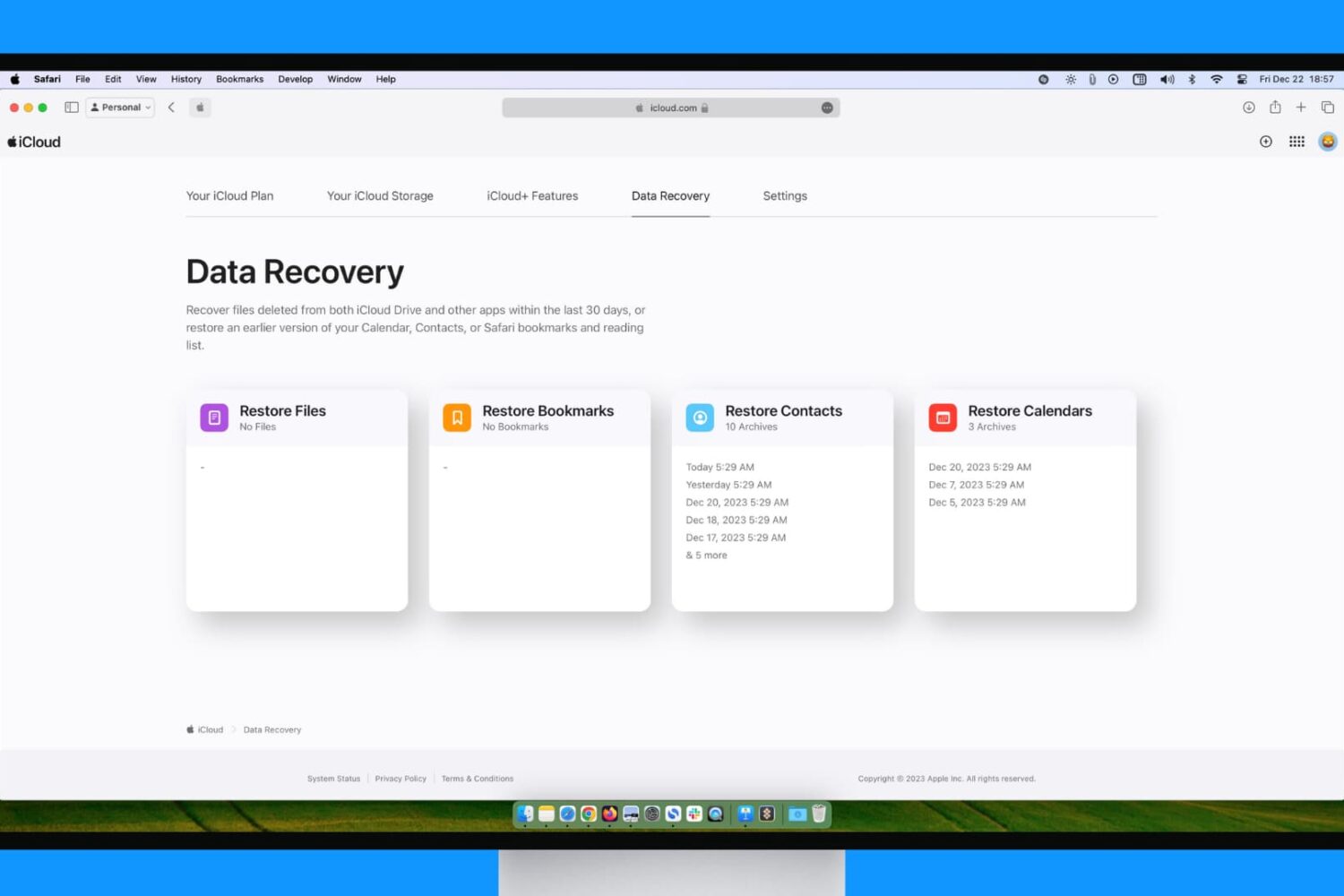
You may have inadvertently deleted data from your iPhone, iPad, and Mac, or even your iCloud account. Fortunately, Apple offers you a way to restore previously lost data, and this tutorial guides you through the process.
If you consider yourself a fan of the spoken word and bank on Apple’s own Books service to listen to your favorite books, you might have been frustrated by some of the app’s design choices before. Especially when it comes to manipulating the play time of your audiobook on the fly, be it on your Lock screen, in Control Center or on Apple Watch, the experience can be inconsistent and altogether suboptimal at times.
What all those interfaces have in common however is a nimble skip forward and skip back button, both of which are pegged at a pretty arbitrary plus and minus 15 seconds per touch.
This brief tutorial is going to remind you of a trick to customise those buttons and better fit them to your skipping habits by shortening or prolonging the time jumps. After all, what’s the use of 15 second skip intervals in the middle of a J. R. R. Tolkien marathon?
In this brief tutorial, we will share how to create email filtering rules on Gmail, which lets you do all sorts of things with your email inbox to customize your experience and maximize your productivity.
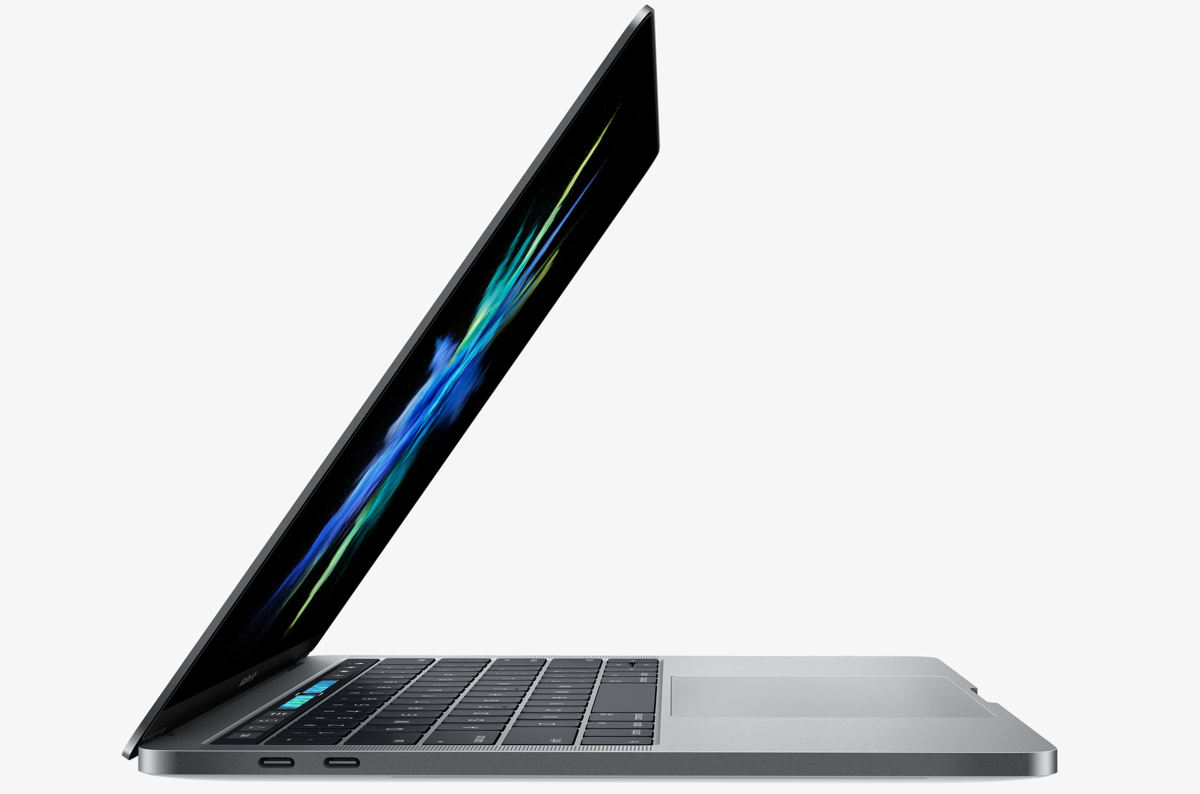
Aside from the marquee Touch Bar feature and other hardware advances, the new MacBook Pro introduces a tweaked boot process where the machine automatically starts up when you open its lid or connect it to power. To avoid forcing users to listen to the startup chime every time they open the lid, Apple's also decided to disable the boot chime on the new notebook by default (you can easily re-enable it).
But what about the mentioned auto-boot features? Unfortunately, Apple does not provide user-facing switches in System Preferences to control the new boot on power and boot on lid capability. With a little help from Terminal and smart folks over at Pingie, you can manually stop the late-2016 MacBook Pro from automatically powering on when you lift the lid or connect it to a power adapter or an external display.

The new MacBook Pro has ditched the iconic boot chime that's been a signature part of the Mac startup process over the last 17 years. Pingie discovered that the sound is not gone entirely. Apple's just disabled it and it's possible to bring it back should you want. In this quick tutorial, we'll show you how to re-enable the boot chime on your late-2016 MacBook Pro with a simple Terminal command.
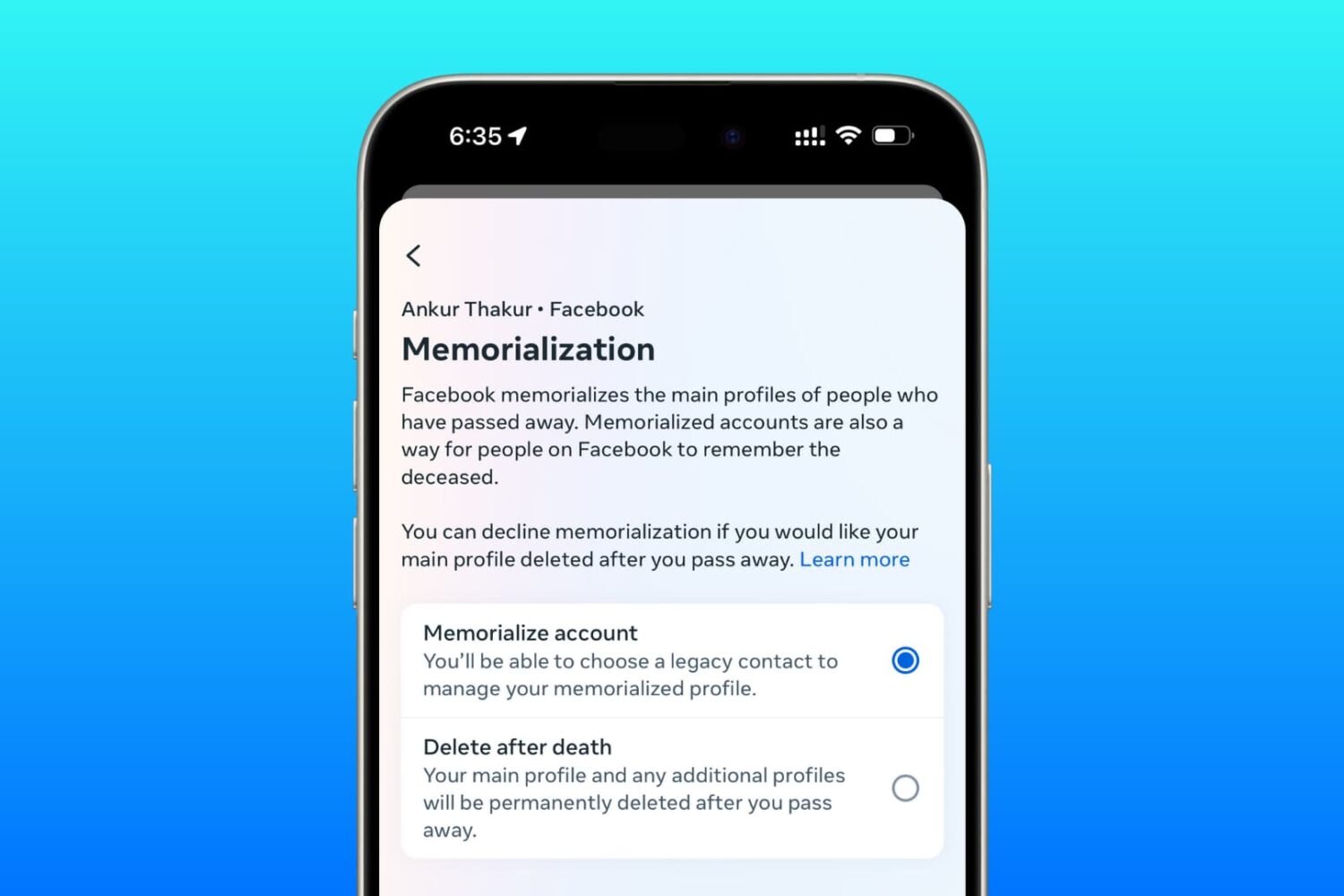
Learn how to set up a trusted family member or friend as a legacy contact for your Facebook account so they can manage it after you pass away.