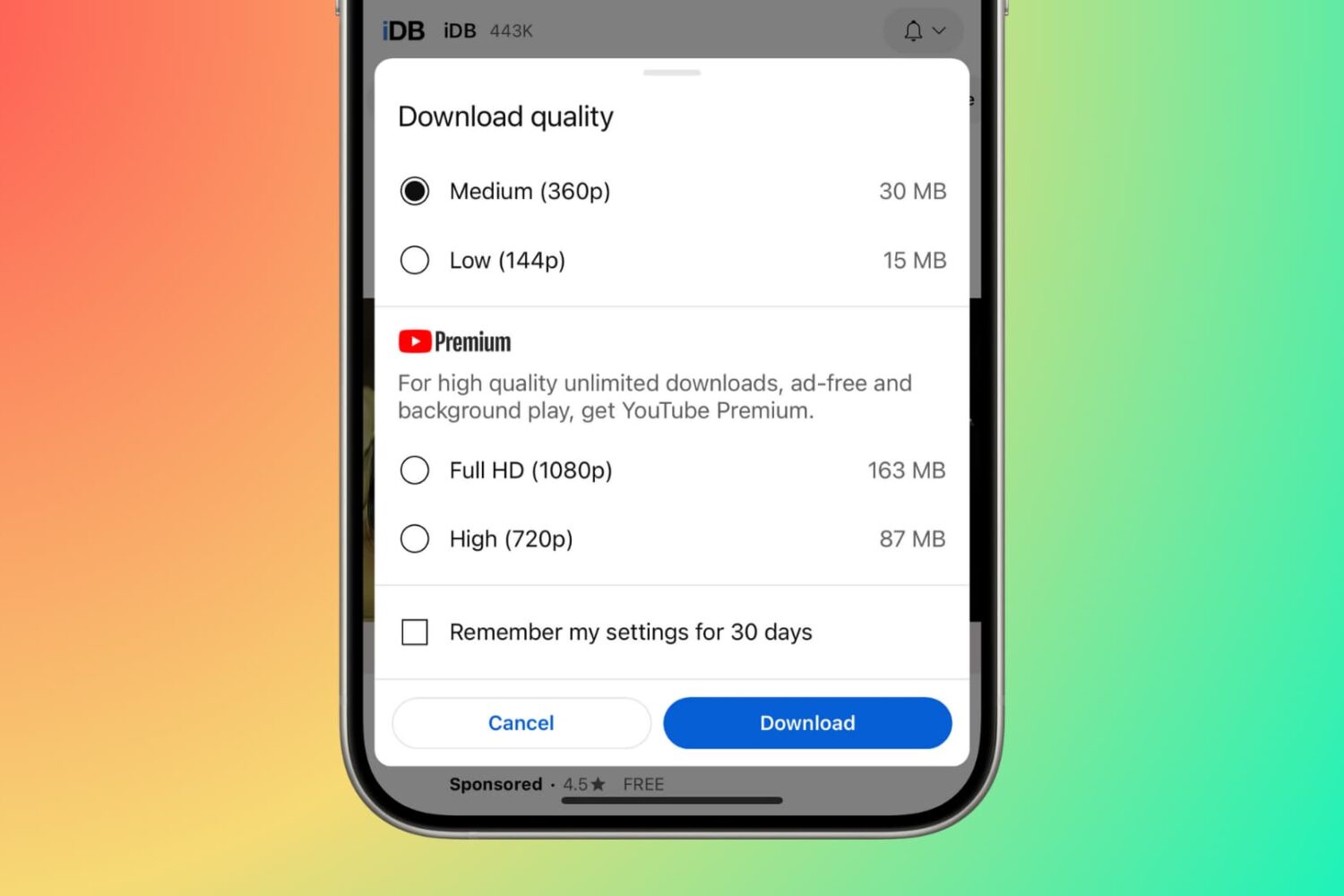
Learn how to save videos from the YouTube app and website to watch offline for times when you have no Wi-Fi or cellular data connection on your iPhone, iPad, Mac, or other devices.
How to download YouTube videos for offline playback
Learn how to master your Apple devices with our comprehensive tutorials. From iPhone and iPad to Mac, Apple Watch, AirPods, and more, our expert guides will help you unlock the full potential of your Apple products. Discover new features, tips, and tricks each day to enhance your user experience.
Learn how to save videos from the YouTube app and website to watch offline for times when you have no Wi-Fi or cellular data connection on your iPhone, iPad, Mac, or other devices.

Learn how to prevent sensitive content and posts from blocked and muted accounts from polluting your X search results.
Learn how to set up two-step verification on WhatsApp and WhatsApp Business to add an extra layer of security to your account.

Learn how to change the double-tap skip forward and rewind duration from the default 10 seconds to something else in the YouTube mobile app on your iPhone or Android phone.
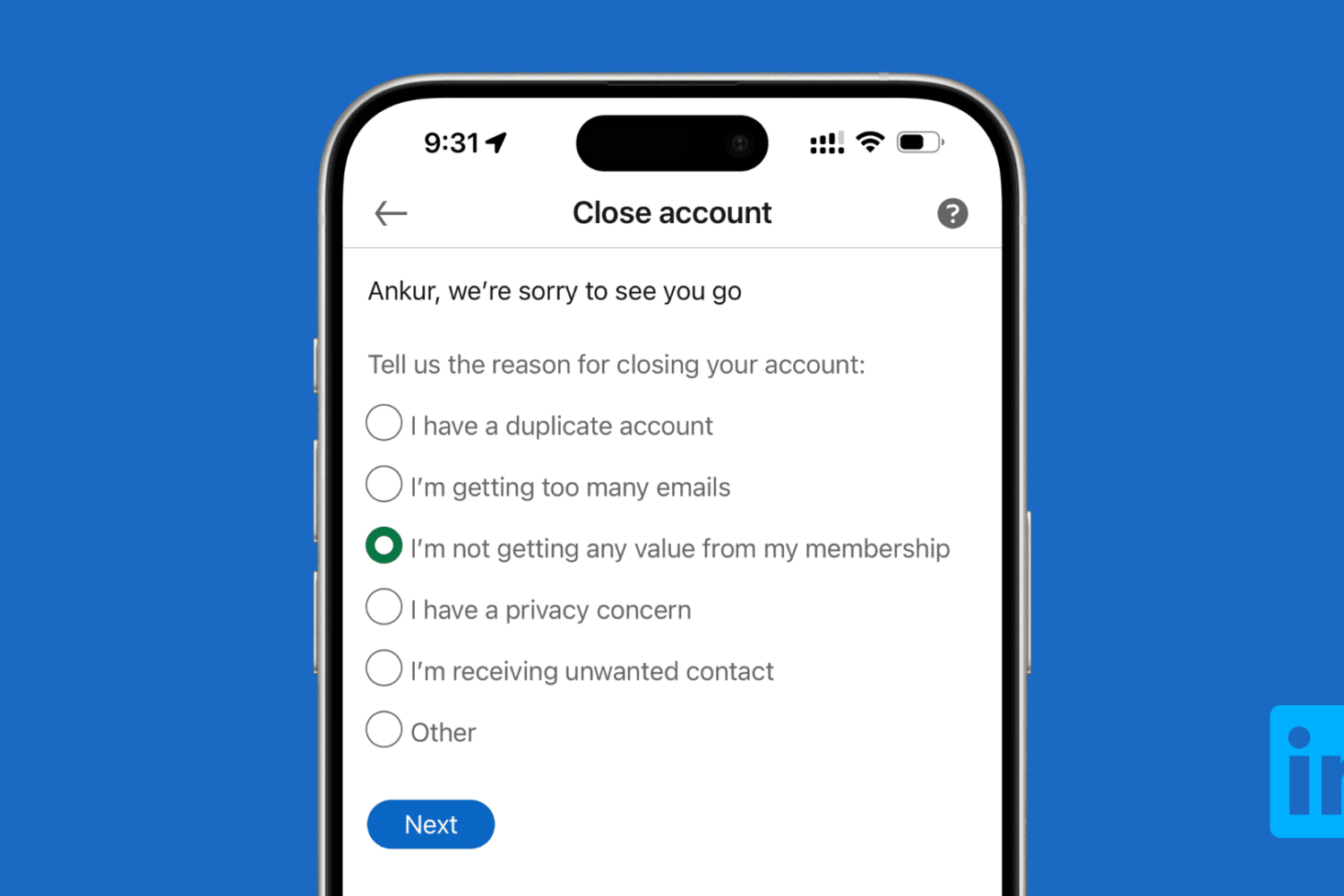
Learn how to download all your data and then delete your LinkedIn account using a computer or the mobile app on your iPhone or Android phone.
Use a simple Terminal command to find out when macOS was last reinstalled on your Mac.
If you have Beats-branded audio devices, then they might have a firmware installed on it that sometimes need to be updated.
In this tutorial, we’ll show you how to check for updates for any of your supported Beats devices. Keep in mind that some Beats audio devices do not need to be updated.

In this step-by-step tutorial, we’ll show you how to manually install new firmware for your earbuds and check the version number of the firmware currently running on your AirPods, AirPods Pro, or AirPods Max.

Check out these 3 ways to remove the Spotlight Search icon from the top menu bar on your Mac and keep your desktop clutter-free.

In this tutorial, we share eight useful tips for getting the most out of Mac’s built-in controls for resizing, minimizing, maximizing, and moving app windows around.

On Sunday evening, millions of people will gather around their TV sets to watch Super Bowl 51. The Atlanta Falcons are taking on the New England Patriots for the title of NFL Champion, and Kickoff is set for 6:30 (ET).
For those of you who aren't going to be around a television for the big game, never fear, iDB has you covered! We've rounded up the best ways to follow along with the action on your iPhone, iPad, Apple TV and other devices.

Called a Live Broadcast, this feature that Instagram rolled out allows users to share live videos as Instagram stories in real time. Followers can then watch the live stream, submit comments, and Like the video has it is being streamed.
In this post, we will show you how to share a live broadcast on Instagram, and how you can connect with your followers in the process.