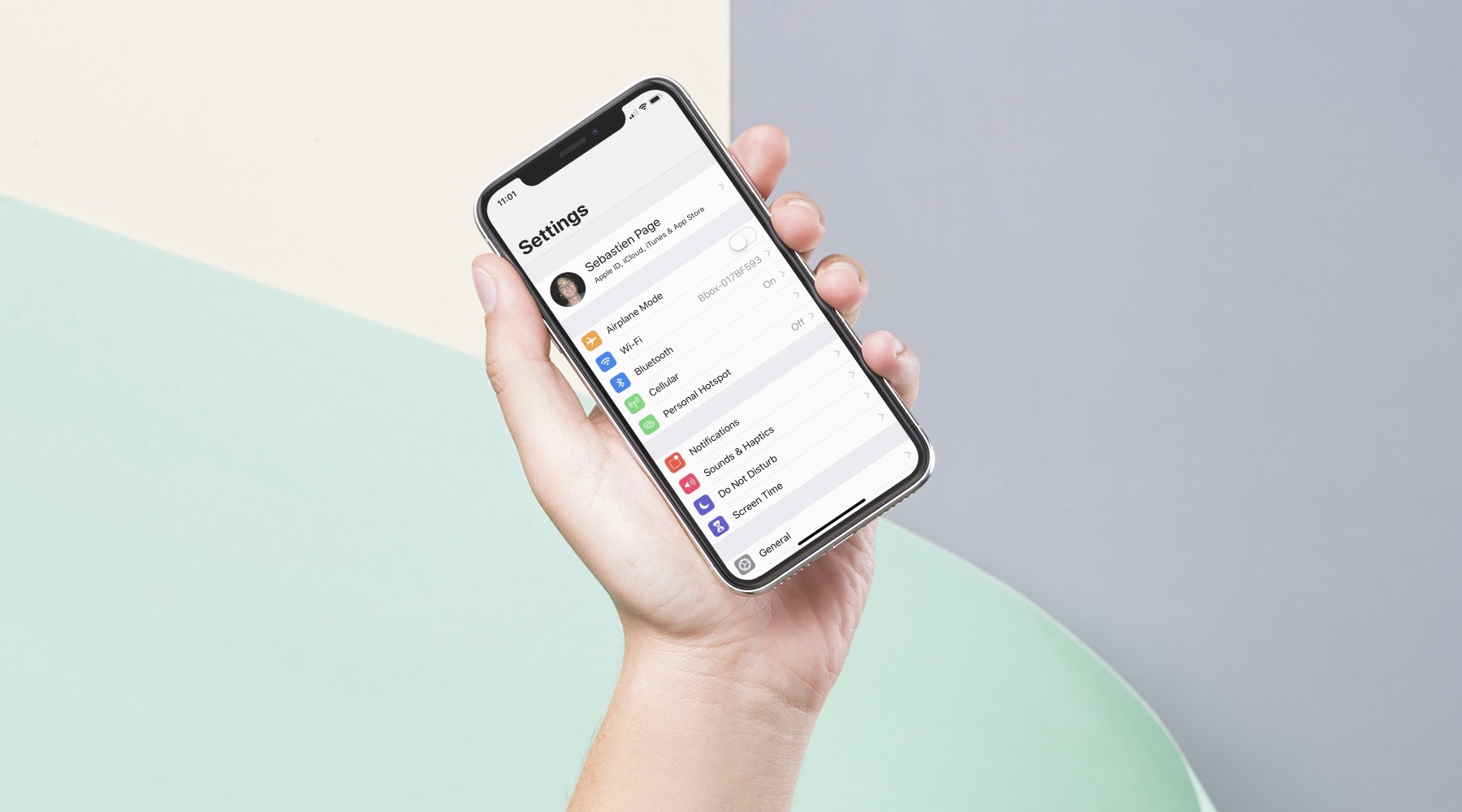
In this post, I will share my process for setting up a new iPhone or iPad. While it may not suit everyone, I'm hoping it will give some ideas or inspiration to a few of you.
30+ things I always do when setting up a new iPhone
Learn how to master your Apple devices with our comprehensive tutorials. From iPhone and iPad to Mac, Apple Watch, AirPods, and more, our expert guides will help you unlock the full potential of your Apple products. Discover new features, tips, and tricks each day to enhance your user experience.
In this post, I will share my process for setting up a new iPhone or iPad. While it may not suit everyone, I'm hoping it will give some ideas or inspiration to a few of you.
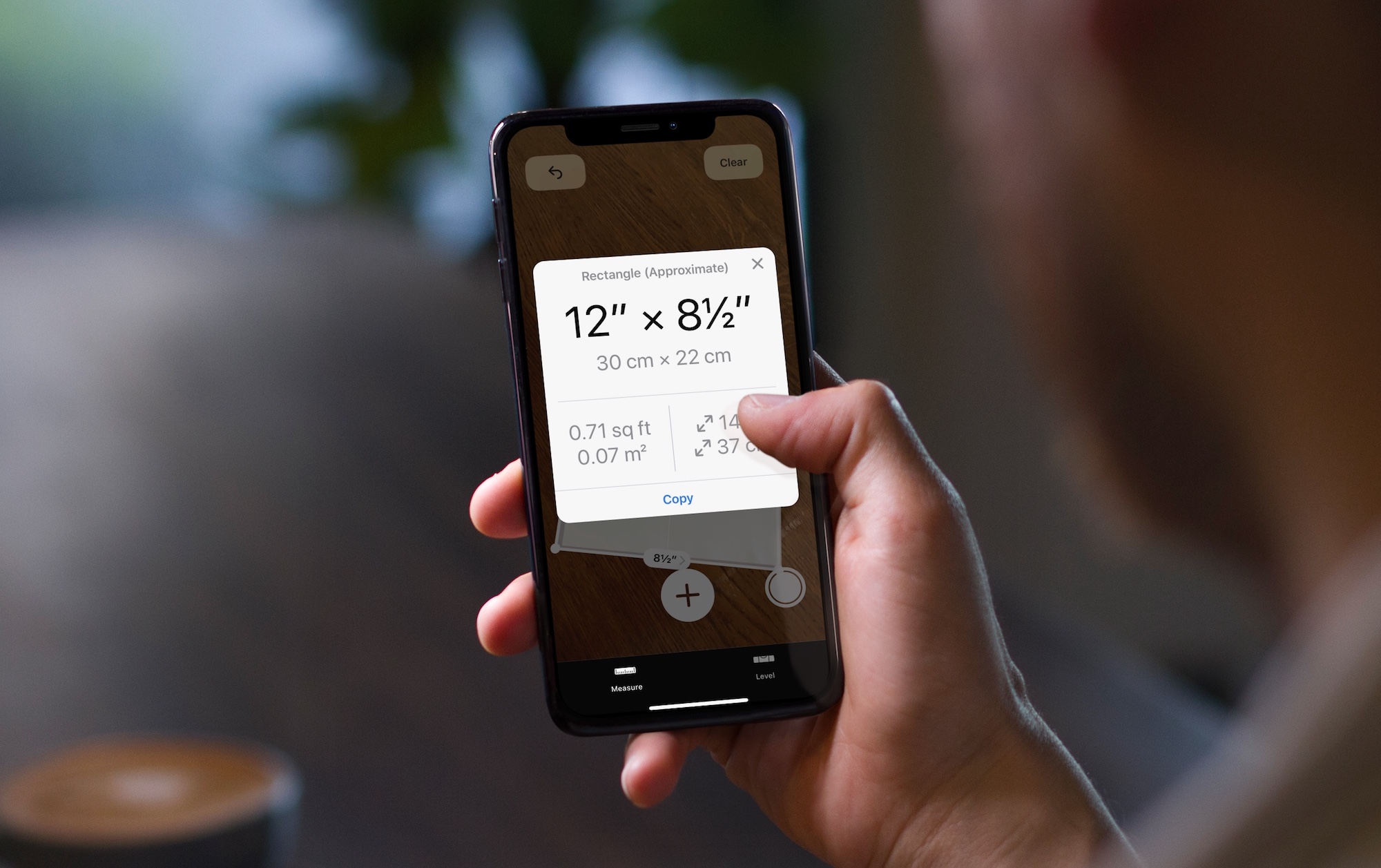
In this tutorial, we will show you how to measure objects, people's height, areas, and more using the built-in Measure app on your iPhone or iPad.
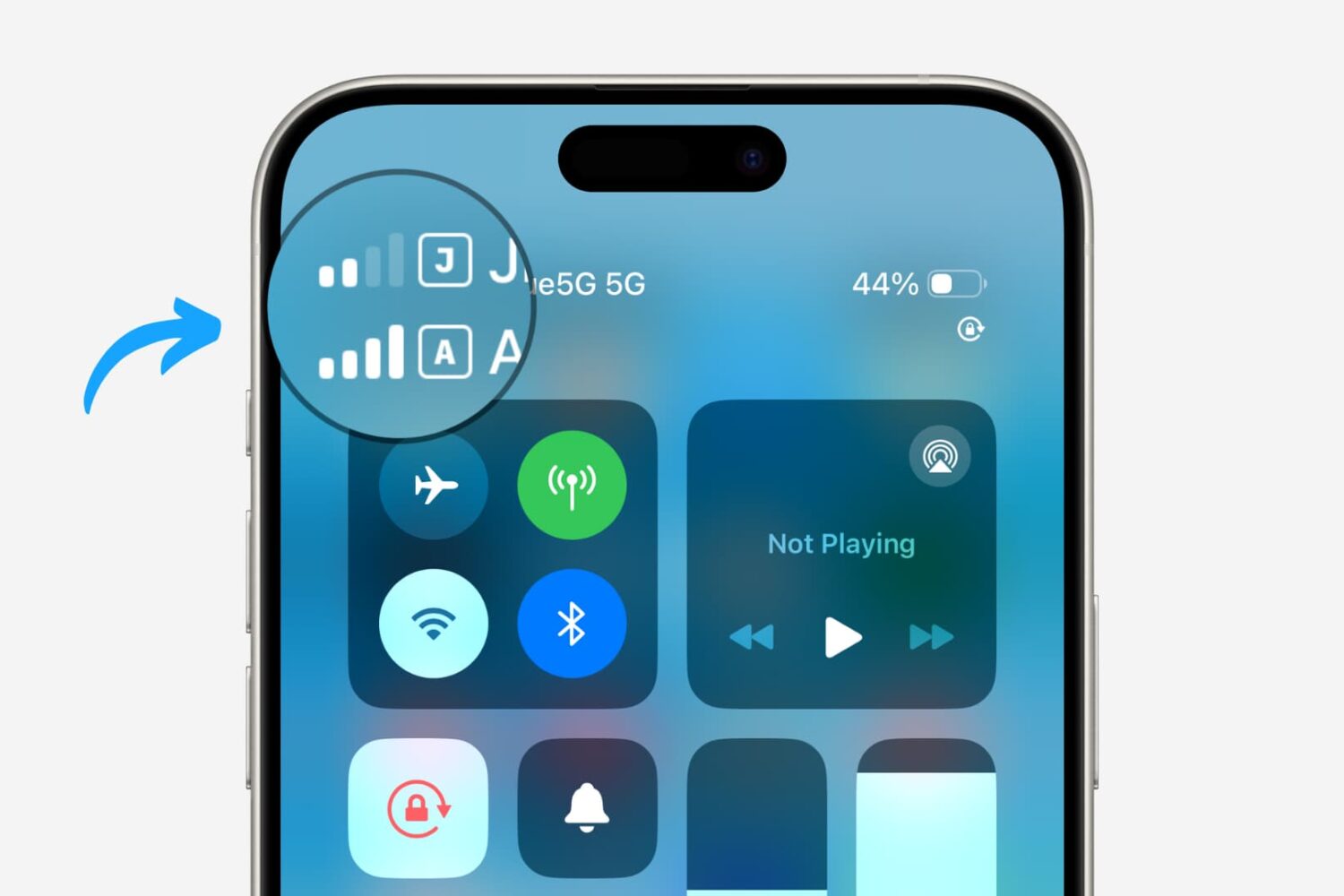
Learn how to add, configure, and use two or more SIM cards on your iPhone or cellular iPad to keep your personal, business, and other lines on one single device.
One nice thing about working with Microsoft applications like Word and Excel is that you can customize your tools. From the status bar at the bottom to the ribbon at the top, you can remove and add exactly what you need.
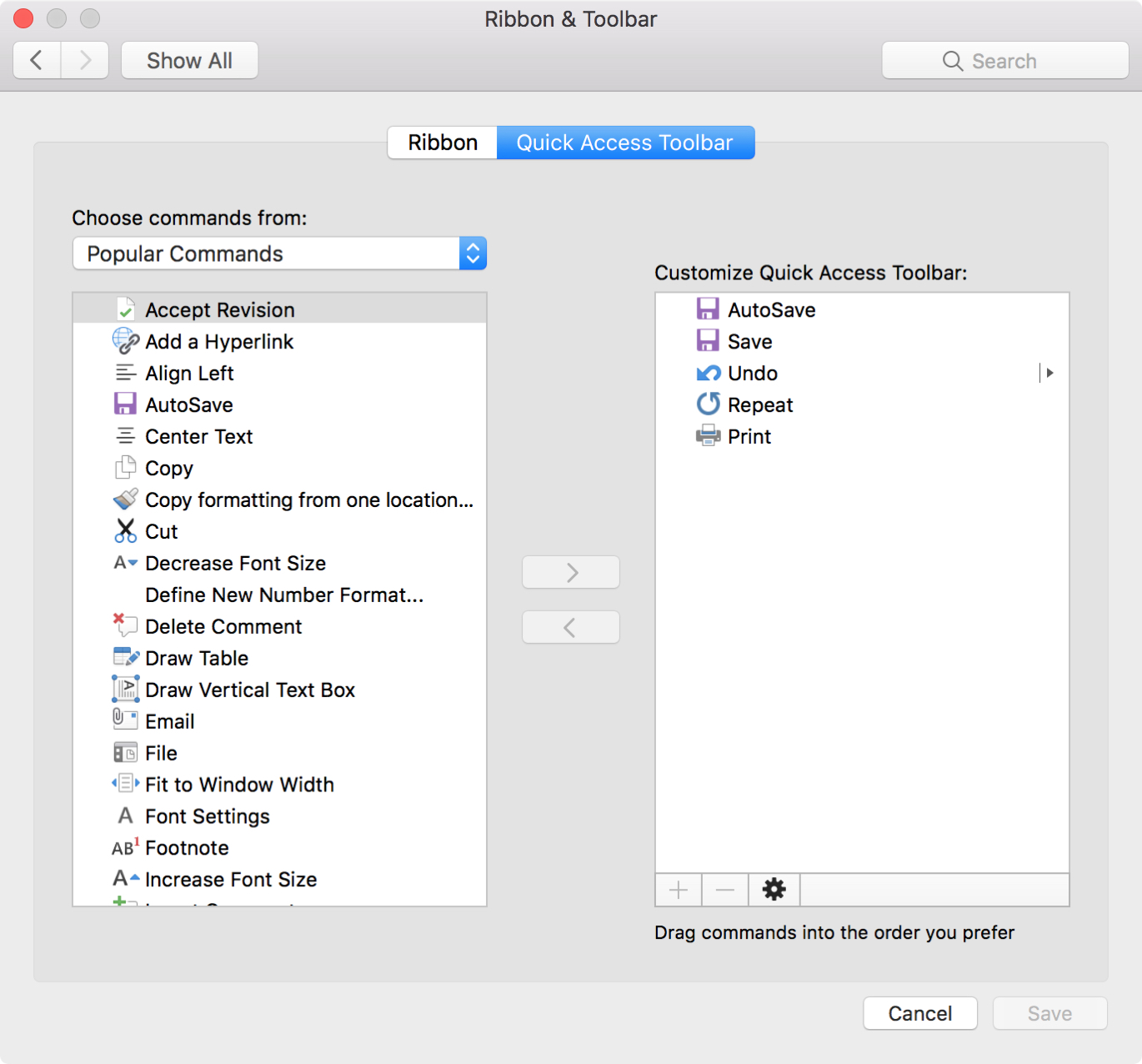
Another area you can customize is the Quick Access Toolbar. This is the small toolbar above your ribbon on the top left of the window. The point of this toolbar, as its name implies, is for quick access to tools you use most.
To help you make the most out of this area, this tutorial explains how to customize the Quick Access Toolbar to suit your specific needs.
Are you switching from Evernote to the Notes app, or just want to move a note or two? You can easily import notes from Evernote to Notes.
Start by checking out our tutorial on how to export notes from Evernote. Then, once you have the files you need, follow this tutorial to import those notes into your Notes app.
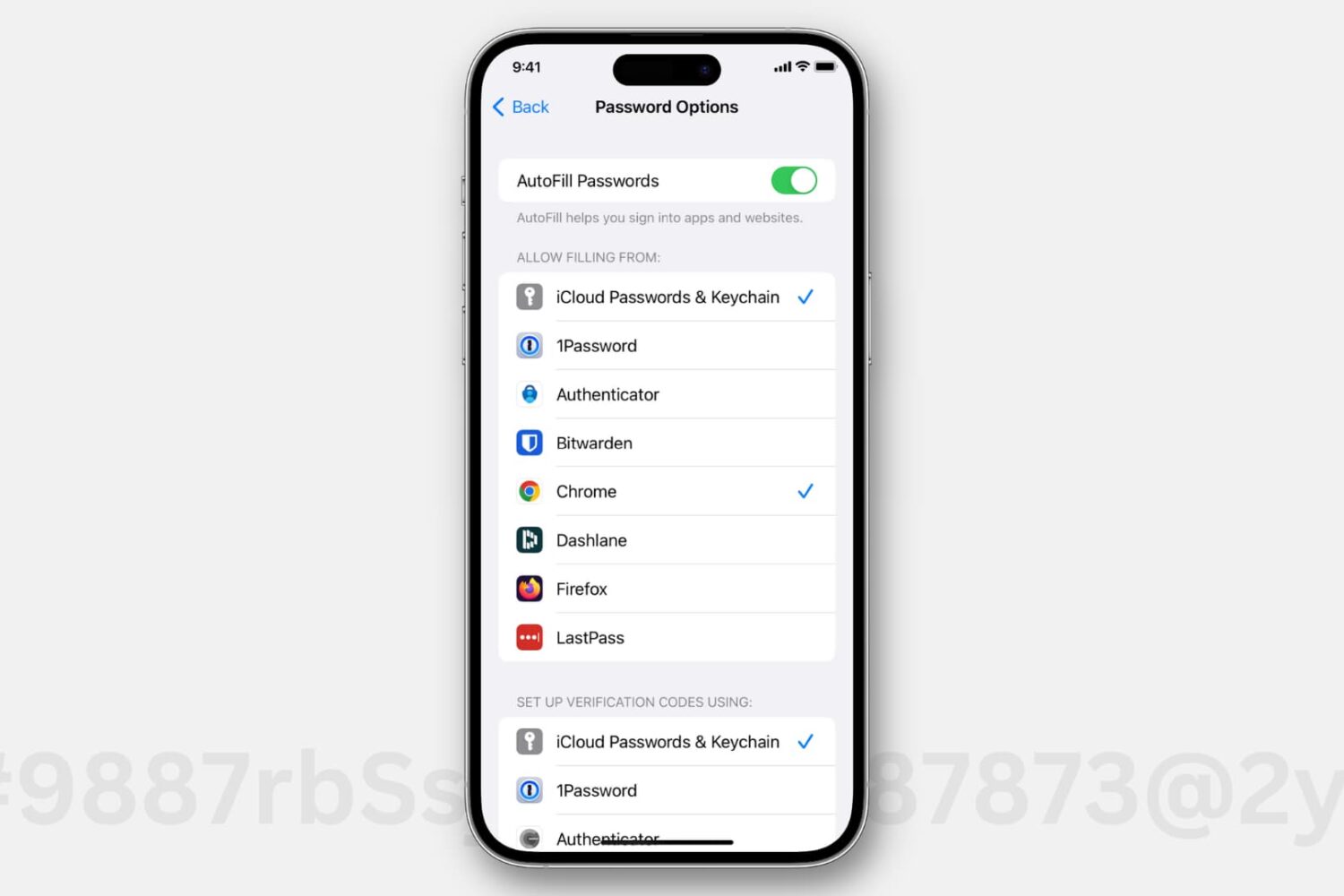
Passwords saved in iCloud Keychain automatically appear as an autofill option when you're logging in to an app or website. However, if you use third-party password managers like 1Password, Dashlane, LastPass, or something else, then you have to allow filling in details from these apps before you can quickly pop your credentials while logging in.
This tutorial shows you how to enable and use the AutoFill Passwords feature with third-party password manager apps on your iPhone and iPad.

Learn more about the workings of HDR, Auto HDR, and Smart HDR on your iPhone, which lets you capture balanced shots in high-contrast situations.

Whether you want to annotate an image for work, mark up a photo for fun, or add your signature to a PDF, it’s easy to do with the Markup tool inside your Mac's Mail app.
In this article, we show you how to use Markup to add shapes, text, signatures, drawings, and more to your email attachments.

When you use Microsoft Excel on your Mac for creating spreadsheets, you have plenty of layout options. But, sometimes it’s not until after you start entering your data that you wish you had structured the spreadsheet differently.
You may have entered column headers that would work better as row headers or vice versa. Luckily, you have a quick and easy way to make this type of switch with the Excel Transpose feature and here’s how to use it.
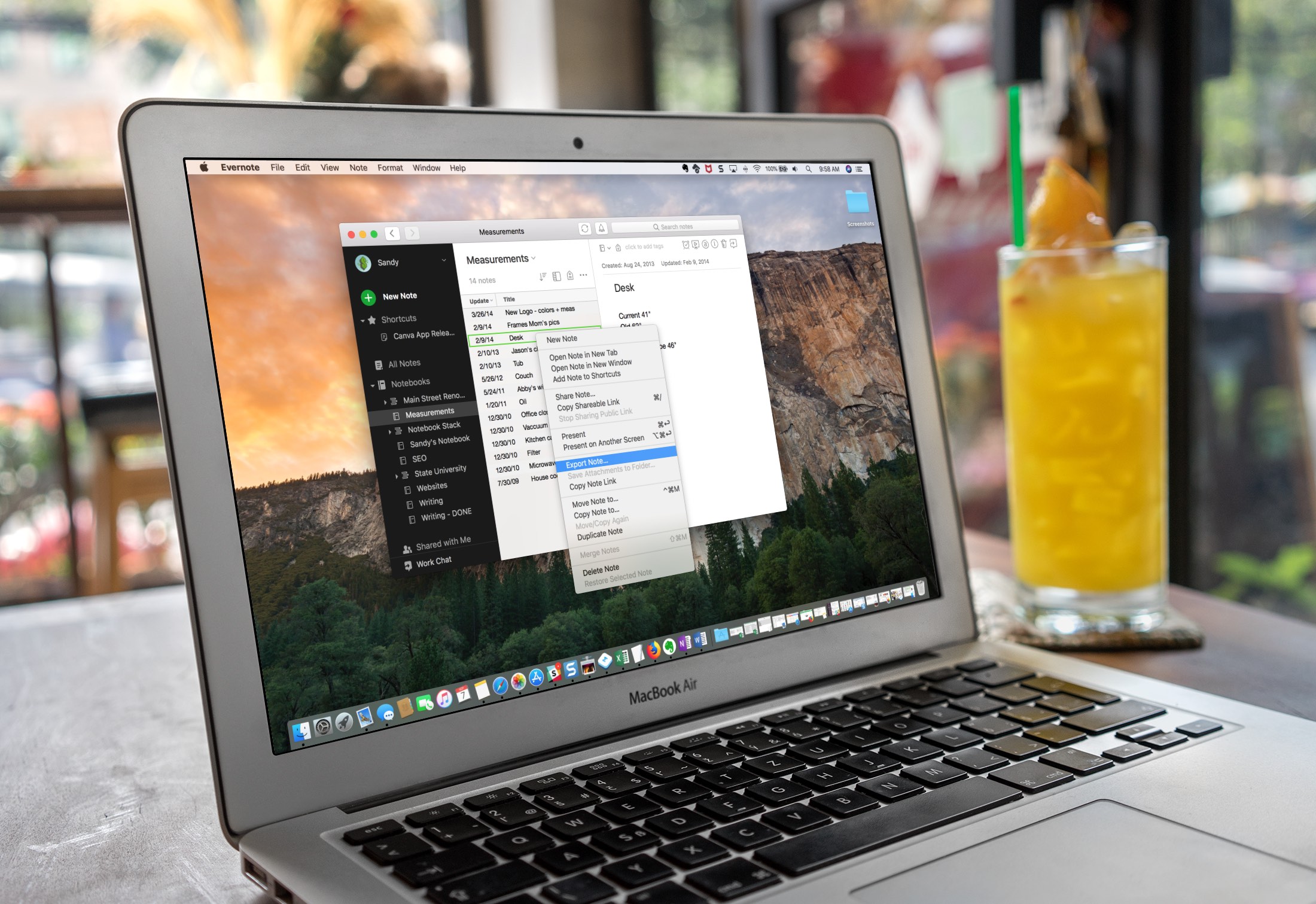
Evernote is a robust note-taking application with availability across multiple platforms, but it does have its limitations. For instance, the Evernote Basic plan only allows you to use the app on two devices for free. So, maybe you’ve decided to use another app in addition to Evernote. Or, maybe the time comes when you want to switch to a different note-taking app completely.
You can easily export notes from Evernote to a file that can then be imported to another note-taking application, and here’s how.
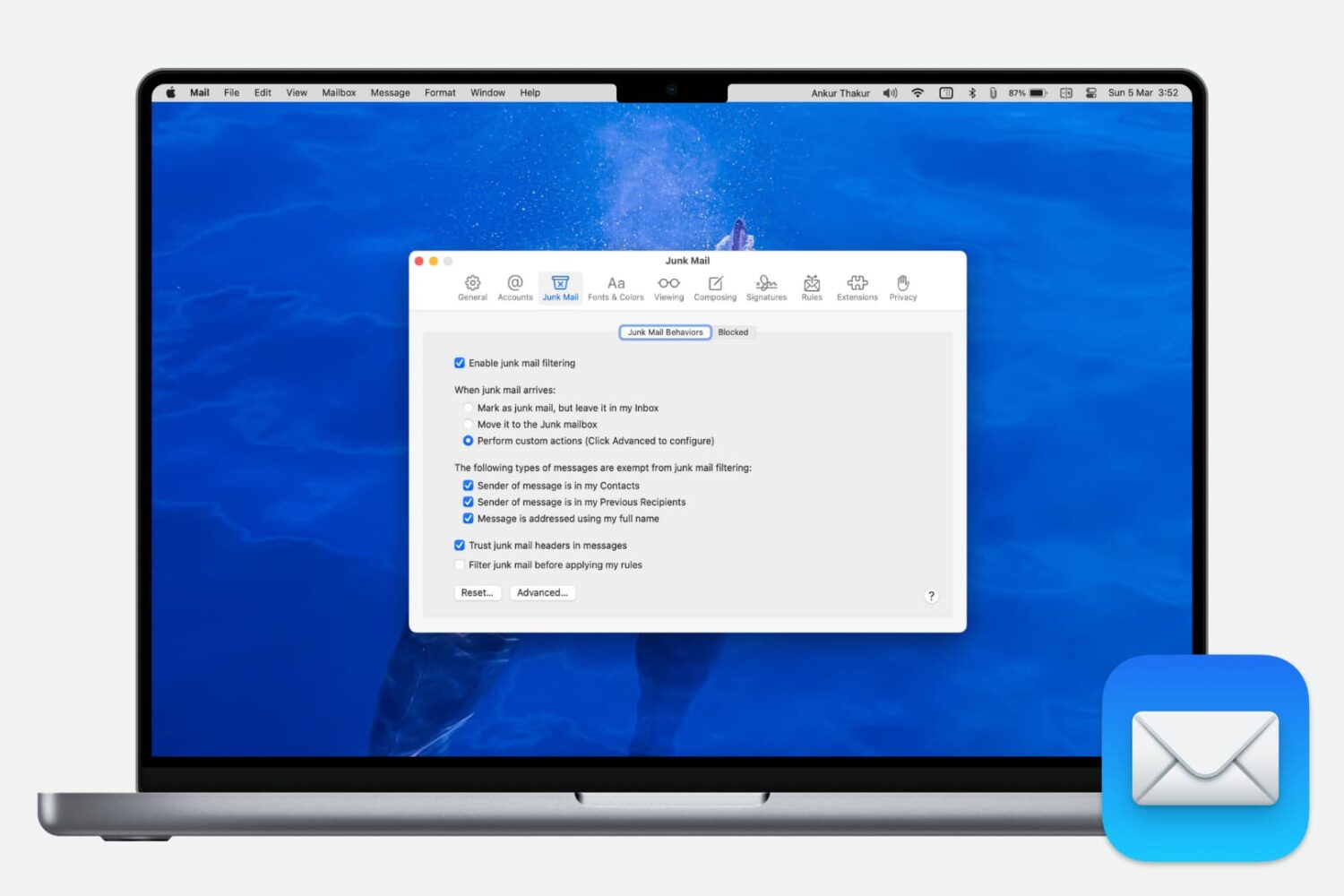
Get rid of the garbage that clutters your inbox by enabling and customizing the Junk Mail filter settings in the Apple Mail app on Mac.

Learn how to use additional search engines in Firefox on your Mac or Windows PC without the need to change the default search engine.