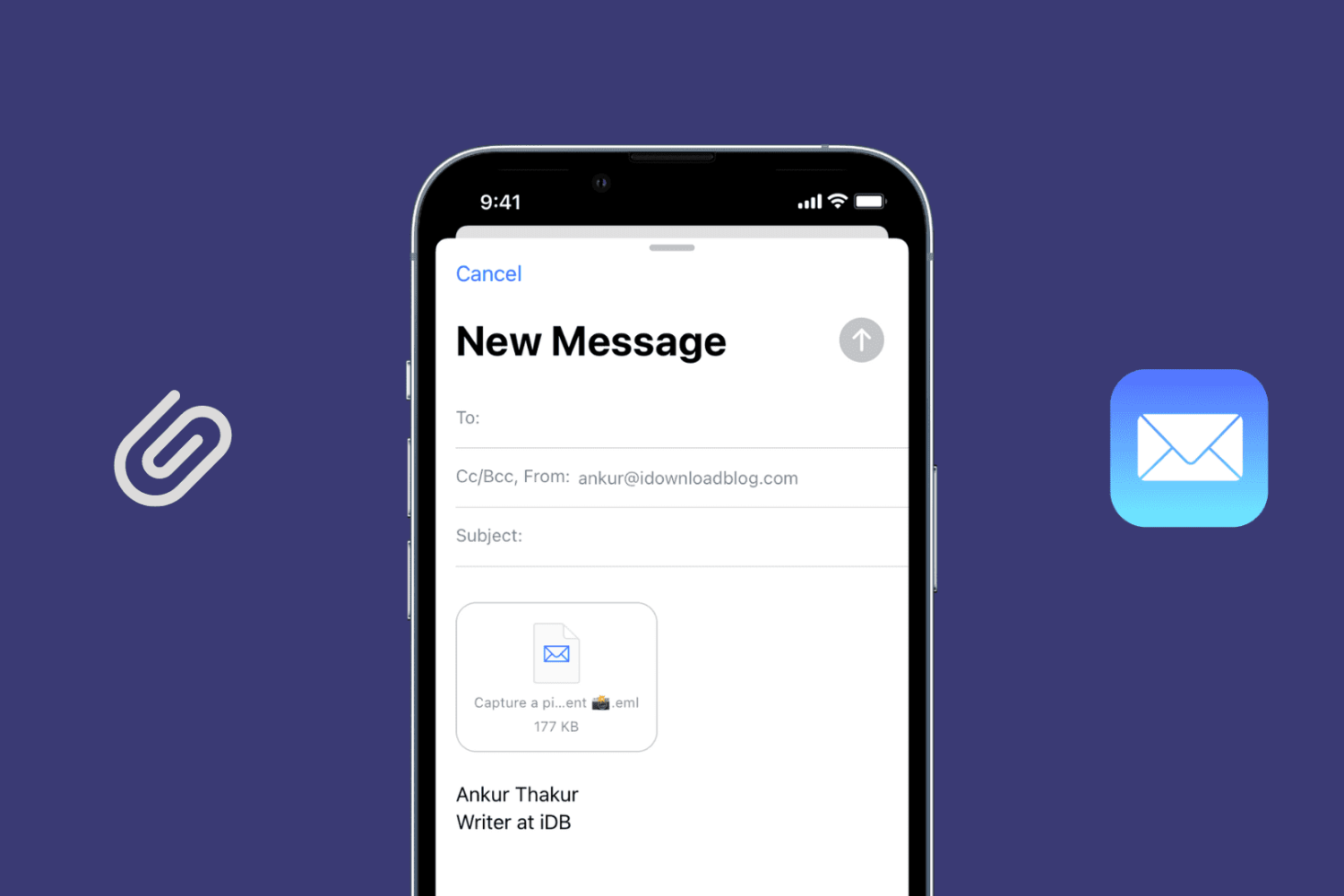
Learn how to send an existing email as an attachment using the Apple Mail app on your Mac, iPad, and iPhone to retain the original message instead of forwarding it.
How to add an email as an attachment in Apple Mail app
Learn how to master your Apple devices with our comprehensive tutorials. From iPhone and iPad to Mac, Apple Watch, AirPods, and more, our expert guides will help you unlock the full potential of your Apple products. Discover new features, tips, and tricks each day to enhance your user experience.
Learn how to send an existing email as an attachment using the Apple Mail app on your Mac, iPad, and iPhone to retain the original message instead of forwarding it.

Learn how to embed a video in your Keynote presentation to enhance your slides and offer an immersive visual experience.
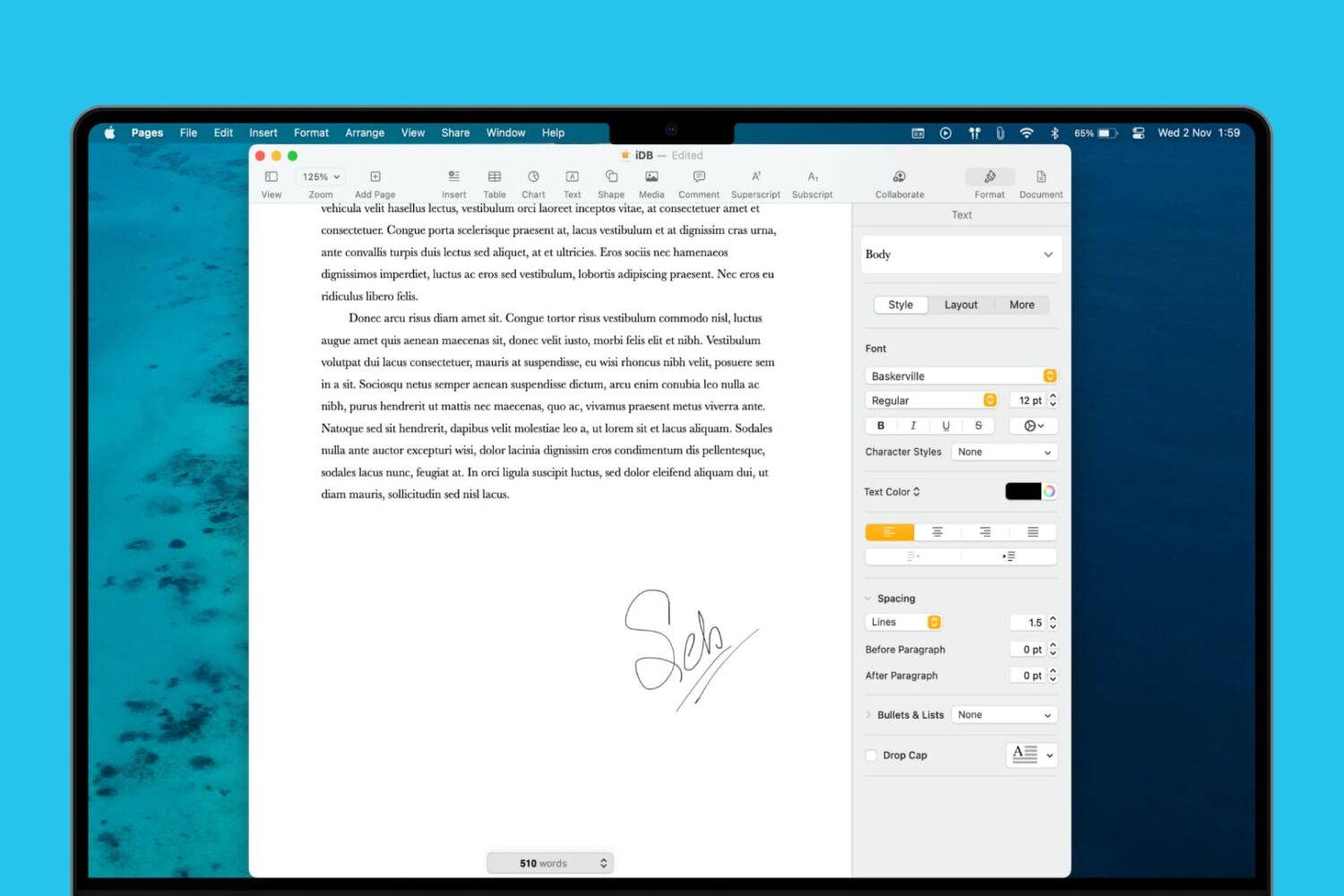
Learn how to add a signature to your document in the Apple Pages app on Mac, iPad, and iPhone to sign it digitally and provide approval, authorization, or legal validation.

Have a slideshow that’s a tutorial or one that you just want to spend time explaining as you play it? Learn how to record and add a voiceover narration to your slides in Keynote on Mac.
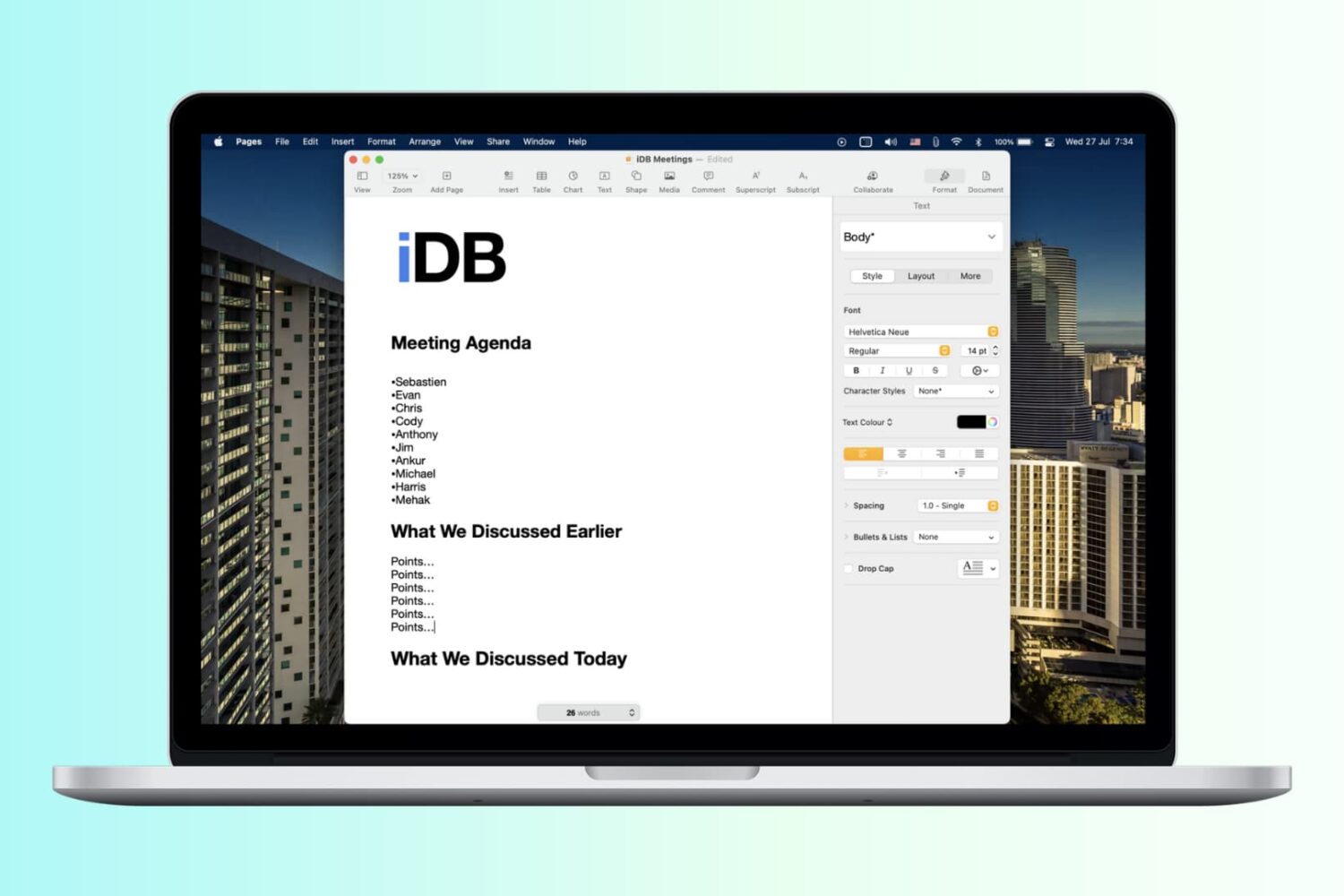
Save yourself a little time when creating documents in the Apple Pages app by making a custom template to streamline your workflow and maintain a consistent document style.
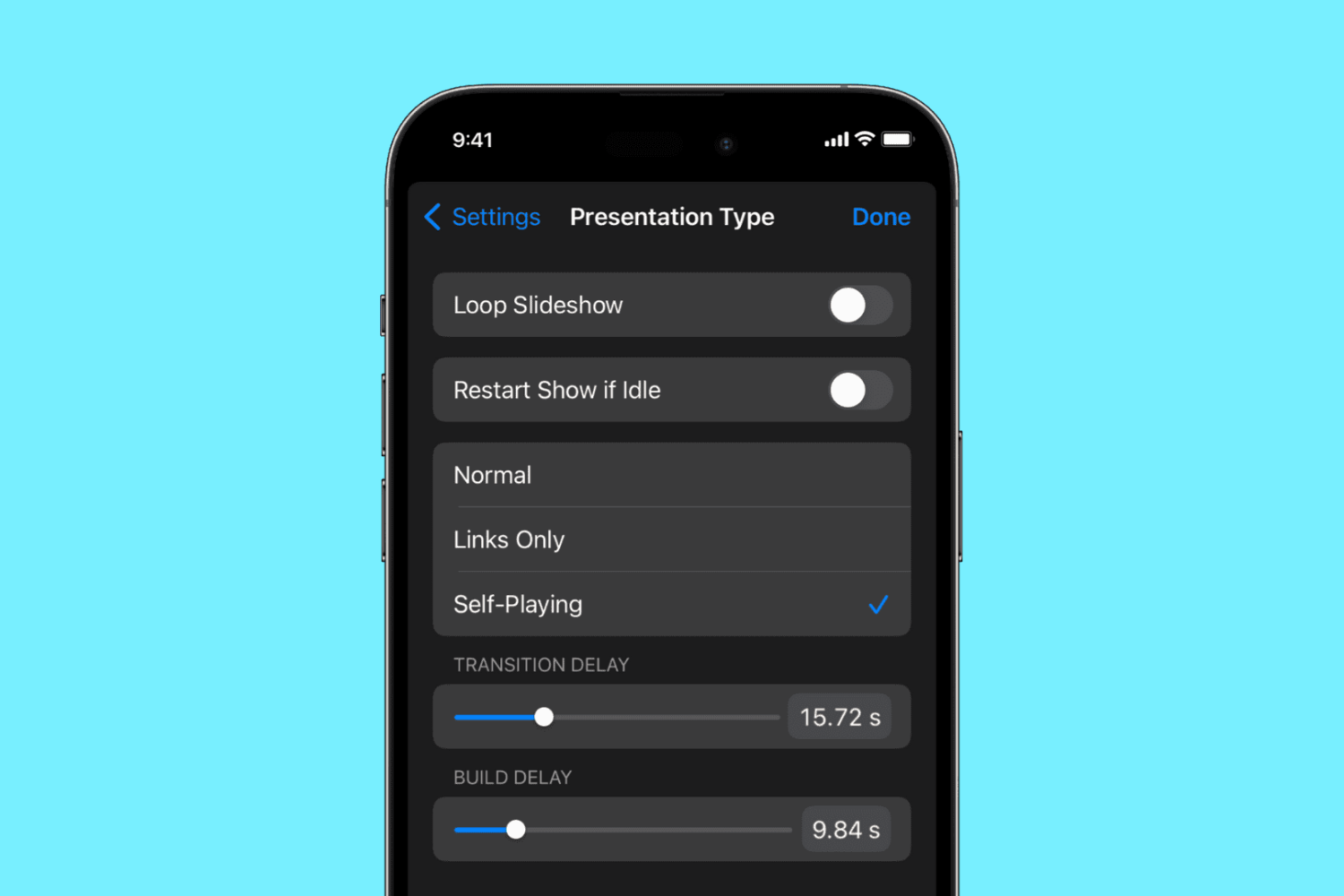
Learn how to use the self-playing feature in the Apple Keynote app on the iPhone, iPad, and Mac to automatically play a presentation and advance slides without user intervention.

Is your Apple Books library getting out of control? Here are a few features and tools to manage your library in the Books app on iPhone, iPad, and Mac.

Learn how to add background music to your Keynote presentation or a specific slide to enhance your slideshow.

Learn how to use your Apple Watch with gym equipment like treadmills, elliptical machines, indoor bikes, stair steppers, and more to get accurate workout metrics such as speed and elevation.
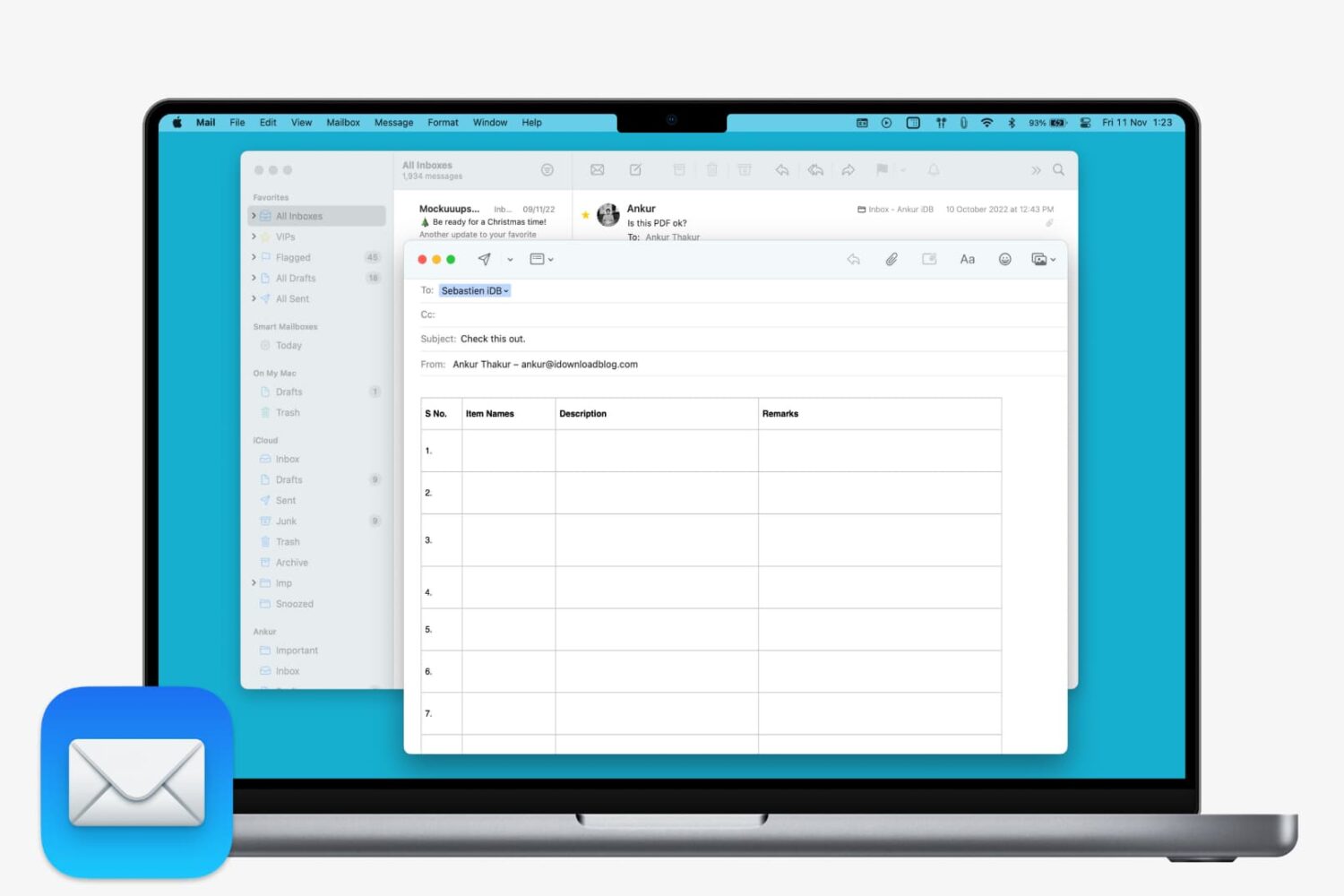
Learn how to insert a table in Apple Mail on Mac to create and format your email with clear, structured data.

If you rely on Pwn20wnd’s unc0ver jailbreak to realize the fullest potential of your iOS 11.0-12.4.1 iPhone or iPad [up to A12(X)] , then you might occasionally find yourself between a rock and a hard place when the side-loaded jailbreak app is no longer signed and you don’t have access to a computer or a working side-loading app to fix it.
Thanks to a plethora of third-party signing services, it’s possible to install the unc0ver jailbreak without a computer when this happens, and in this tutorial, we’ll show you how to do just that with the popular iOS Ninja utility.
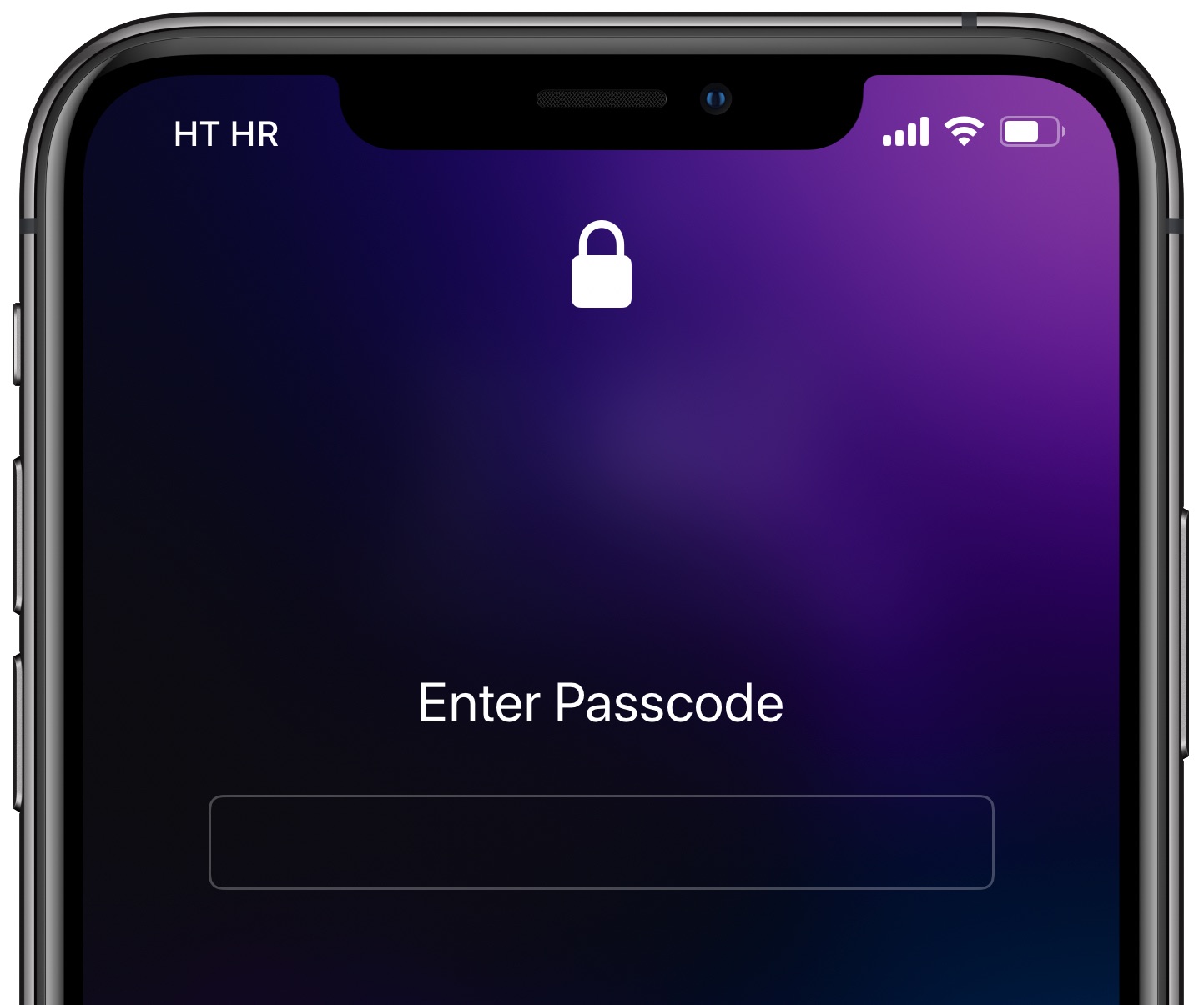
Learn how to set a strong numeric passcode or, better yet, an alphanumeric one to boost the security and protect data on your iPhone and iPad.