Learn what to do if your iPhone shuts off randomly and refuses to turn back on, even though it has enough battery.
Fix iPhone turning itself off and won’t turn back on

Learn how to master your Apple devices with our comprehensive tutorials. From iPhone and iPad to Mac, Apple Watch, AirPods, and more, our expert guides will help you unlock the full potential of your Apple products. Discover new features, tips, and tricks each day to enhance your user experience.
Learn what to do if your iPhone shuts off randomly and refuses to turn back on, even though it has enough battery.
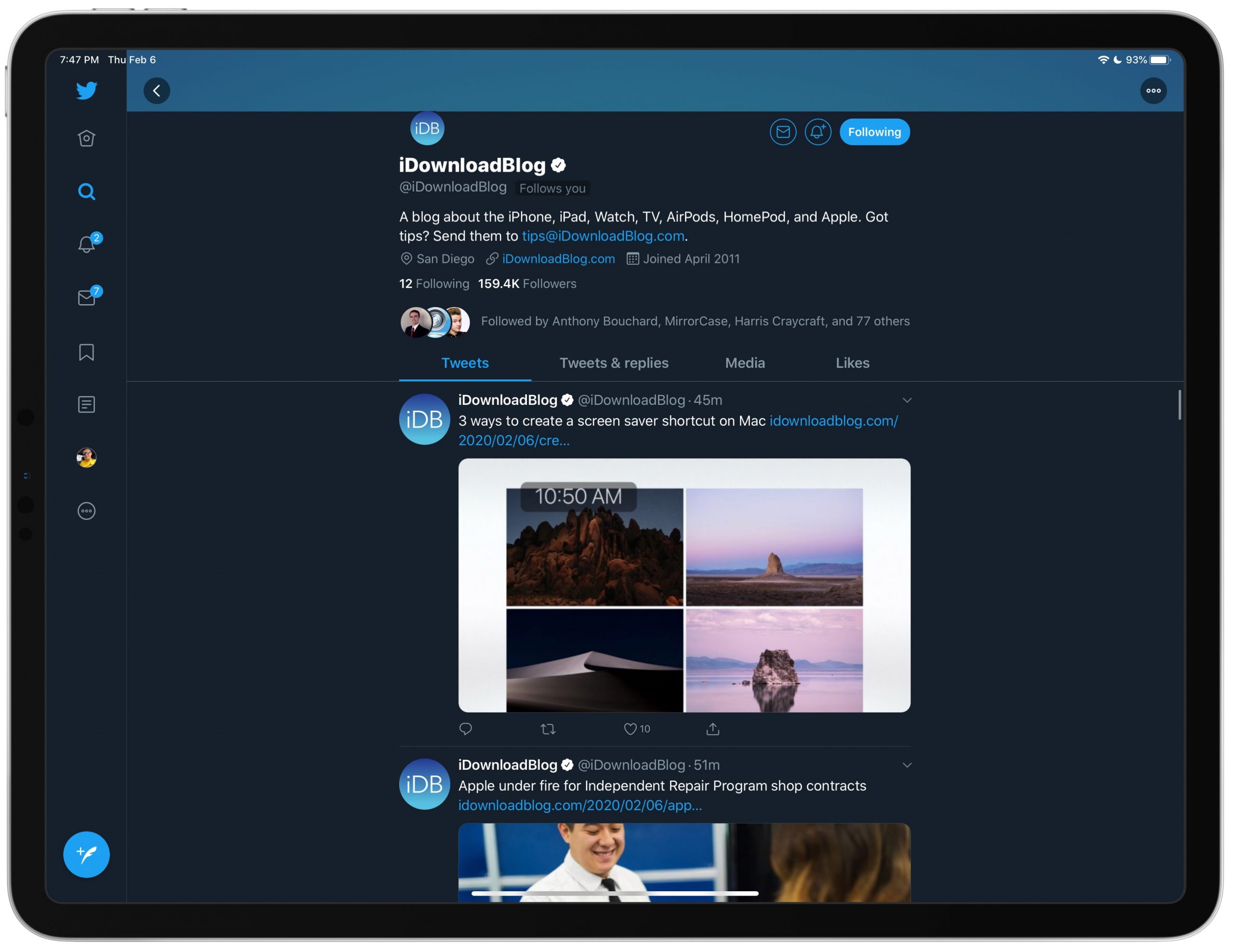
Find out how to disable the search column on the right side of the Twitter app on your iPad if you do not like staring at trending topics and world news while using the app.

If you’re going to walk away from your Mac for a minute, you might want to start your screen saver. You may not want to lock your computer or put it to sleep but just display your screen saver instead.
There are three quick and easy ways to create a shortcut to start your screen saver, and we’ll walk you through each one.

If you buy products on Amazon, you’re among many. And there may be a time when you need to not only see all of your purchases for a time period but hold onto a record of them. You might need to show expenses for business supplies or just want to keep track of your Amazon spending.
Whatever your reason may be, Amazon makes it pretty easy to export your purchases to a spreadsheet that you can save or share, and here’s how.

Follow this brief step-by-step tutorial to learn how to export Apple Card monthly statements as a CSV spreadsheet that can be loaded into financial planning apps such as Mint or Quicken.

In a hurry and don’t have time to navigate to your saved iCloud Keychain passwords? Here’s how to get your app or website password using Siri on iPhone, iPad, and Mac.

Learn how to share the route and directions you plan in the Apple Maps app on your Mac directly to your iPhone, iPad, or to others using Messages, AirDrop, email, and more.

In this tutorial, we will show you how to add a location to your Calendar events on iPhone, iPad, and Mac so you can be alerted when it’s time to leave for the meeting and get directions to get to it.
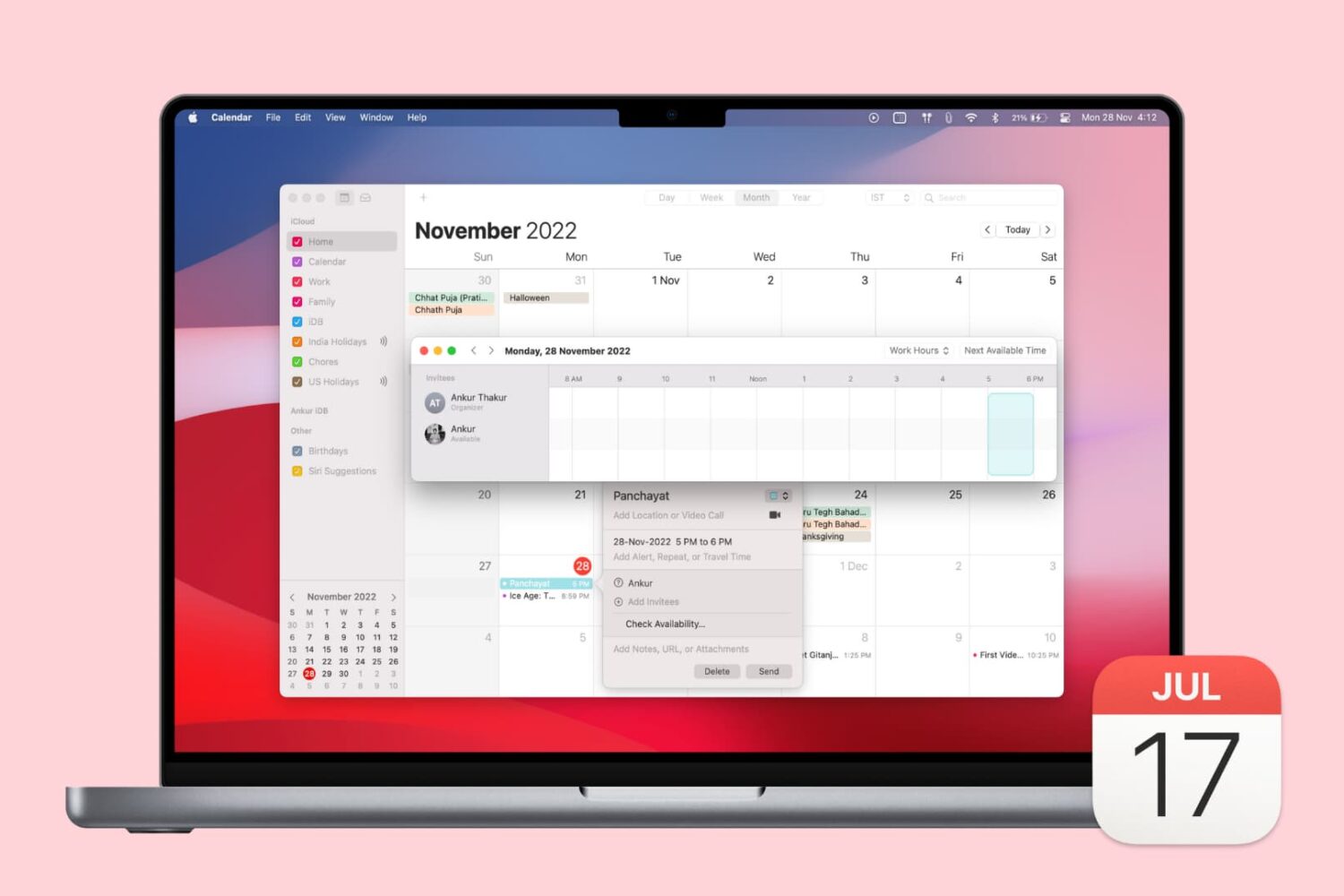
If you use the Calendar app on Mac and have various accounts set up in it, like Google or Exchange, then you have access to a cool availability feature. This lets you check the open times for those you invite to your events.
In addition to that convenience, you can decide if you want those accounts of your own to affect your availability.
If you haven’t checked out the availability options in Calendar on Mac, we’ll show you how.

Learn how to use Voice Control on your Mac to navigate and interact with your computer using just your voice. This is handy if you cannot use traditional input methods, or want an additional way to get things done.

Learn how to play, pause, shuffle, and control Apple Music, Spotify, YouTube Music, or other media playback on your iPhone using your Apple Watch.
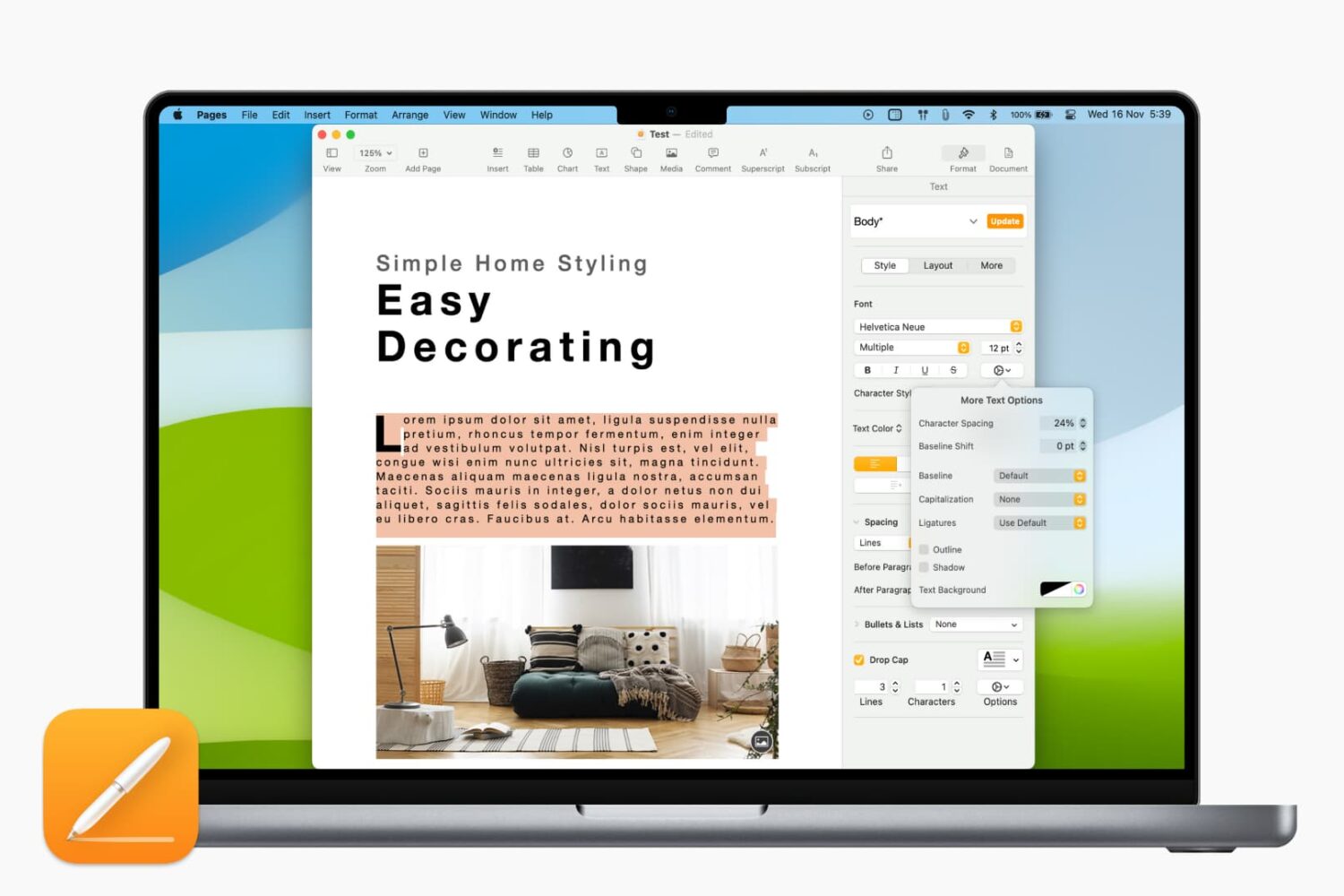
Learn how to adjust the character spacing to make text stand out in a Pages document on your Mac.