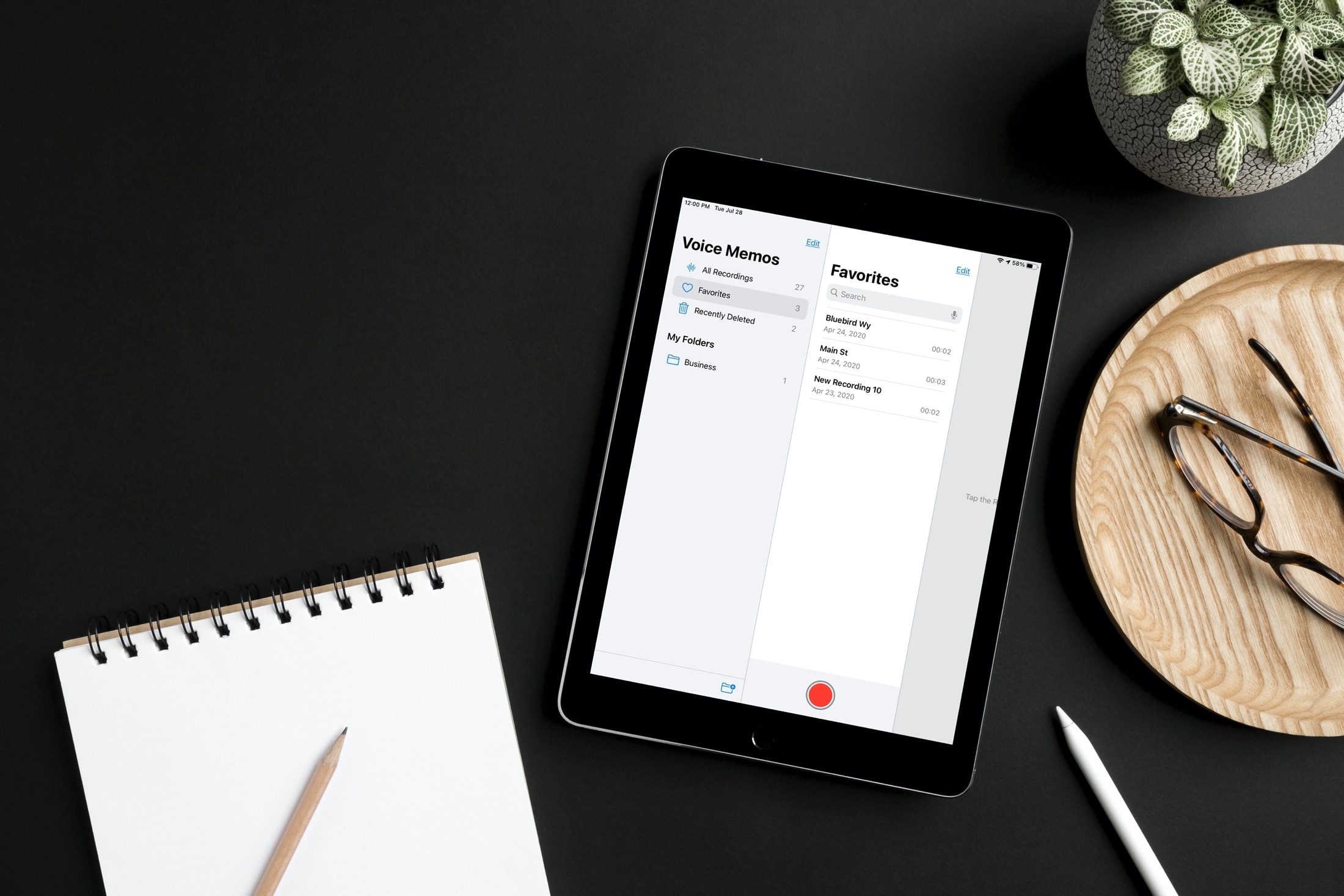
Label specific audio recordings as favorites in the Voice Memos app on your iPhone, iPad, and Mac so you can quickly access those important voice clips when needed.
How to mark recordings as favorites in Apple Voice Memos
Learn how to master your Apple devices with our comprehensive tutorials. From iPhone and iPad to Mac, Apple Watch, AirPods, and more, our expert guides will help you unlock the full potential of your Apple products. Discover new features, tips, and tricks each day to enhance your user experience.
Label specific audio recordings as favorites in the Voice Memos app on your iPhone, iPad, and Mac so you can quickly access those important voice clips when needed.
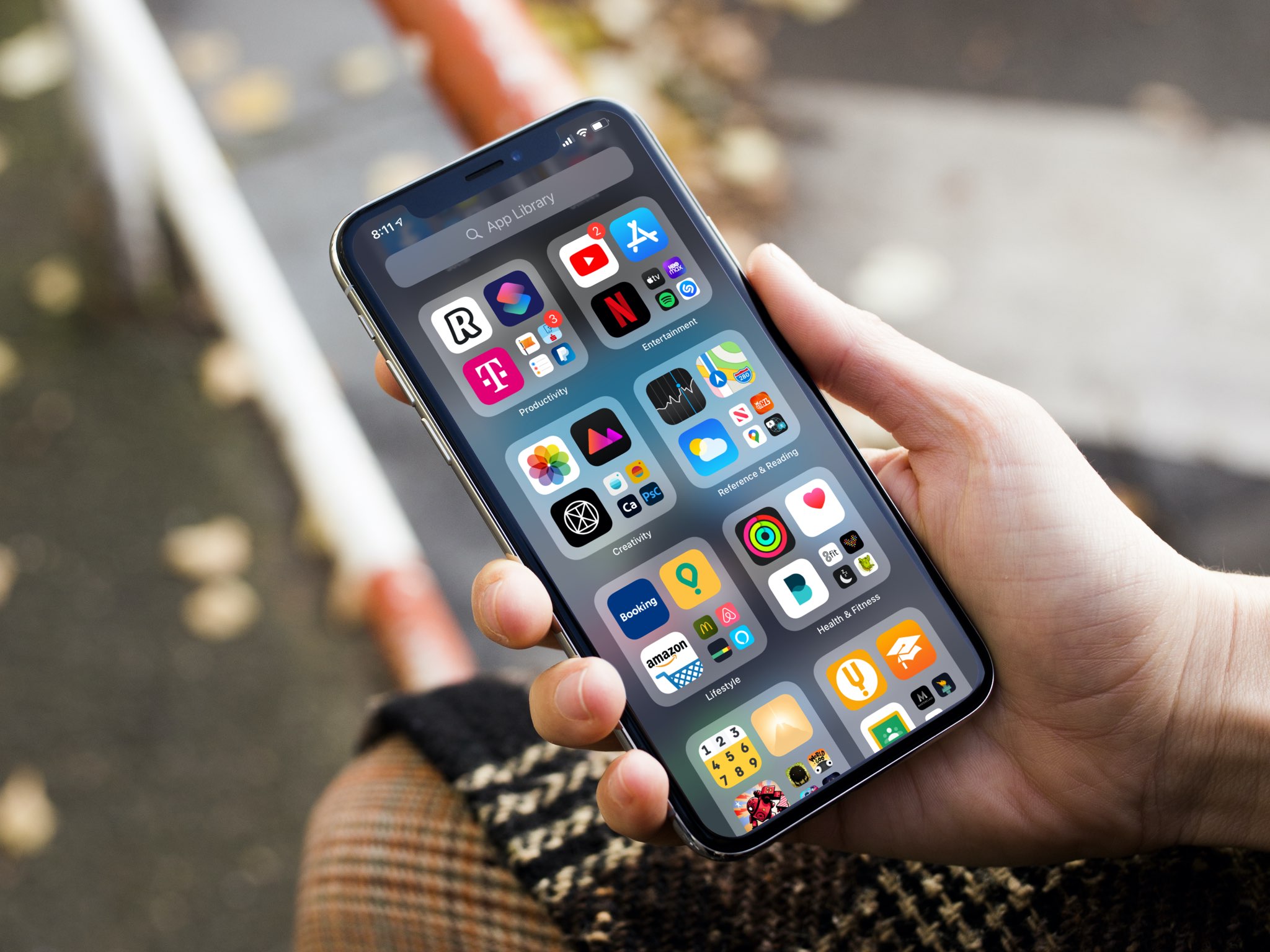
Apple gives you the option to choose for yourself where new iPhone and iPad app downloads will appear. Follow along as we show you how to set whether newly downloaded apps are added to the Home Screen or appear only in the App Library.
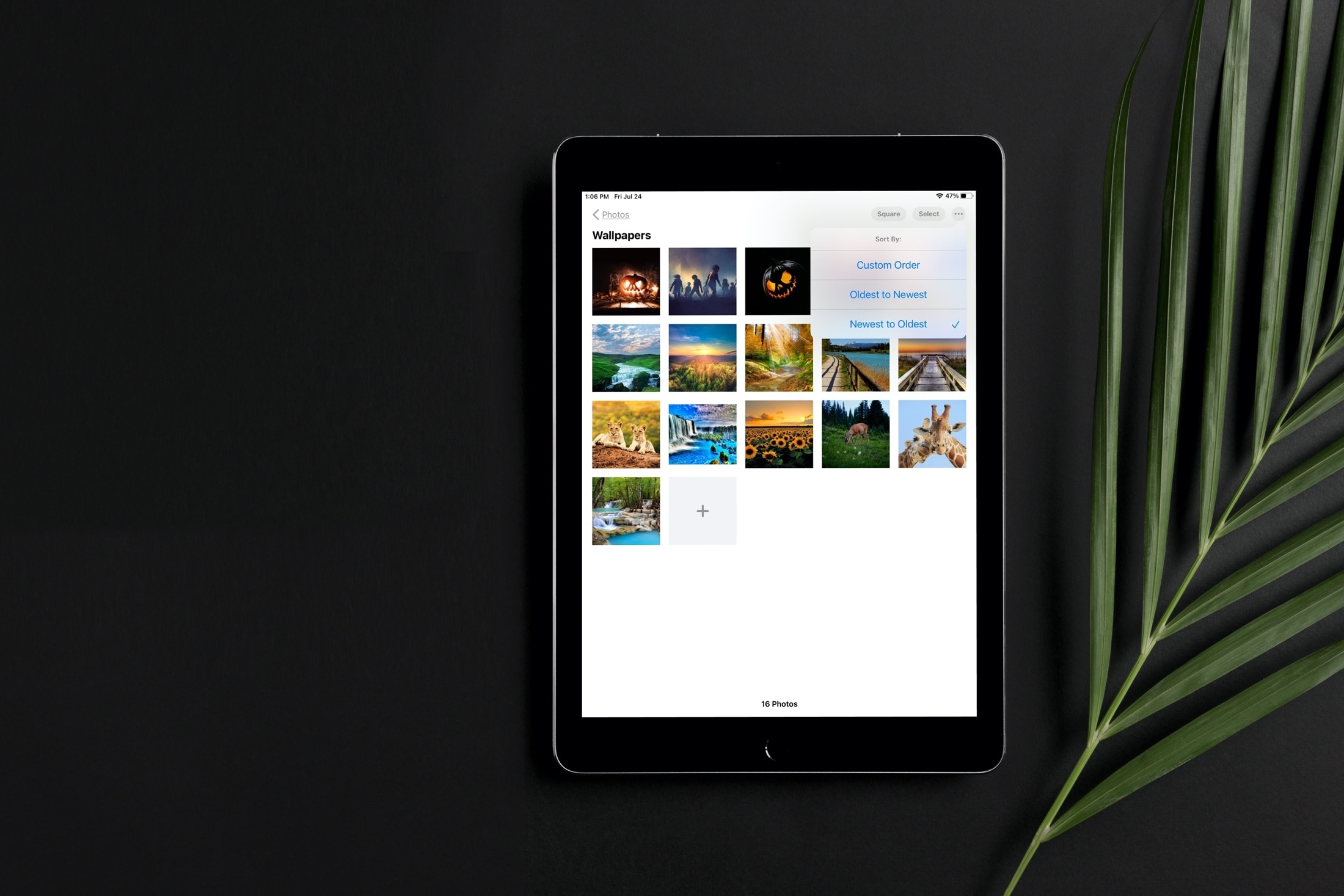
Learn how to sort images and videos in the built-in Photos app on your iPhone or iPad by date or custom order to organize your library.

Check out the easy steps to create, use, and manage folders in the Voice Memos app on iPhone, iPad, and Mac to better organize your voice recordings.
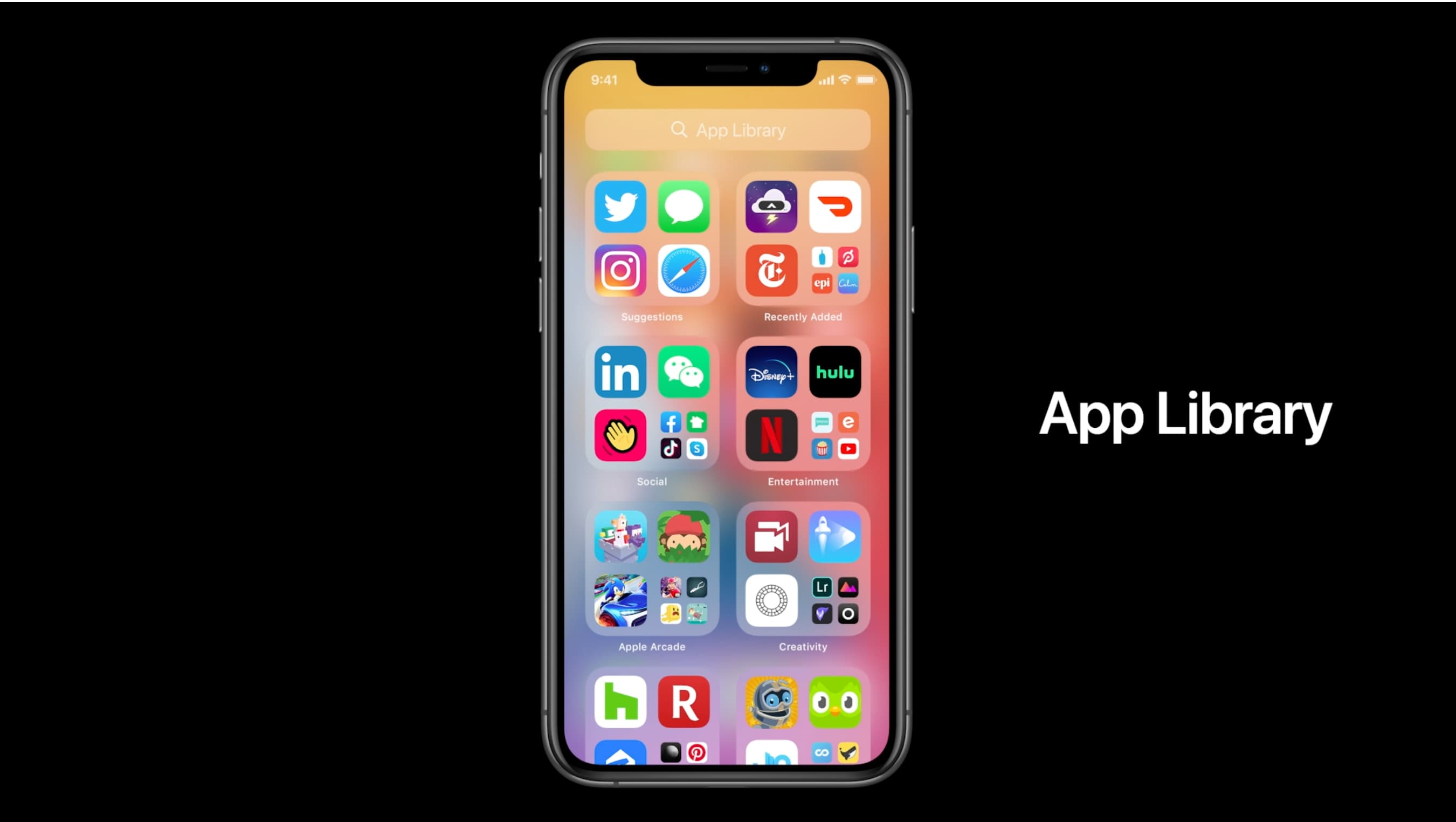
The App Library displays badges on app icons to denote unread notifications, but you can disable them if seeing those red circles is ticking you off. Follow along with our tutorial as we show you how to hide notification badges in the App Library on iPhone and iPad.
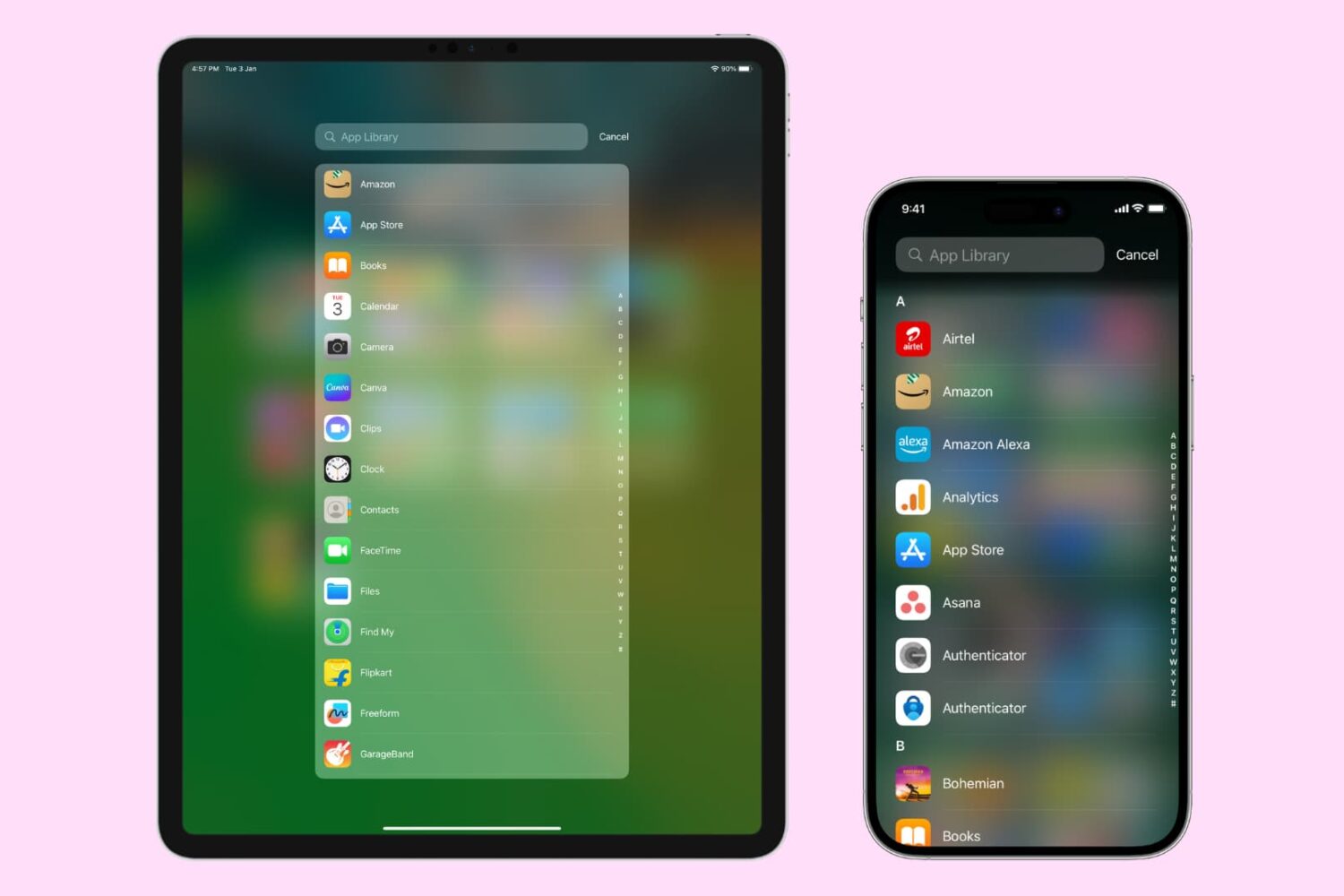
The App Library on your iPhone and iPad automatically organizes your apps, including a handy list view that alphabetically displays all the installed apps.
Follow along with our step-by-step tutorial detailing how to browse iOS and iPadOS apps in alphabetical order.

Tired of endlessly scrolling through your library in search of that one photo? In this guide, we will show you how to use search filters in the Photos app on your iPhone and iPad, and start effortlessly locating the photos you are looking for.
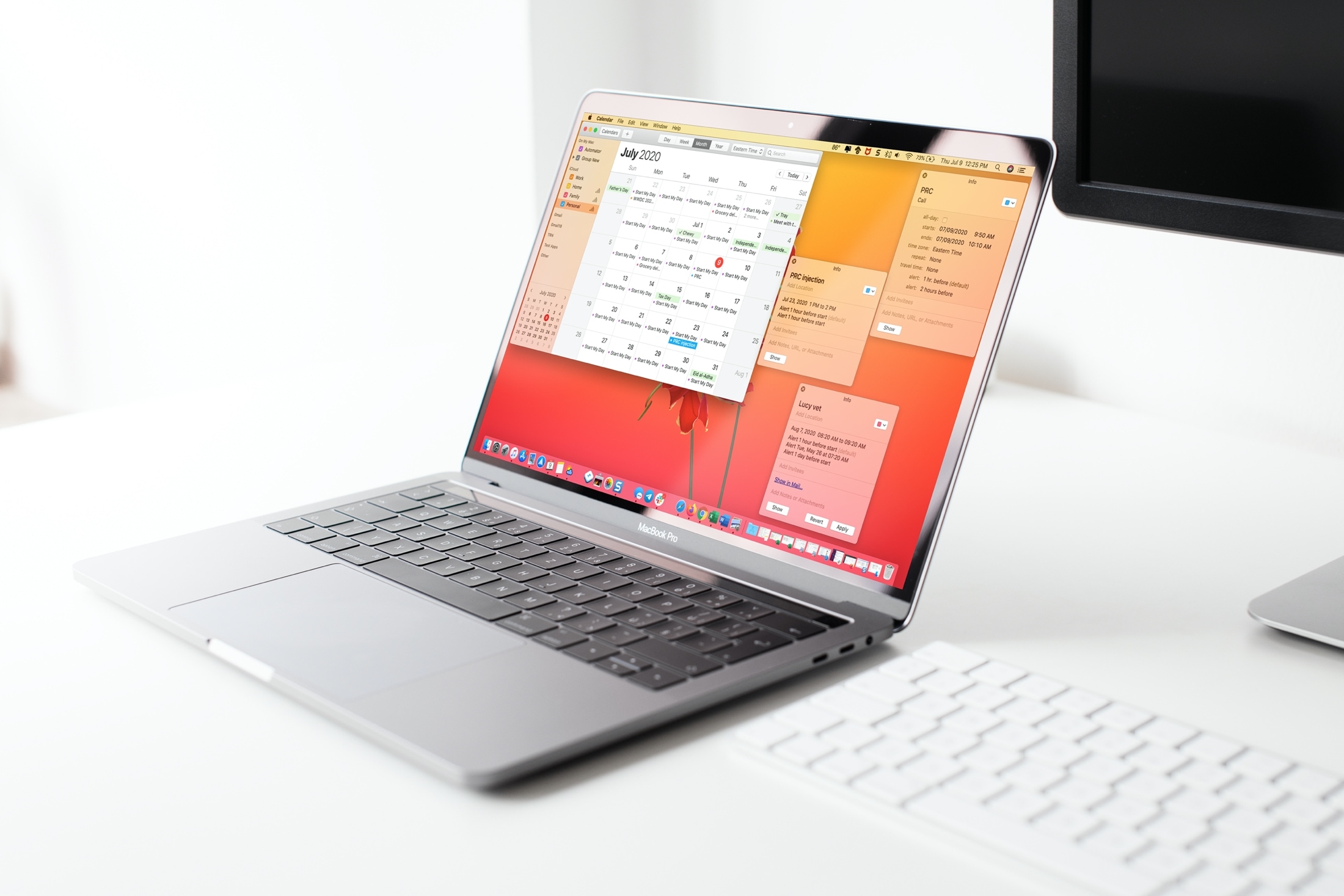
Learn two simple ways to open your Calendar events in their own windows on Mac, so you can place them anywhere on the screen or easily compare multiple events.
Learn how to open the built-in Keychain Access app on your Mac, manually add account passwords to it, and see them when needed.

If your handset is jailbroken with unc0ver and you’ve either decided that you revert to a vanilla version of iOS or that you want to start over with a different jailbreak tool, it’s important to know that the unc0ver jailbreak incorporates a mechanism for rolling your handset back to a pre-jailbroken state.
In this step-by-step tutorial, we’ll walk you through the steps necessary to remove the unc0ver jailbreak and all of its components from your iPhone or iPad. This process is recommended over totally restoring your handset because it will preserve your valuable personal data and ensure that your device can still be jailbroken in the future if you happen to change your mind.

Learn how to manually add titles and captions to images and videos in the Apple Photos app on your iPhone, iPad, and Mac to make it easy to search for them later.
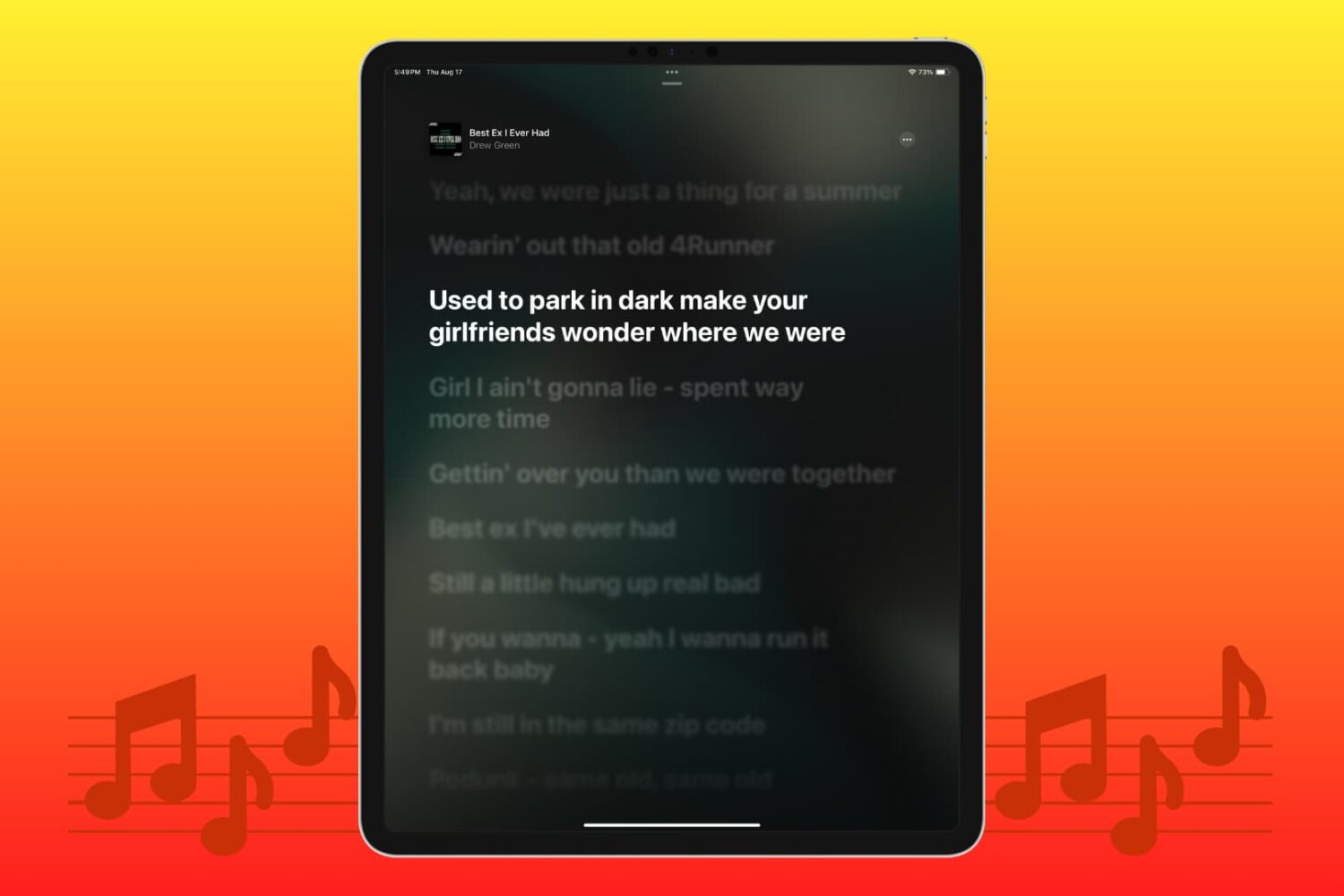
Struggling to view the words to sing along? Learn how to see the song lyrics on the full screen inside the Apple Music app on your iPhone, iPad, Mac, and Android phone.