Learn how to stop your iPhone from flipping selfies and instead save un-mirrored originals that match exactly what you see in the Camera app’s viewfinder.
How to capture mirrored selfies on iPhone and iPad
Learn how to master your Apple devices with our comprehensive tutorials. From iPhone and iPad to Mac, Apple Watch, AirPods, and more, our expert guides will help you unlock the full potential of your Apple products. Discover new features, tips, and tricks each day to enhance your user experience.
Learn how to stop your iPhone from flipping selfies and instead save un-mirrored originals that match exactly what you see in the Camera app’s viewfinder.

Learn how to save time and effort by searching inside apps on your iPhone or iPad directly using Spotlight Search from your Home Screen.
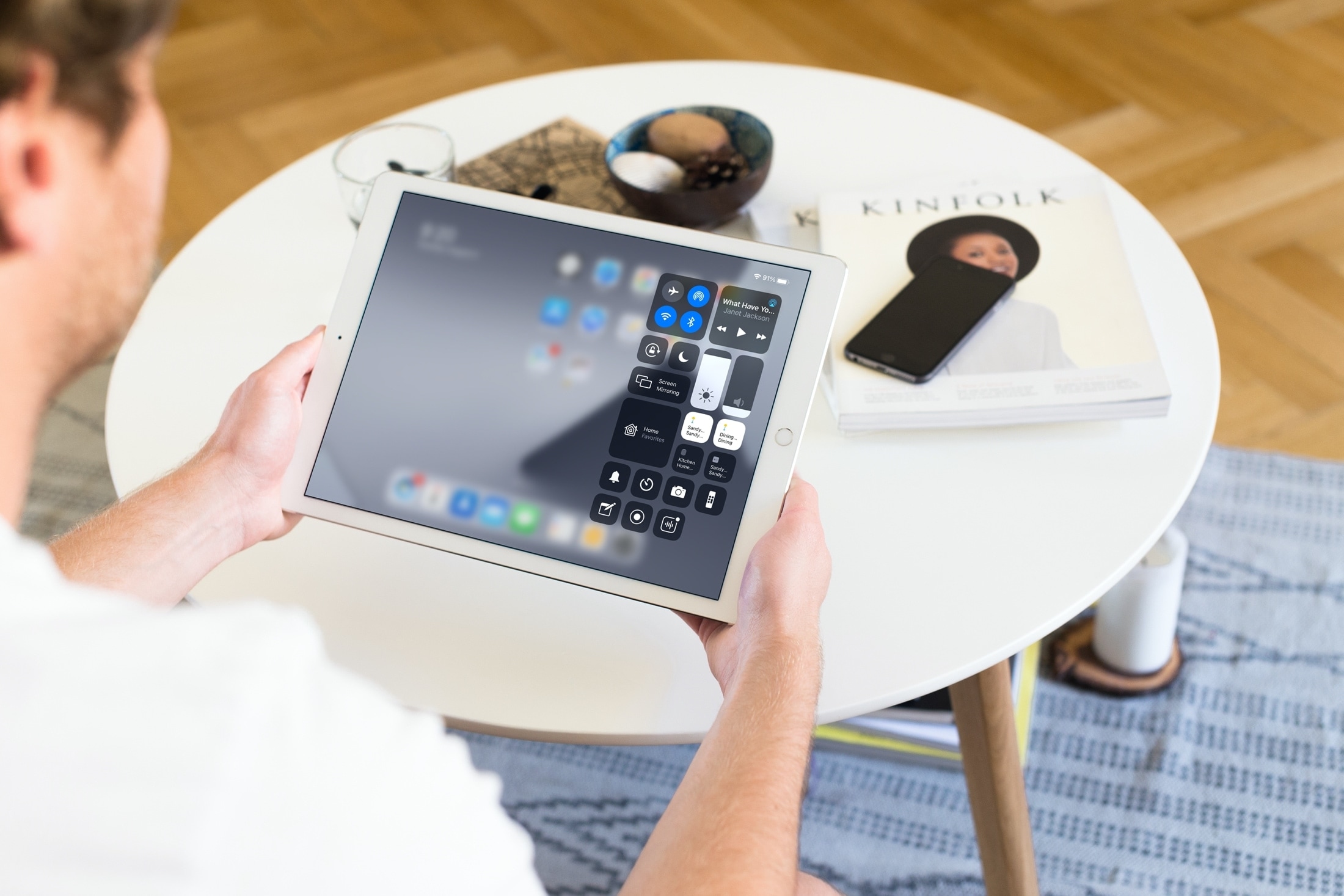
From turning your smart accessories on or off to adjusting their settings, this tutorial shows you how to control and manage HomeKit devices from your iPhone and iPad Control Center.

Wouldn't it be great if you could see upcoming games that will launch soon on Apple Arcade, the iPhone maker's game-subscription service? With the new App Store features available on iOS 14, iPadOS 14 and macOS 11 Big Sur, you can do just that. Follow along with our quick tutorial as we show you how to get a sneak peek at upcoming Apple Arcade games.

Learn how to restrict apps on your iPhone or iPad from accessing all your images and videos in your photo library, thus enhancing your privacy and security.

Automations in the Shortcuts app give you awesome ways to make tasks simpler. With automations, you can do things like open an app, play music, or make a phone call, all automatically based on triggers you set up.
The Shortcuts app offers both personal and home automations to make your life a little easier. And with iOS 14 and iPadOS 14, you have even more triggers available. Here, we’ll show you how to use some of these new personal automation triggers in Shortcuts.
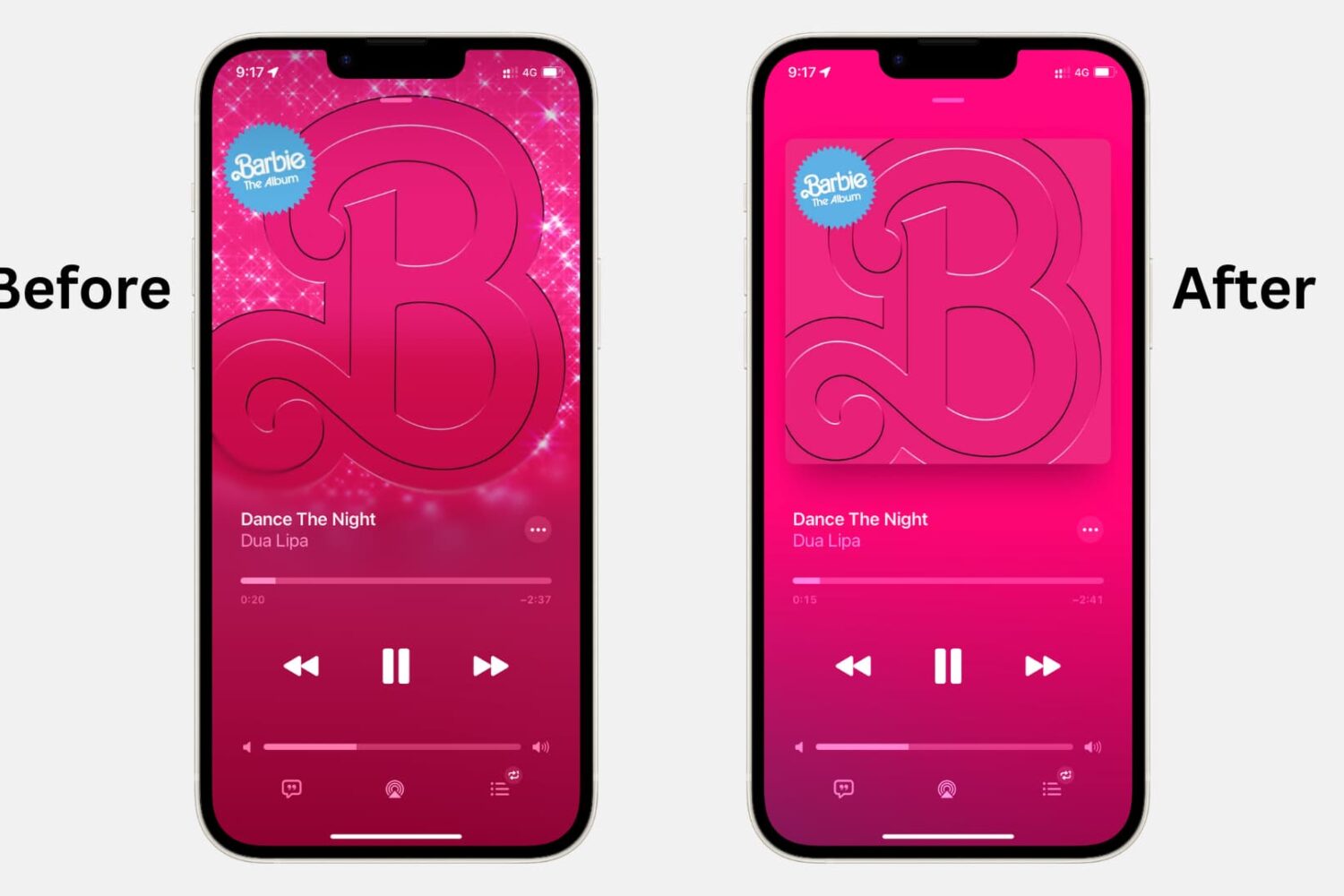
Turn off animated cover art in the Apple Music app on iPhone, iPad, and Android phone to avoid motion sickness and save data and battery.

If anything, the US elections and the coronavirus crisis have reminded us yet again how rapidly misinformation can spread through social media and messaging platforms. To help with that, you now have the ability to fact-check forwarded WhatsApp messages, and we show you how.
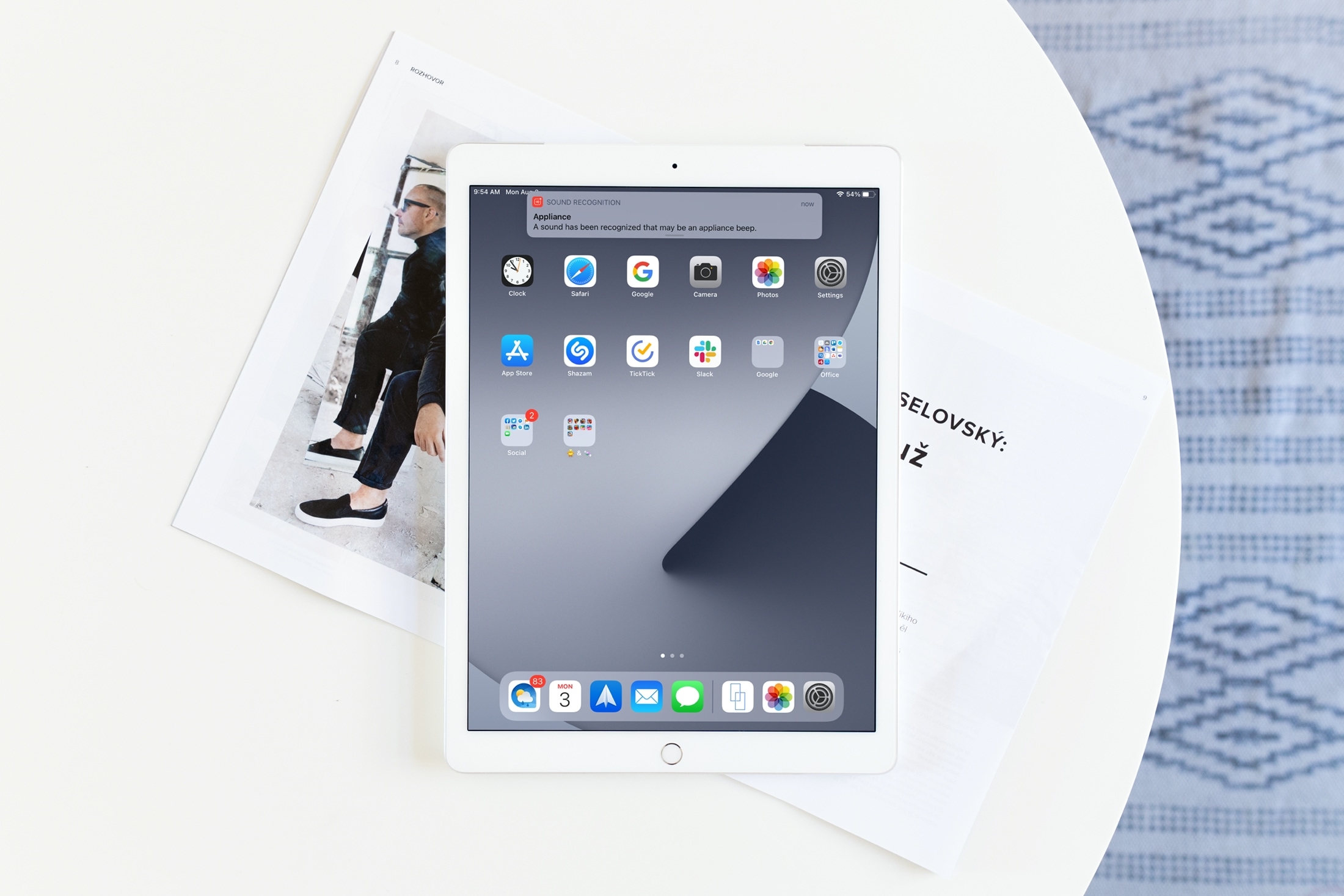
Learn how to enable the Sound Recognition feature on your iPhone or iPad to get notifications for sounds like a doorbell, baby crying, kettle boiling, your dog barking, and more.
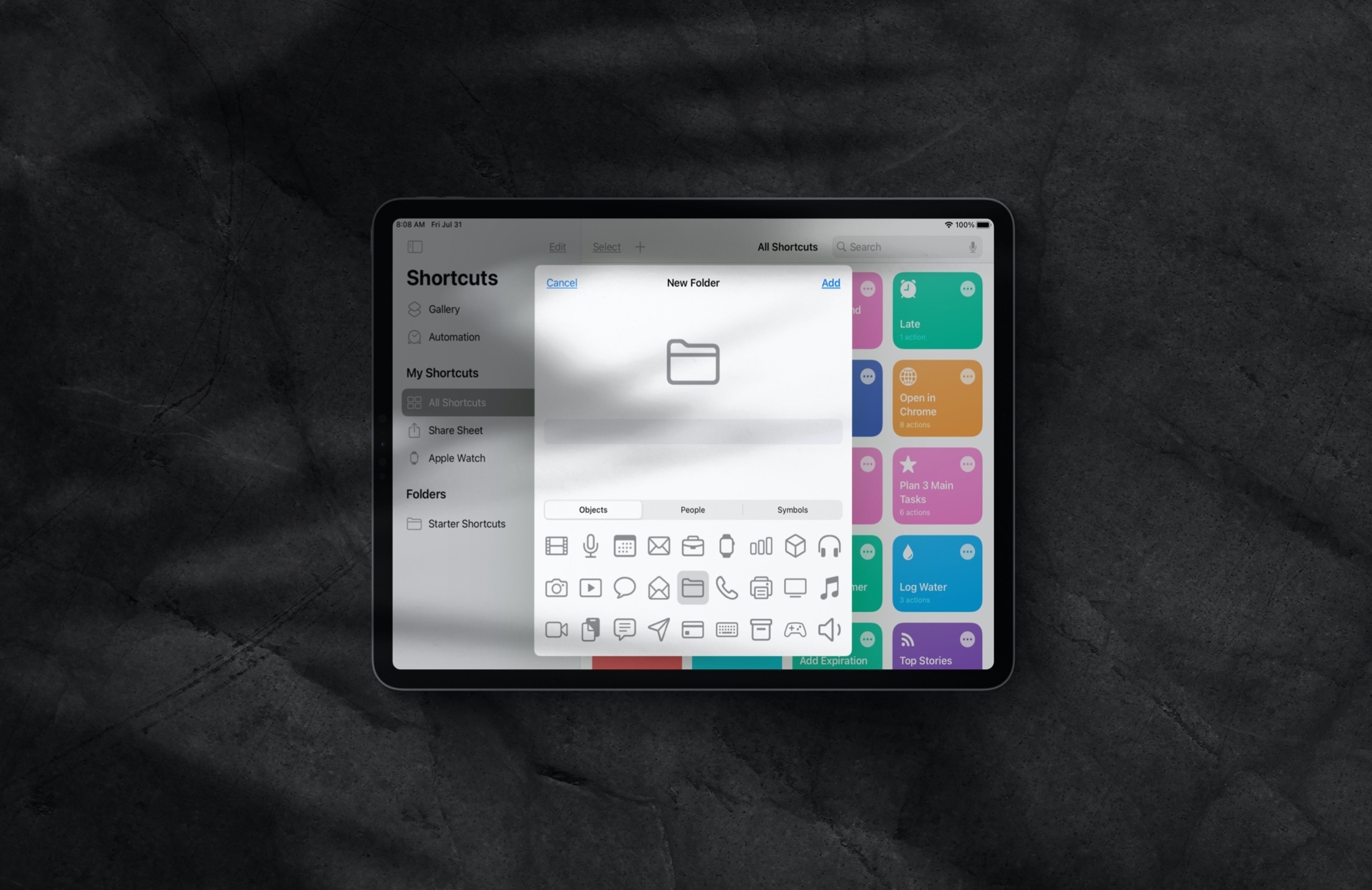
Manage folders inside the Shortcuts app on iPhone and iPad to keep your iOS shortcuts neatly grouped and organized.

Learn how to activate the smart Autoplay feature in the Apple Music app on your iPhone or iPad so similar songs play nonstop after the one you’re listening to ends.
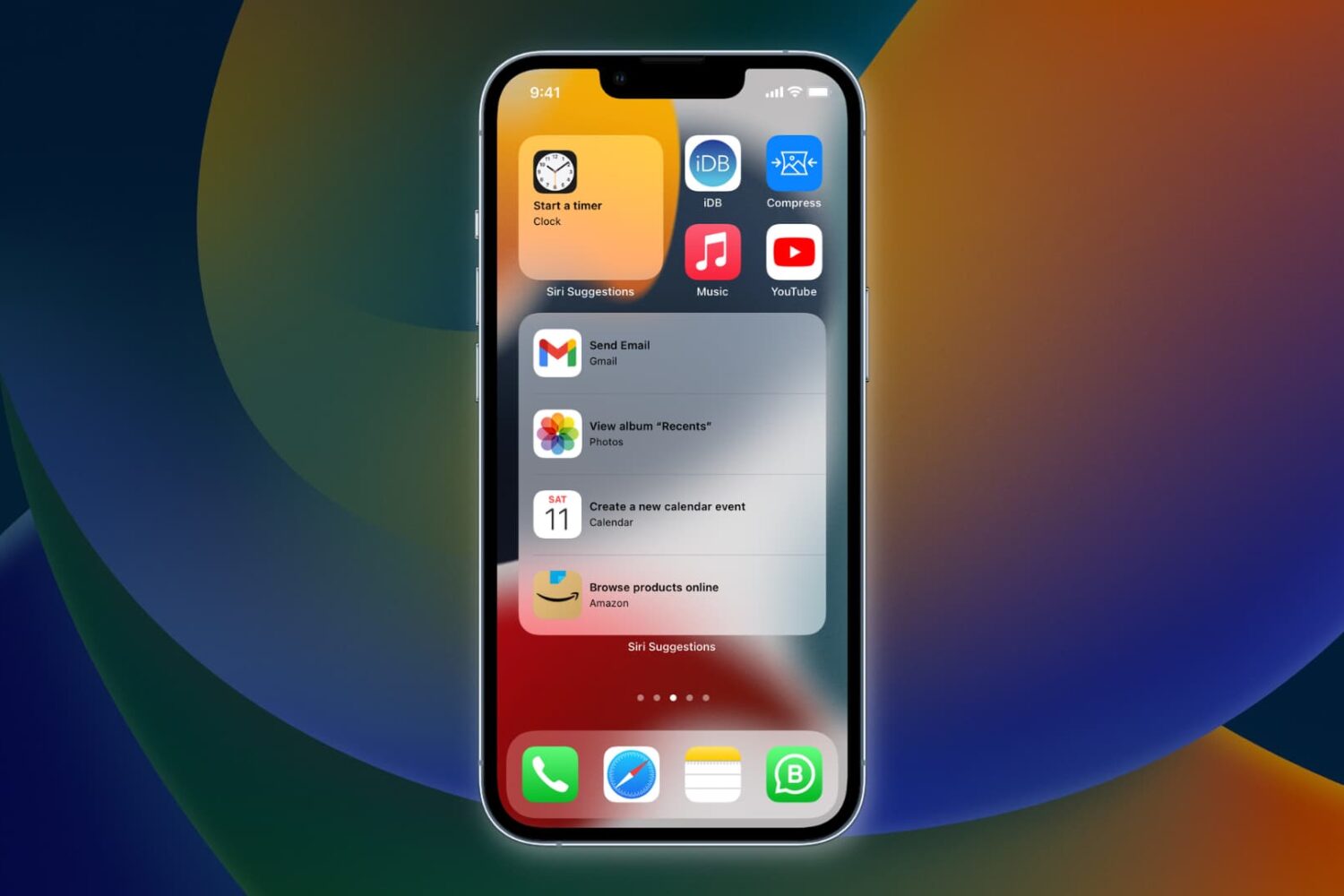
Learn how to have Siri intelligence dynamically curate your apps and show suggested actions right on your iPhone Home Screen in the Siri Suggestions widget.