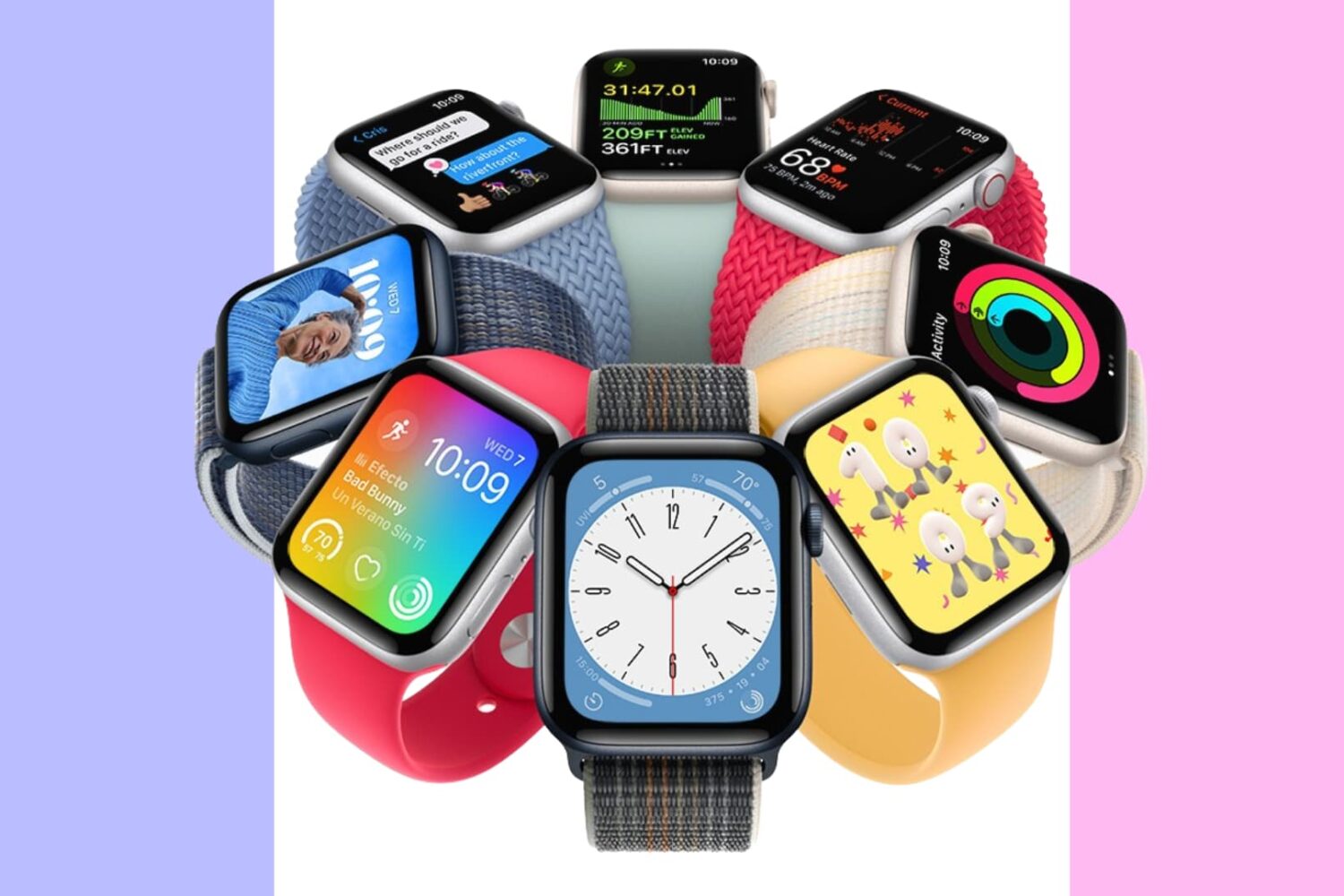
Is your Apple Watch band dirty, smelly, or stained? Follow these tips to clean your watch bands safely and effectively.
How to clean your Apple Watch bands
Learn how to master your Apple devices with our comprehensive tutorials. From iPhone and iPad to Mac, Apple Watch, AirPods, and more, our expert guides will help you unlock the full potential of your Apple products. Discover new features, tips, and tricks each day to enhance your user experience.
Is your Apple Watch band dirty, smelly, or stained? Follow these tips to clean your watch bands safely and effectively.

Grab your iPhone and follow along with our video roundup highlighting some of the lesser-known, hidden features in Apple's iOS 16 software.
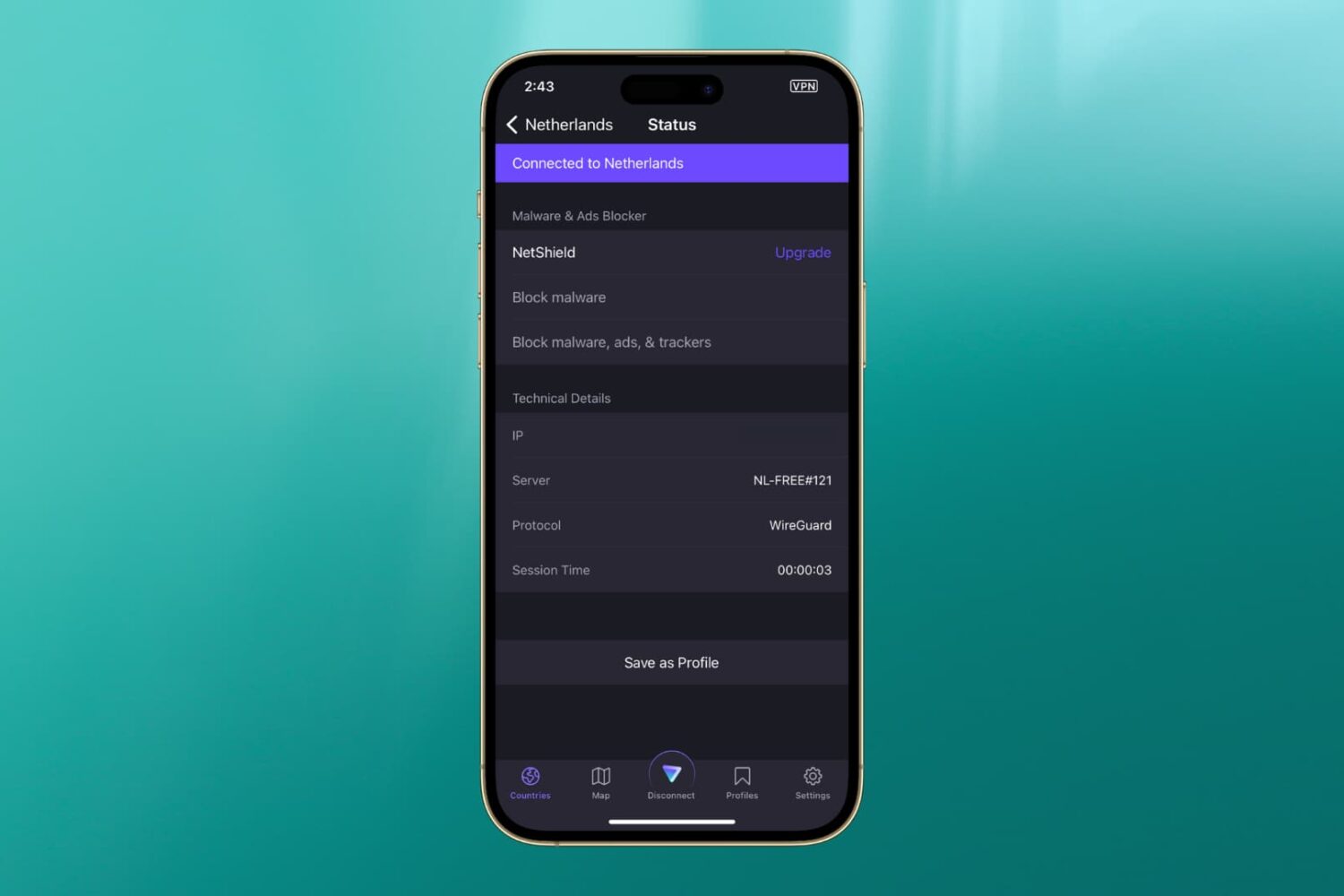
In this guide, we’ve listed the top solutions to fix the most common VPN issues that you may encounter on your iPhone or iPad.
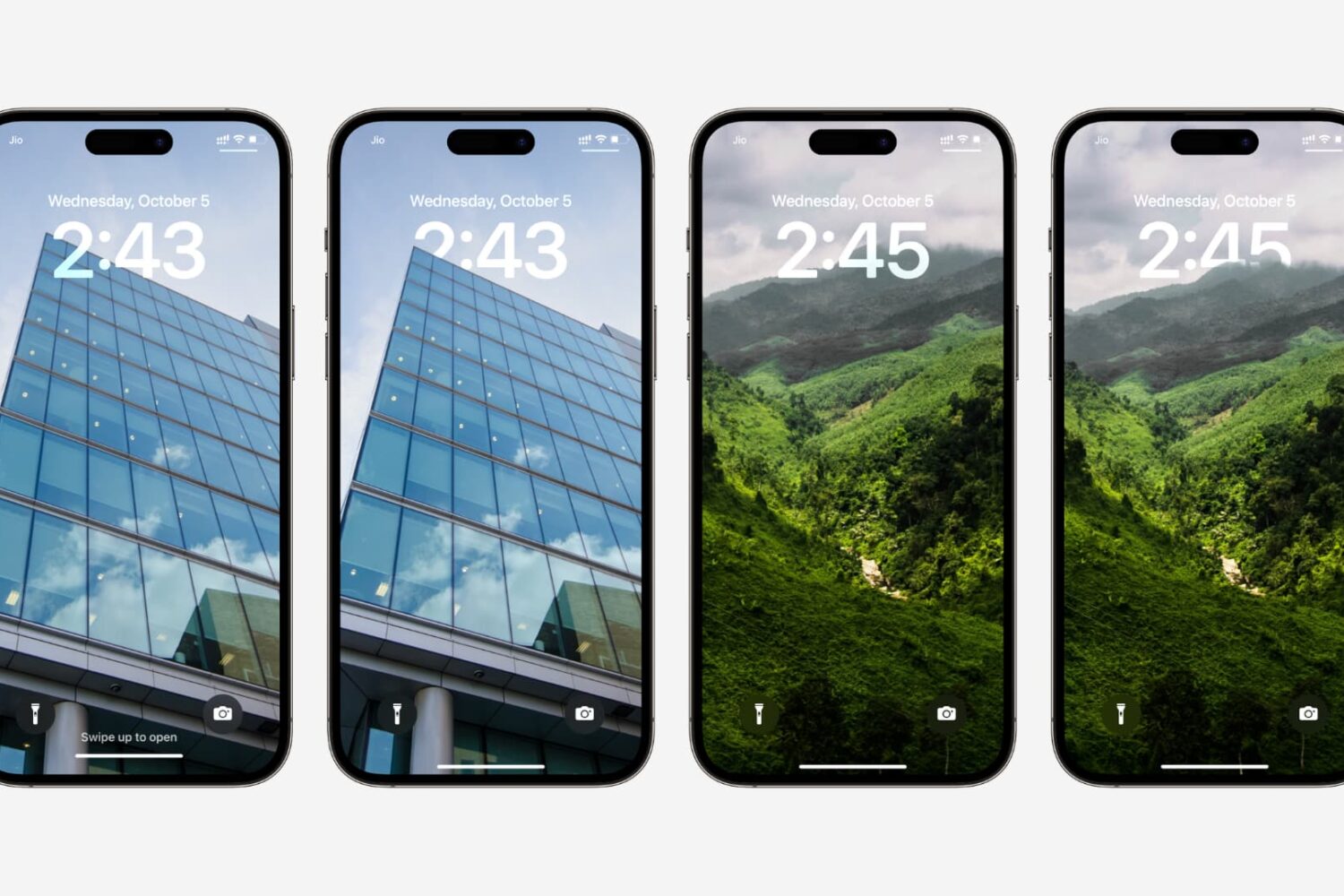
Learn how to fix the multi-layered depth effect not working on your iPhone or iPad’s Lock Screen wallpaper.

Learn how to update your MagSafe or MagSafe Duo charger's firmware to the latest version and check the current version on your iPhone.
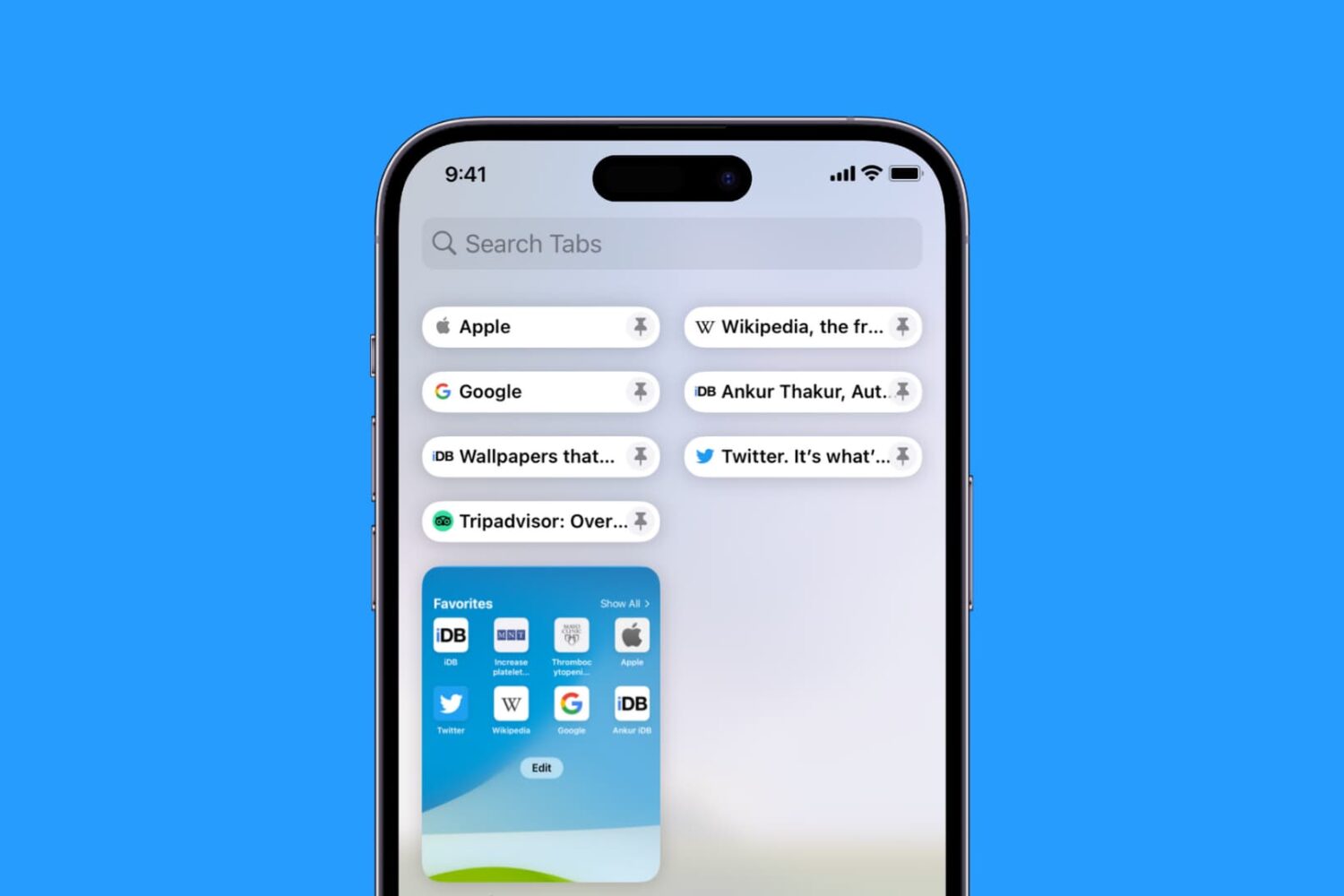
Learn how to pin Safari tabs on your iPhone, iPad, and Mac so that you can quickly get to your favorite websites anytime.
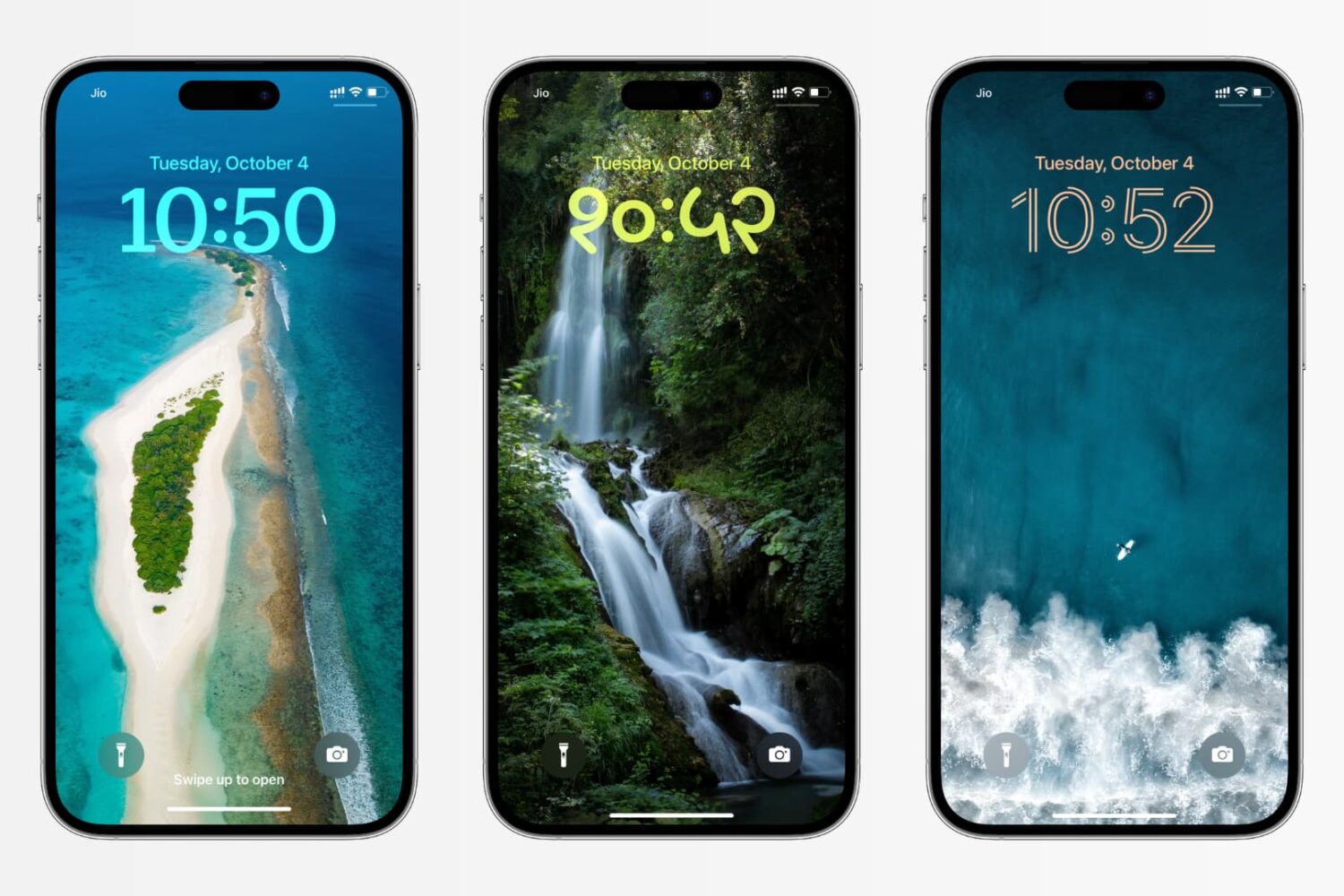
In this tutorial, we’ll show you how to change the color, font, and even the script for the clock on your iPhone or iPad Lock Screen to create a unique look.
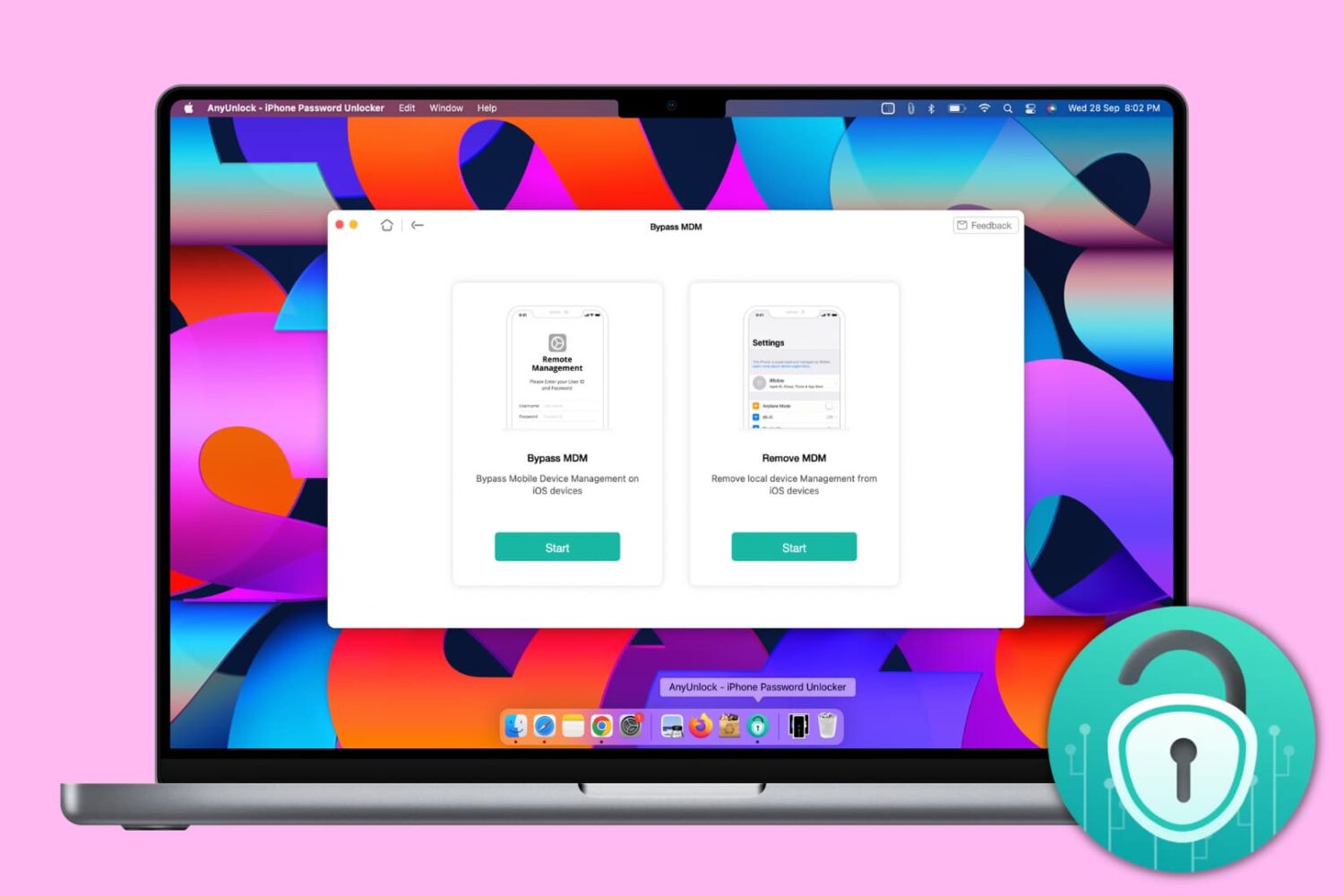
Mobile Device Management, or MDM, lets big organizations remotely manage Apple devices such as iPhone, iPad, and Mac, they give to their employees. With this, the organization can deploy updates, install apps, and put several restrictions on the iOS devices.
You will encounter an iPhone with a Remote Management screen asking you to enter the username and password if you're an employee of an organization who has been allotted this device or if you bought a second-hand iPhone and the seller didn't remove the MDM profile beforehand.
An iPhone with MDM may have many restrictions, and you may not be able to use it fully. And if it's an erased iPhone, the lack of the right credentials may not even let you go past the Remote Management setup screen.
To get out of such situations, you can use AnyUnlock by iMobie, and in this tutorial, we show you how.
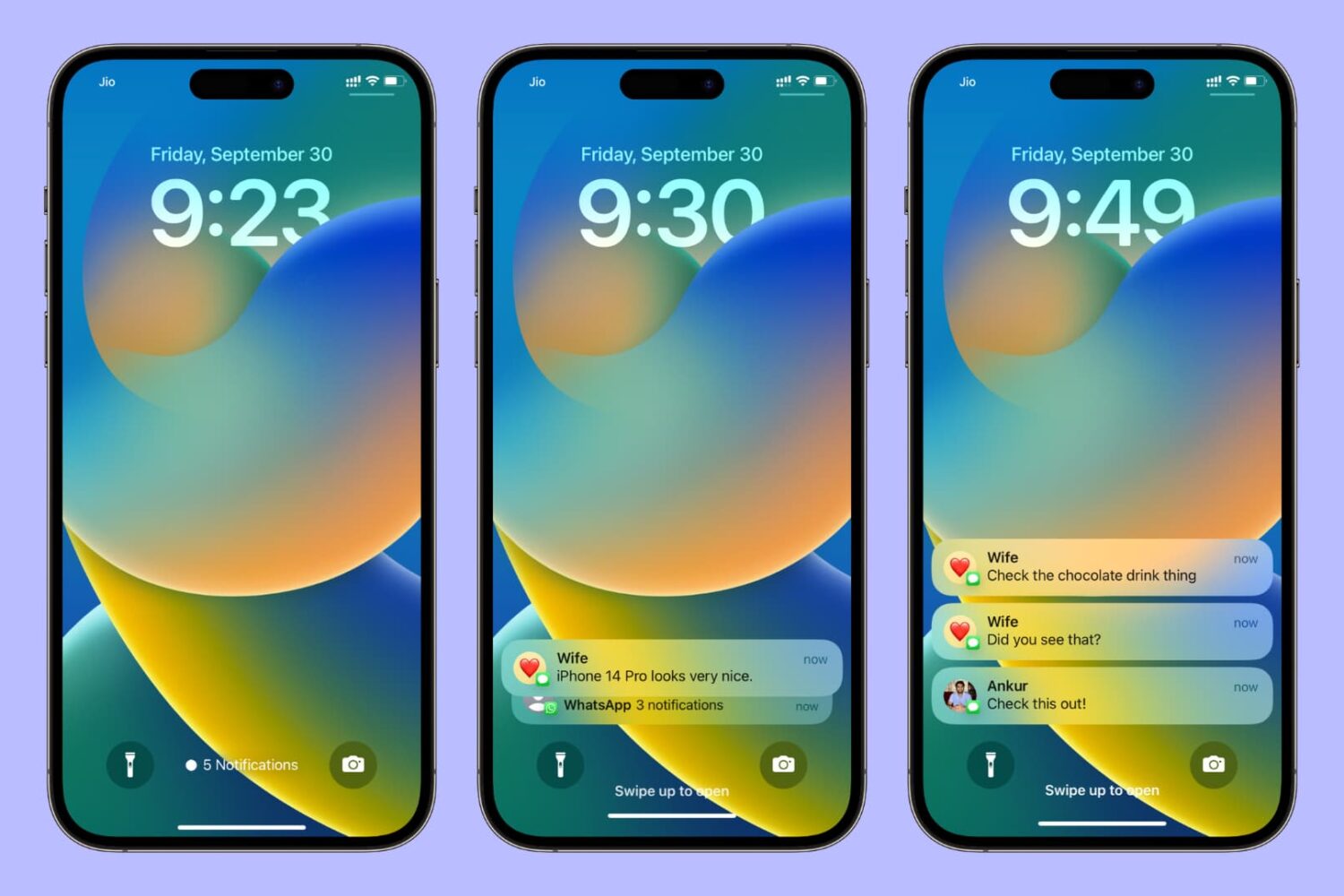
Learn how to change the way notifications are displayed on your iPhone or iPad Lock Screen and choose between three different styles — Count view, Stack view, or the classic List view.
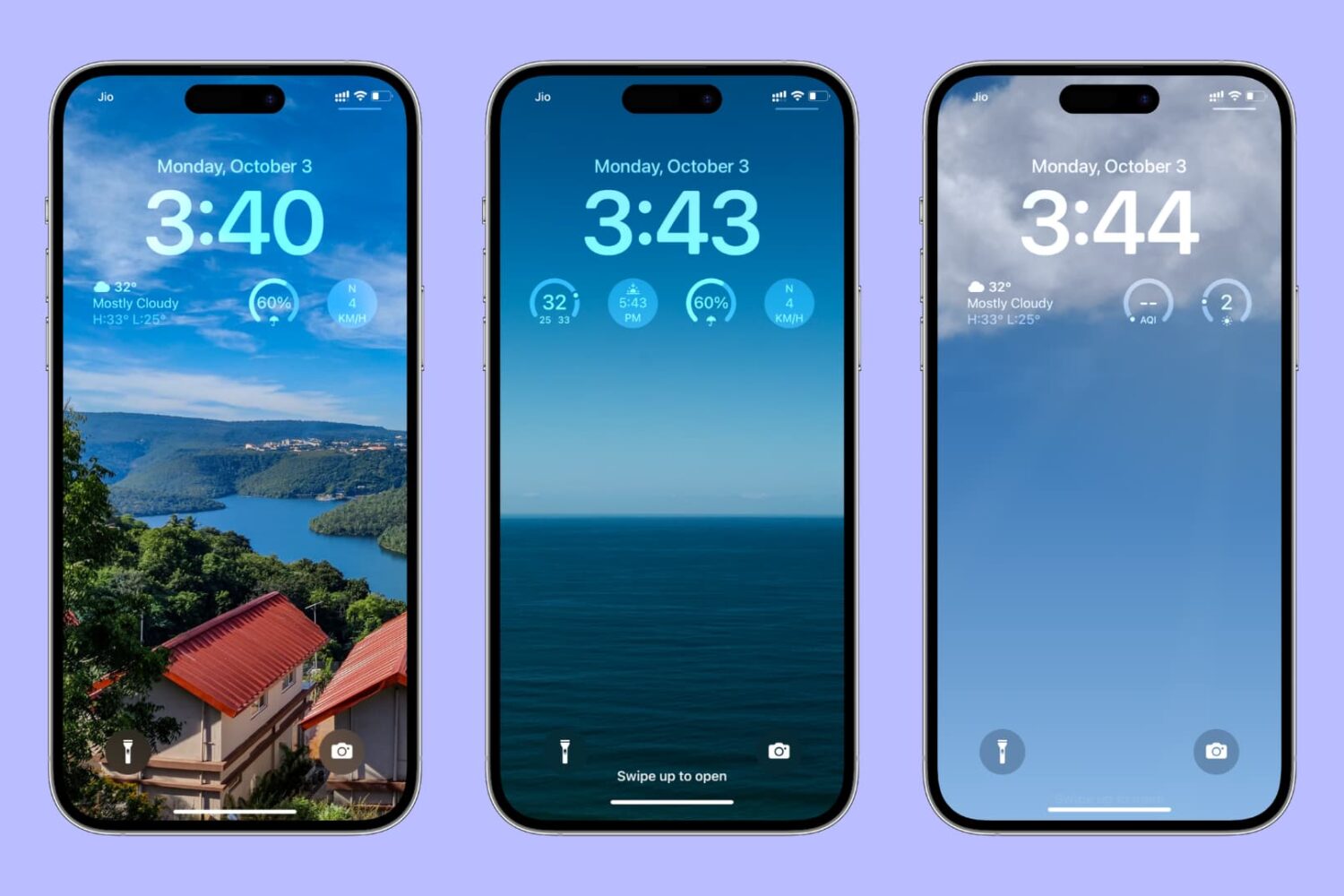
Learn how to use weather widgets or smart weather wallpaper to always see weather conditions right on your iPhone or iPad Lock Screen.
Learn how to find your iPhone's Exclusive Chip Identifier (ECID) using a Mac or Windows PC to use firmware downgrades, signing status apps, and more.
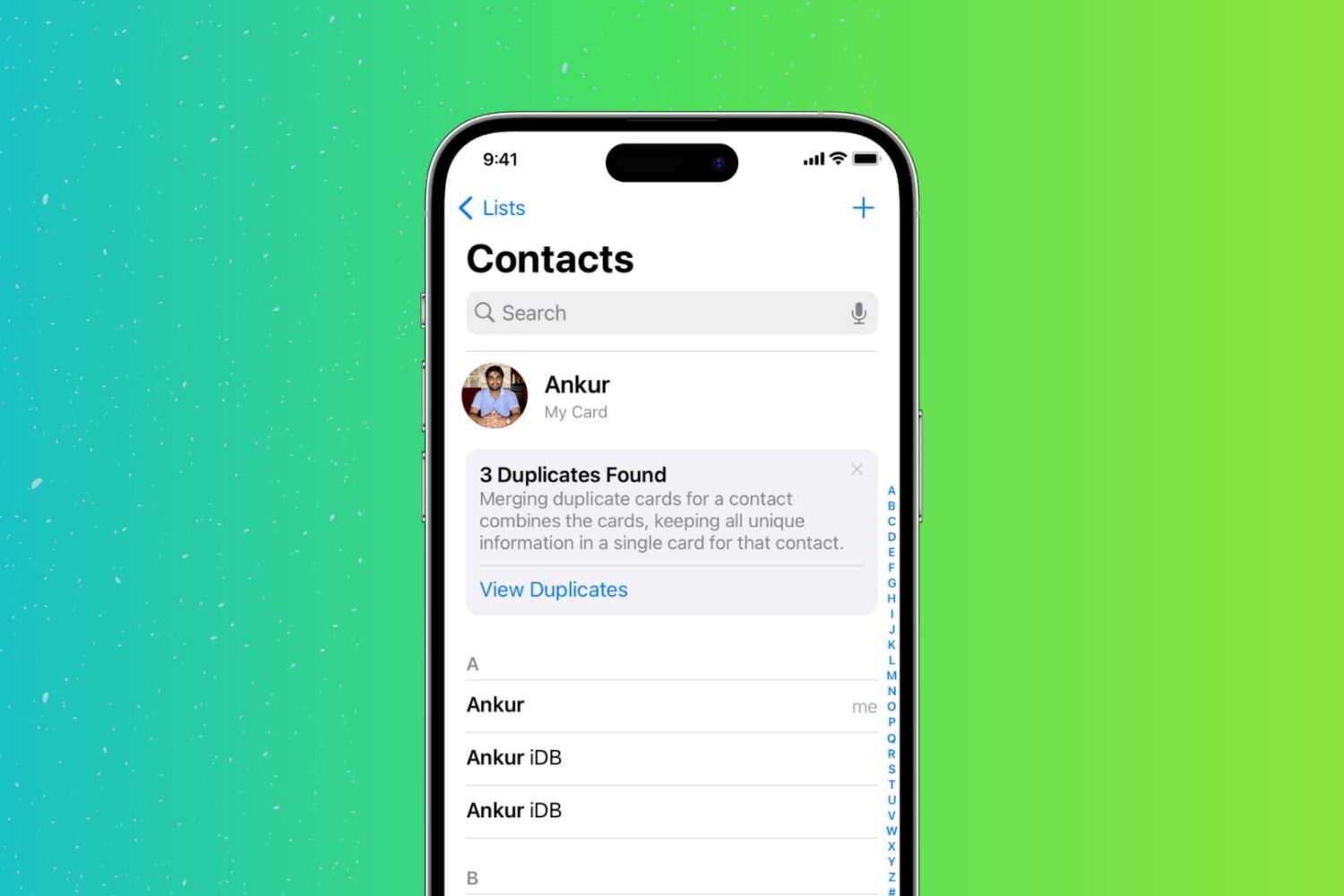
Too many duplicate contacts in your address book? Here are 3 free ways to find, merge, or delete those duplicates directly from your iPhone.