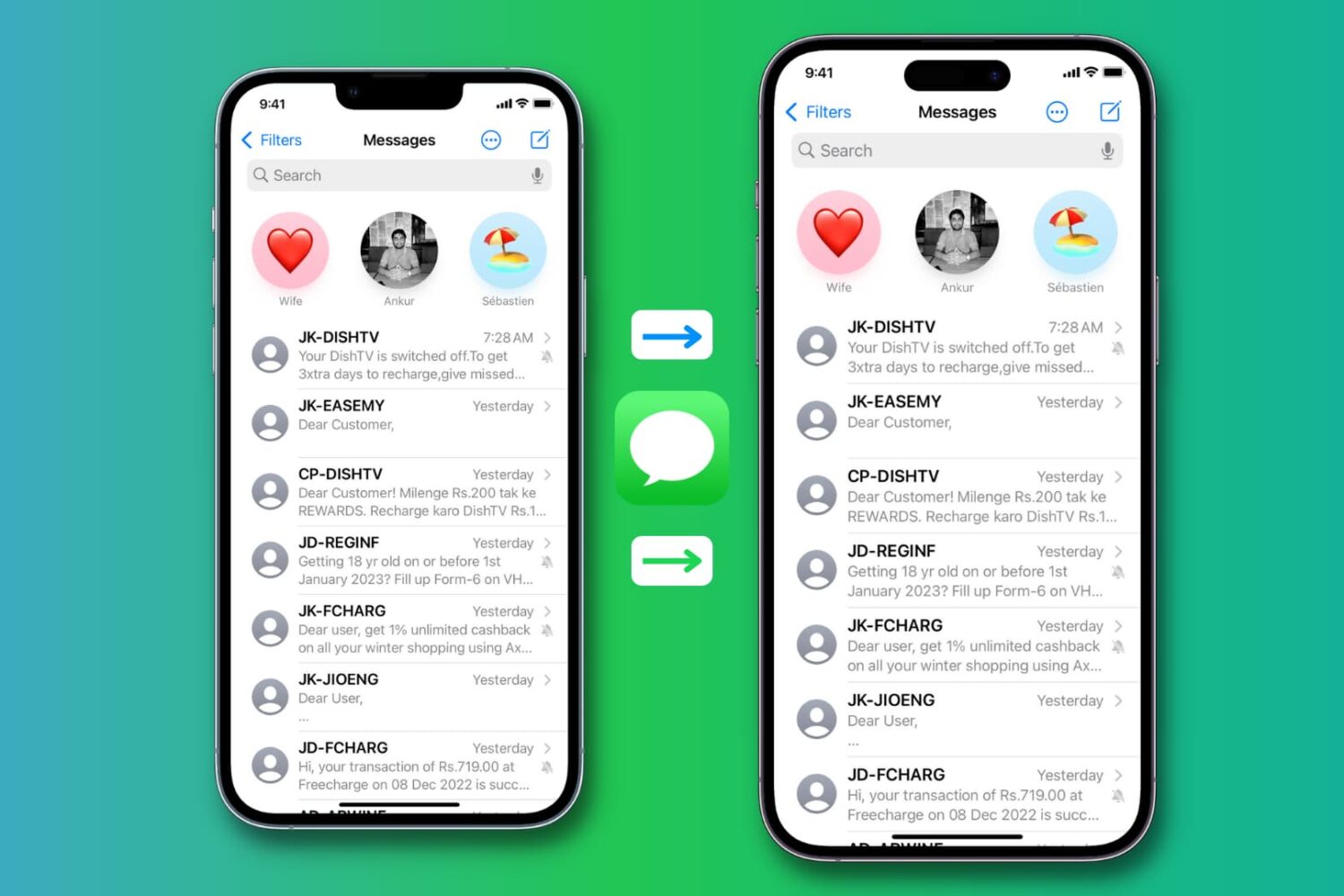
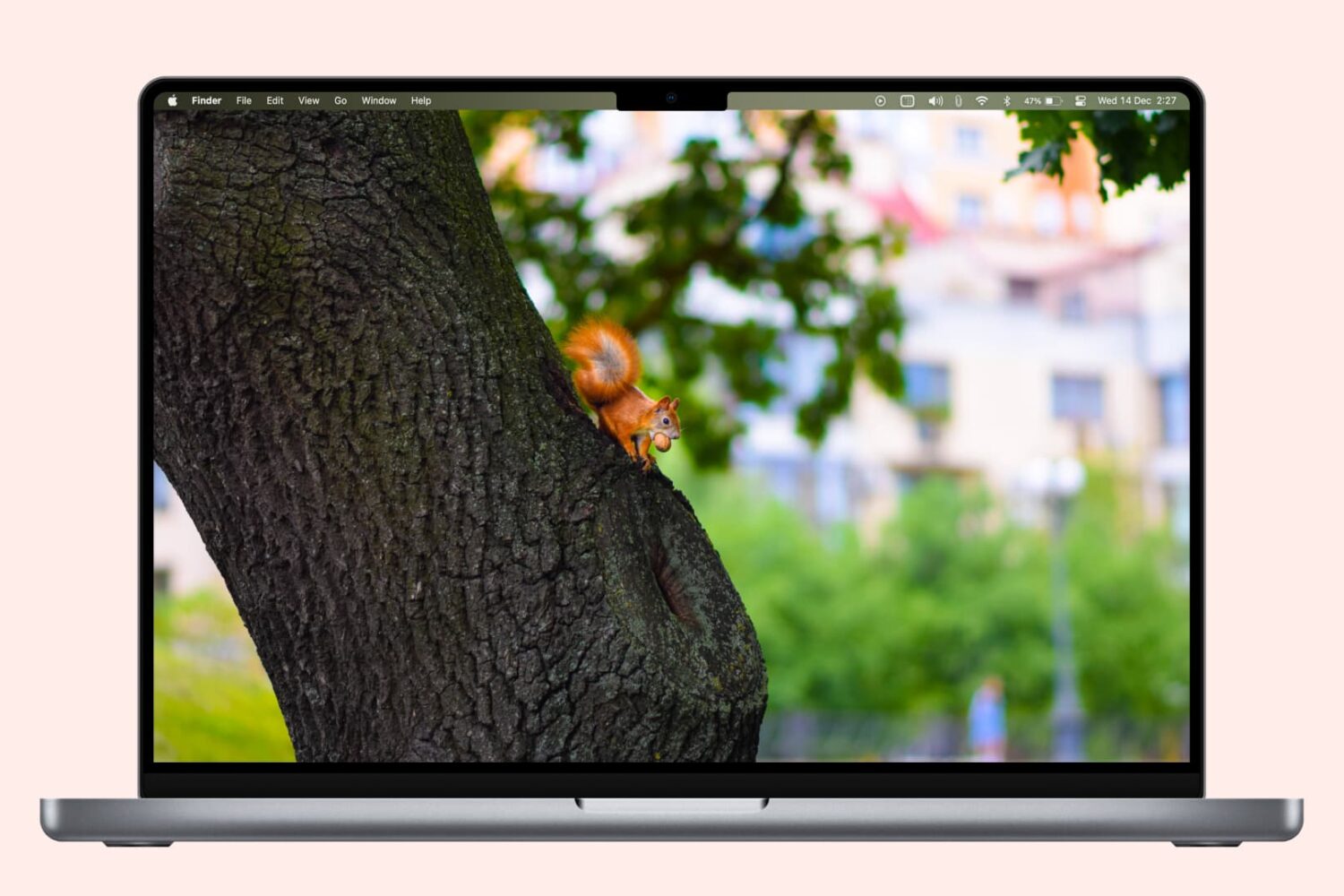
Learn why your Mac’s screen flickers, flashes, or shimmers randomly and explore troubleshooting solutions to fix the issue.
Fix screen flashing or flickering randomly on your Mac
Learn how to master your Apple devices with our comprehensive tutorials. From iPhone and iPad to Mac, Apple Watch, AirPods, and more, our expert guides will help you unlock the full potential of your Apple products. Discover new features, tips, and tricks each day to enhance your user experience.
Learn why your Mac’s screen flickers, flashes, or shimmers randomly and explore troubleshooting solutions to fix the issue.
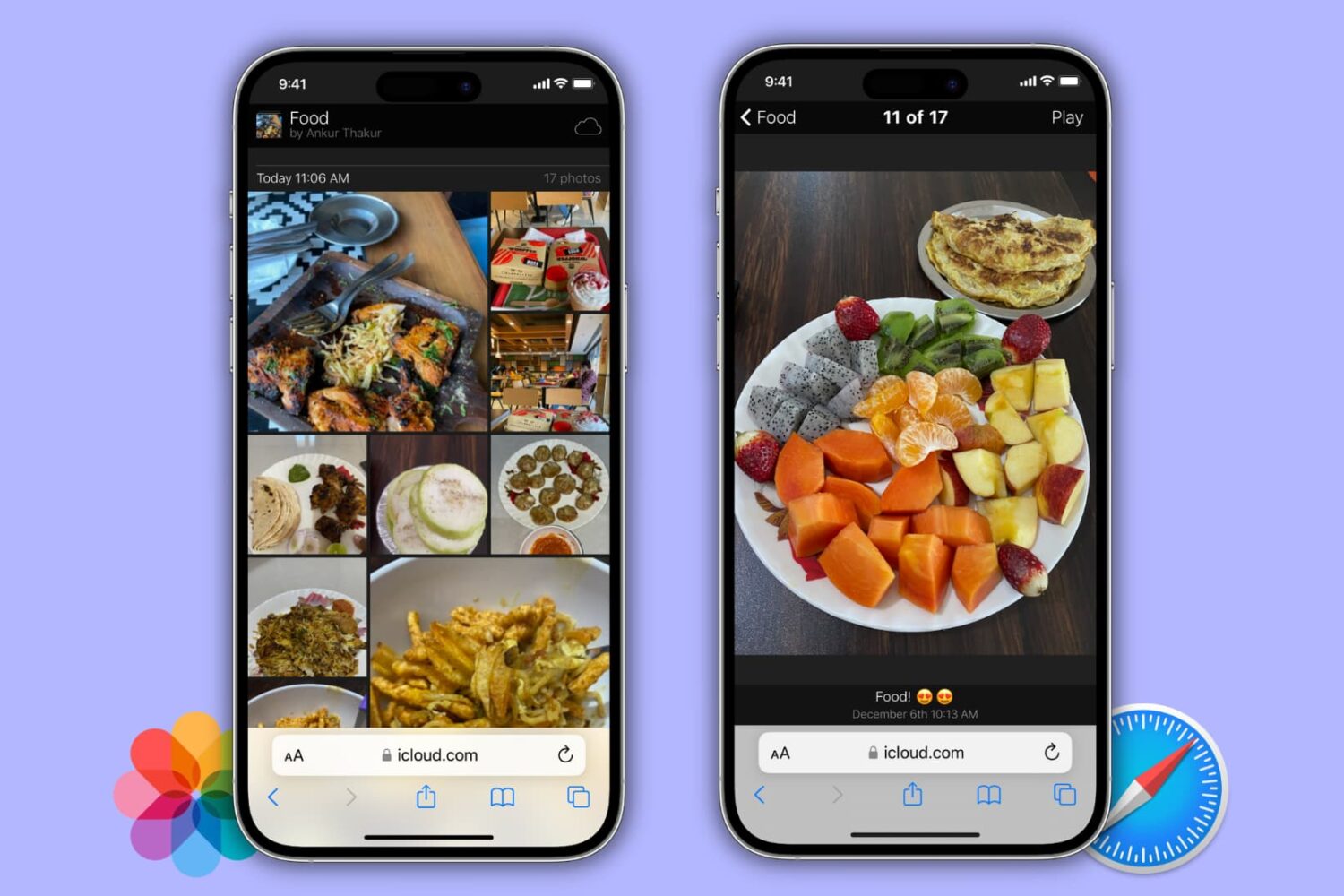
Learn how to turn a photo album on your iPhone, iPad, or Mac into a public website for free that anyone can visit directly from their phone or computer!
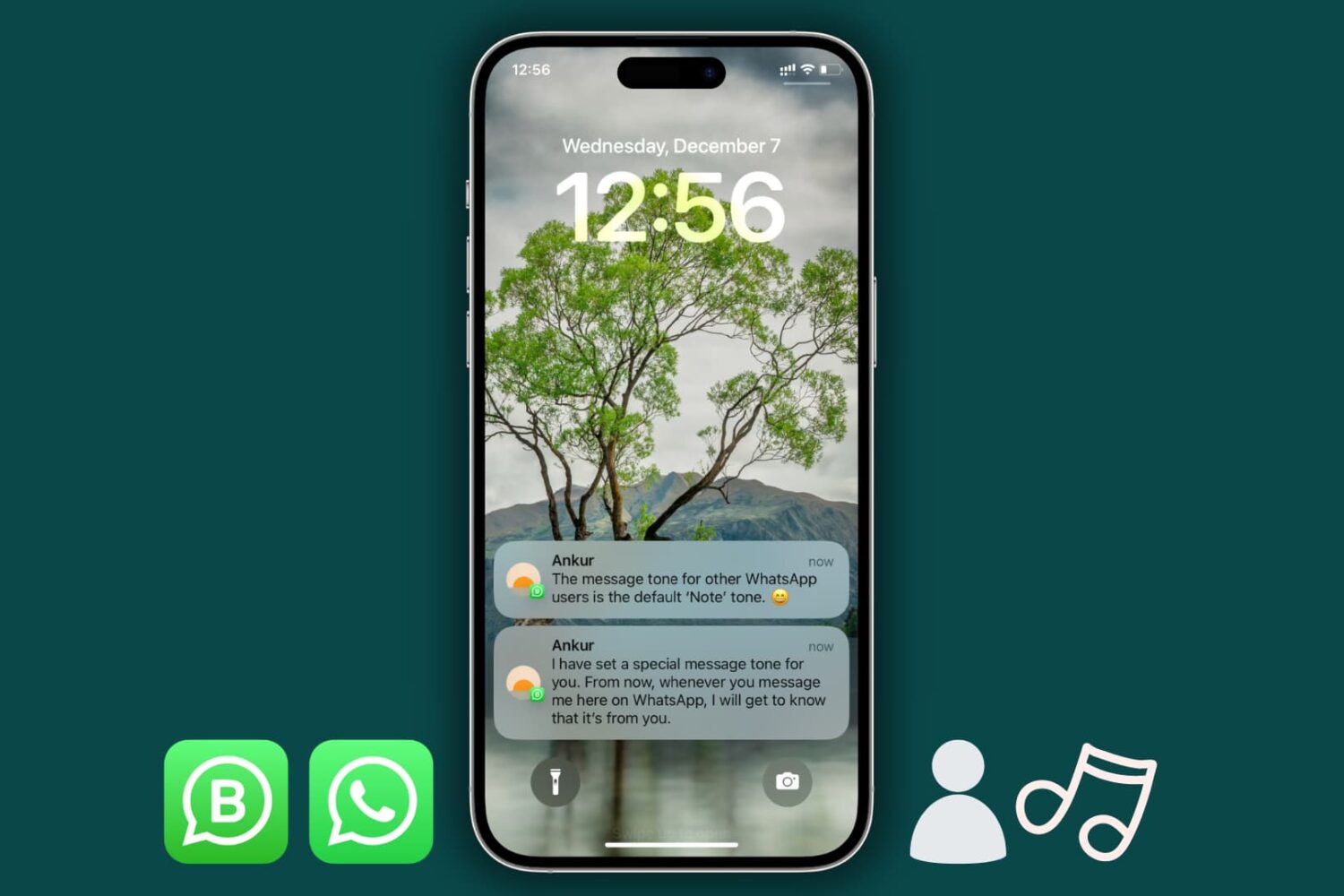
Learn how to set a custom tone for messages received from specific contacts or groups on WhatsApp on your iPhone.
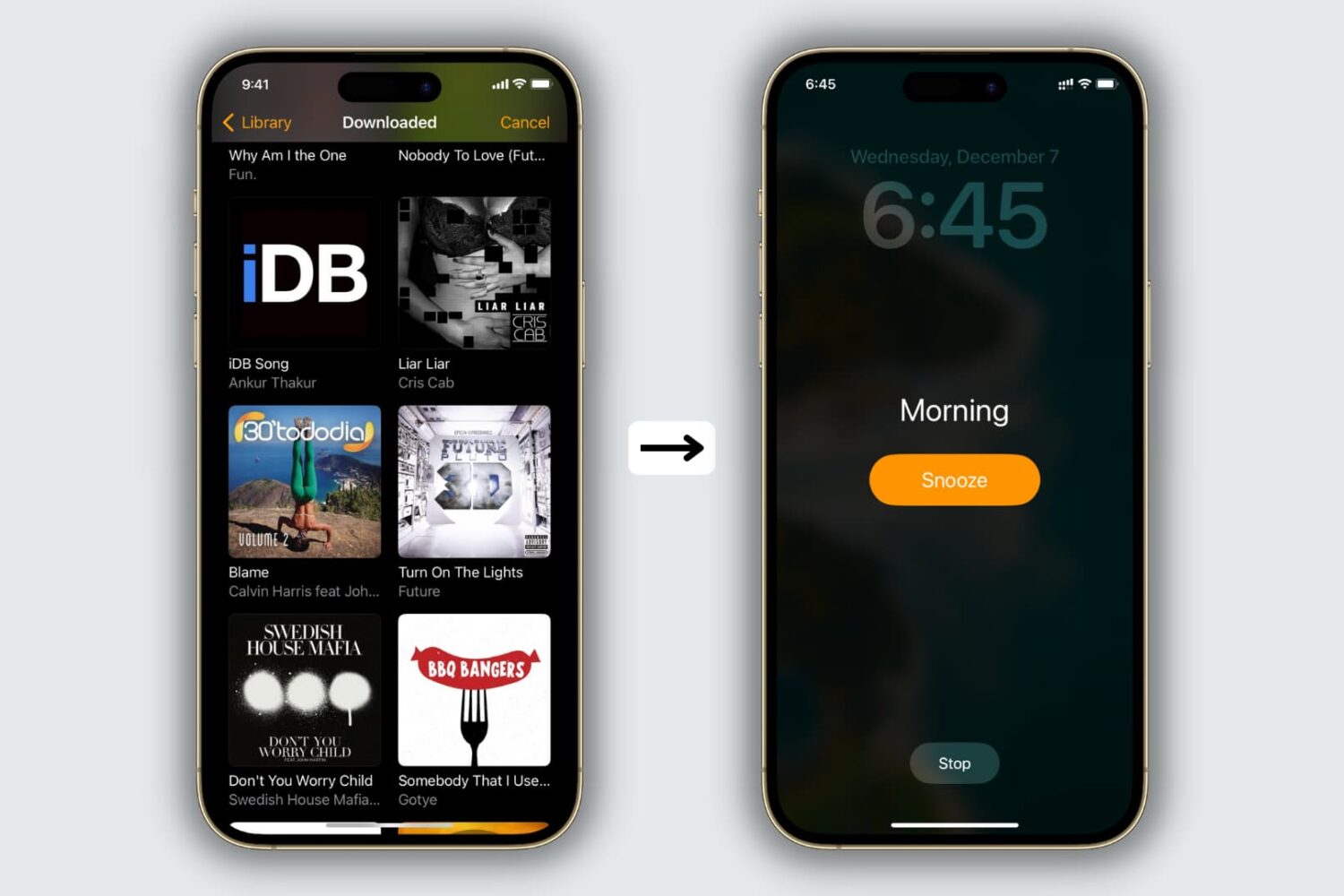
The Clock app offers several alarm tones to choose from, but if you’re tired of being woken up by default sounds like Radial, Night Owl, or By the Seaside, you’ll be happy to learn that you can use your own music as the alarm sound.
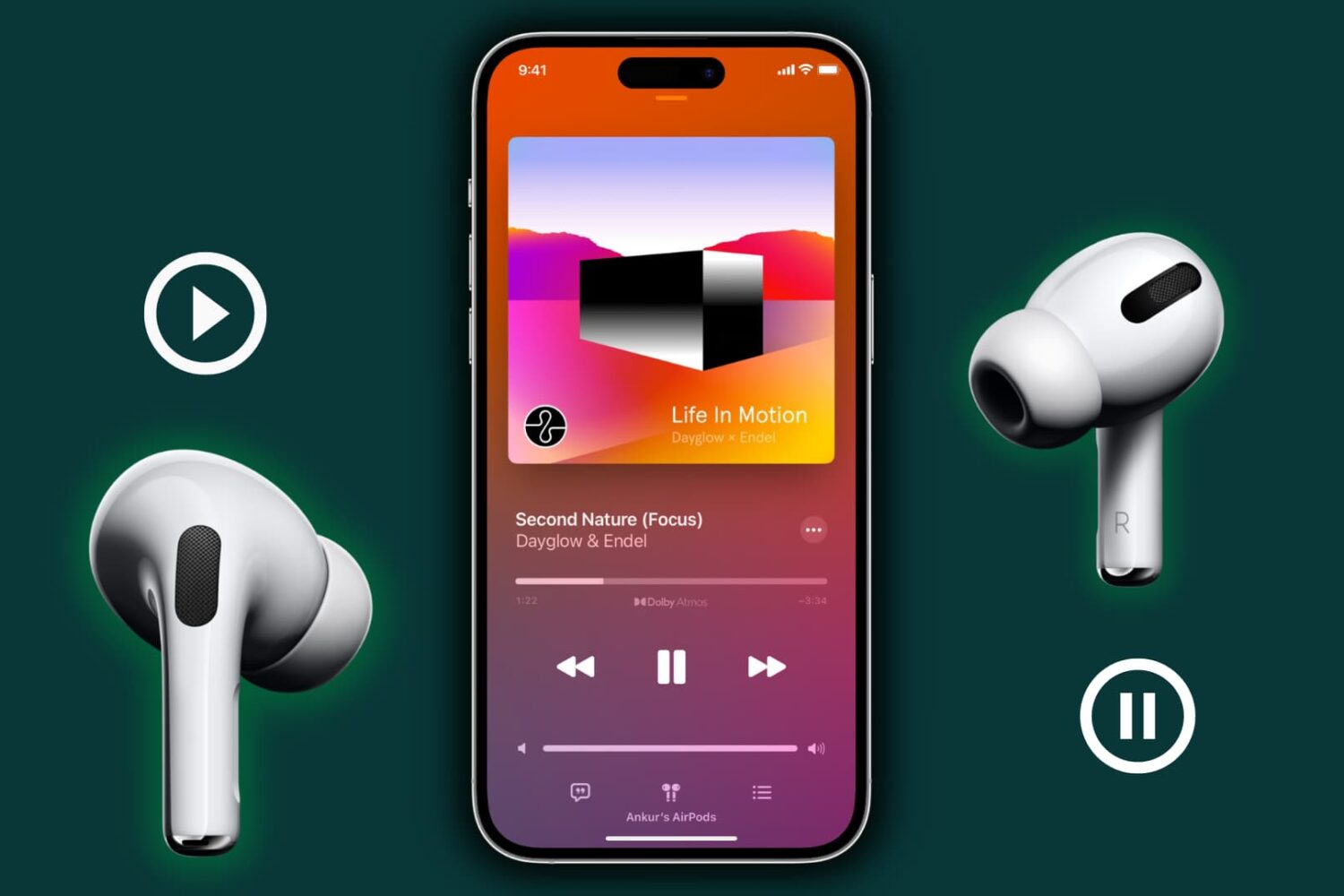
Find out why music pauses when you remove one AirPod from your ear, and learn how to stop this from happening.
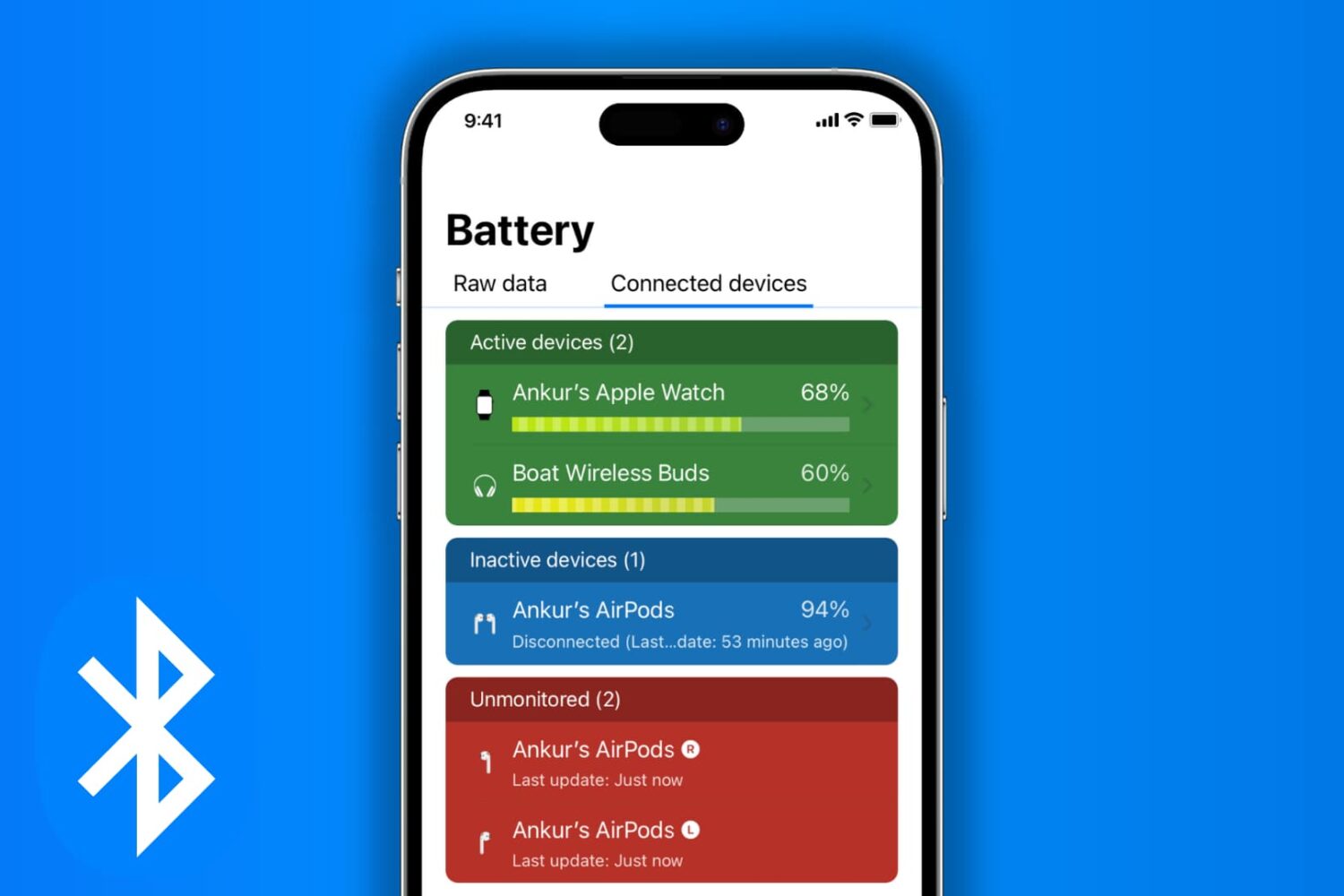
Check out all the ways to view the current battery percentage of Bluetooth accessories connected to your iPhone or iPad.
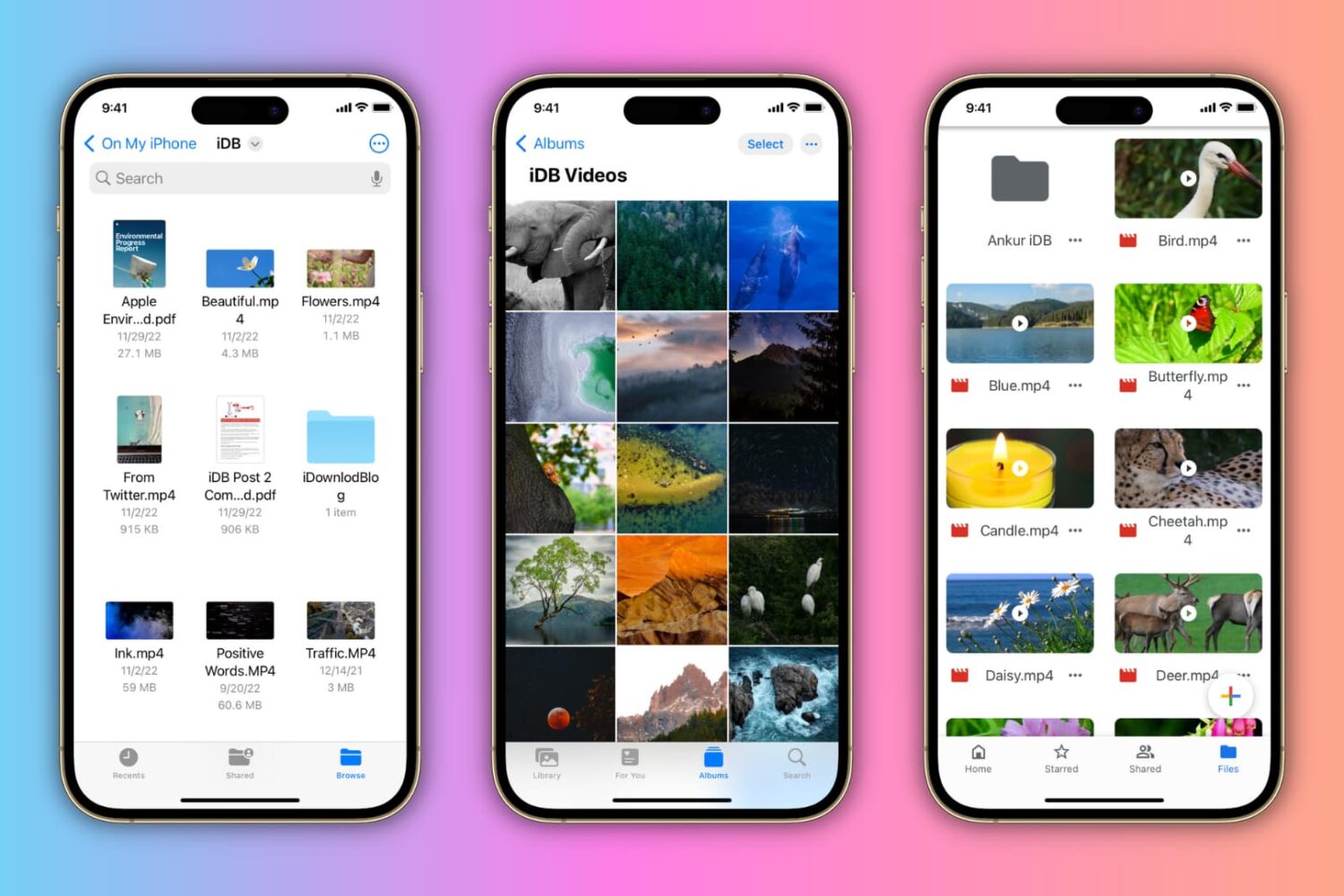
In this tutorial, we'll show you how to rename PDFs, Word documents, photos, videos, and other files on your iPhone or iPad.

If after trying the palera1n jailbreak you’ve decided that it isn’t right for you, then you might be wondering what you can do to remove it from your device.
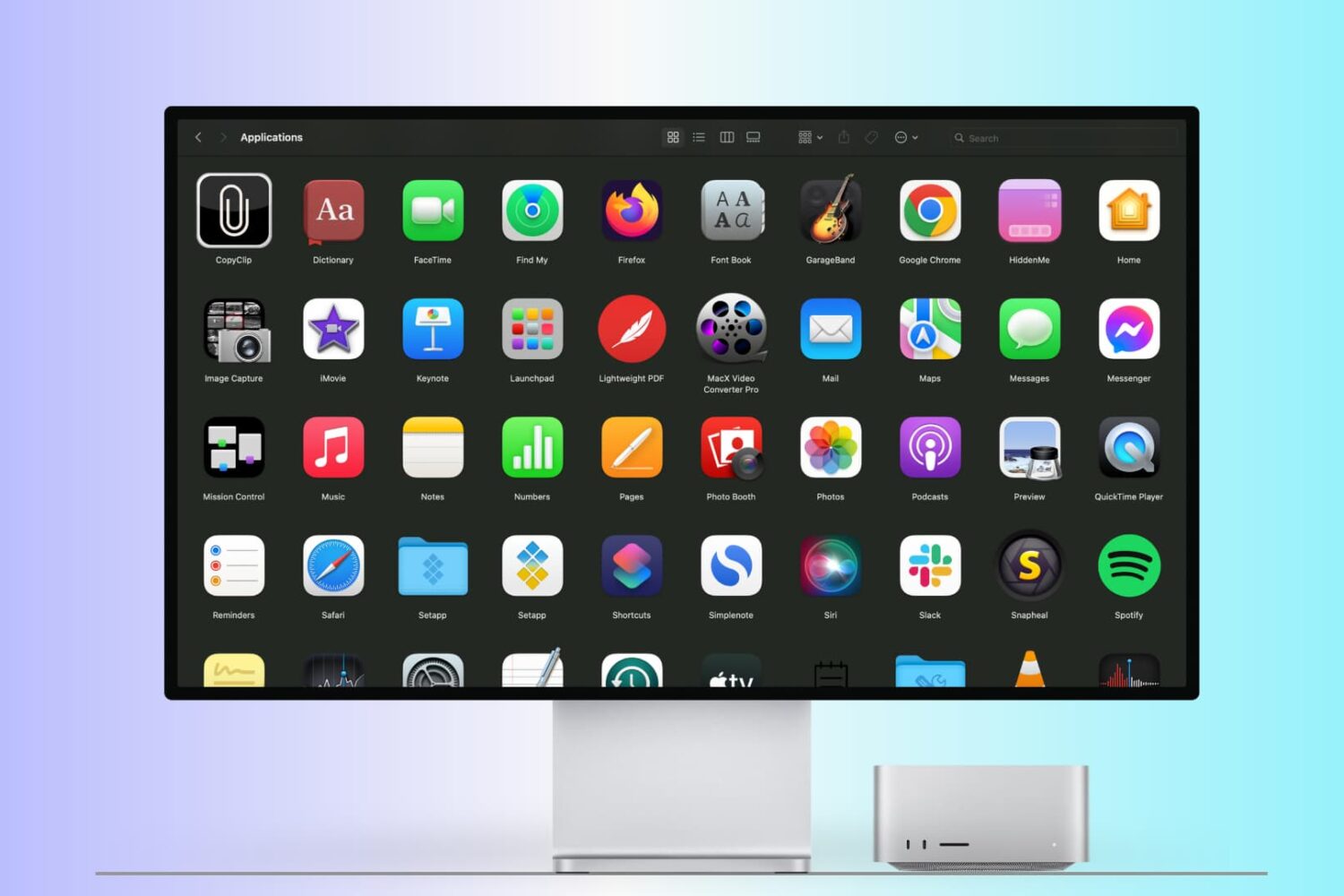
There are many ways to open an app on your Mac, and in this tutorial, we’ll cover 14 easy methods, including some you probably don’t know.
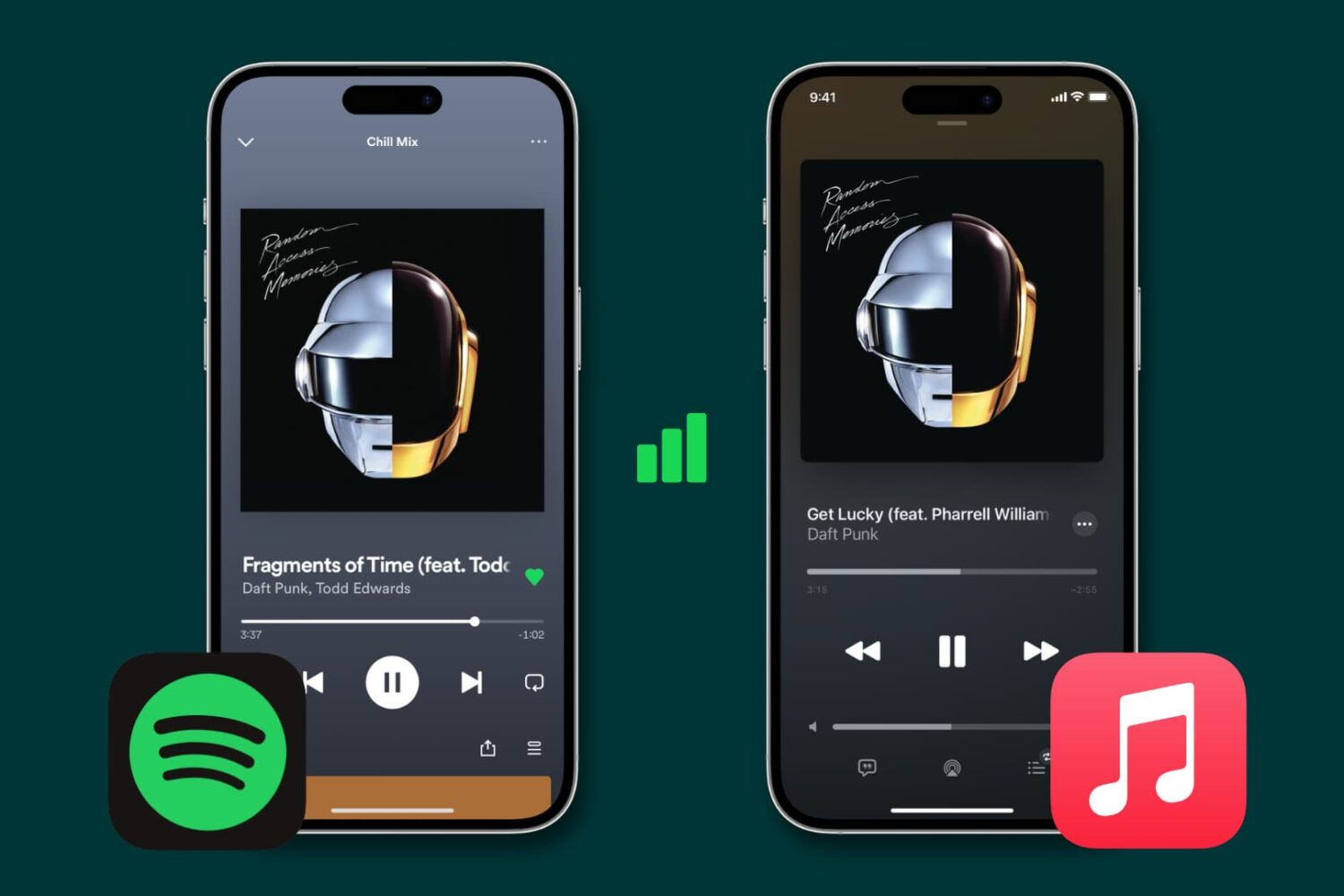
Learn how to stop Spotify, Apple Music, and other similar data-hungry apps from gobbling up cellular data on your iPhone and instead restrict them to Wi-Fi connectivity.
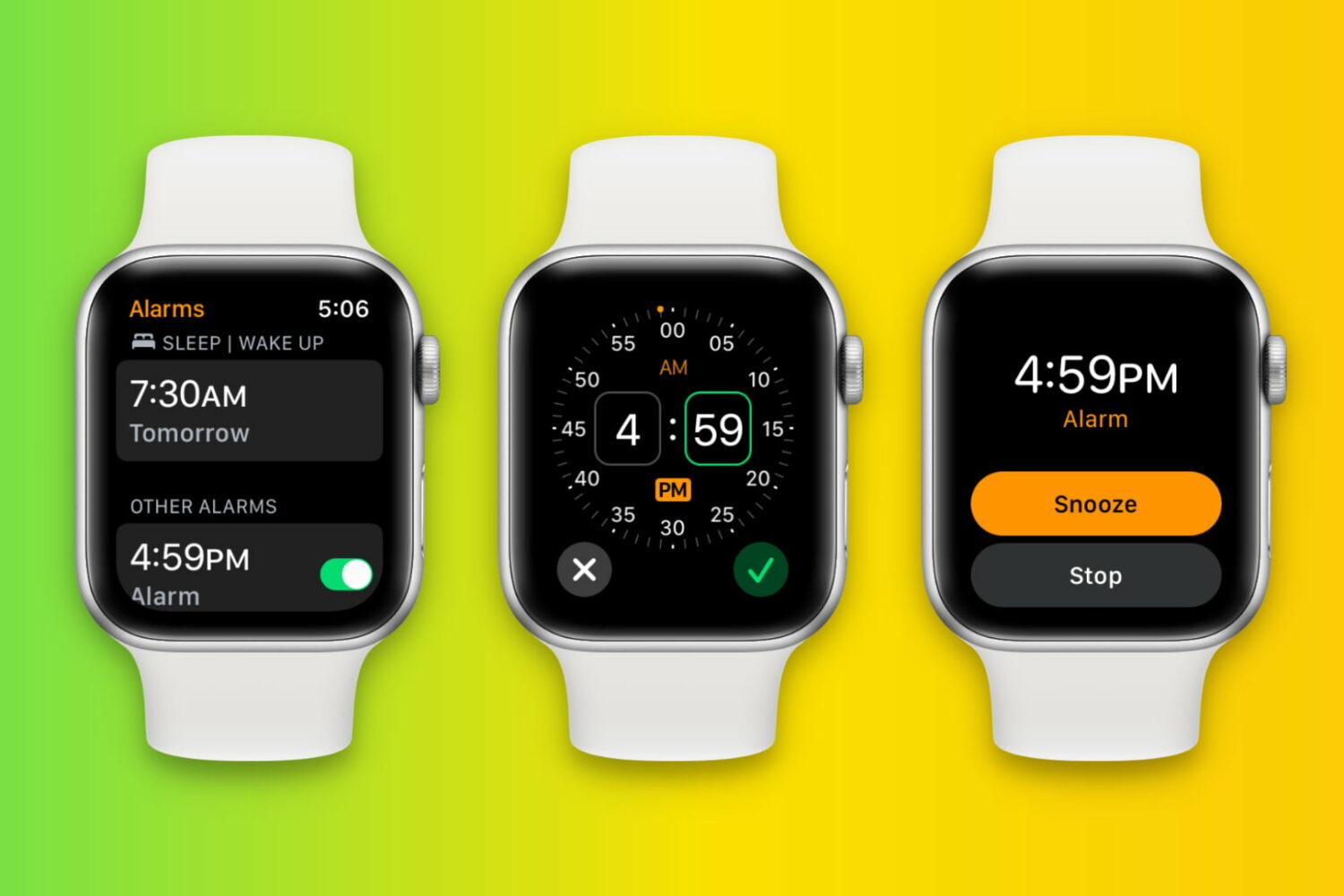
Learn how to set up, edit, delete, and manage alarms on your Apple Watch in this full walkthrough guide.