Shortcuts

How to legally read articles behind paywalls for free in Safari on iPhone and iPad

Read paywall news articles for free without payment or subscription on iPhone

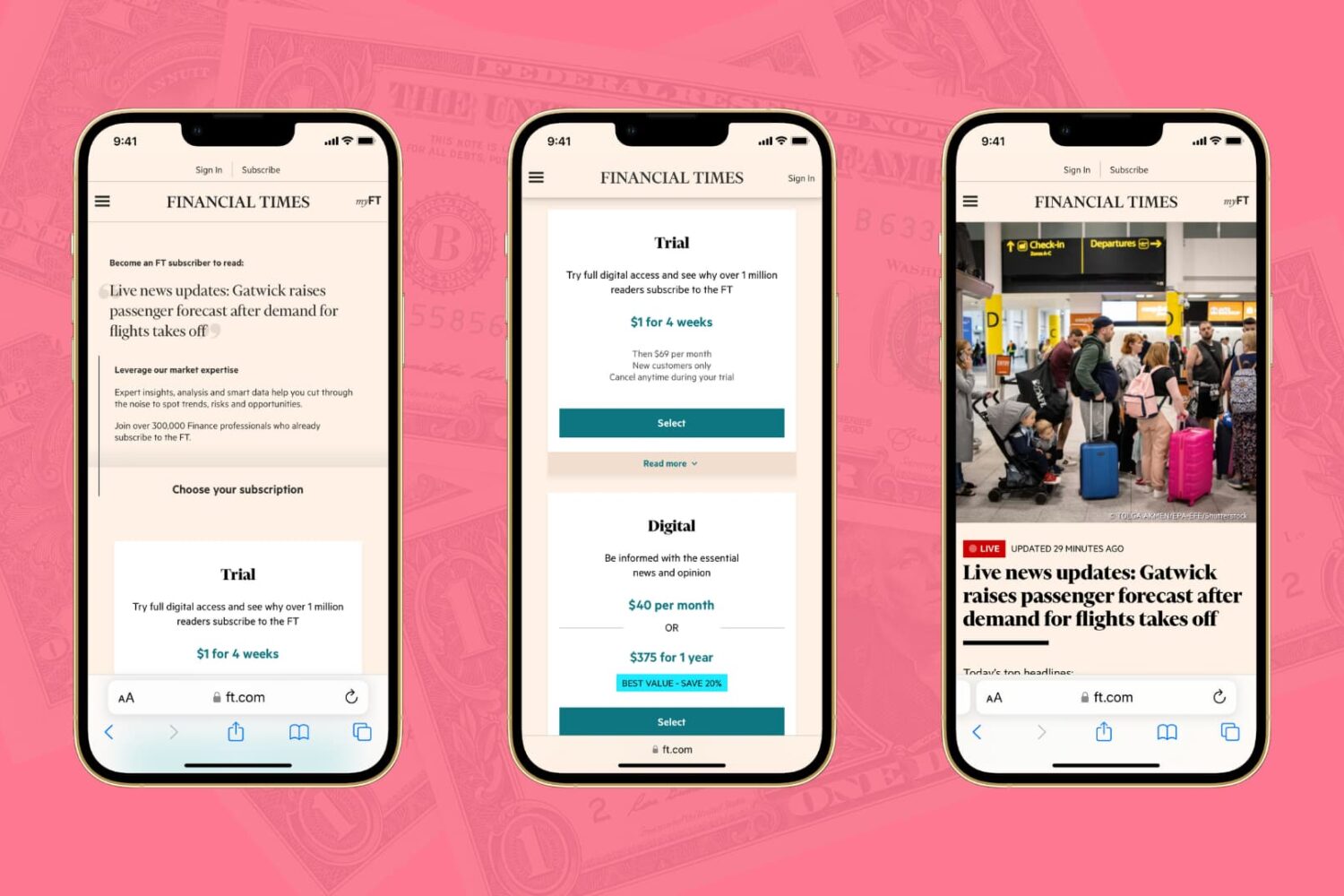
The Wall Street Journal, the New York Times, the Financial Times, Bloomberg, the Boston Globe, and similar big media publications may give you a few free articles monthly before you hit their paywall. Though nothing in this post is illegal, iDB encourages paying for news and publications that matter to you. That said, digital media subscriptions are not everyone's cup of tea due to their usually high price, lack of payment methods, and several other reasons.

Here are three working methods for iPhone and iPad users to freely read articles that are behind a paywall or subscription.

Shortcuts Focus: getting Dark Mode on virtually any website

Darkened interfaces look good in apps, not so much on websites. The problem is, web content remains a major source of visual inconsistency as far as the popular Dark Mode feature is concerned. Thankfully, you can get a Dark Mode-alike environment on almost any website thanks to a handy Dark Mode V2 shortcut for your iPhone and iPad.

Shortcuts Focus: creating a folder for your shortcuts

With iOS 12's Shortcuts app, power users can easily automate repetitive tasks by chaining multiple actions together. Your shortcuts are managed and organized in the Shortcuts app, but displaying them to the user as a list via another shortcut is quite challenging. This is where Easy Folder comes into play. This awesome shortcut, create by Reddit user “e10withadot,”  acts as a virtual folder to which you can add any number of shortcuts, then easily pick one to execute via a popup menu at run time.