Security

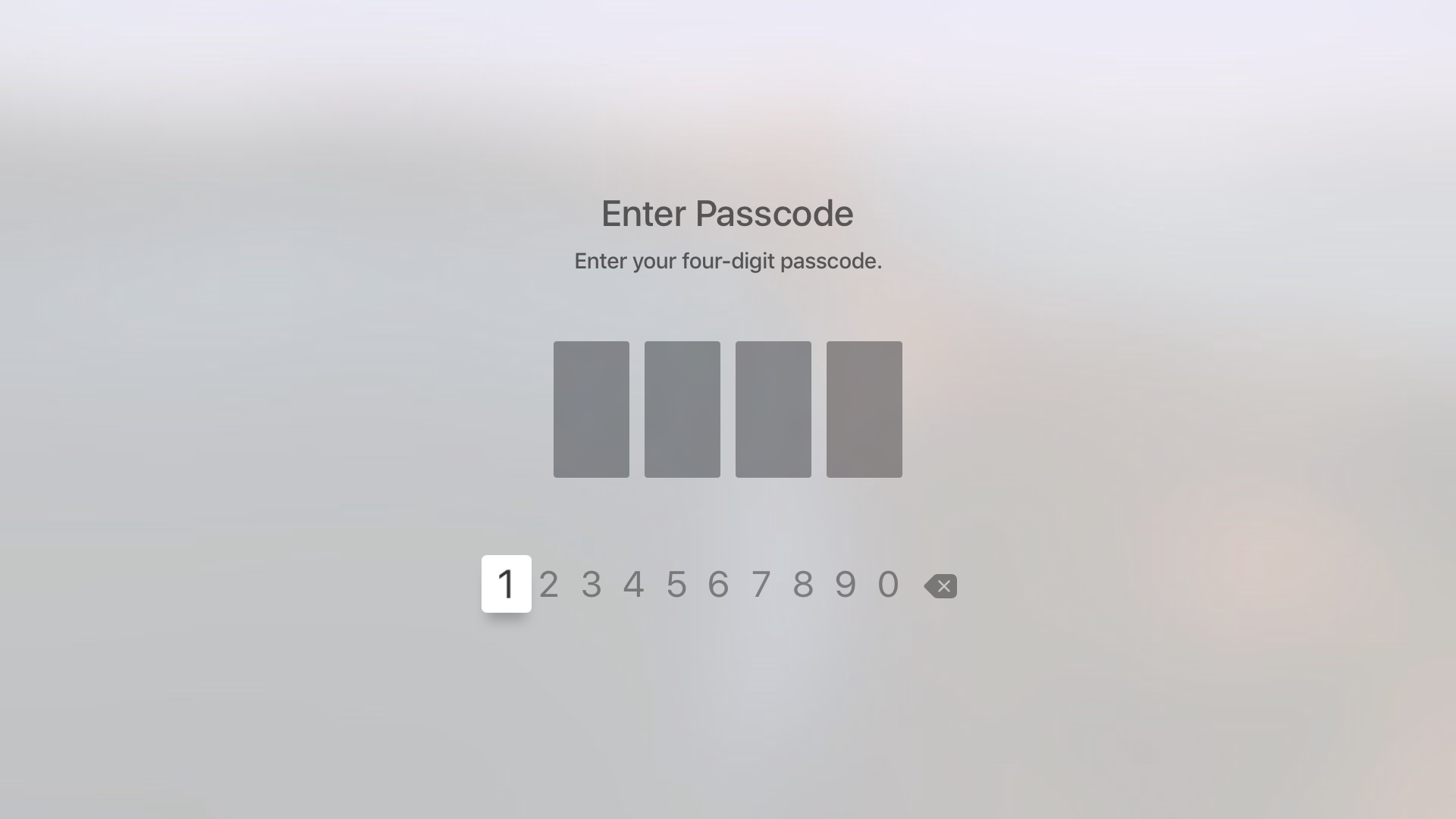
How to use a 4-digit passcode for purchases on Apple TV

Yesterday, on Let's Talk iOS, we discussed how arduous and tedious it is to enter a password on the Apple TV interface. It's a difficult process, because the Apple TV lacks support for Bluetooth keyboards, and features an A-Z text entry setup that makes the process even more difficult that it was on last generation's Apple TV.

Fortunately, the Apple TV features an option that allows you to never require a password for iTunes & App Store purchases. While using such an option works, it leaves your device open to unauthorized purchases. The good news is that, as we discussed on the podcast, you can easily set up restrictions for App Store and iTunes purchases, which will make it so that purchases only require the entry of a 4-digit passcode.

The million dollar jailbreak you can’t have

Vulnerability and exploit acquisition platform Zerodium announced today that the million dollar bounty it had put together has expired, noting that a team of researchers has won the prize. Launched in September of this year, the bounty program aimed at rewarding anyone one who would come forward with an "exclusive, browser-based, and untethered jailbreak for the latest Apple iOS 9 operating system and devices."

It looks like they have their winners, as a team who made a remote browser-based iOS 9.1 and iOS 9.2 beta untethered jailbreak has apparently come forward. But don't get your hopes too high.

Apple opens cryptographic libraries used to protect iOS and OS X to app makers

Apple yesterday announced it's opened up its cryptographic libraries, the same ones used to protect iOS and OS X, to third-party developers. As reported by VentureBeat, the move is significant in that developers can now implement advanced security features into their apps, for free.

In addition to open-sourcing the cryptographic libraries, Apple back in the summer promised to open source its Swift programming language by the end of the year.

Mobile Terminal now works on jailbroken iOS 9 devices

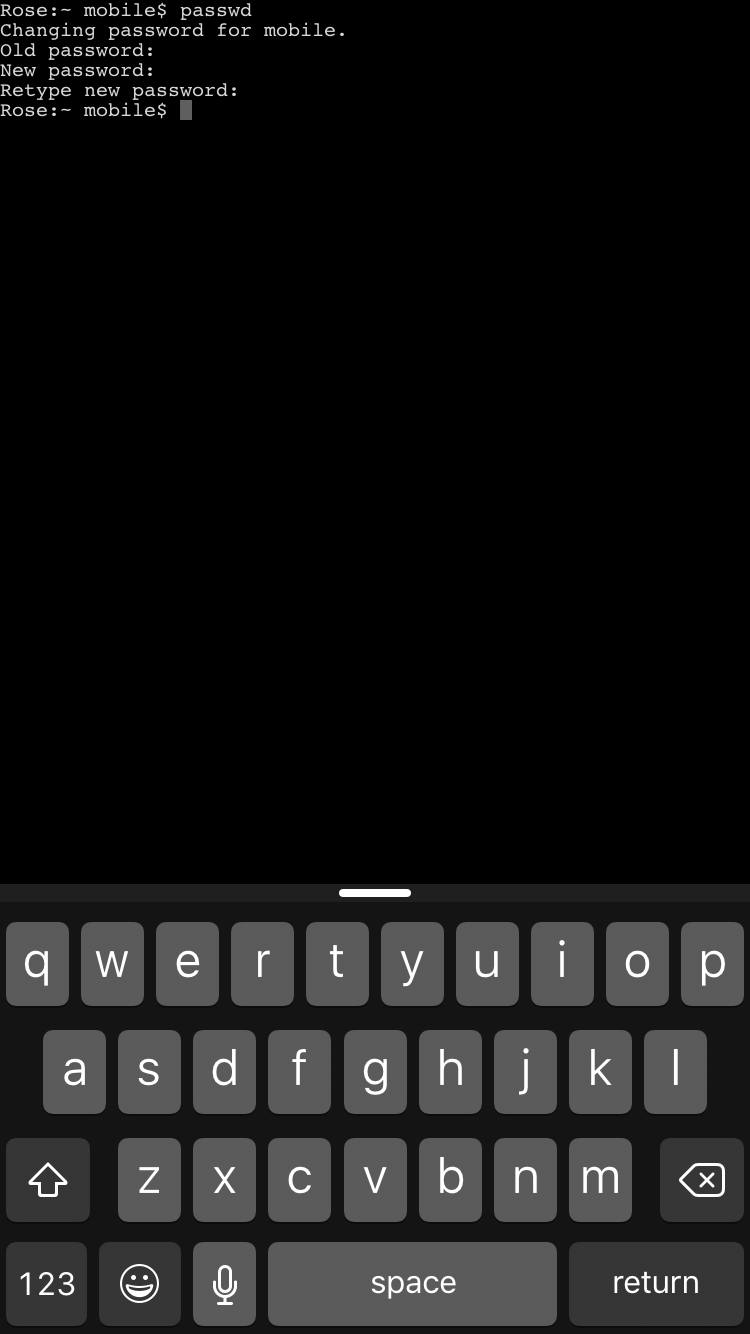
Good news for all of you Mobile Terminal fans, or for anyone interested in easily changing their jailbroken iOS device's root password. Saurik just pushed an update for PAM Modules on Cydia, which was a prerequisite for terminal access.

All you need to do is go out to Cydia and update to PAM Modules 36.1. Cydia should automatically prompt you for the update, since this package is installed by default. Once you update, you can download Mobile Terminal, or any terminal emulator on Cydia that you prefer.

How to add and remove trusted devices for Apple ID two-factor authentication

Trusted device for Apple ID two-factor authentication

A trusted device is an iPhone, iPad, or Mac, where you have previously signed in using your Apple ID. Trusted devices are used to verify your identity when signing in and keep your Apple ID secure with two-factor authentication.

In this tutorial, we will go over trusted devices for Apple ID two-factor authentication, their requirements, and some other pieces of valuable information that you should know.

Apple opposes proposed Cybersecurity Information Sharing Act

Apple on Tuesday provided a statement to The Washington Post, voicing its opposition to the proposed CISA bill. The legislation, which spelled out reads the Cybersecurity Information Sharing Act, is expected to be voted on by the Senate within the next few days.

"We don't support the current CISA proposal," Apple told The Post, reiterating its position on the privacy and trust of iOS and Mac users. "The trust of our customers means everything to us and we don't believe security should come at the expense of their privacy."

1Password for Mac gains large type option, changing secondary vault password and more

AgielBits' popular password-management utility, 1Password, was refreshed in the Mac App Store today with several notable enhancements. For starters, the app has brought out a new large type option to make those passwords easier to read on huge monitors and Macs with high-resolution Retina screens.

People who happen to manage multiple vaults in 1Password should jump with joy as they can at last change passwords for secondary vaults, too.

The top layout view has seen some changes as well with rich item icons and customizable columns. Last but not least, 1Password 5.4 for Mac includes security updates to address the dreaded XARA vulnerabilities.

What to know about ‘YiSpecter,’ new malware targeting all iOS devices

Just as all the hoopla surrounding the XcodeGhost attack appears to have died down, security researchers over at Palo Alto Networks have identified a new type of harmful malware.

Dubbed YiSpecter, it can install itself on both jailbroken and non-jailbroken iOS devices and is the first iOS malware that exploit Apple's private APIs to implement malicious functionalities.

Here's everything you need to know about this new type of attack, what Apple is saying about the malware and what you can do in order to protect your devices from becoming infected with YiSpecter.

iOS 9.0.2 fixed vulnerability that allowed Lock screen access to photos and contacts

iOS 9.0.2 has patched a potentially disturbing vulnerability which allowed malicious users who have access to your device to use Siri from the Lock screen in order to browse your photos and contacts.

According to Apple' official iOS 9.0.2 release notes, the software has fixed the issue which allowed access to photos and contacts on a locked device by “restricting options offered on a locked device.”

The vulnerability was left unpatched in iOS 9.0 and iOS 9.0.1 and affected the iPhone 4s and later, fifth-generation iPod touch and later and iPad 2 and later.

How to make your iPhone and iPad more secure with 6-digit passcodes

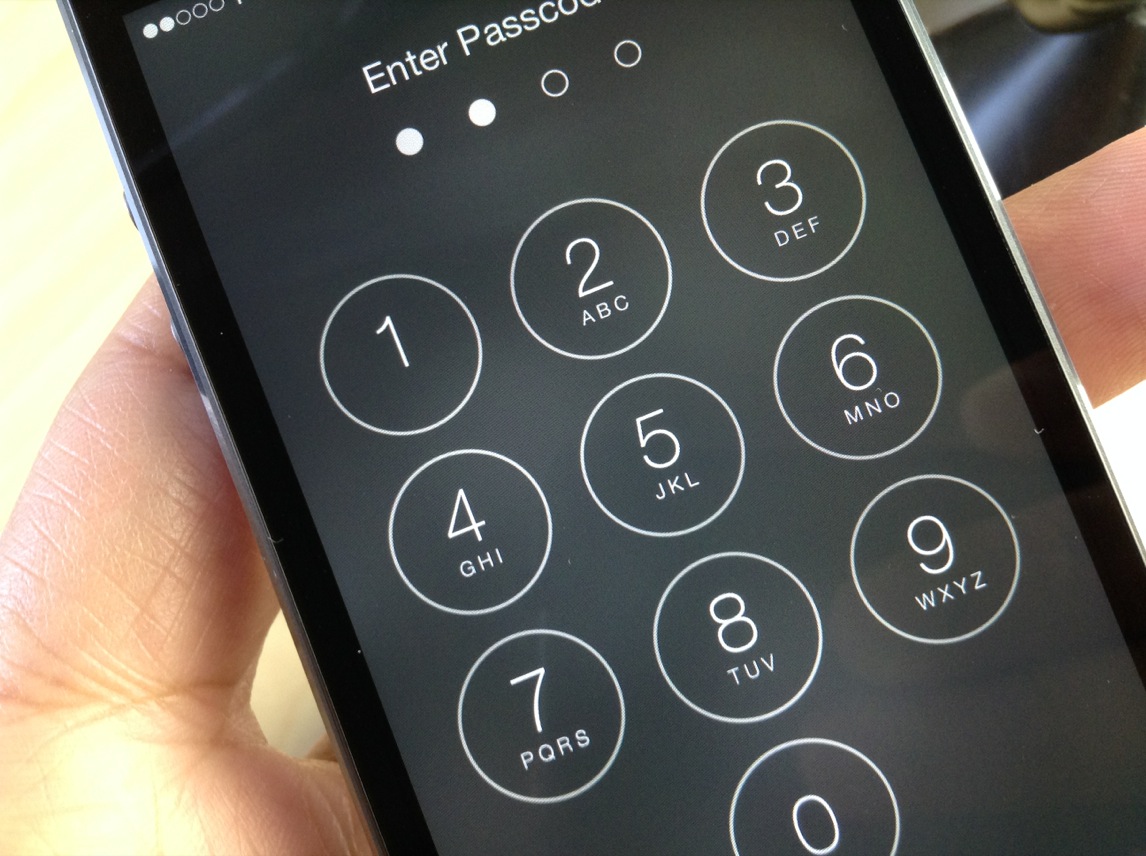
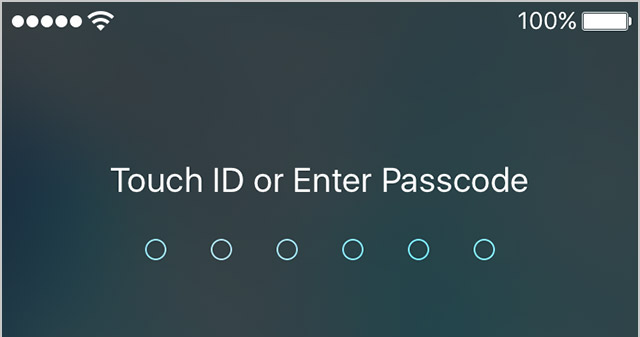
Starting with the release of iOS 9.0.1, Apple has increased your security by defaulting to 6-digit passcodes on Touch ID devices. “If you use Touch ID, it’s a change you’ll hardly notice,” says Apple.

Compared to 4-digit passcodes which have 10,000 possible combinations, their 6-digit counterparts strengthen your security with one million possible combinations, meaning 6-digit passcodes will be a lot tougher to crack.

Non-Touch ID iPhones and iPads still default to less secure 4-digit passcodes, however. You can enable a 6-digit passcode with a quick trip to Settings, here's how.

Review: Password Chef—enjoy untethered password entry with recipes

The App Store offers several high-quality apps that help you create strong passwords for various services, manage your passwords and synchronize them between devices with ease, AgileBits' freemium 1Password being perhaps the most popular one.

But there's now a brand new password manager on the block which takes a clever approach to securing all your online accounts with strong passwords but without having to actually remember them.

How about re-creating passwords from recipes?

Welcome to Naranja Studio's Password Chef, a novel $2.99 app for the iPhone, iPod touch and iPad which takes advantage of unique recipes to basically turn any site name into an easy-to-recall password, canceling the need for additional software or devices.