Learn how to manage file and folder permissions on Mac and allow read only, write only, editing access, as well as no access at all.
How to manage permissions for files and folders on Mac

Learn how to manage file and folder permissions on Mac and allow read only, write only, editing access, as well as no access at all.
Apple designs its hardware and software to be safe and secure. It's one of the benefits of using the company's products. But, like just about anything else, sometimes a good thing can be too good at what it does.
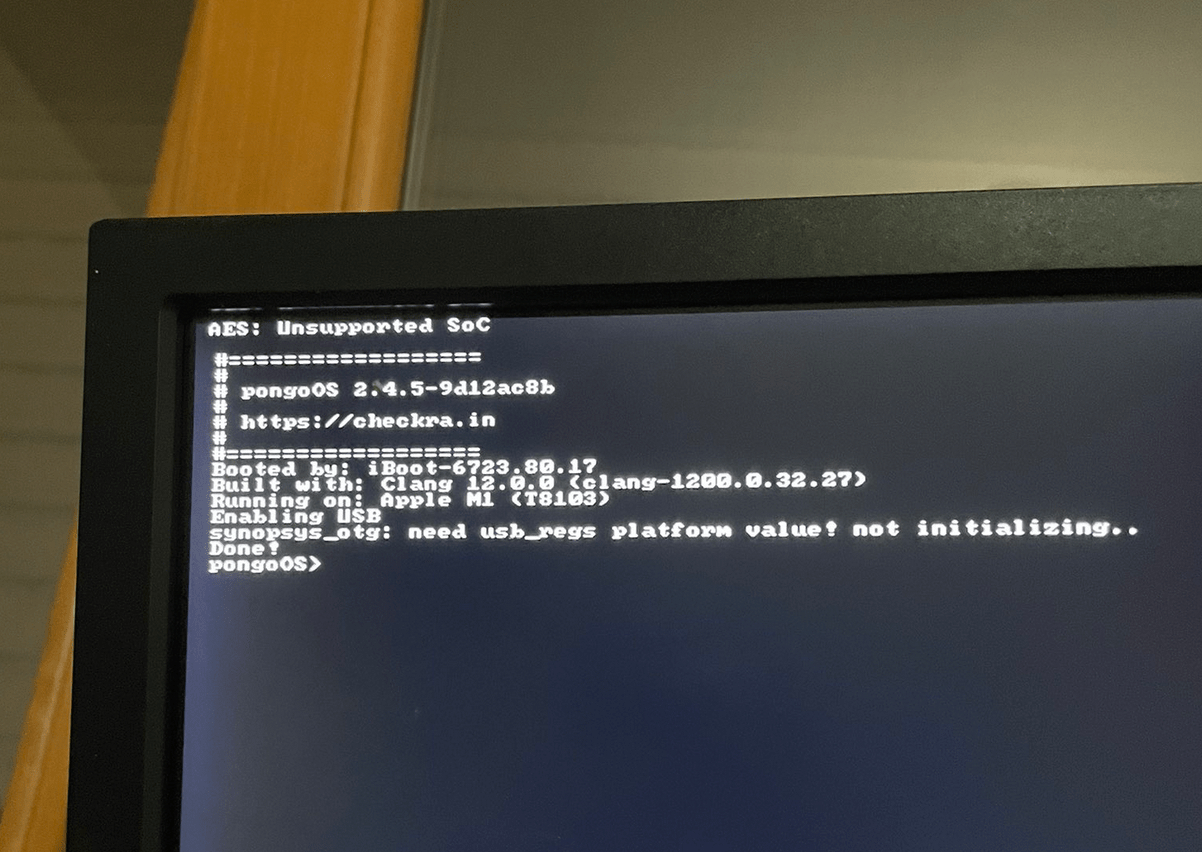
It’s not unheard of to see checkra1n team member Luca Todesco Tweeting about some sort of jaw-dropping hacking achievement. Todesco has shown time and time again that he wields magnificent hacking talents, and as of this evening, he appears to be at it again.
In a series of Tweets shared Saturday, Todesco teased multiple photographs of what appears to be pongoOS running on one of Apple’s brand-new M1 chip-equipped Macs.

Privacy and user security is a mainstay feature for Apple at this point, one of the major pillars of the company's customer-focused ideals. So it's no surprise that the company promotes those qualities from time to time.

As many iPhone owners already know, the iOS operating system provides users with a feature called Auto Lock that, when configured by the end user, can automatically lock the handset after a pre-defined amount of idle time. In other words, when your handset isn’t being actively used, it goes to sleep to save power and to secure your important data.
Auto Lock takes effect in most circumstances, however there are a few exemptions in which the feature gets overridden, such as during media (video) playback and while playing certain games. Some users like this because of its convenience, while others find it to be a concern both in terms of battery life and data security.

Facebook, one of the world's largest social networks, is not happy about an impending new addition to iOS 14. That incoming privacy feature has the company up-in-arms, and it continues to warn other companies of the perceived pitfalls.
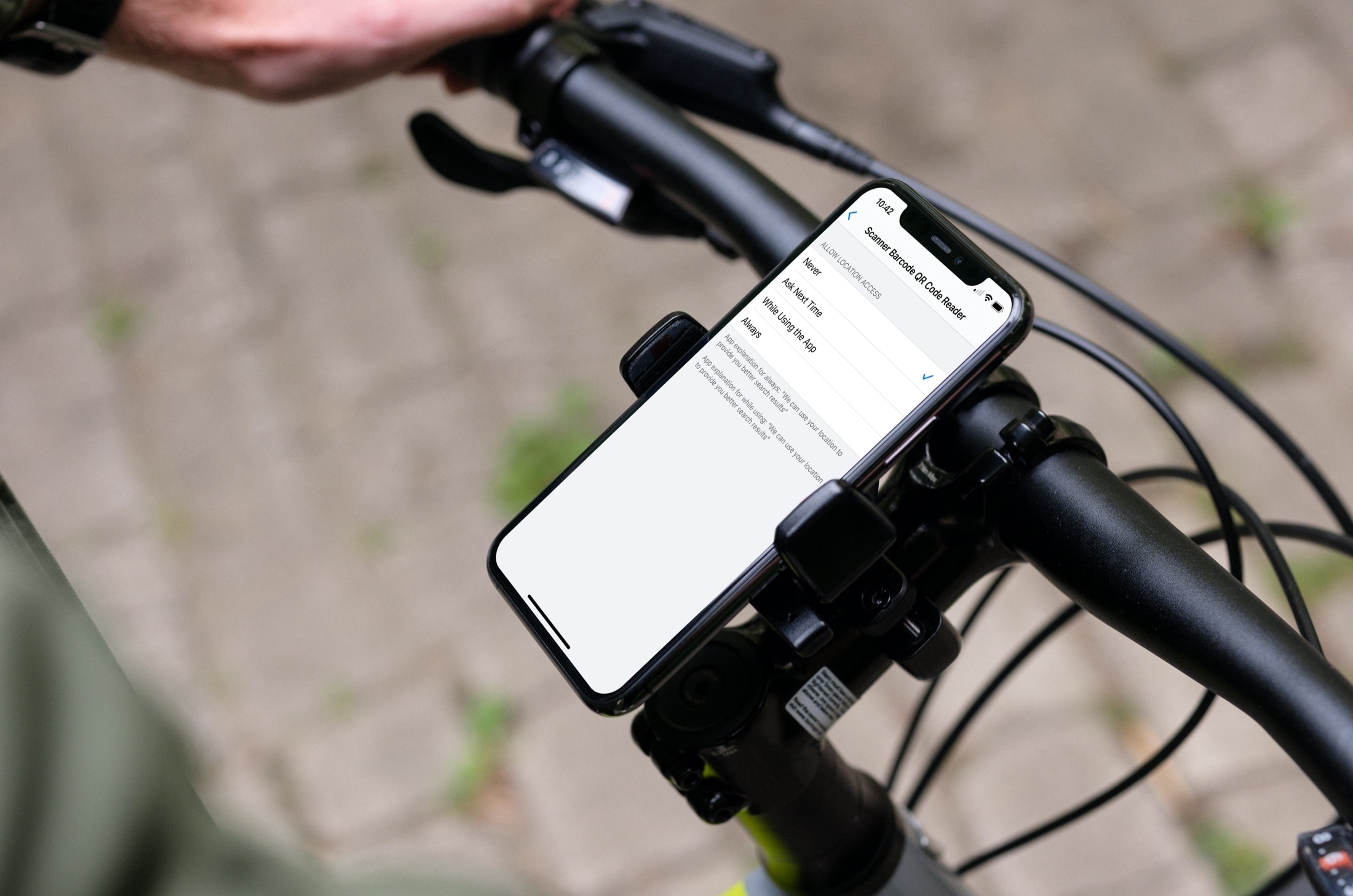
Learn how to stop sharing your location with apps and services, or selectively choose the ones with which you’d like to share by adjusting the Location Services settings on your iPhone or iPad.
Have you ever noticed something about your iPhone or iPad that made you wonder if someone else used it without your knowledge? If you suspect that another person has accessed your device or your account but aren’t sure how to confirm your suspicions, we’re here to help.
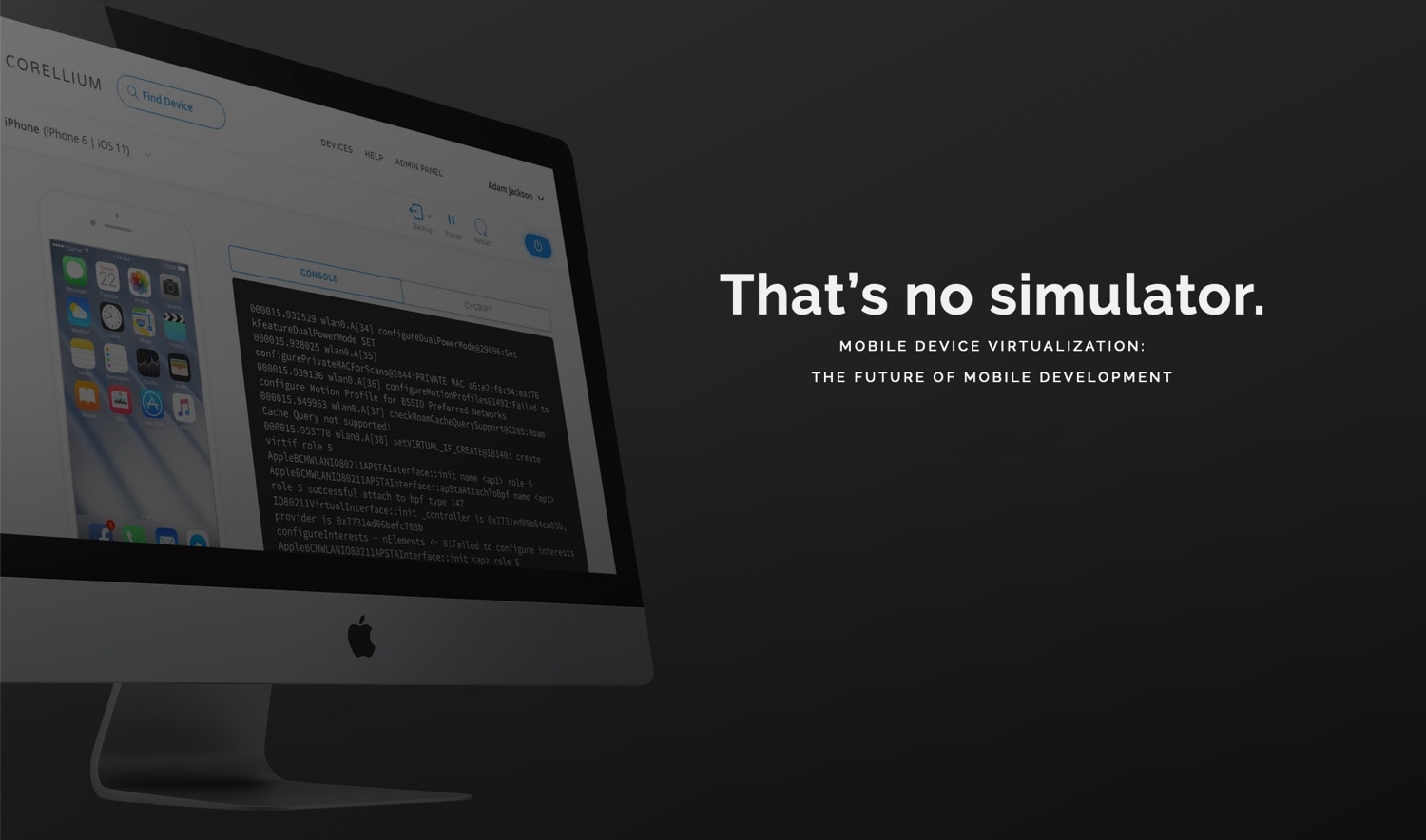
It has been over a year since Apple filed a copyright lawsuit against the device virtualization company Corellium. But now a verdict has been handed down, and it's decidedly against Apple.
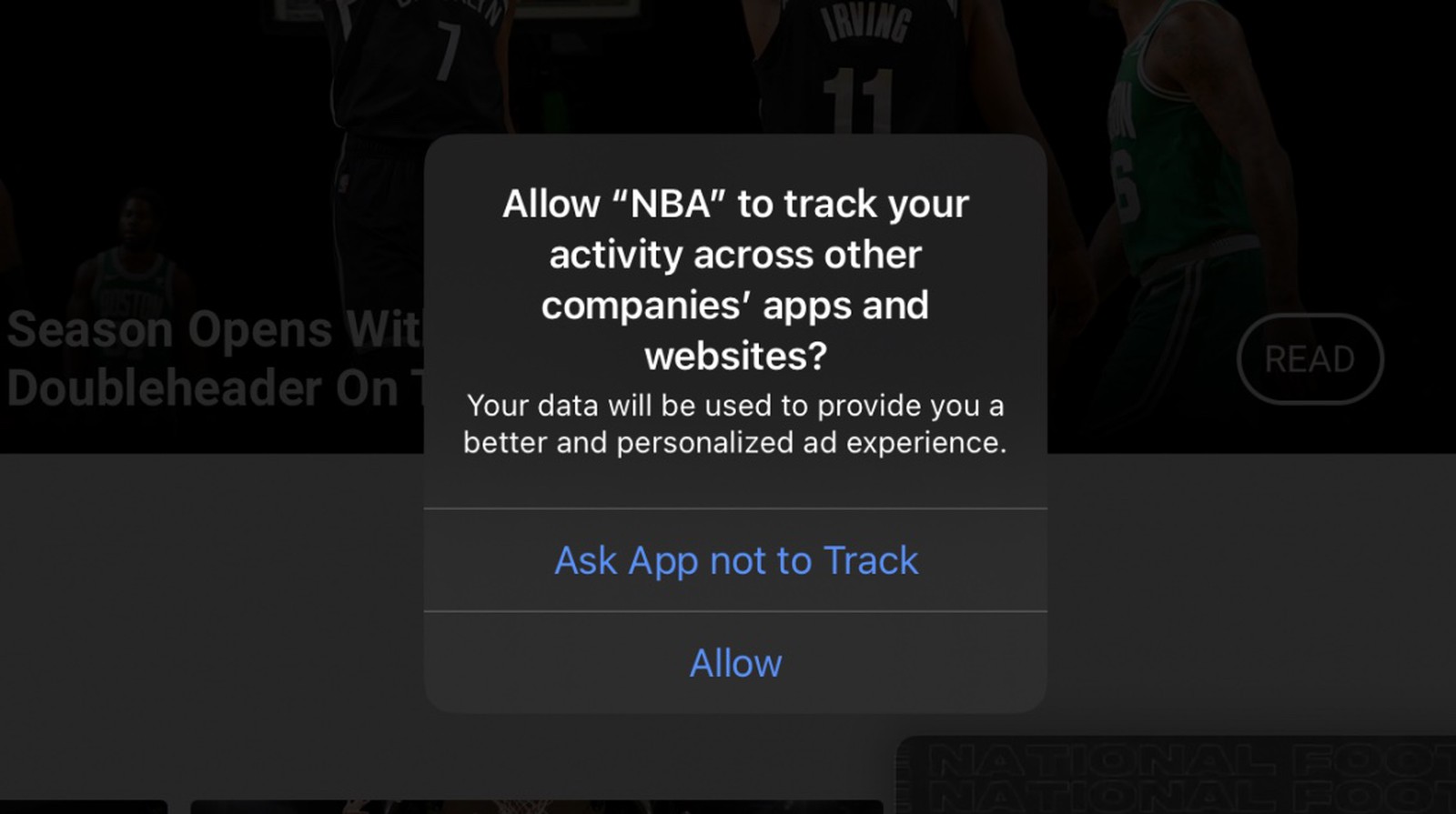
Apple's focus on privacy and user security continues to evolve, and sometimes that butts heads with other major companies out there. For instance, the companies who have built their business on gathering as much data as possible might not be happy with Apple's upcoming privacy-focused feature in iOS 14, which allows users to set limits on which apps can track them across other services and apps.
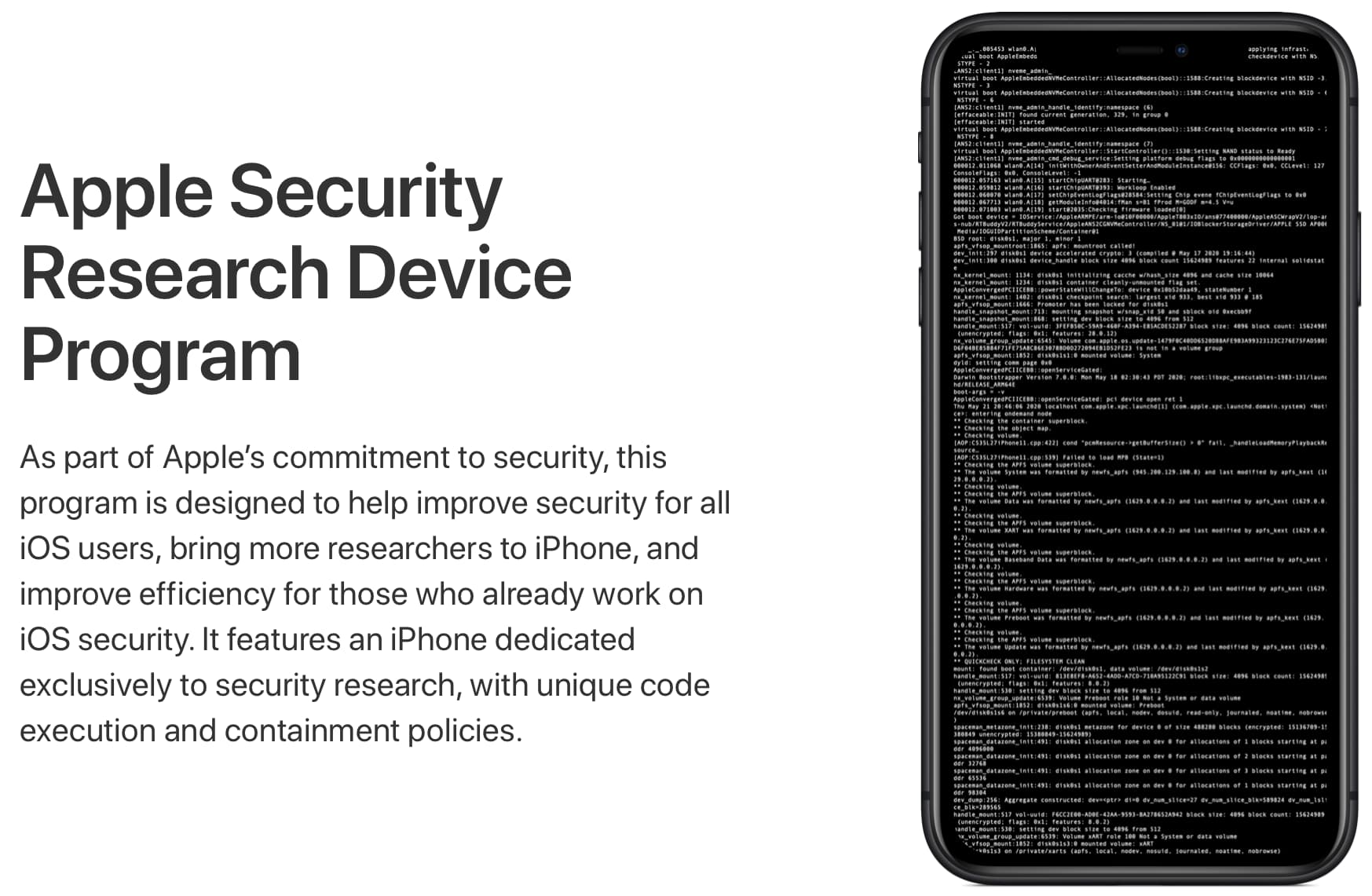
iOS security researchers who applied for Apple's Security Research Device Program, announced in June, are reporting that Apple has finally started shipping specially-configured iPhones.
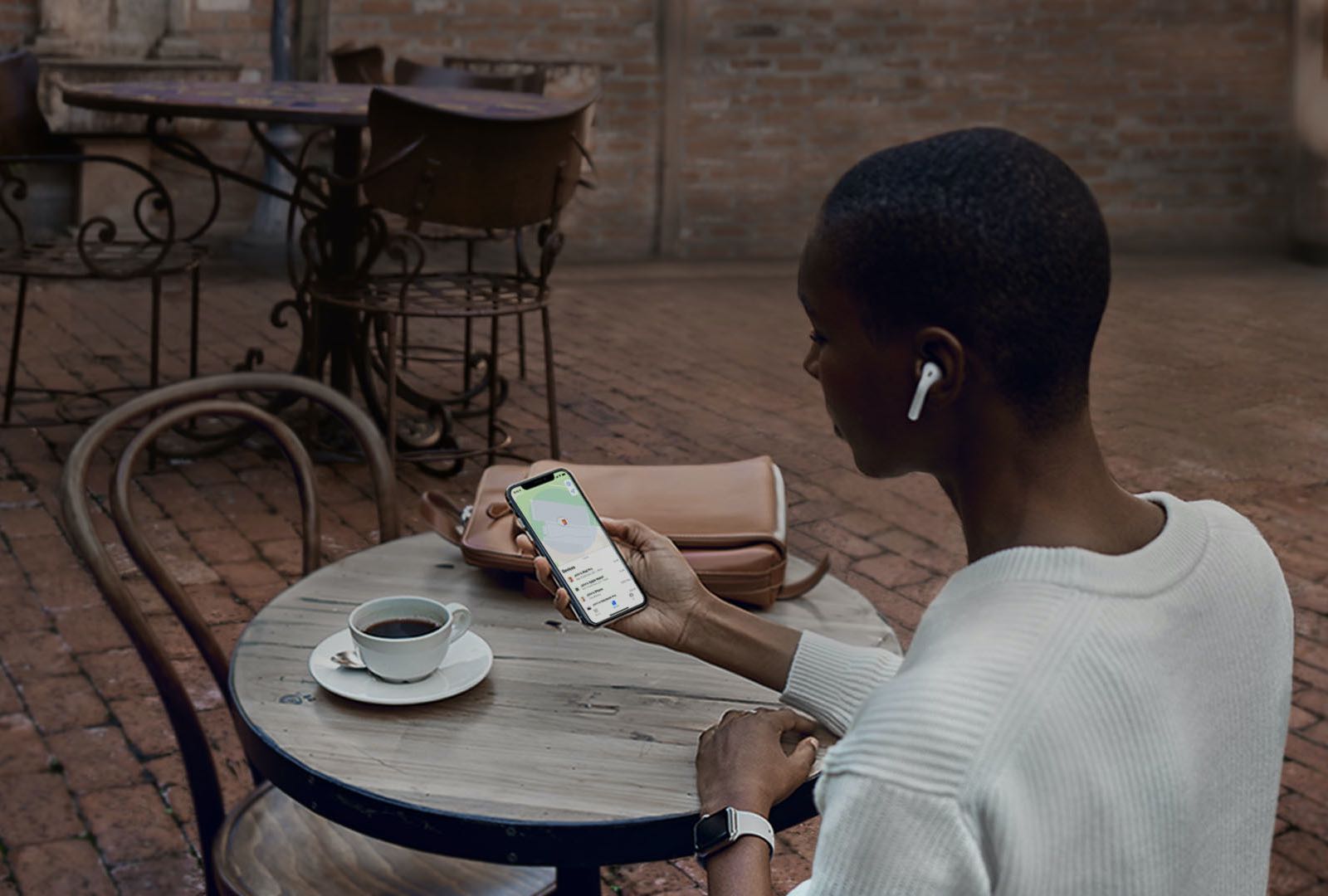
Privacy and user security is an important element for Apple, one of the major pillars of its business model. So it's not surprising that today the company has published a support document detailing what a user should do with their device(s) if their personal safety is at risk.