Safari

SafariSwiper: a new jailbreak tweak that lets you swipe between Safari tabs

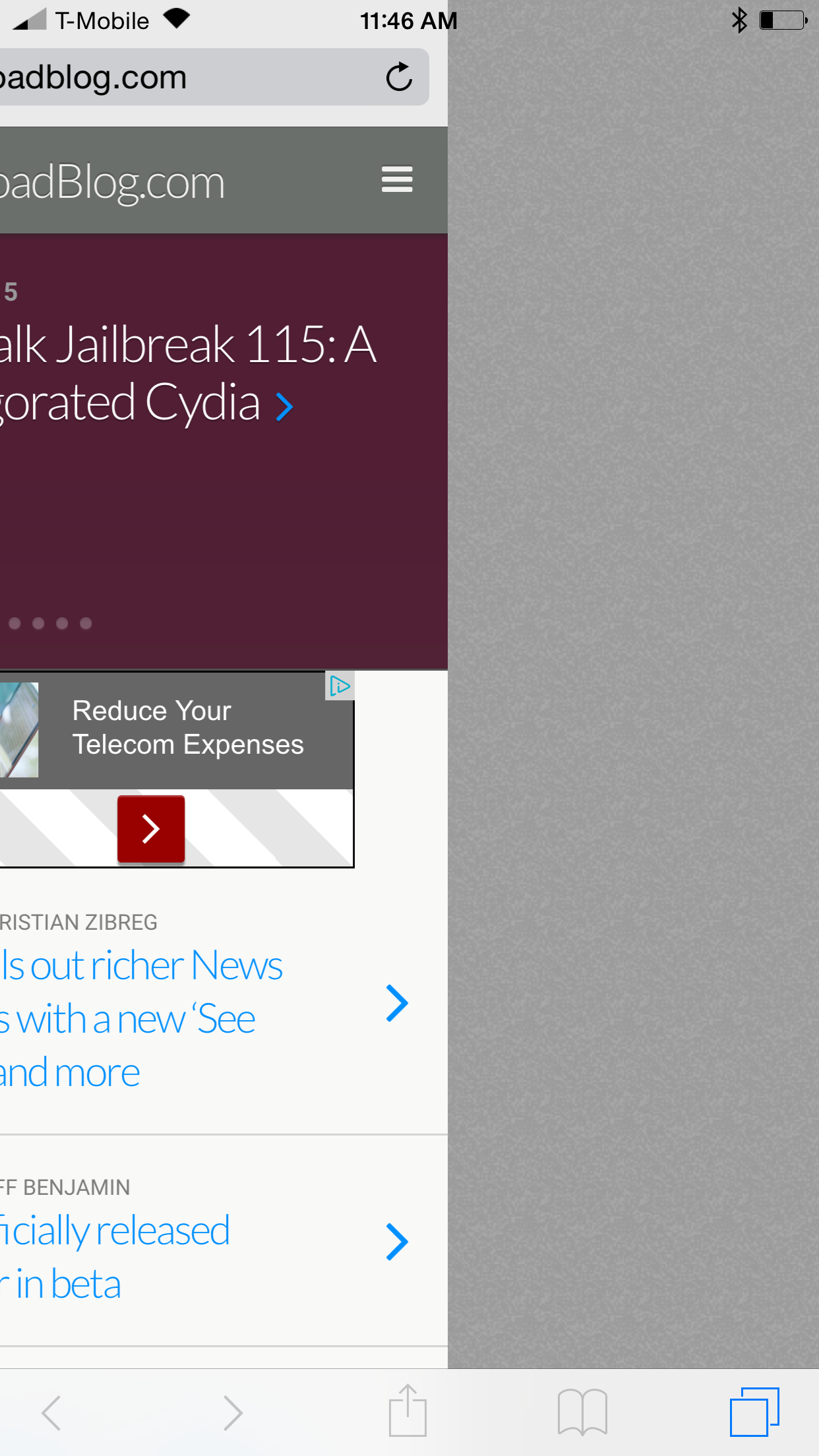
Wouldn't it be nice if you could swipe between Safari tabs like Google Chrome on iOS? SafariSwiper is a new tweak that brings such functionality to reality.

Installable from Cydia's BigBoss repo free of charge, SafariSwiper is a legitimate option for those of you who wish to have a way to navigate between tabs in a faster manner. Watch our brief demo Vine video to see what I mean.
Popular tweak SwipeSelection patched to work better within Safari

Whenever you see a top jailbreak tweak list, it pretty much goes without saying that Kyle Howells' SwipeSelection will be appearing on said list. SwipeSelection allows you to swipe on the keyboard to move the iOS cursor in a precise location. The tweak was so good that Apple basically took its functionality and baked it into iOS 9.

Praise aside, users and fans of SwipeSelection have always known that the tweak has one glaring flaw: its inability to play nice with text boxes in Safari. Try swiping in a search box with SwipeSelection installed, and you'll see what I mean.

One developer (@pw5a29) has apparently had enough, and has modified the open source project and created his own Safari-compatible version of SwipeSelection. Does it work?

How to mute tabs in Safari on your Mac

Like pinned tabs, tab muting isn't a new idea, as it's been implemented in other web browsers in the past. But starting with OS X 10.11, Apple has brought native tab muting to the Safari browser.

The ability to mute tabs at will brings more control to the user. It's especially beneficial when encountering those annoying auto-playing advertisements.

In this video walkthrough, I'll show you how to use Safari tab muting, and explain its ins and outs.

Apple releases Safari 8.0.6 with security fixes

Apple this afternoon released Safari updates for Yosemite (8.0.6), Mavericks (7.1.6), and Mountain Lion (6.2.6). The new versions include fixes for multiple memory corruption issues in WebKit, which Apple says could lead to arbitrary code execution or unexpected application termination when visiting a maliciously-crafted website.

Court rules UK users can sue Google over Safari privacy breach

Things could get ugly for Google as the Internet giant lost a UK appeal in the Safari cookie tracking case, potentially opening the door to litigation from the millions of British users, BBC News reported Friday.

The case revolves around Google's practice to continue tracking users of Apple's Safari browser via cookies even after they had changed their browser settings to block cookies, in order to target them with advertising.

TypeTab brings faster address entry to new Safari tabs

When you open a new tab in Safari, the default behavior is to showcase your favorites. You can then tap a favorite, or you can tap the address bar to manually insert a web address. TypeTab makes it so that the cursor is automatically inserted into the address bar and that the keyboard is exposed. Therefore, it's quicker to begin typing a web address when opening a new tab.

Apple fixes long-standing keyboard issue in iOS 8.3 beta

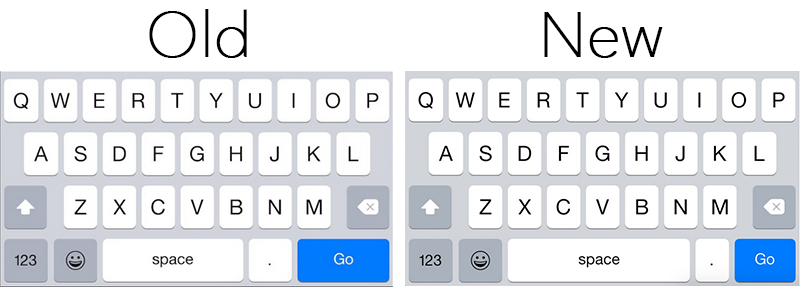
It appears Apple plans to fix a long-standing keyboard issue which caused users to inadvertently tap the period key when aiming for the space bar in Safari. As noted by MacRumors, beta versions of iOS 8.3 feature a design change that should resolve the problem.

In 8.3, Apple has made the space bar longer on the keyboard that pops up when inputting text in Safari's omnibar, and the 'Go' button shorter. This should make it less likely for users to encounter accidental period key presses when typing out their web searches.

How to make Safari for Mac’s status bar more minimal and useful

I like my browsers minimal. Safari for Mac admittedly boasts an aesthetically pleasing, clutter-free interface. But if there's one thing I've always hated about Apple's browsers, it's that status bar at the bottom of the Safari window.

Though it conveniently lets you know where a URL will take you, once turned on it annoyingly just sits there whether you actually need it or not. I prefer Google's approach better: Chrome's status bar discreetly shows only when hovering over a URL.

Wouldn't it be great if Safari had a similar only-on-hover status bar? That's what Minimal Status Bar, a new browser extension by San Francisco-based developer Visnu Pitiyanuvath, does for you.

Glimpse lets you check your favorite webpages from Notification Center

Glimpse is a new app that lets you pin one or more favorite webpages to the Today tab of Notification Center, allowing to have a quick glance at your most visited websites, without having to launch Safari. The Notification Center extension is particularly handy to check news-focused websites where information is often time sensitive, and where a quick look is usually enough to get an idea of what is going on, without necessarily unlocking the device and opening up the full web browser.