Learn how to react to a text with emoji, Memoji, Genmoji, stickers, or Tapback in the Apple Messages app on your iPhone, iPad, or Mac.
How to react to messages with emoji or sticker

Learn how to react to a text with emoji, Memoji, Genmoji, stickers, or Tapback in the Apple Messages app on your iPhone, iPad, or Mac.
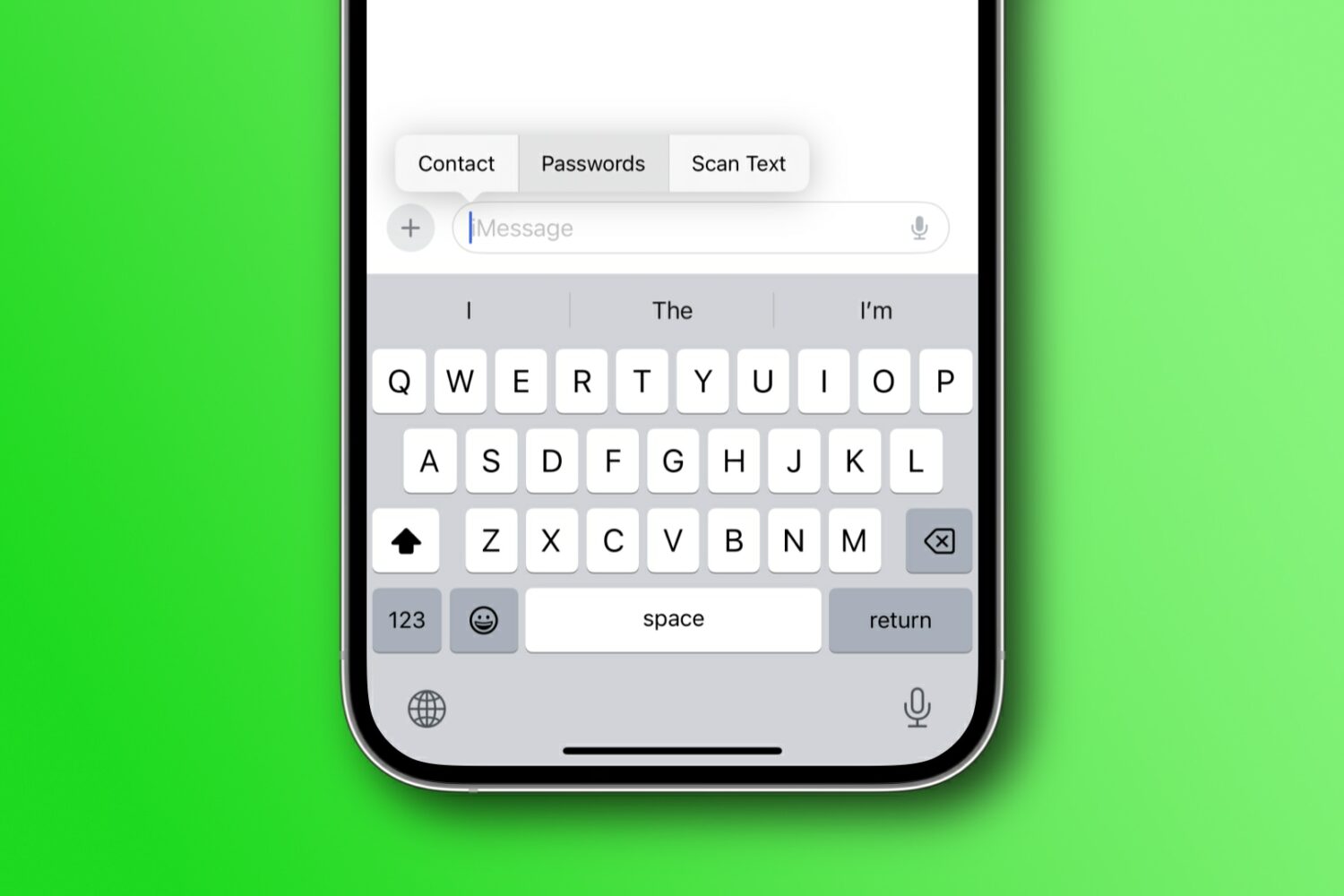
Learn how to autofill saved login passwords or contact details in your texts on an iPhone, iPad, and Mac without ever leaving the Messages app.
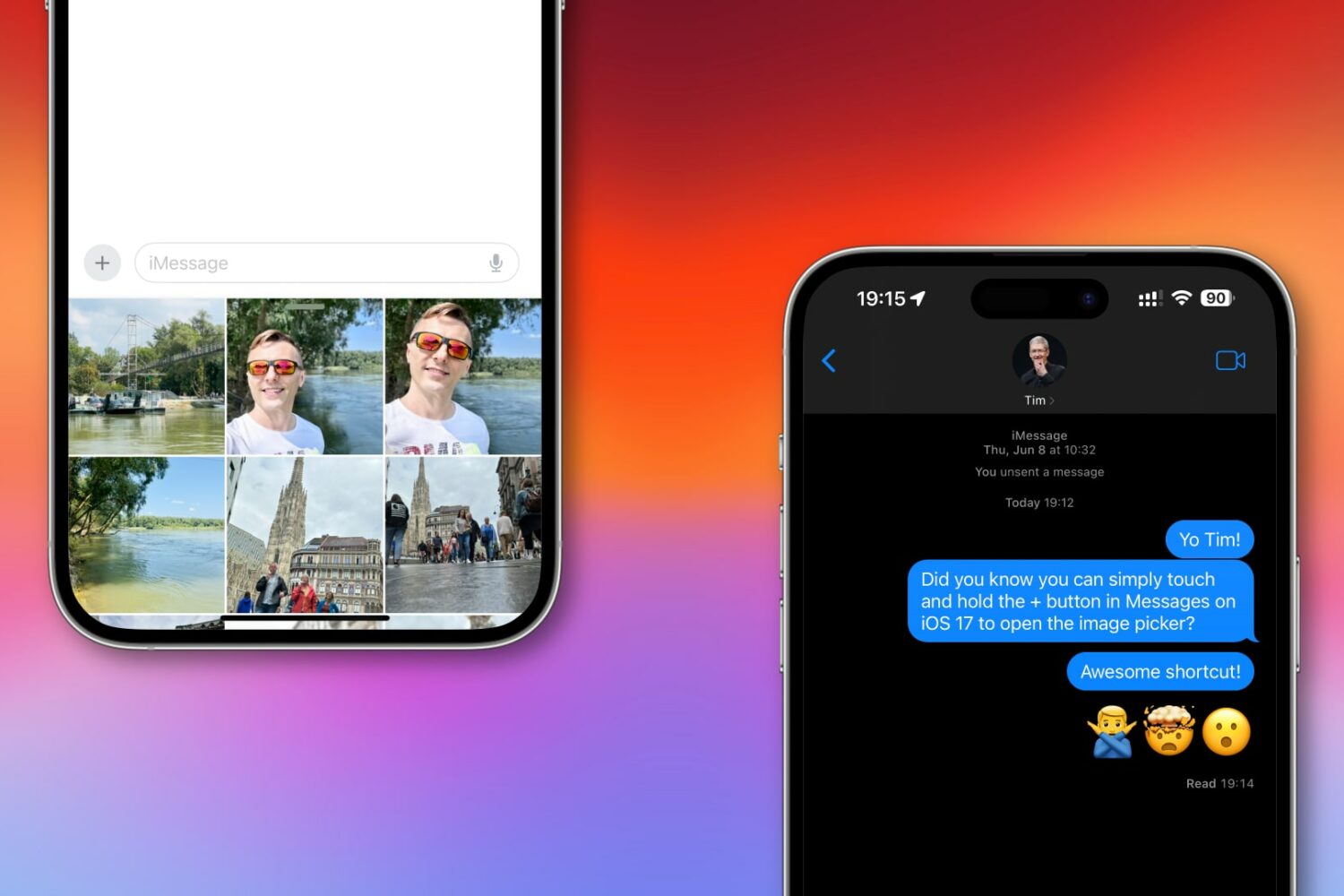
iOS 17 lets you access the Photos picker in the Messages app much faster than hitting the + button to get to the hidden menu with the Photos option.
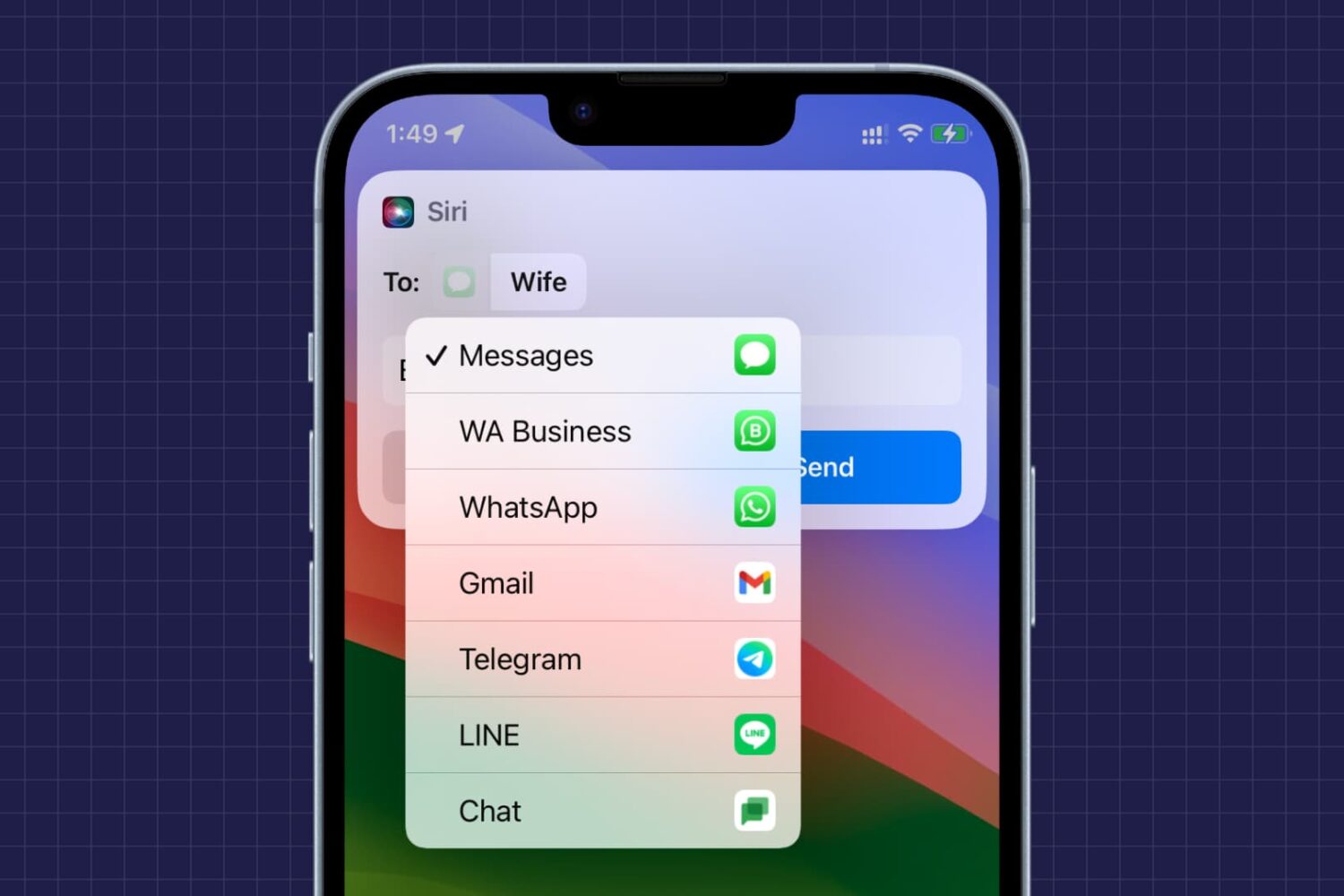
Learn how to manually pick your preferred messaging app, like WhatsApp, Telegram, Messenger, LINE, Messages, or something else, each time you send a text to someone using Siri on your iPhone.
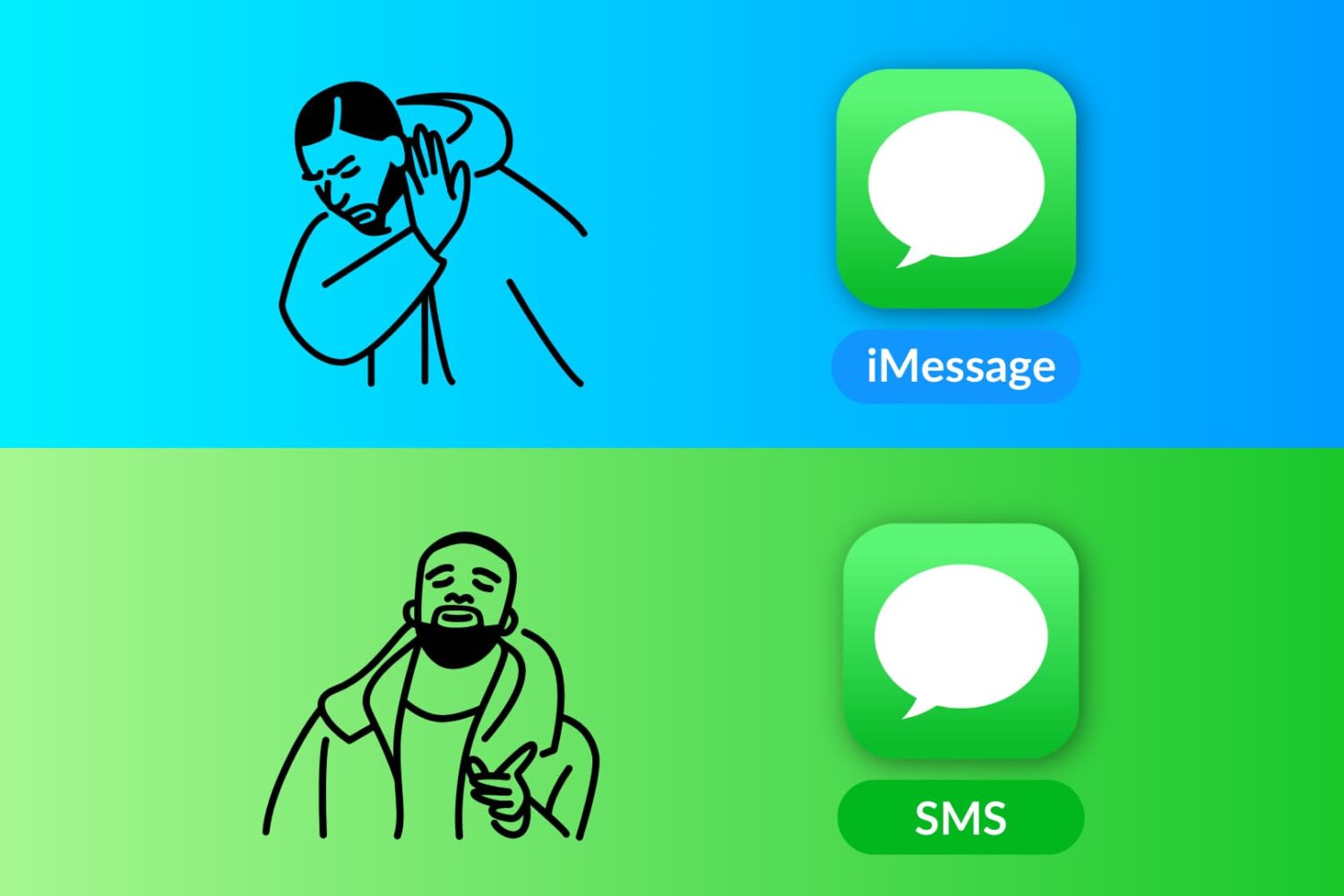
Learn how to send a standard SMS text message instead of an iMessage from your iPhone to friends and family who also use an iPhone.
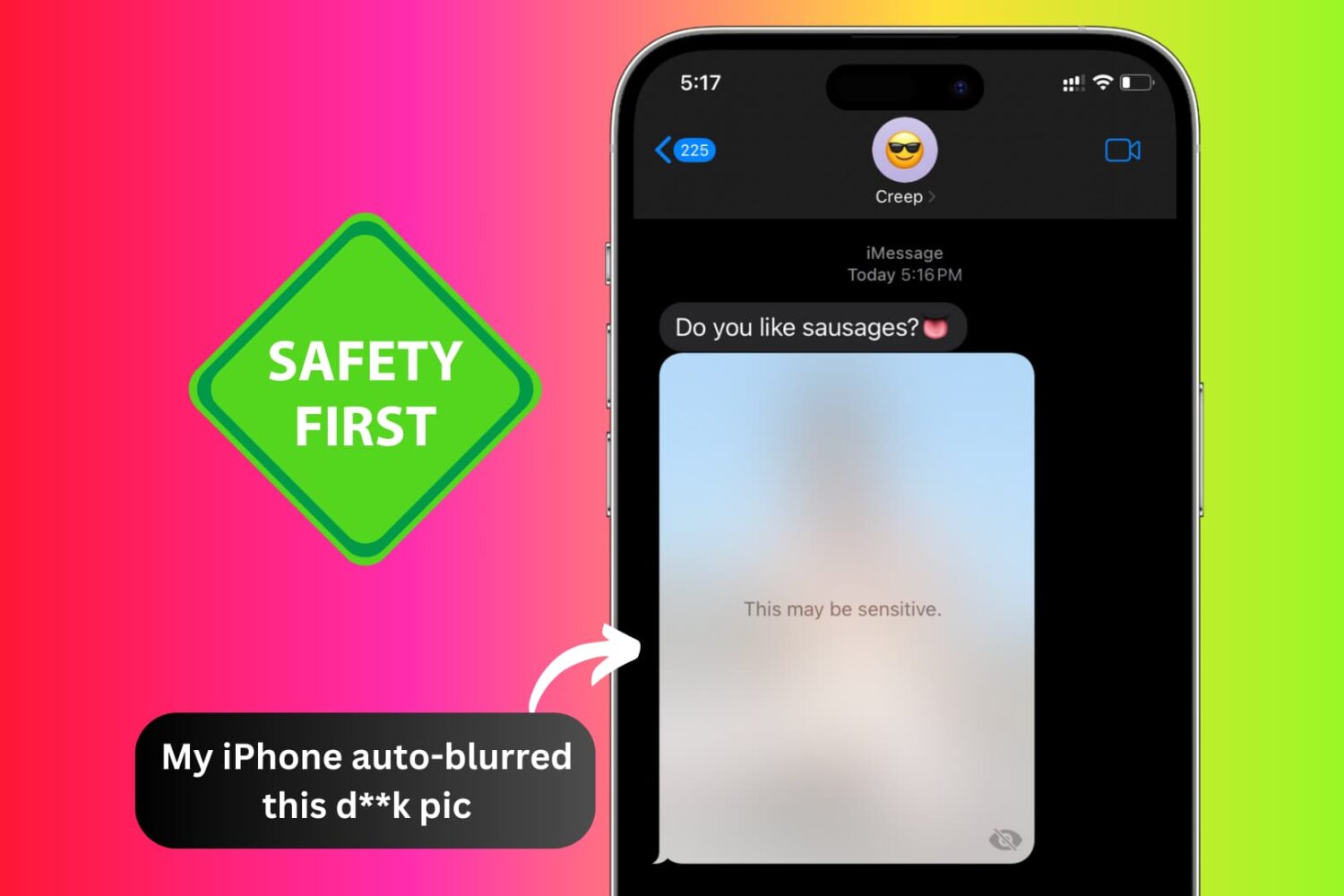
Learn about Apple’s Communication Safety and Sensitive Content Warning features to ensure you or your child never encounters unsolicited nude photos, GIFs, or videos on iPhone, iPad, and Mac.
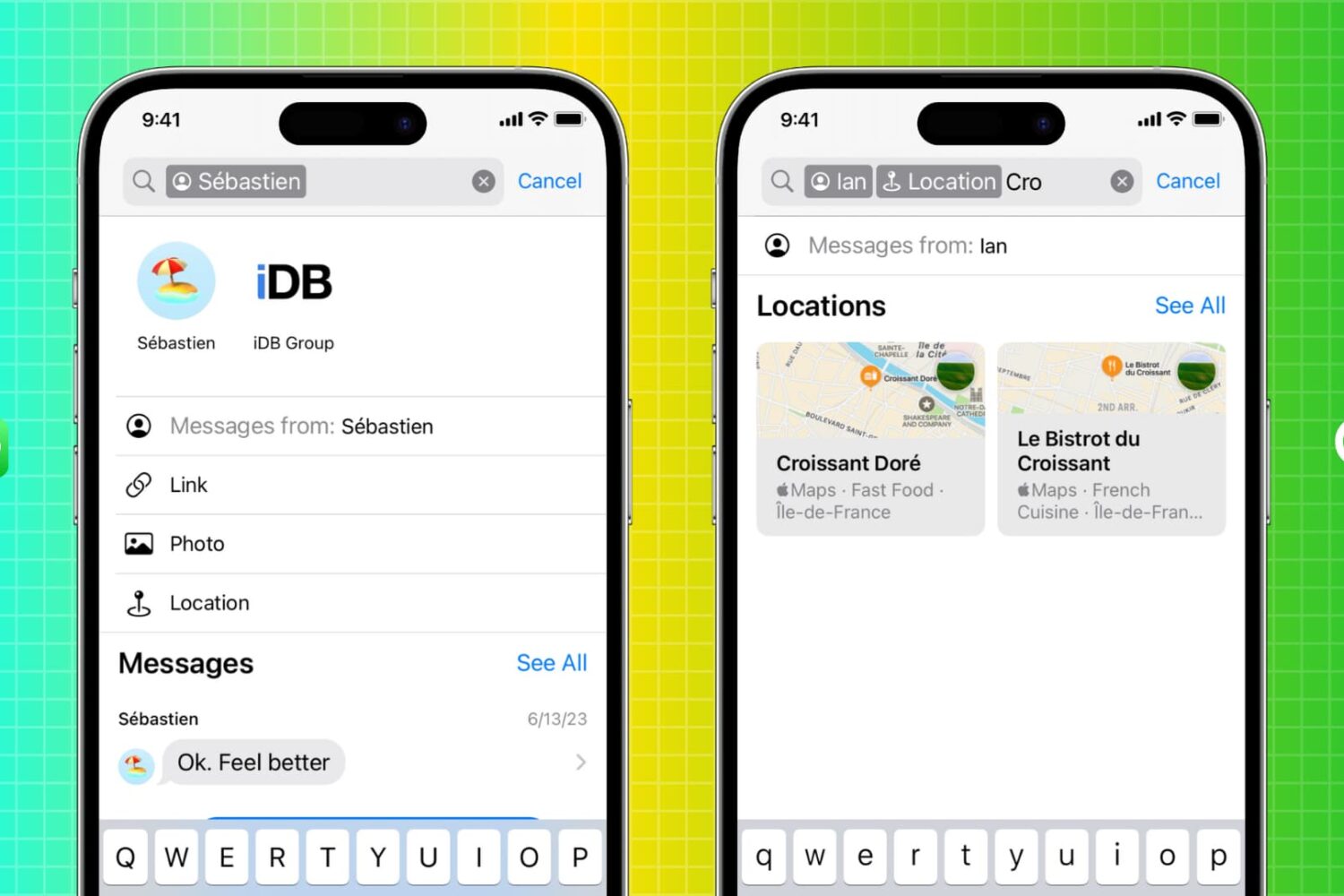
Learn how to use the enhanced search function in the Apple Messages app on your iPhone, iPad, and Mac to quickly find messages.
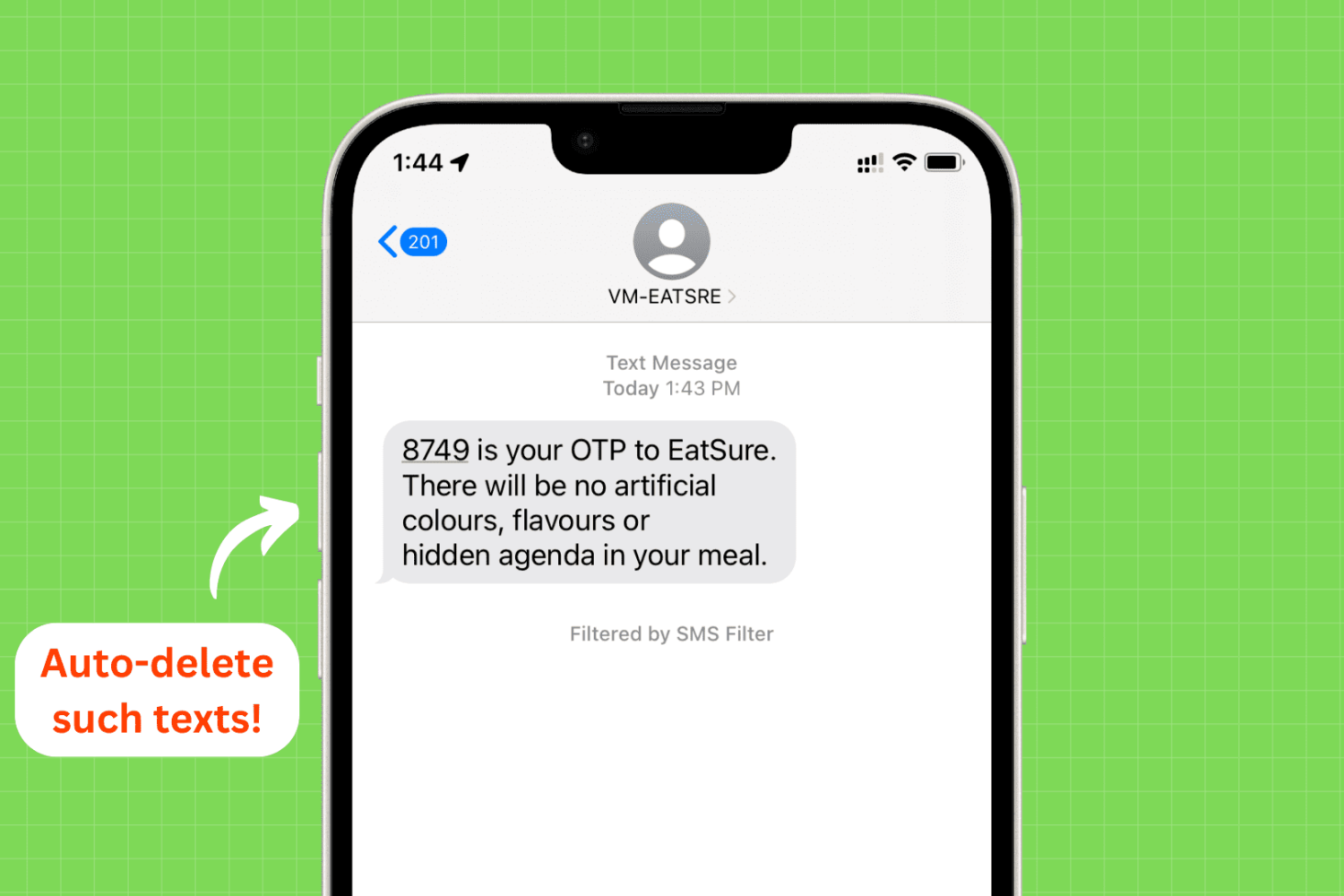
Find out how to keep your inbox clean by having your iPhone, iPad, and Mac automatically delete used text messages and emails that have login or OTP verification codes.
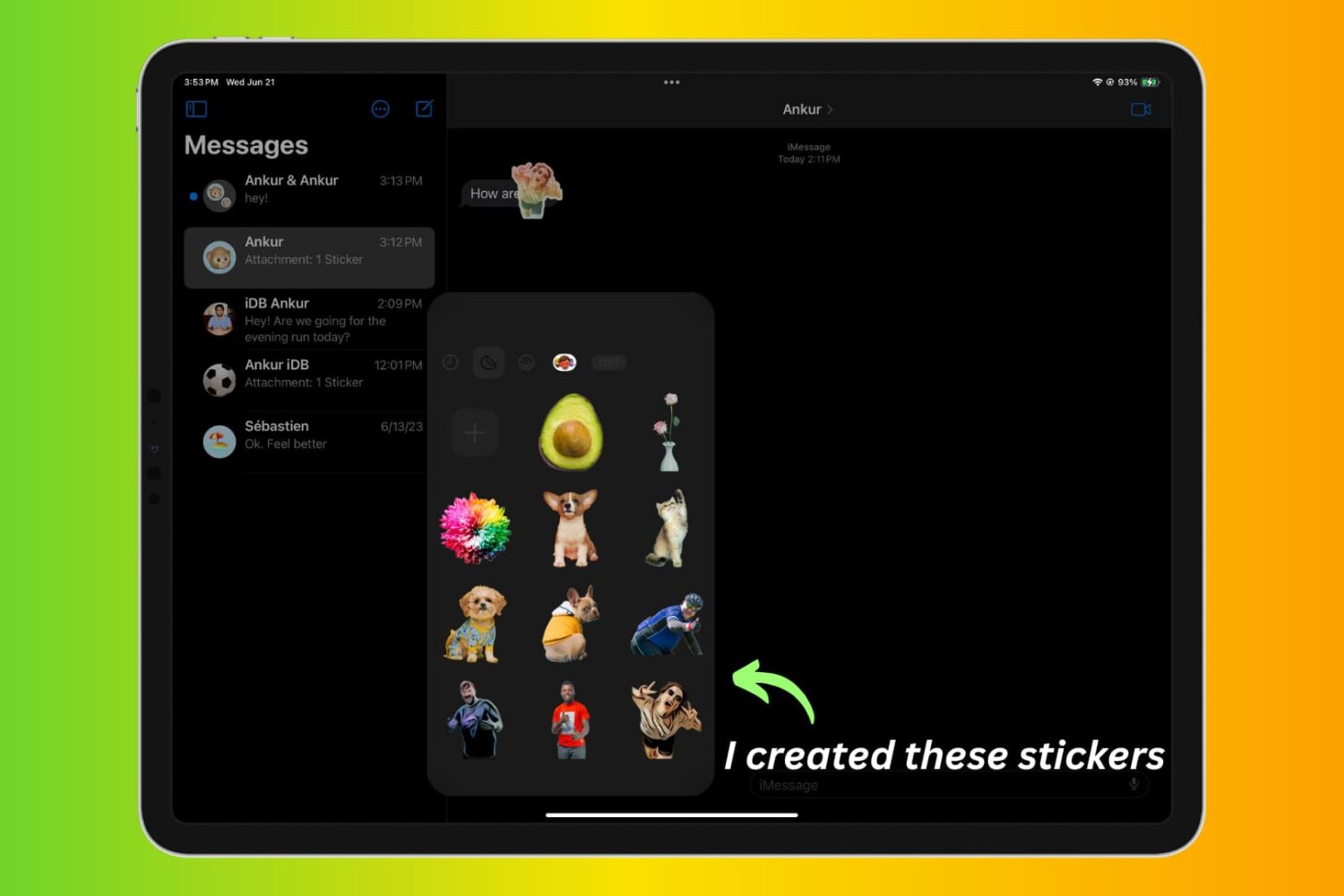
Learn how to create stickers from your pictures and Live Photos to use in Messages and other apps on iPhone, iPad, or Mac.
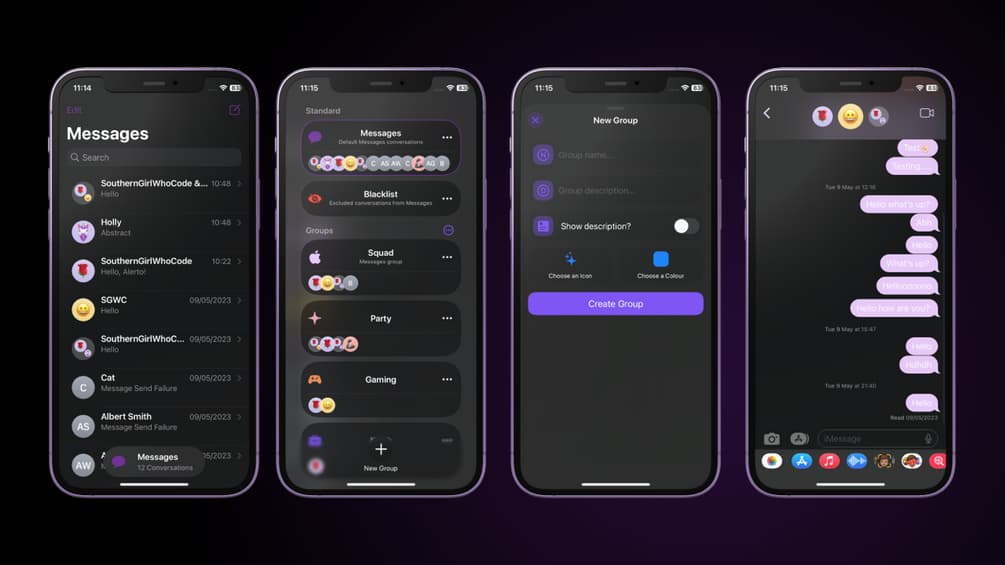
Apple made it a little bit easier to find important conversations in the Messages app when they introduced conversation pinning, but this feature doesn’t work for everyone since it can be limiting in the number of conversations you can pin at any given time.
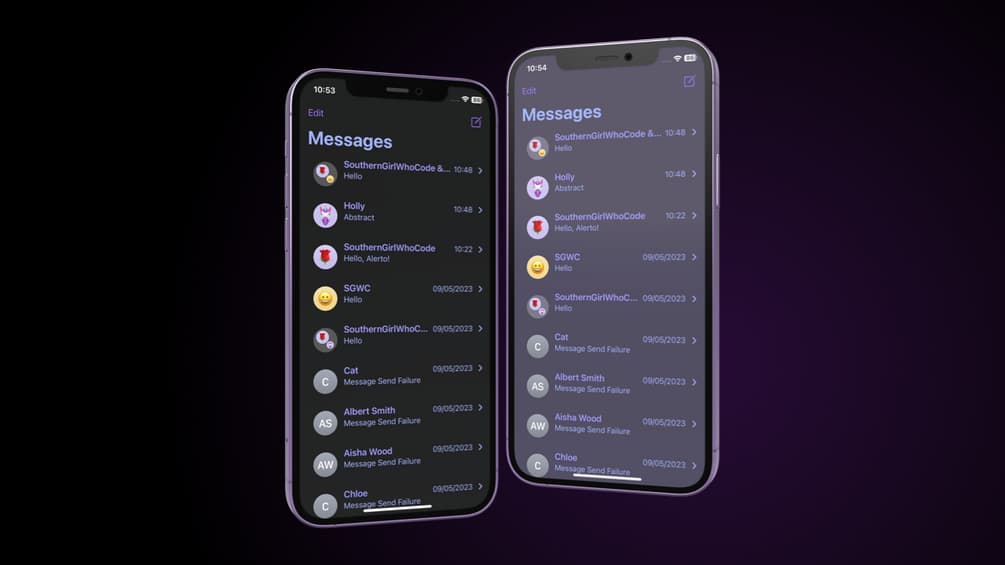
So you’ve just jailbroken your iPhone or iPad with the new Dopamine jailbreak for A12-A15 devices running iOS or iPadOS 15.0-15.4.1, and now you’re wondering what you can do to customize the look and feel of your Messagesapp. Well, we might have a solution for you.
Check out some easy ways to export your text messages as PDFs from iPhone, iPad, and Mac. This will make it easier to save, organize, and share your conversations.