Messages

iOS 10 tidbit: sending fireballs via Digital Touch

The Digital Touch interface made its debut on the Apple Watch in April 2015. With iOS 10, Apple is bringing Digital Touch features to the Messages app and it does so much more than its wrist counterpart was capable of at launch.

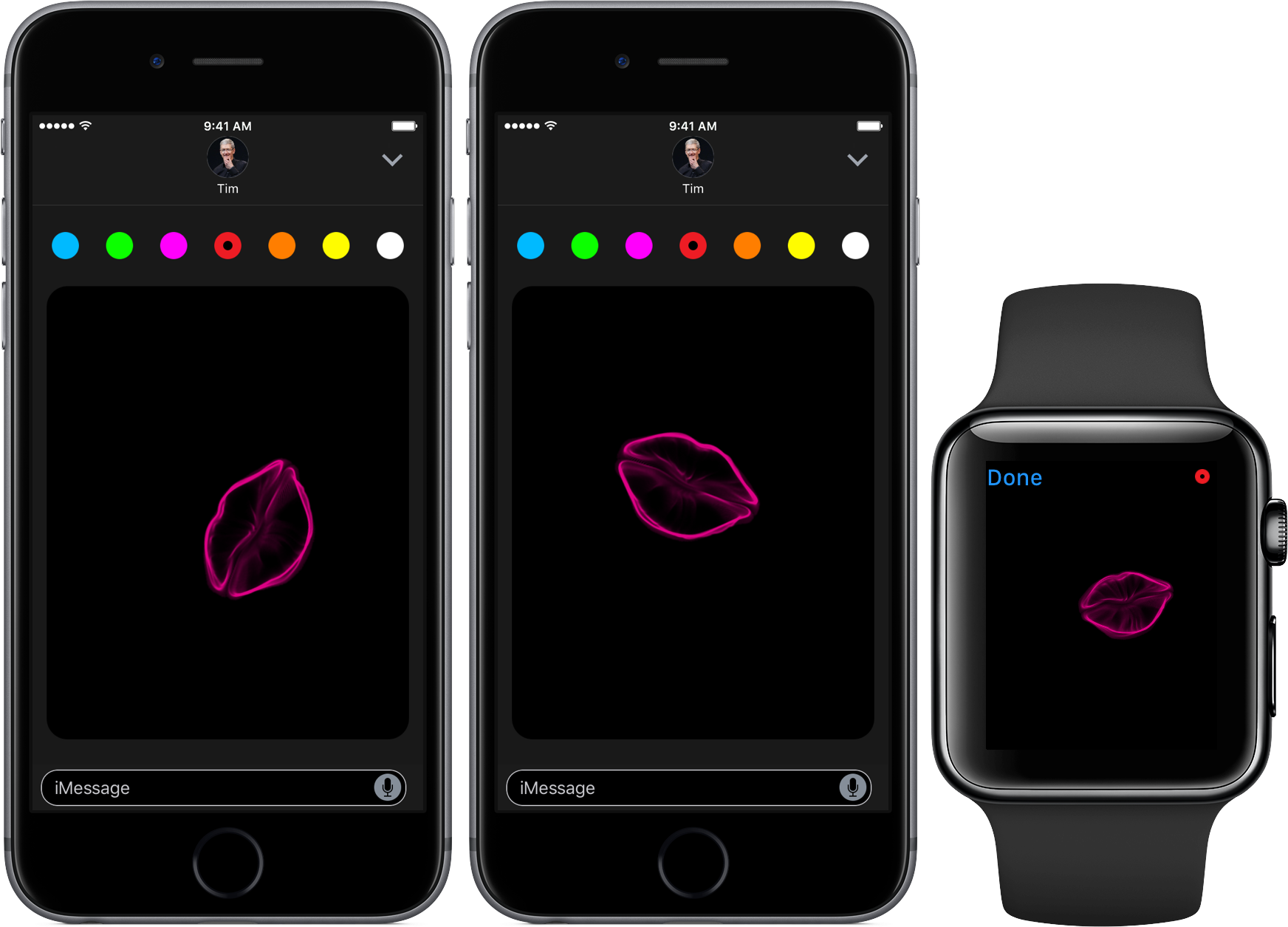
With Digital Touch, you can doodle over live video, adorn your messages with animated kisses, digital taps and auto-dissapearing drawings and even send animated hearts and broken hearts to other people.

Today, we're taking a closer look at another nifty feature in iOS 10 Messages: the ability to express your angst or anger by shooting virtual fireballs at your recipient(s).

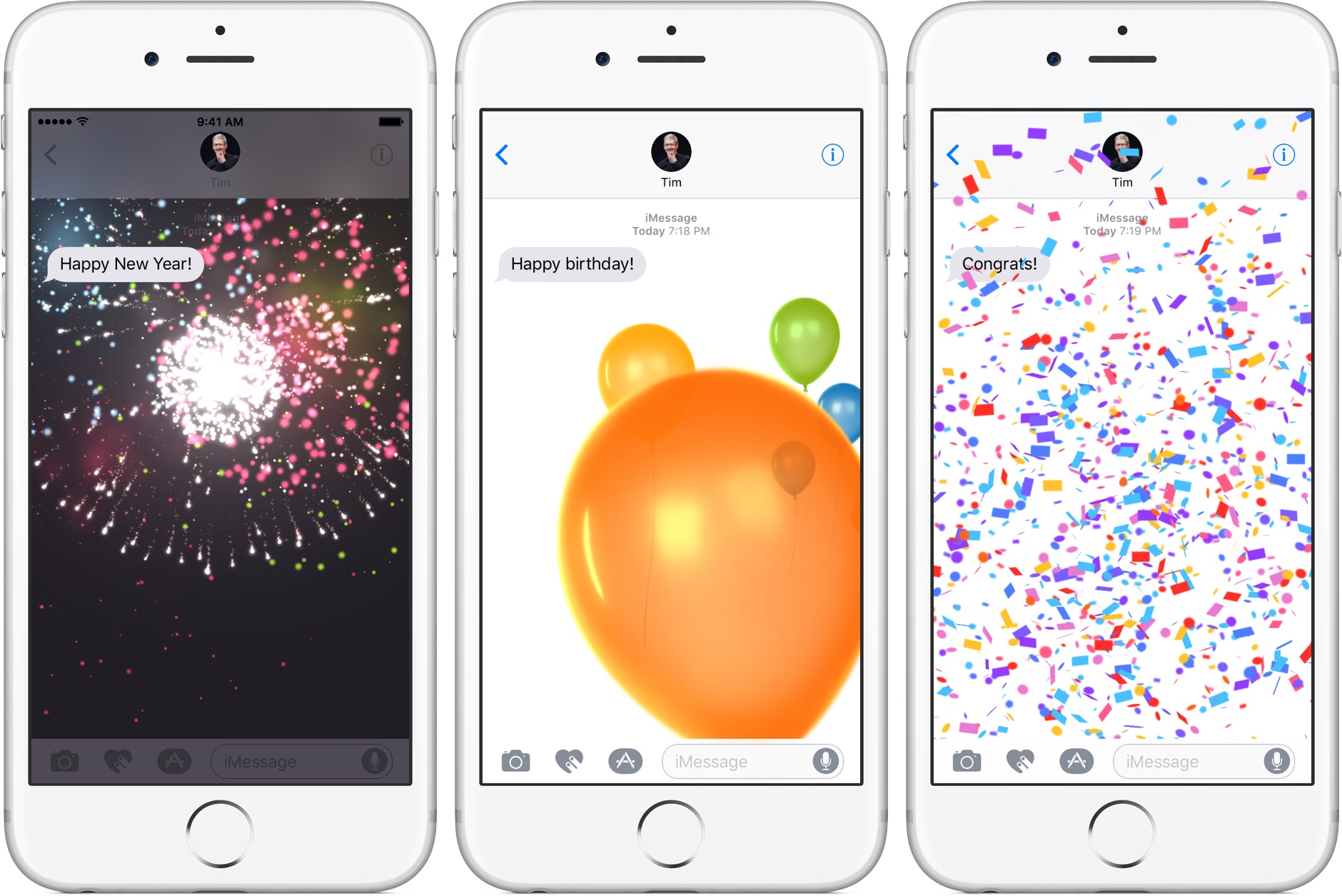
iOS 10 tidbit: auto-playing full-screen effects in Messages for texts like “Happy Birthday”

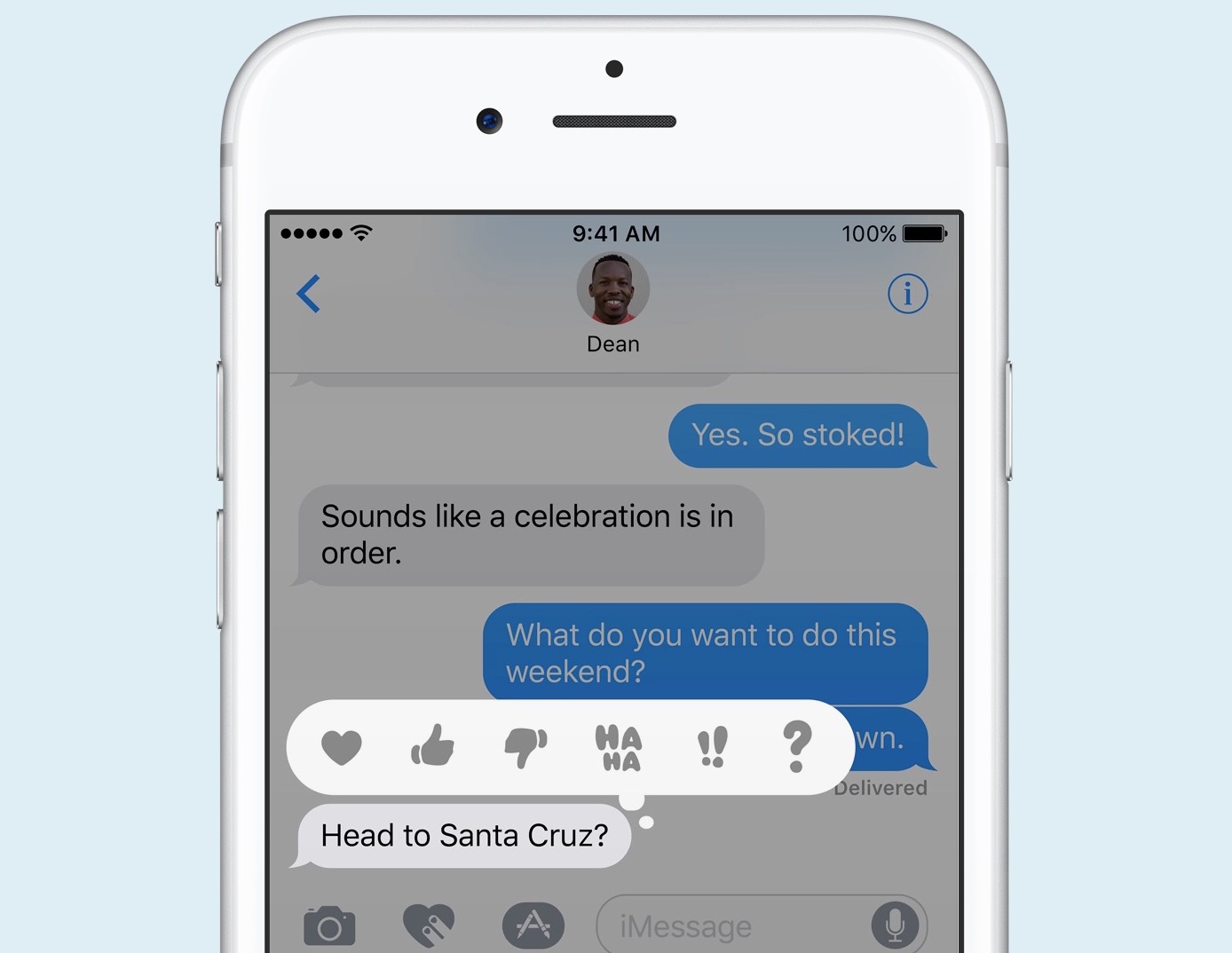
iOS 10's Messages app offers a number of new features and meaningful improvements, such as bubble effects, smarter emoji, full-screen animations and so forth. Moreover, iOS 10 turns Messages into a software platform of its own with support for third-party iMessage Apps, stickers and other downloadable items via the App Store.

We previously covered various Messages capabilities on iOS 10, like Spotlight Suggestions in chats, using Digital Touch to send animated kisses and broken hearts, managing read-receipts on a per-chat basis, to mention just a few. Today, we take a look at another cool Messages feature: the ability to automatically play appropriate full-screen effects based on certain messages.


iOS 10 tidbit: Spotlight Suggestions in Messages

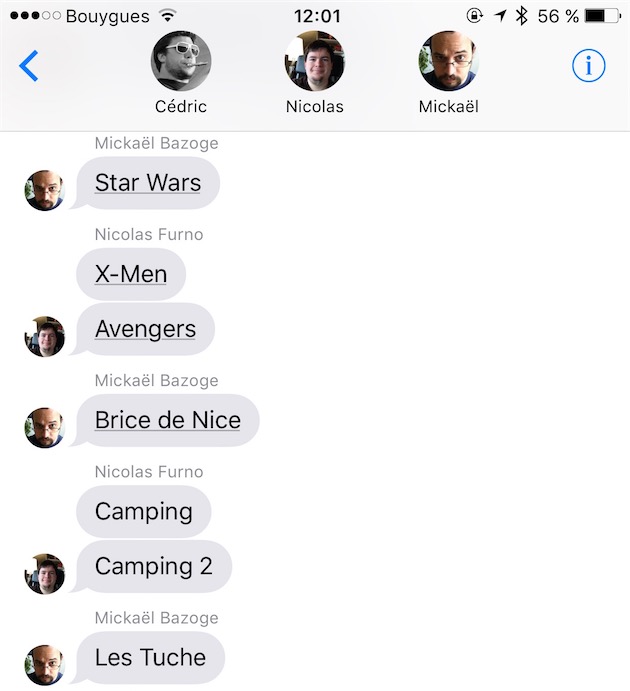
On iOS 10, Spotlight Suggestions appear in more places than before. We recently told you about Spotlight Suggestions in the Look Up interface (formerly known as the Define feature). We also discussed iOS 10's expressive Messages app in depth and mentioned its super useful inline previews of URLs.

As it turns out, not only does Messages support inline previews of media URLs, but underlines specific terms in your chats—such as movie and app names—that Spotlight Suggestions can give you more info about.

iOS 10 tidbit: sending broken hearts via iMessage

iOS 10's much-enhanced Messages app includes the Digital Touch interface that first appeared on the Apple Watch. With Digital Touch, users can create iMessages that contain doodles, digital taps, video with effects and more.

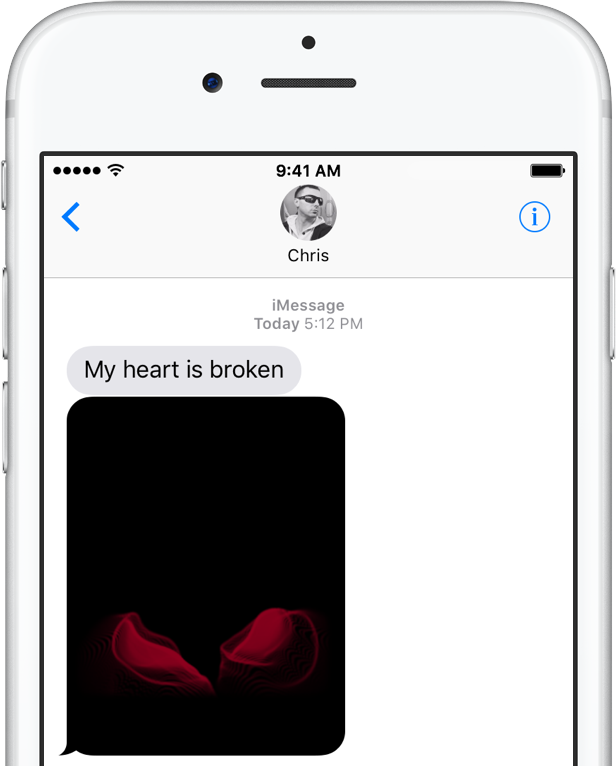
We recently explained how Digital Touch can be taken advantage of to send nicely animated hearts to your recipients. Here's another iOS 10 tidbit: Messages on iOS 10 also lets you shoot animated broken hearts to someone for those times you wish to convey more specific feelings.

iOS 10 tidbit: using Digital Touch in Messages to send kisses instead of hearts

Aside from a lot of other advances, iOS 10 turns the Messages app into a platform upon which developers can build downloadable stickers, full-screen animations and chat bubble effects. Messages in iOS 10 also supports Digital Touch, a feature that first debuted on the Apple Watch.

With the new Digital Touch interface in iOS 10 Messages, users can draw and sketch with their finger on photos and video, send hearts and create other digital effects on video. But as it turns out, users also have the option to send animated kisses instead of heart beats using a simple gesture.

iOS 10 tidbit: managing read receipts on a per-conversation basis

iOS 10 has a new hidden switch, called Emergency Bypass, which permits you to override your global Do Not Disturb setting on a per-contact basis. It's especially handy for those times when you wanna enable Messages notifications for a contact that isn't in your Favorites, even if Do Not Disturb is on.

A similar new feature in iOS 10's Messages app makes it easy to enable or disable read receipts, which tell the other person when you've read an incoming text, on a per-conversation basis.

Apple executive explains why iMessage isn’t on other platforms

In a broad reflective piece on Apple's WWDC keynote, noted tech journalist Walt Mossberg made some interesting comments regarding a recent rumor that Apple was considering bringing its iMessage service to Android. Turns out that isn't happening, and won't be in the near future.

Speaking to a "senior Apple executive," Mossberg says Apple is happy with the 1 billion+ active devices it currently caters to, so it doesn't feel an immediate need to grow its user base by expanding to other platforms. It also still considers its iMessage service a major iOS-exclusive feature.

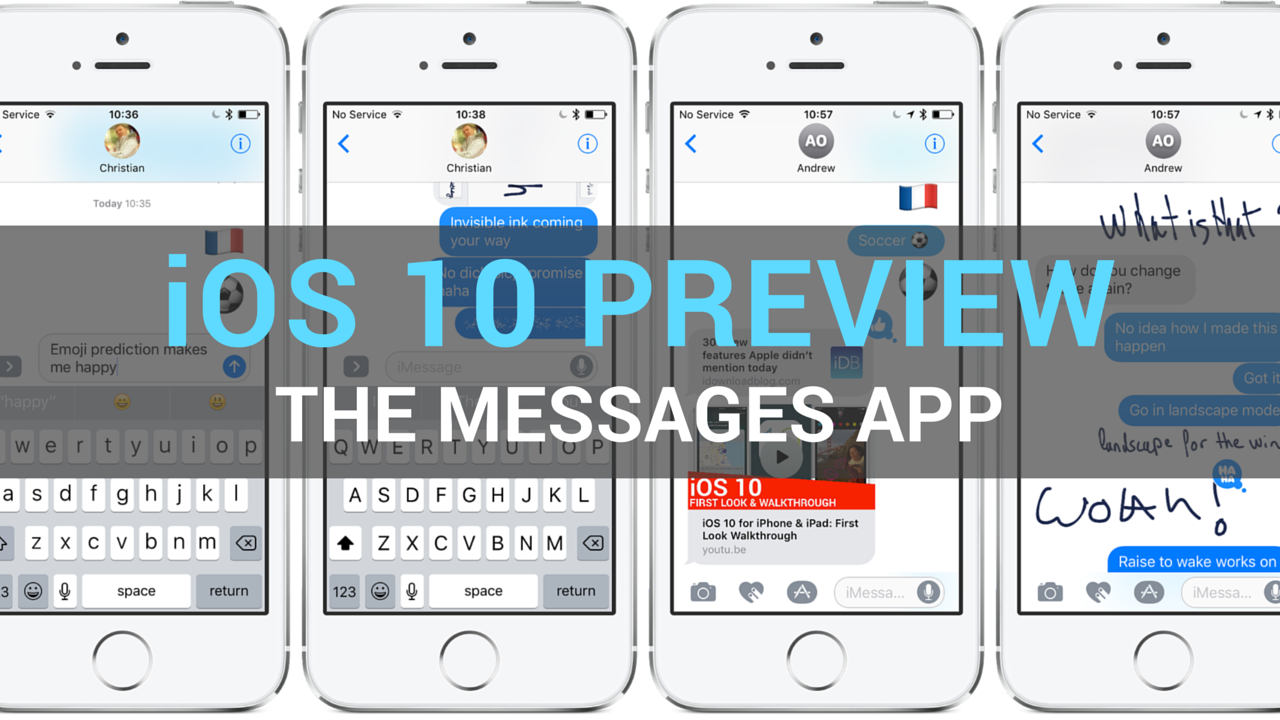
iOS 10 preview: Messages does stickers, apps, animations & more

Apple's iMessage system has officially become a chat platform in its own right as Messages in iOS 10 now supports third-party apps, stickers and more. In addition, Messages on iOS 10 brings out a number of useful improvements, including animated chat bubbles and full-screen motion backgrounds.

But we're just getting started: Messages on iOS 10 supports inline media previews, sports a redesigned built-in camera, provides downloadable stickers and apps, includes handwriting recognition, Digital Touch for your media and more.

Here's our walkthrough showing off every new feature in iOS 10 Messages.

Watch cool new iOS 10 Messages features in a video Apple ran during WWDC keynote

A supercharged Messages is definitely my killer app in iOS 10. Not only does it catch up to other messaging apps with perks like downloadable stickers, it actually leapfrogs them with cool new stuff such as full screen animations, chat bubbles that animate in specific ways to better convey your emotions, support for sketching and the Apple Watch's Digital Touch feature and what not.

In fact, Messages in iOS 10 is so jam-packed with improvements that Apple ran a cool video during the keynote showing them off.