Learn how to add emojis to your photos on iPhone, iPad, and Mac to protect your privacy or creatively enhance your social media presence.
How to add emojis on your photos before posting to social media

Stay up-to-date on the latest Mac news, and tutorials. Get expert tips and tricks to optimize your Mac’s performance and learn about the latest Apple products and software updates. Discover the best Mac apps and accessories to enhance your user experience.
Learn how to add emojis to your photos on iPhone, iPad, and Mac to protect your privacy or creatively enhance your social media presence.
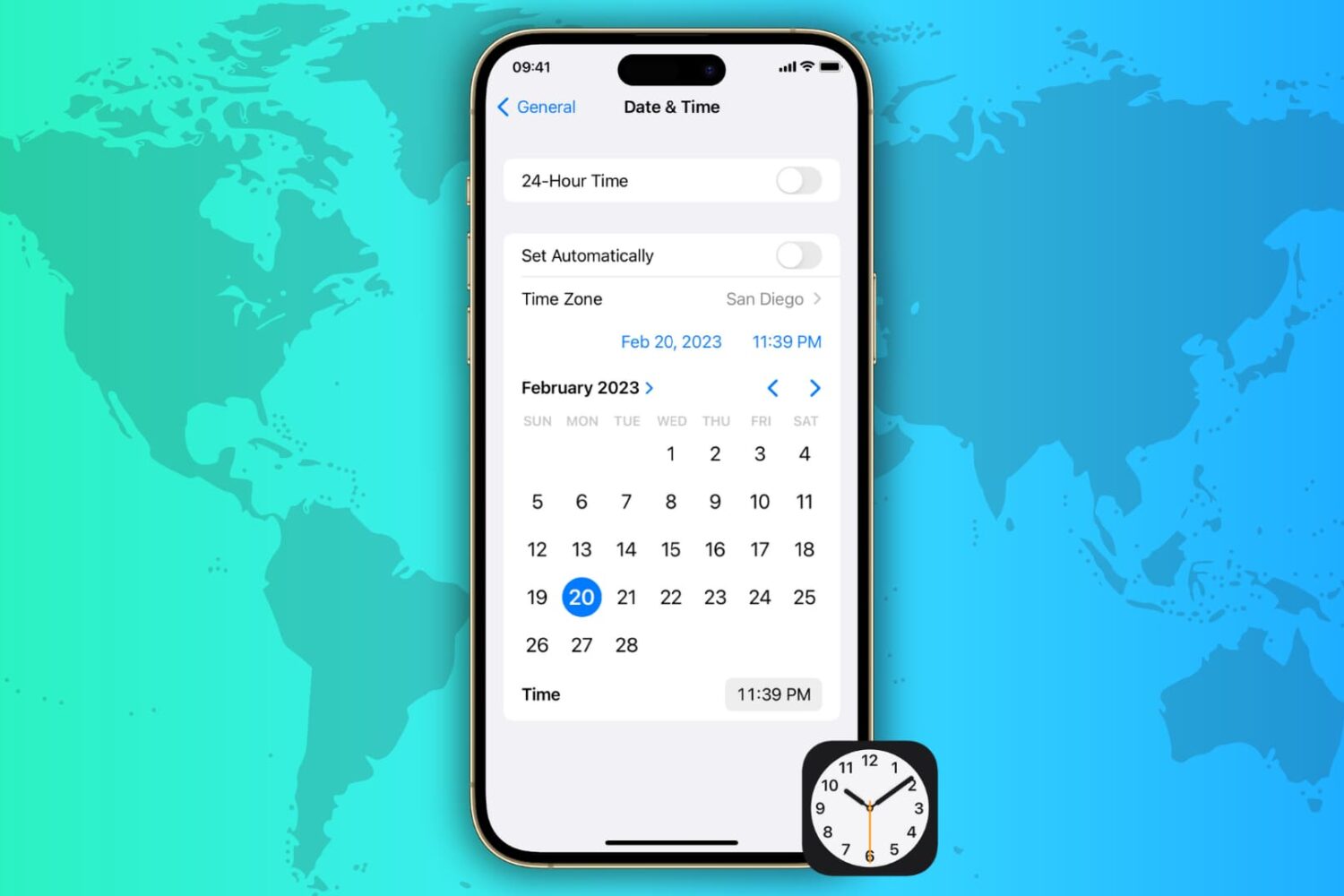
Learn how to automatically or manually change the date, time, and time zone on your iPhone, iPad, Mac, Apple Watch, and Apple TV and Vision Pro.
iOS 16.4, iPadOS 16.4 and macOS Ventura 13.3 bring new Shortcuts actions for Always-On Display, Stage Manager, Lock Screen, Night Shift, True Tone, VPN, etc.

New beta firmware for the Studio Display is available on Mac systems running the macOS Ventura 13.3 beta ahead of its public launch in a few weeks.
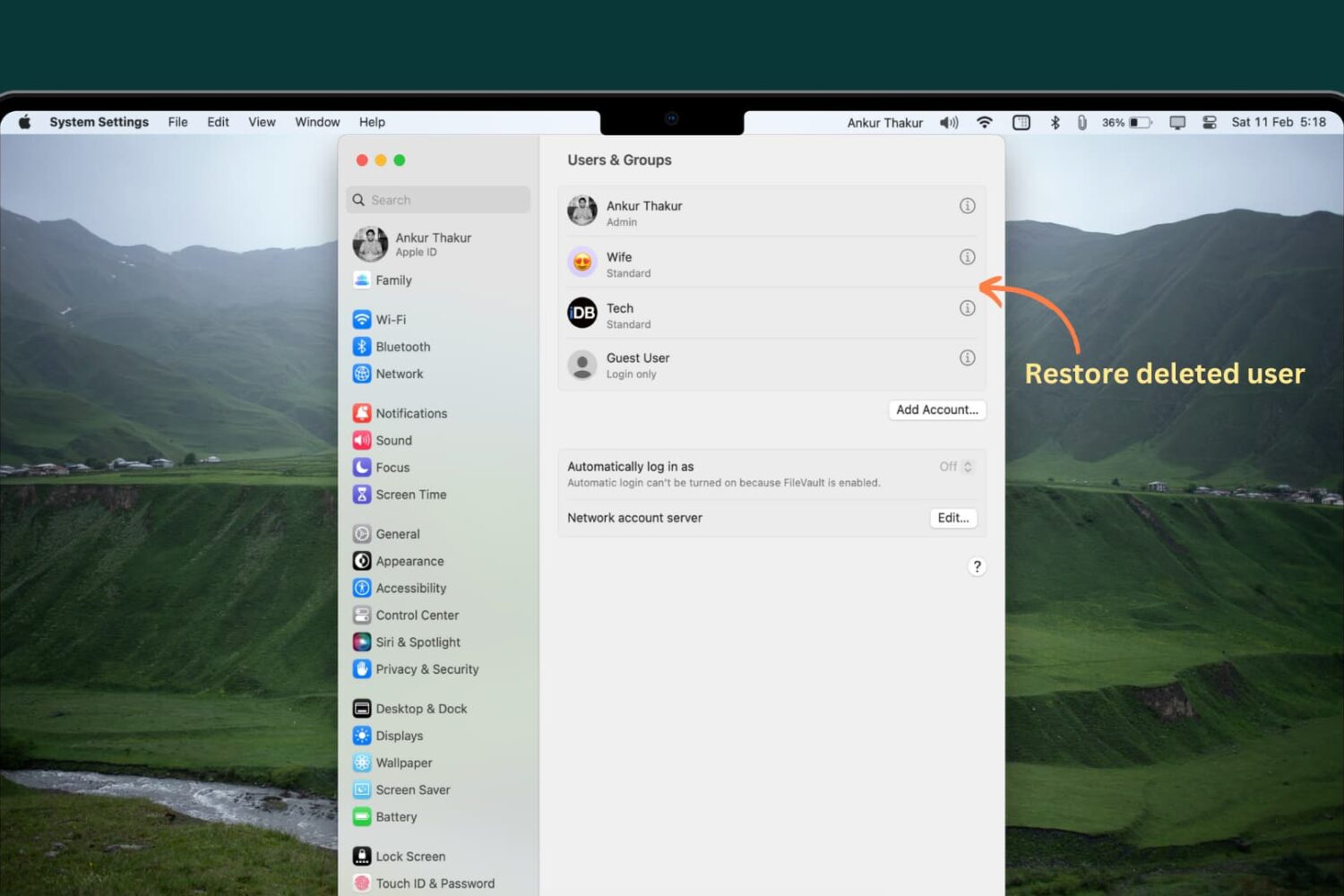
There are ways to recover deleted user accounts on a Mac, and restore all of their content. In this article, we will guide you through the steps to recover a deleted user account, and retrieve all of the files and folders that were stored within it.
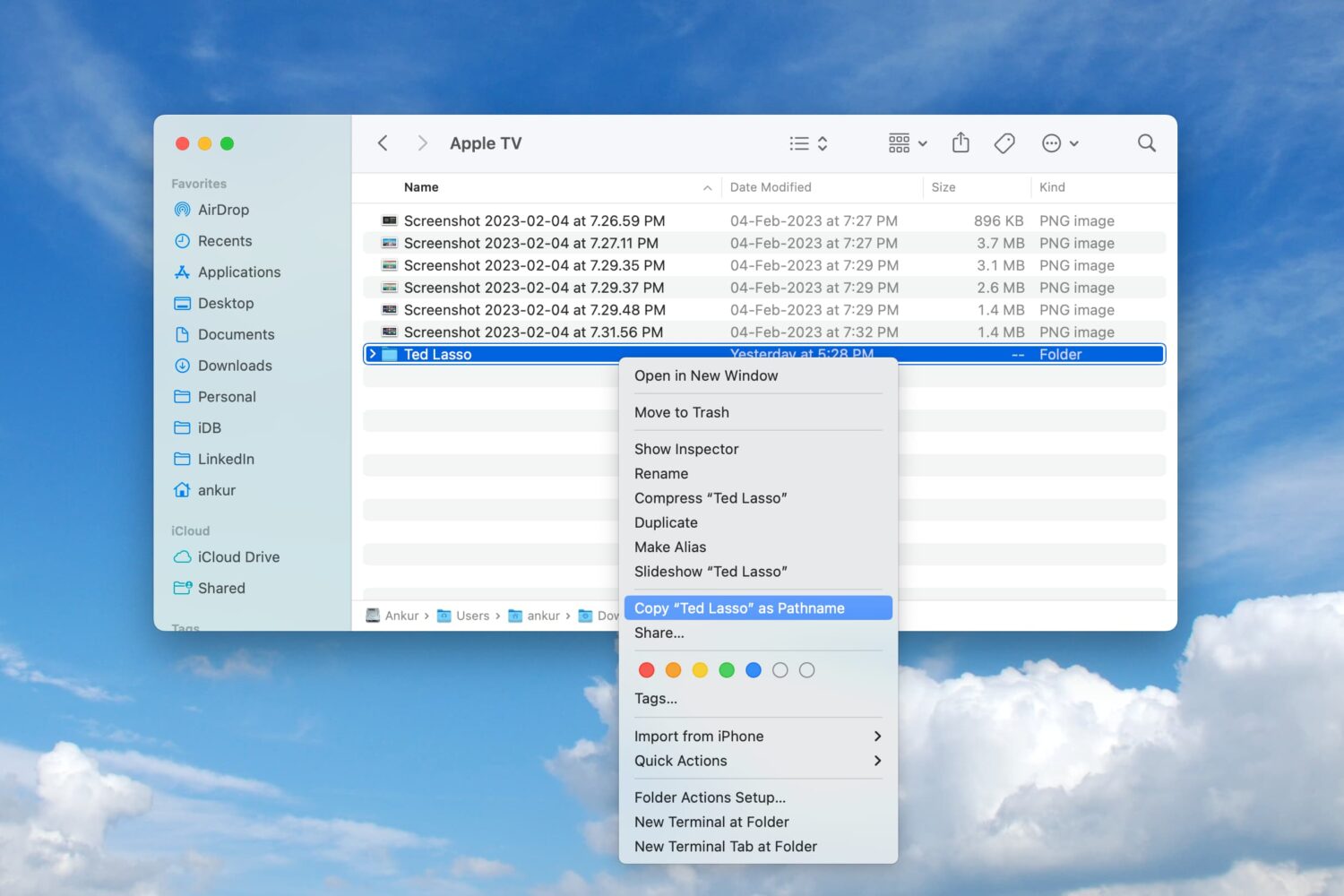
Learn how to copy a file or folder’s full path on your Mac directly from the Finder window for increased productivity.

The Plex media player takes advantage of the power of AI to detect the credits on movies, TV shows and personal libraries, letting you skip them with a single click.

Learn about the new features and updated automation actions available in the Shortcuts app with iOS 16.3, iPadOS 16.3, macOS 13.2 and watchOS 9.3.
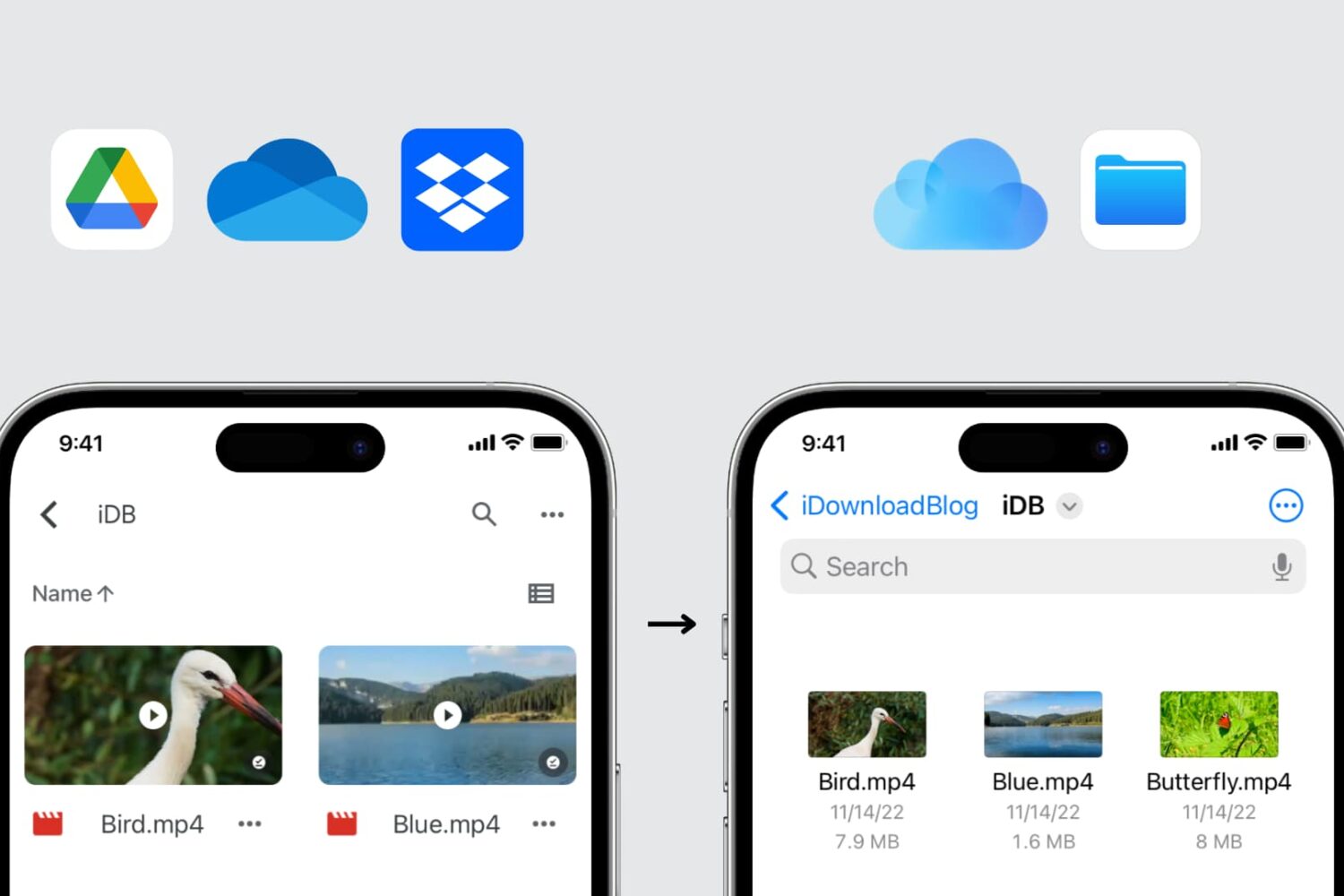
In this guide, we explore three easy ways to transfer files from Google Drive, Dropbox, and Microsoft OneDrive to iCloud Drive using your iPhone, iPad, Mac, or Windows PC.
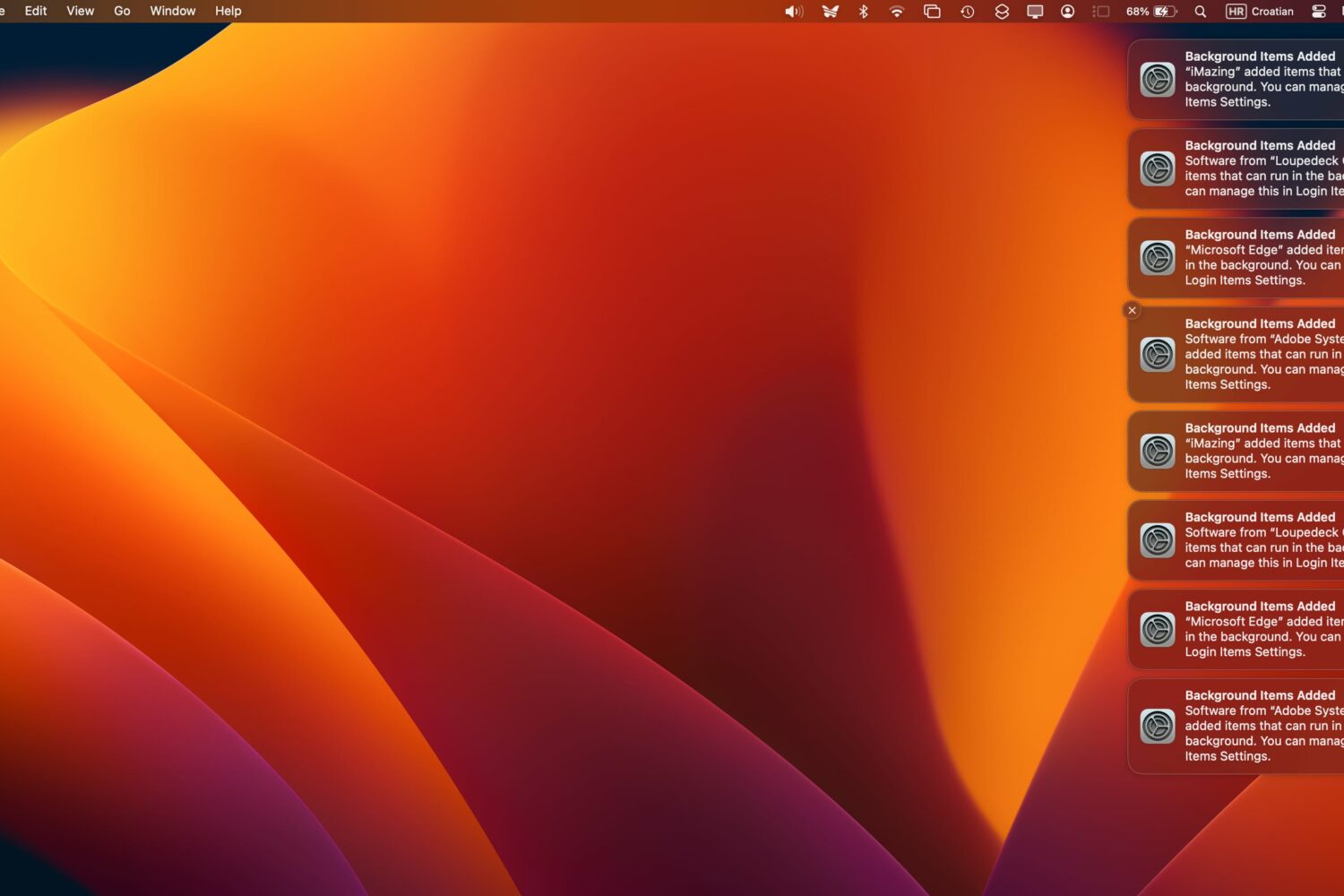
Are you greeted with a bunch of persistent “Background Items Added” notifications every time you boot your Mac or access the Login Items section in System Settings?