Mac

Stay up-to-date on the latest Mac news, and tutorials. Get expert tips and tricks to optimize your Mac’s performance and learn about the latest Apple products and software updates. Discover the best Mac apps and accessories to enhance your user experience.

Apple creates tool to remove U2’s free album from both your iTunes music library and purchase history

After taking some heat over its decision to force the free U2 album, “Songs of Innocence”, onto users' devices last Tuesday, Apple today published a support document and released a tool which removes the album from users' iTunes music library, as well as from their iCloud purchase history.

The decision to give away the Irish rock band's latest album has backfired because having added it to purchase history has automatically downloaded the album for folks with automatic music downloads enabled in Settings.

Apple: iOS 8’s SMS forwarding arriving in October

When iOS 8 launches for public consumption next Wednesday, text message relaying will not work immediately from day one because Apple plans to enable the feature in October, according to the just-refreshed iOS 8 webpage detailing the Continuity feature that was first spotted Friday morning by iLongue.

Now listed as ”coming in October”, the delayed launch coincides nicely with an upcoming October release of the free OS X Yosemite update. A discussion thread at MacRumors corroborates iLounge's findings, suggesting Apple has disabled SMS relaying on its servers in the past couple of days, likely until Yosemite is officially released.

This development isn't surprising to us given that iOS 8 and Yosemite are more dependent on each other by Continuity than previously.

Rumor claims ultra-slim 12″ Retina MacBook Air coming in 2015 in Silver, Space Gray and Gold

File this one under the 'We Shall See' drawer: Apple's long-rumored MacBook Air with a 12-inch Retina display is reportedly launching next year in Space Gray and Gold, in addition to the usual aluminum silver look, A Tech Website said Friday citing sources “familiar with Apple’s plans”.

This is the first time someone has mentioned iPhone-inspired colors with respect to Apple's ultra-thin notebook. We're not sure what to make of this report because in my personal view, a gold MacBook Air sounds preposterous, to say the least.

Apple rumored to launch Retina iMacs and ultra high-resolution 5K Thuderbolt Display by year-end

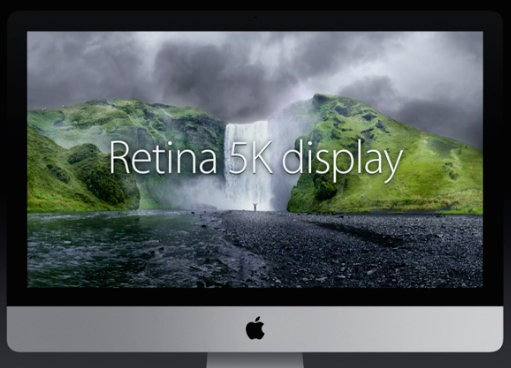
Apple is said to be releasing a 27-inch iMac with Retina display and a new high-resolution 27-inch Thunderbolt Display by the end of the fourth quarter of 2014, Taiwanese trade publication DigiTimes reported Friday citing a report from Taiwan-based display researchers WitsView.

The upcoming Thunderbolt Display should feature a 5K resolution of a whopping 5,120-by-2,880 pixel versus the 2,560-by-1,440 pixel resolution on the current Thunderbolt Display.

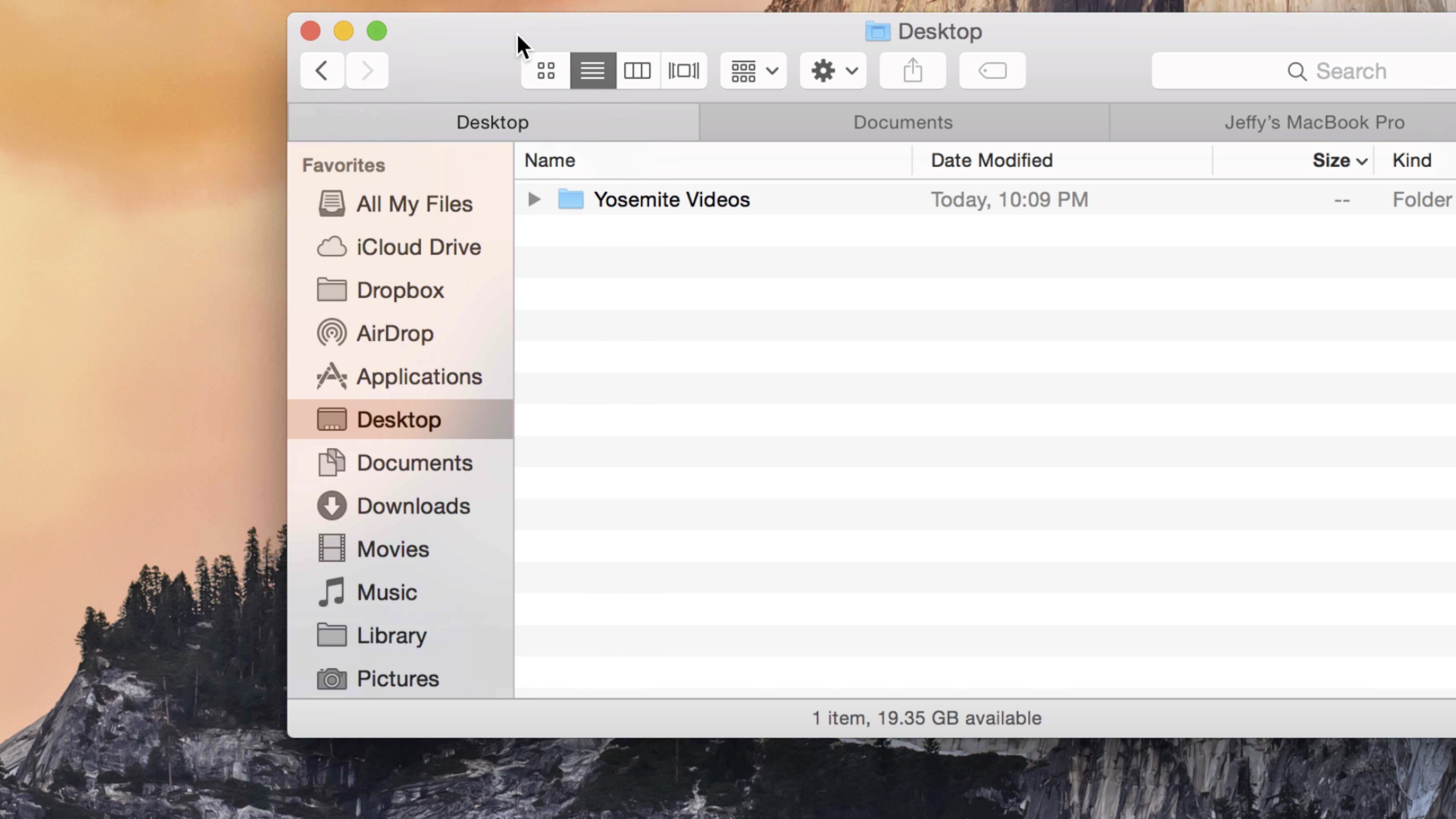
How to move files around in OS X Finder while maintaining permissions and ownership data

Many Mac users are unaware that copying a file or folder in the Finder, or moving it to another location, does not preserve the permissions and ownership data attached to it.

In most circumstances, that's not a problem as you’ll be moving stuff within your own user account. Hence, the default behavior of changing ownership/permissions is actually desirable for most users, in most cases.

But on occasion, you may need to override the default setting when, say, copying a file into another user’s folder, dropping a document into the Guest account and so forth. In these kinds of scenarios, preserving the original file’s ownership and permissions can save you headache down the road.

But worry not — the Mac's Finder includes a pair of hidden features, Paste Item Exactly and Duplicate Exactly, that get the job done. The following tips will teach you how to leverage them to ensure that the file’s ownership information and permission data has been kept intact after the copy/move operation.

VMware Fusion 7 now available with OS X Yosemite and Windows 8.1 support

Following the recent release of Yosemite-enabled Parallels Desktop 10, rival WMware on Wednesday announced immediate availability of VMware Fusion 7 and VMware Fusion 7 Pro, major new versions of its virtualization software which now includes built-in support for OS X Yosemite, OS X Yosemite Server and Windows 8.1, along with a bunch of other perks.

Also compatible with OS X Mavericks and OS X Mountain Lion and available in English, German, French, Italian, Spanish, Simplified Chinese and Japanese, WMware Fusion 7 and VMware Fusion 7 Pro take virtualization on the Mac to the next level with a speedier performance, a redesigned appearance, improved connectivity, support for Macs with Retina displays and more.

64-bit Chrome for Mac in the works, test drive the beta now

The search giant Google yesterday posted the first beta of the upcoming Chrome for Mac browser with 64-bit support, following the public release of 64-bit Chrome for Windows earlier this week.

The 64-bit edition of Chrome for Mac was first made available for testing purposes to early adopters earlier this month, via the Mac edition of Chrome Canary.

For those unfamiliar with it, Chrome Canary is an experimental Chrome version for testing upcoming new features in their earliest form, and before they make their way into the beta and then the stable channel.

Mac users on the Chrome beta channel should have been updated to a new 64-bit version of Chrome 38 for Mac. If not, you can download your copy direct from Google and start reaping the benefits of 64-bit browsing.

Notability finally arrives to the Mac

Notability by Ginger Labs, the powerful iPhone and iPad note-taker to annotate documents, record lectures, sketch illustrations and more, has leaped to the Mac.

Now available in the Mac App Store for $9.99, the Mac edition completes the experience by extending functionality found in the iOS app to your desktop.

The app makes it easy to create notes by dragging PDFs, photos or audio files from your desktop to Notability.

Handwriting and sketches can be scaled, transformed, rotated, nudged and restyled to your liking. Most crucially, your notes will look the same on your Mac, iPad and iPhone and of course sync seamlessly between devices through iCloud.

Latest Wunderlist update enhances mobile editing of your to-dos and tasks

Wunderlist, the beautiful cross-platform to-do and task list application by German developer 6Wunderkinder, has received its second update following the release of the major version 3.0 edition which brought out an overhauled appearance and more than sixty new features.

Today's update focuses on mobile editing of your items. Wunderlist 3.0.2, which is free in the App Store and Mac App Store, now finally allows iPhone, iPod touch and iPhone owners to move, complete and delete multiple items on the go.

Jump past the fold for the full reveal.

OS X Yosemite Public Beta 2 and new iTunes 12 build now available

Apple has just released the second version of the OS X Yosemite Public Beta and a new beta build of the thoroughly overhauled iTunes 12 for Yosemite.

The second public Yosemite beta arrives after the first public beta was made available at the end of last month and is basically the same as OS X Yosemite Developer Preview 6 seeded to Apple's registered developers last week.

Both updates are available to download through the Mac App Store for those who've applied for the OS X Beta Program...

Clean up your Downloads folder to regain storage space on your Mac

Sometimes, the most simple and obvious tips are the best. Everybody knows about them because they're usually based on good old common sense, yet, we usually forget about them. One such tip is to periodically clean up the Downloads folder of your Mac, which, depending on your setup and habits, could quickly go out of control.

The Downloads folder is the default location where any file you download from the internet is saved. Downloading the PDF of your bank statement? It's downloaded to the Downloads folder. Downloading a song from an unofficial source? It's most likely going to the Downloads folder.

Parallels Desktop 10 is out with OS X Yosemite support, better battery life, and more

Parallels this morning announced the launch of Parallels Desktop 10 for Mac, the highly anticipated update for its popular virtual environment software. The new version is available now as an upgrade for existing users, and will launch on August 26th for new customers.

For those unfamiliar with it, Parallels Desktop makes it extremely easy to install and run alternate operating systems on your Mac such as Windows or Linux. And today's update adds in [experimental] support for OS X Yosemite, better battery life, and other improvements...