Mac

Stay up-to-date on the latest Mac news, and tutorials. Get expert tips and tricks to optimize your Mac’s performance and learn about the latest Apple products and software updates. Discover the best Mac apps and accessories to enhance your user experience.

How to enable AirDrop file transfers between unsupported Macs and over Ethernet

The AirDrop file transfer protocol, introduced with Mac OS X Lion and iOS 7, is a fast and convenient way to transfer files between Apple devices. The current version of the service is interoperable between iOS and macOS, but requires both Bluetooth and Wi-Fi to be active in order to work. It also requires Mac OS X Yosemite or newer and a hardware model from 2012 or later.

However, the version of AirDrop that shipped as standard with OS X between 10.7 (Lion) and 10.9 (Mavericks), whilst unable to send files to iOS devices, works without Bluetooth and on Mac models going back as far as 2008. Luckily, alongside the newer version, this legacy mode is still included on all Mac models to date, and as this guide will show, can be modified to have an even broader functionality.

The best apps for the Touch Bar on the new MacBook Pro

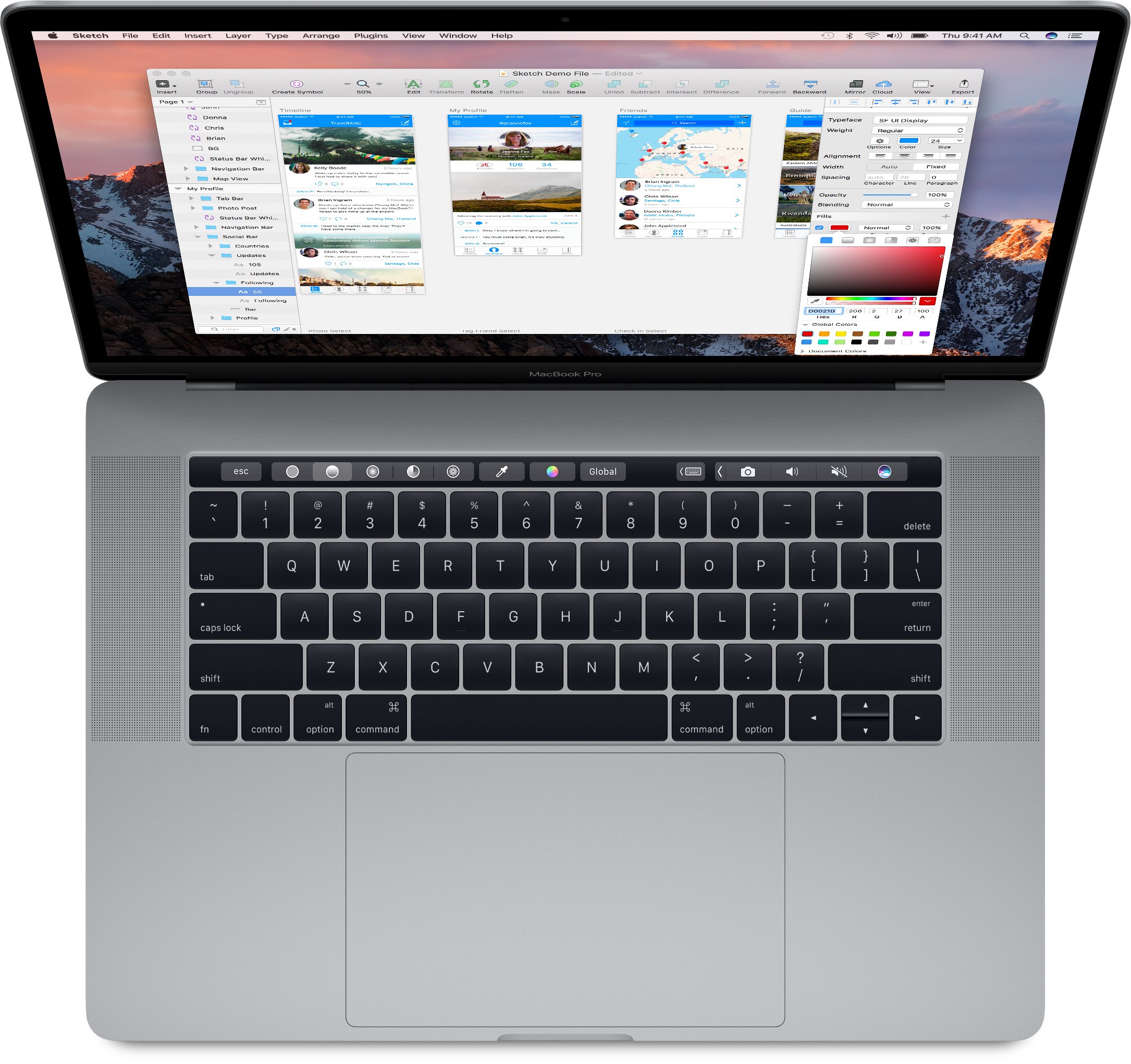
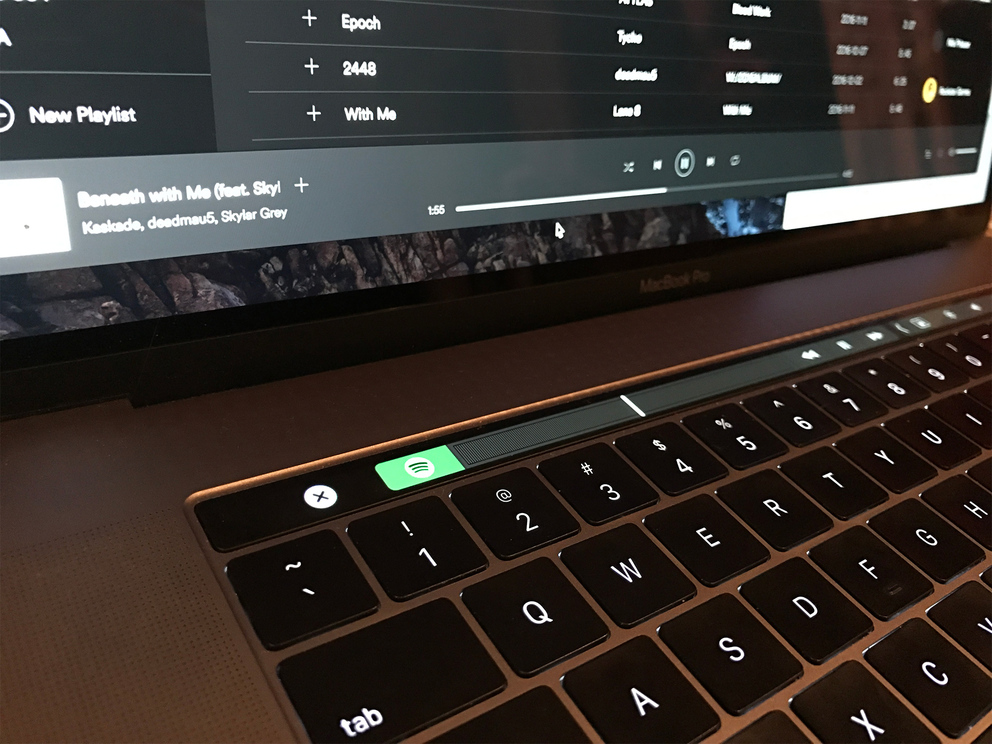
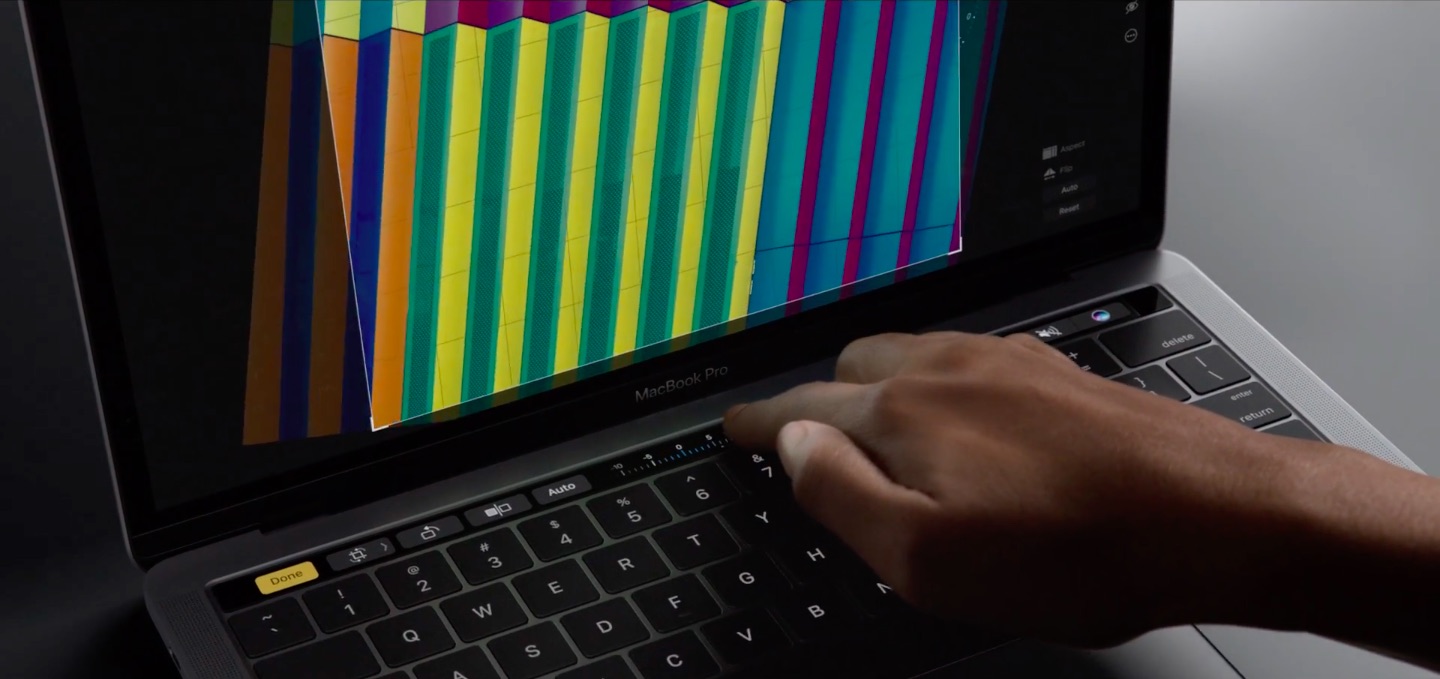
If you just picked up a new 2016 MacBook Pro, you may be wondering: aside from the stock apps, what are other great apps that take advantage of that shiny new Touch Bar? While apps are constantly being updated, we've gone ahead and picked out some of our favorites that are currently available.

How to hide specific mounted volumes from your Mac’s desktop

We've already covered how to completely prevent partitions from mounting under macOS, but sometimes you want a partition mounted and ready to use but still want the benefit of it not cluttering up your desktop. For example, many people want their Time Machine partition constantly mounted and backing up throughout the day but don't need it to be visible at all.

Finder's preferences allow for hiding all volumes from the desktop but offer no control on a volume-by-volume basis. Therefore, we'll show you how to use the Terminal to hide mounted volumes on a case-by-case basis.

Spark email app launches on Mac with Touch Bar support, snoozes, swipes, smart inbox & more

After more than a year of hard work, Spark for Mac is finally available on the Mac App Store. Like its iOS counterpart, the Mac app is available at no charge. Ukrainian developer Readdle has ported all the marquee features you like about Spark for iPhone and iPad over to the Mac edition, allowing you to triage your inbox, quickly see what’s important and easily clean up the rest.

The fast, well designed native app includes Touch Bar shortcuts on the new MacBook Pro, swipes on the trackpad, snoozing, quick replies, natural language search, unified inbox, full macOS Sierra compatibility, seamless settings sync across devices and other productivity-focused perks.

“It is created for people who live by their inbox and who want to have an amazing experience with email,” Readdle told me via email.

Google just released a stellar screensaver for your Mac

Got tired of the new Apple TV's gorgeous Aerial screen saver on your Mac? How about Google's own screen saver that ships on Chromecast, Fiber and Pixel devices? Your wish is Google's command: yesterday, the search giant released the stunning Featured Photos screen saver for macOS.

As its name suggests, the app adorns your Mac's built-in display and any external screens with a striking plethora of highest-rated photographs that users publicly posted on Google+. Download the app straight from Google at no charge and let us know what you think in the comments.

How to extend Quick Look preview functionality on your Mac

If you're not familiar with the Quick Look feature on macOS, try selecting a picture, folder, or text document on your computer and pressing the space bar. The rich preview that pops up is Quick Look working its magic. Apple introduced Quick Look in Mac OS X 10.5 Leopard and it has since gained support for many more file types natively, such as Microsoft Office and Adobe Suite documents.

I use it daily and it has become an automatic part of my workflow, a natural response to wanting to inspect a file without waiting for a program to launch and without leaving off what I'm doing.

However, the problem that Quick Look faces is support. It requires a plugin for each file type it can preview, and out-of-the-box only a handful are supplied. More obscure file types are neglected, and display only a blank pane with the file icon, name, size, and date modified. In this guide, I will detail how to add plugins to Quick Look for a richer and more useful preview experience.

Apple releases beta 4 of iOS 10.2, watchOS 3.1.1 & macOS Sierra 10.12.2 to developers

Apple on Cyber Monday seeded new beta downloads to its registered developers who are enrolled in the Apple Developer Program. If you're a developer, iOS 10.2 beta 4 (build 14C82), watchOS 3.1.1 beta 4 (build 14S879) and macOS Sierra 10.12.2 beta 4 (build 16C53a) are now readily available as standalone downloads through the company's portal for developers or as over-the-air downloads on devices with a prior beta and an appropriate configuration profile.

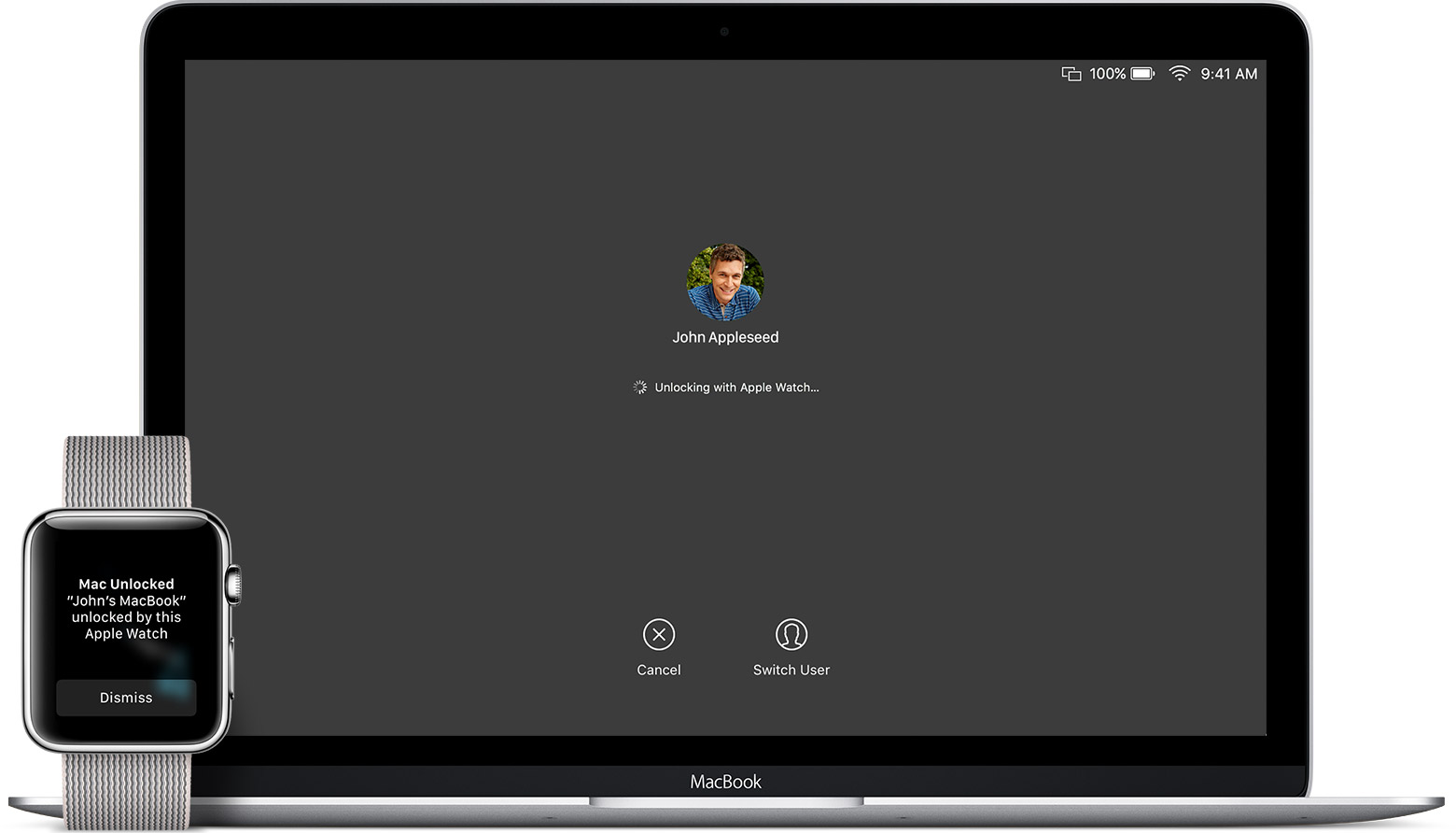
How to set up automatic account login on Mac

Login screen on MacBook Pro running macOS Sonoma

Wouldn’t it be nice if you could just turn on your Mac and start using it without having to log in to it all the time? If you’re someone who doesn’t need Fort Knox-like security to keep people from getting into your computer, then you can set up your Mac to log in to your account automatically when you turn it on, and we’ll show you how to do that.

Here’s a special tool Apple uses to recover data from MacBook Pro’s non-removable SSD

iFixit's teardown analysis of both the 13 and 15-inch MacBook Pro with Touch Bar has found a non-removable SSD inside soldered to the logic board. In contrast, non-Touch Bar Pros use a removable PCIe-based SSD, simplifying upgrades.

iFixit discovered that Touch Bar Pros include a hidden connector on the logic board that leads nowhere which, as reported by 9to5Mac, works in conjunction with a special tool to let service technicians rescue data in case of a hardware failure.