Mac

Stay up-to-date on the latest Mac news, and tutorials. Get expert tips and tricks to optimize your Mac’s performance and learn about the latest Apple products and software updates. Discover the best Mac apps and accessories to enhance your user experience.

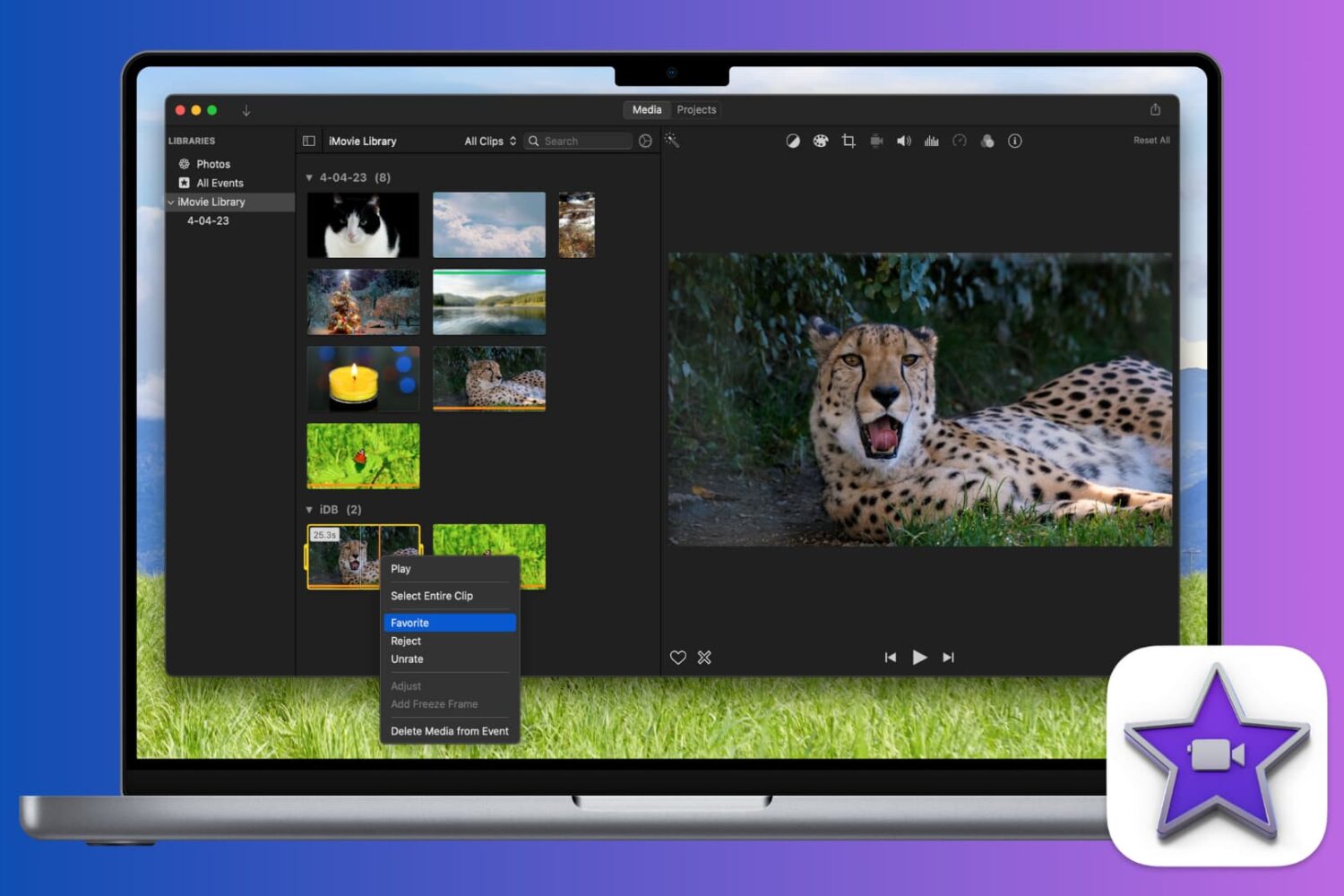
How to edit, trim, and adjust audio clips in iMovie

Edit Audio Clips in iMovie Mac

When you add an audio effect or background music to your movie in iMovie, you may want to make some adjustments. Luckily, iMovie provides features for editing your audio clips so that you can trim them, change the speed, and adjust the volume.

For iMovie on both Mac and iOS, this tutorial shows you the basics of how to edit, trim, and adjust your audio clips.

How to add fade in and fade out to songs in GarageBand

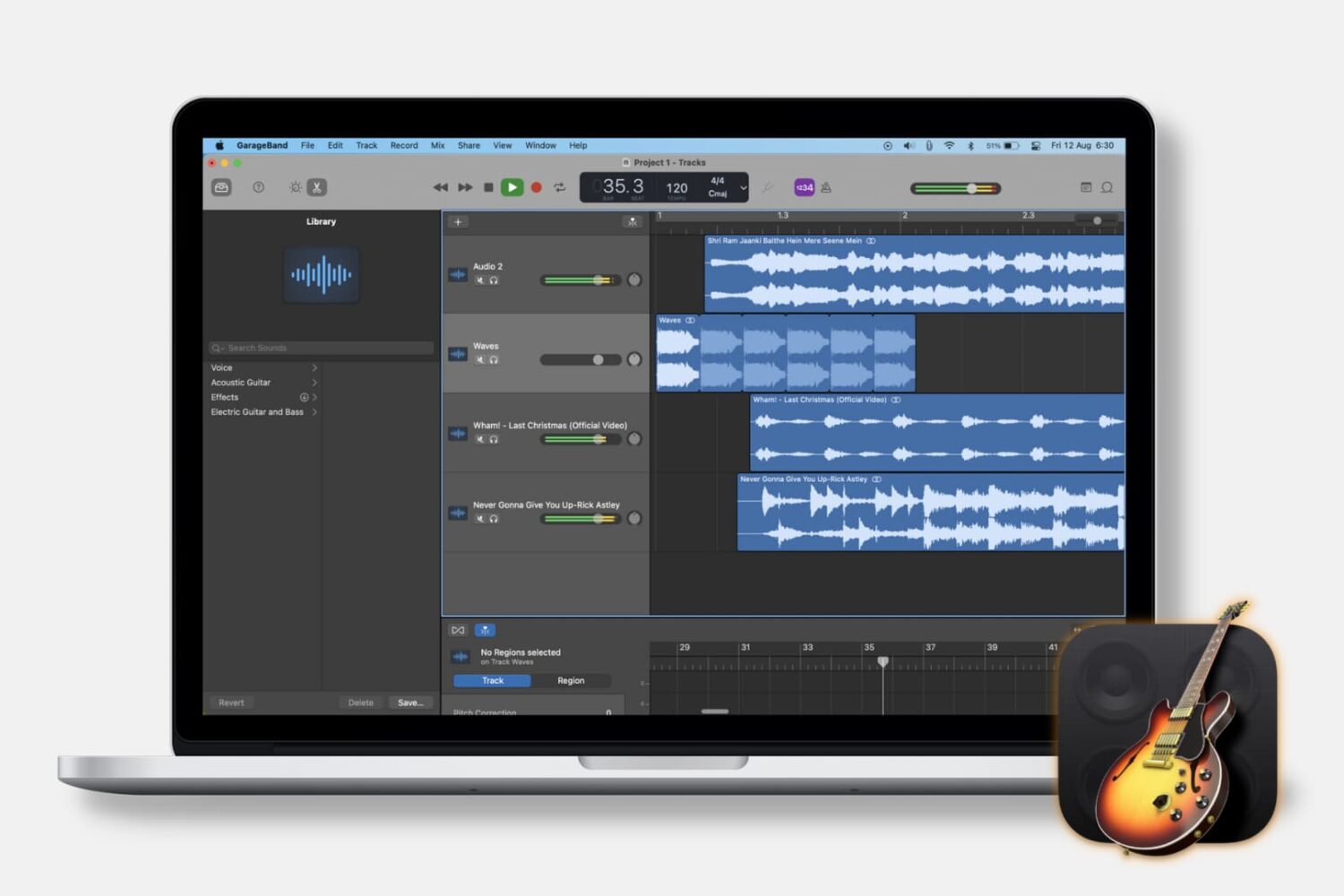
Fade songs in and out in GarageBand on Mac

Fading out of a song is something that we hear all the time when listening to our favorite tunes. As the song begins to come to an end, you’ll hear it slowly fade away to silence. If you’re creating your own music in GarageBand, you can add this effect as well.

While fading into a song isn’t as widely used, we’ll show you how to do that on Mac as well. So open up GarageBand on Mac or iOS and then follow our tutorial to add fade out to your songs.