Mac Tip

How to boot your Mac in Verbose Mode

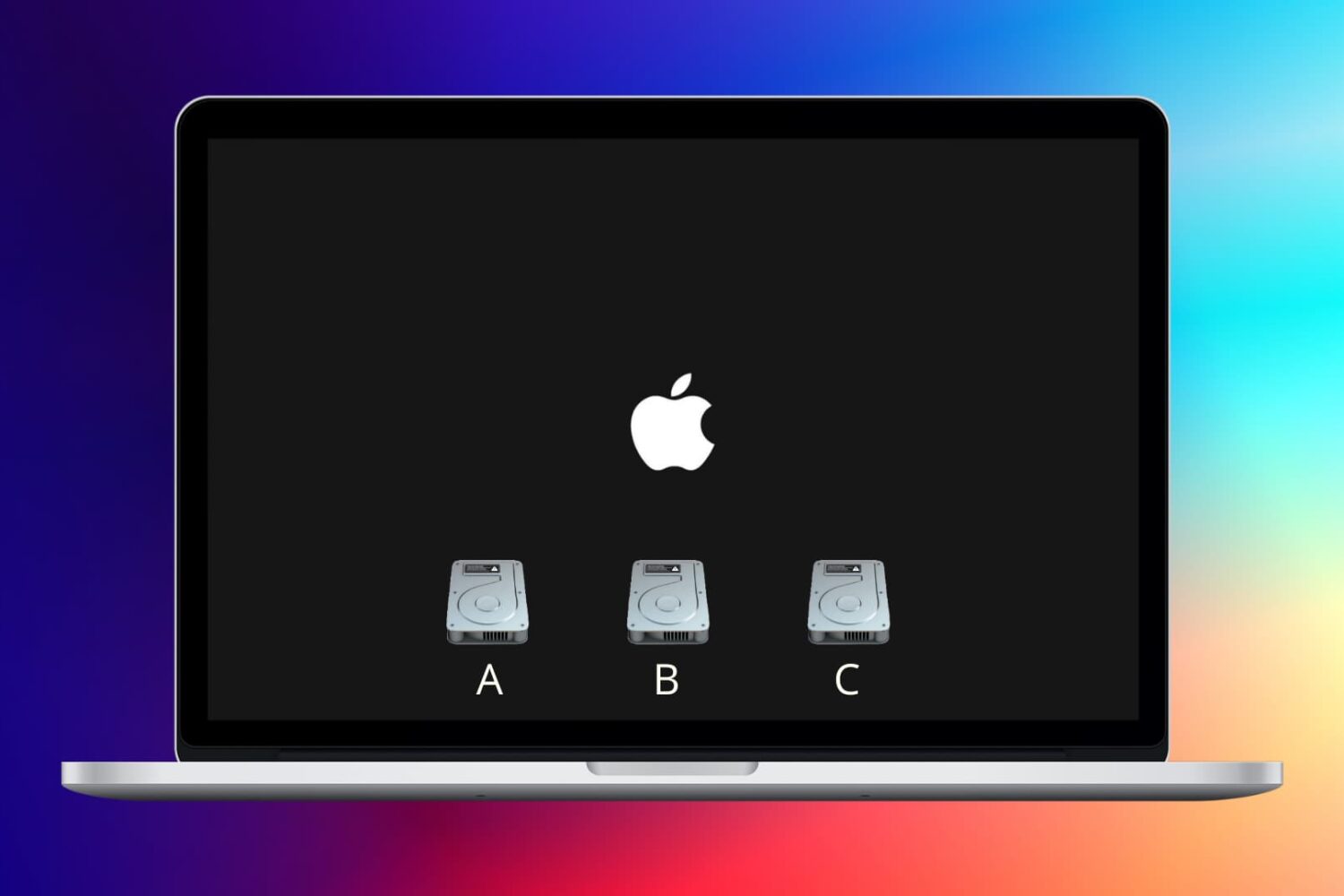
We previously discussed how booting your Mac into macOS' Safe Mode can help troubleshoot various issues with your computer. In more obscure situations and borderline cases, however, Safe Mode may not be enough to understand why your Mac freezes or crashes during the system boot process.

Enter macOS Verbose Mode.

Not only does Verbose Mode makes it easy to access detailed status messages as your Mac is starting up, but also lets you see what's really going on behind the scenes and watch as macOS loads kernel extensions and other startup items.

In this tutorial, we're going to cover booting your Mac in macOS' Verbose Mode, explain in which situations it might come in handy and give you some handy tips related to using Verbose Mode.

How to move Music or Photos to a new Mac using Time Machine

With Time Machine, it's easy to restore all of your data back to a new Mac or to a fresh install of macOS. As we outlined previously, users can choose to restore all data, or pick and choose the data that they wish to restore during the initial setup process of macOS, and that includes both music and photos.

Another option is to simply restore the entire Pictures or Music folder via the Time Machine interface. We show you how to do that via this post.

In the following tutorial, we'll show you another quick and easy way to recover photo or music data from a Time Machine backup—directly from the backup folder on your Time Machine external drive.

How to set up a new Mac from a Time Machine backup

One of the primary benefits of using Time Machine is that it allows you to restore your backup on a new Mac or a new macOS installation. This makes it so that you can essentially pick up where you left off from your old machine or old installation.

Fortunately, restoring Time Machine backups to a new Mac is extremely easy and straightforward. In this fifth tutorial in our Time Machine how-to series, we'll show you how easy it is.

How to hide Apple Music on your iPhone, iPod touch, iPad and Mac

Now that you've tried Apple Music thanks to Apple's generous three-month free trial, you may have decided that the service just isn't cut for you.

Though impossible to get rid of it completely, you can temporarily hide most of Apple Music's aspects.

Our previous tutorial has taught you how to disconnect from Apple Music's Connect feature and today's how-to lays out the steps to hide Apple Music on your iPhone, iPod touch, iPad and Mac and go back to the old way of enjoying music.

How to create a partition on your Time Machine external hard drive

Time Machine is extremely easy to use, and its flexibility makes it a great solution for keeping your Mac backed up safely. But with external drives being as large as they are, you may wish to use some of the space on your Time Machine drive for basic file storage.

There are many ways to go about this, but one of the best ways is to simply create a separate partition on your external drive. By doing this, you have a dedicated partition for file storage, and a dedicated partition for your Time Machine backups.

Although it's possible to store files on your Time Machine partition, in my opinion, it's a better practice to keep them separated. In this fourth entry into our Time Machine tutorial series, I'll show you how simple it is to create a second partition on your Time Machine external drive.

How to restore DRM-laden Apple Music matched songs to DRM-free

Apple today released iTunes 12.2.1 which solves a few issue, among them an annoying bug that's been driving more than a few early adopters of Apple Music crazy.

For context, Apple's standalone $25 per year iTunes Match subscription is commonly used to legitimately replace matched songs in your library with DRM-free files from iTunes in the high-quality 256Kbps AAC format. Unfortunately, iTunes Match as part of Apple Music membership contains a flaw.

Even though Apple Music checks songs in your own library against its vast catalog, matched tracks get incorrectly labeled as Apple Music and wrapped inside FairPlay, Apple's proprietary DRM system. As a result, you're prevented from enjoying your own Matched music on non-Apple devices.

More importantly, Apple Music members who cancel their subscription may end up with DRM-protected matched tracks. Making matter worse, deleting a track in your Mac's original library for the purpose of re-downloading it as a 256Kbps AAC file will prompt Apple Music to incorrectly replace the original, non-DRM version with a DRM-laden file.

This was never intended behavior: a flaw causes iTunes to incorrectly label songs from Matched to Apple Music. But worry not, iTunes 12.2.1 comes to the rescue: release notes state that the update resolves an issue “where iTunes incorrectly changed some songs from Matched to Apple Music”.

Here're the steps you must take if your matched songs show up as DRM-protected Apple Music tracks.
How to view and restore specific files using Time Machine

Time Machine is very useful, because not only does it allow you to back up all of your user data, but it also allows you to selectively view and restore portions of that data, even down to individual files.

In this tutorial, the forth in our series about Time Machine, I'm going to show you to how to view and restore an individual file using a Time Machine backup.

How to disable Apple Music Connect

If you choose to hide Apple Music on an iPhone, iPod touch or iPad, the Music app gains a new Connect tab.

Described by Apple as a place where “musicians give their fans a closer look at their work, their inspirations, and their world,”Apple Music Connect permits music lovers to view and follow an artist's stream, like and comment on their posts and more.

Apple Music Connect is basically Ping 2.0. The feature is a tad crude in appearance and feels rough around the edges so little wonder that some folks don't view Connect as valuable enough for it to deserve its own tab.

Wouldn't it be great if you could get rid of the Connect tab? Thankfully, there is.

You'd be forgiven for thinking that the Connect feature couldn't be disabled: Apple has made sure to burry and hide it in an obscure place. In this post, I'm going to explain precisely how you can disconnect from Connect in Apple Music on iPhone, iPod touch, iPad or Mac.

How to exclude files from Time Machine backups

In our third Time Machine tutorial for macOS, we'll show you how to exclude specific files or folders from being included in your Time Machine backup. You'll find that it's extremely easy to curate your Time Machine backups using its preferences.

The thing that I really like about Time Machine is that you can exclude not only individual files, but entire folders of files as well. Have a look at our easy to use tutorial to find out how you can exclude certain data from becoming a part of your backup.