Mac Tip

Ensuring your Mac is receiving updates about new malware and compromised web plug-ins

Among the plethora of built-in OS X features that help keep your Mac secure is something called File Quarantine, a download validation technology that checks any downloads for known malware when you try to open them.

File Quarantine is also available in compatible applications like Safari, Messages, iChat and Mail that download files from the Internet or receive files from external sources, such as email attachments.

Additionally, OS X blocks compromised versions of web plug-ins from functioning, including Java web apps and Adobe Flash content, to further limit your Mac's exposure to potential zero day exploits.

In this tutorial, we'll discuss how you can make sure that File Quarantine updates are turned on, which will allow your Mac to receive latest malware definitions and information about compromised web plug-ins from Apple.

How to create blank disk images with Disk Utility

Should you ever find yourself in the need to create blank disk images, OS X's built-in Disk Utility is your friend. A disk image usually has a .dmg extension and appears, looks and behaves like any ordinary file, with one key exception: launching it prompts OS X to mount the volume on the desktop.

These mountable disk images can be useful in a number of situations. For example, you may want to create blank disk images for storage.

Furthermore, disk images can be used as a virtual disk for software distribution, to burn CDs or DVDs and so forth. In this step-by-step tutorial, you'll learn how to create blank disk images in Disk Utility, at any size, with optional password protection, formatting options and more.

How to remove Adobe Flash from your Mac

The succession of vulnerabilities found in Adobe's Flash Player shows no signs of dying down: not a month goes by without Adobe releasing another yet emergency update for Flash to patch a bunch of newly discovered vulnerabilities (measuring in the dozens).

Some of them can be pretty nasty as they introduce new attack vectors for spyware, ransomware, trojans and other malicious applications that you don't want anywhere near your computer.

A few years ago, Flash Player was impossible to avoid because a bulk of web video was encoded in Adobe's proprietary Flash format, but not anymore: YouTube, Vimeo, Facebook and many other popular web services now use HTML5-based video players that work in any modern browser.

While Apple does block older, vulnerable versions of Flash in the Safari browser on macOS, you should do yourself a favor and remove Flash Player from your Mac using step-by-step instructions provided in this tutorial.

How to add location to photos and videos in Photos for Mac

With Photos for Mac, Apple pulled an iWork: that is, the re-imagining of how you should organize and manage your photos across devices originally wasn't as feature-complete as the now phased-out iPhoto used to be.

That's especially the case if you consider the need to edit location for some photos in your library: it wasn't before the OS X 10.11.3 El Capitan software update that Photos for Mac got this ability.

How to remove games you’ve uninstalled or no longer play from Game Center

With Game Center, you can play your favorite games with friends who have an iPhone, iPod touch, iPad or Mac. Game Center is also where your global leaderboards, achievements, challenges, high scores and other data are stored for each Game Center-compatible game you play.

Some people also find this particular feature a major nuisance over being bugged with notifications and invites for the games they no longer have installed on their device.

Thankfully, you can easily remove any game that you no longer play from Game Center with a quick swipe.

The ultimate guide to protecting your private information in Notes from the prying eyes

According to Apple, Notes is one of the most popular and most-frequently used stock applications on the iPhone, iPod touch and iPad.

People use Notes for everything from memorizing recipes to keeping track of errands, creating shopping lists, storing inspirational quotes and even passwords, codes and medical data.

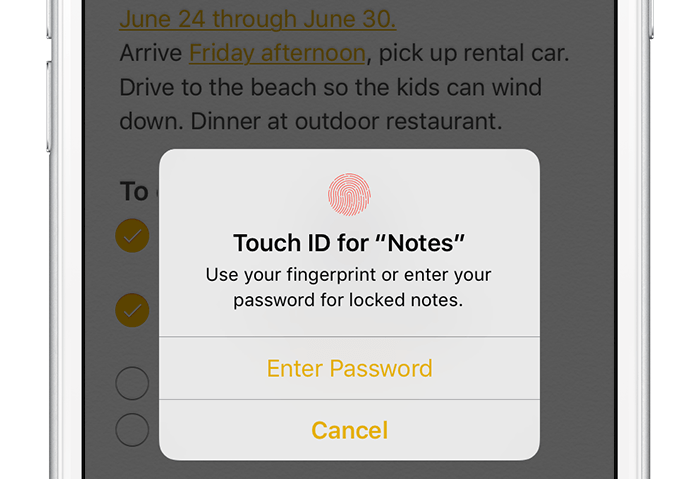
Not all notes contain sensitive information, but many do. Beginning with iOS 9.3 and OS X El Capitan 10.11.4, you can protect your notes with a password or Touch ID.

In this tutorial, you'll learn how to set up Notes protection, secure items on a note-by-note basis so no one can view their contents and more.

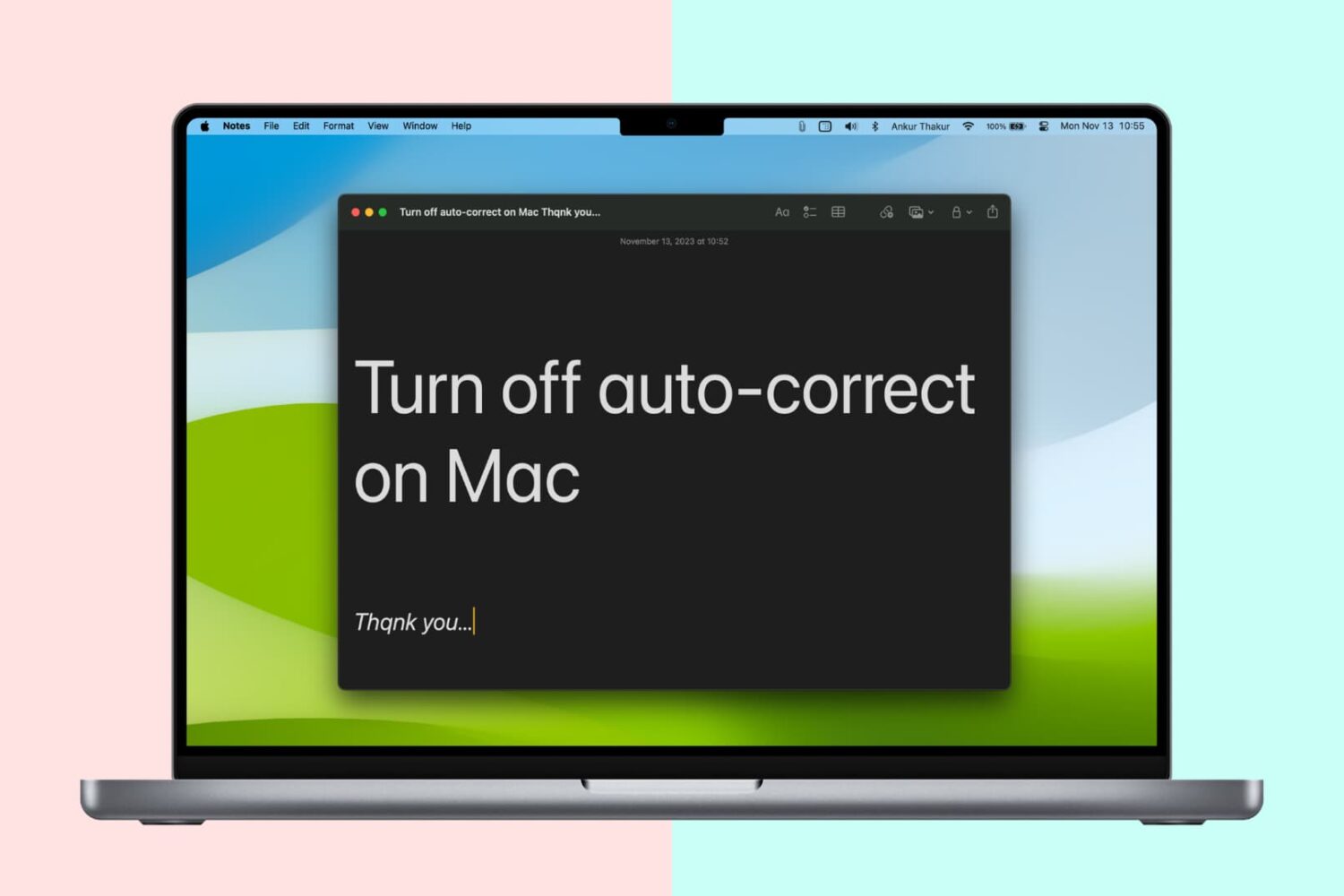
How to turn off auto-correct on Mac for one or all apps

Turn off auto-correct on Mac

Like your iPhone or iPad, your Mac sports an auto-correction feature that automatically corrects any misspelled words in your chats, documents, emails, and other documents that work with the system-level auto-correction feature.

In many macOS apps, mistakes are automatically corrected as you type. Native speakers who know their way around the grammar and spelling rules may want to reverse this behavior, and we’ll show you how.