In this tutorial, we will show you how to take control of someone else's Mac while they are sharing their screen with you.
How to remotely take control of another Mac
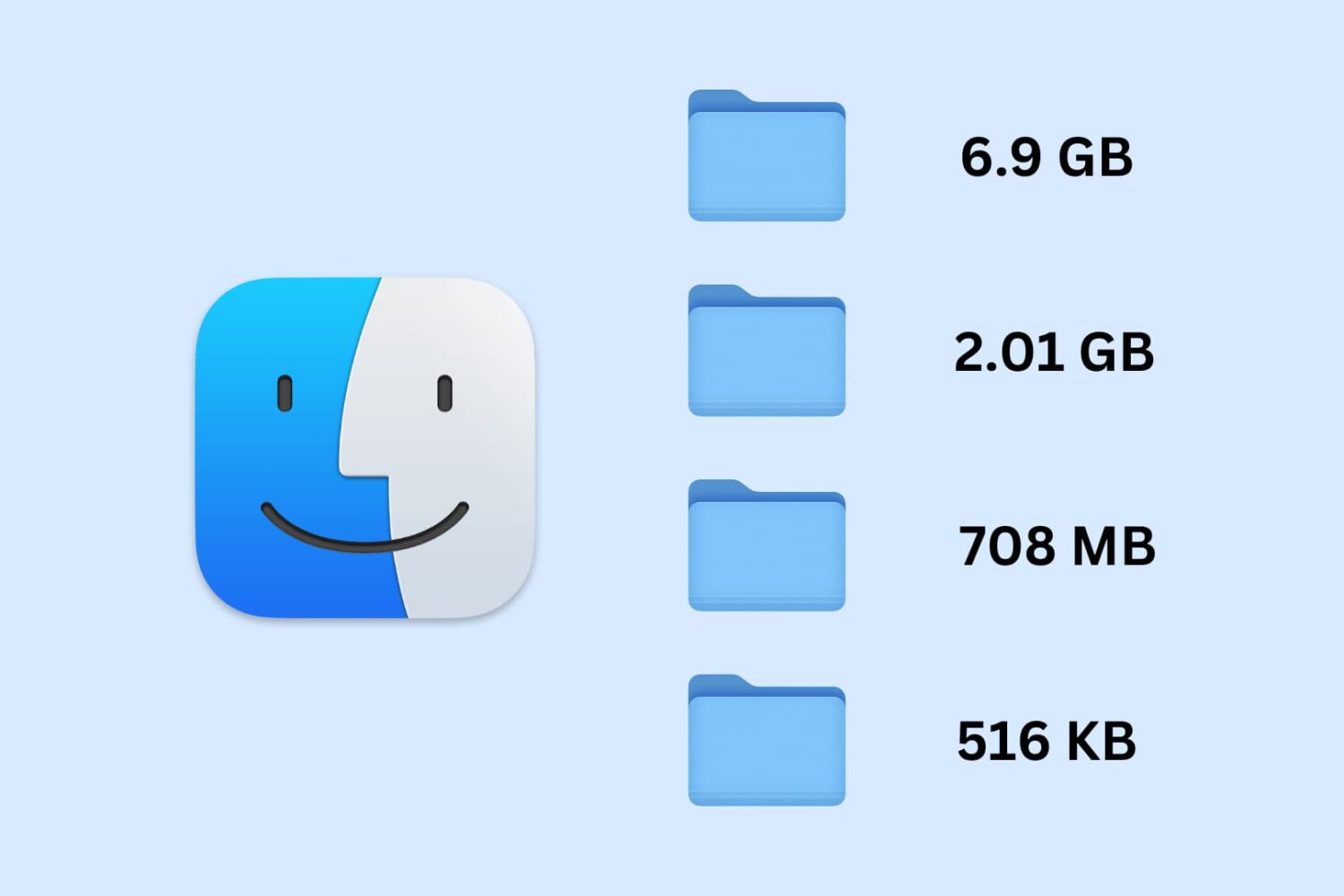
Learn how to set your Mac to calculate folder sizes and show how much storage space each folder takes up when navigating files in Finder as a list.
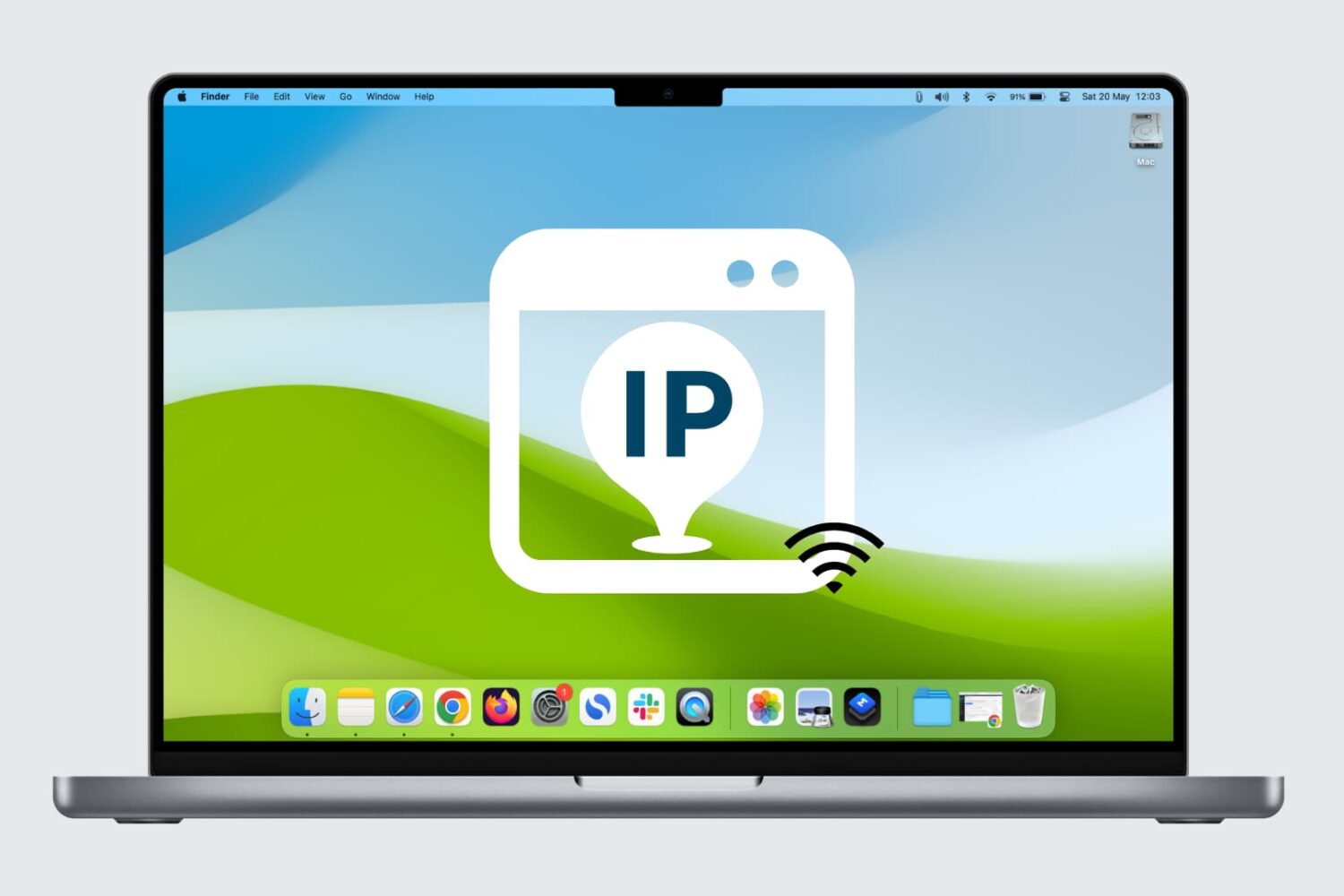
Learn how to easily see the Wi-Fi IP address of your Mac, iPhone, and iPad in this comprehensive tutorial.
Learn effective tips and tricks to optimize your Mac’s startup time and boost its performance with a few simple steps.
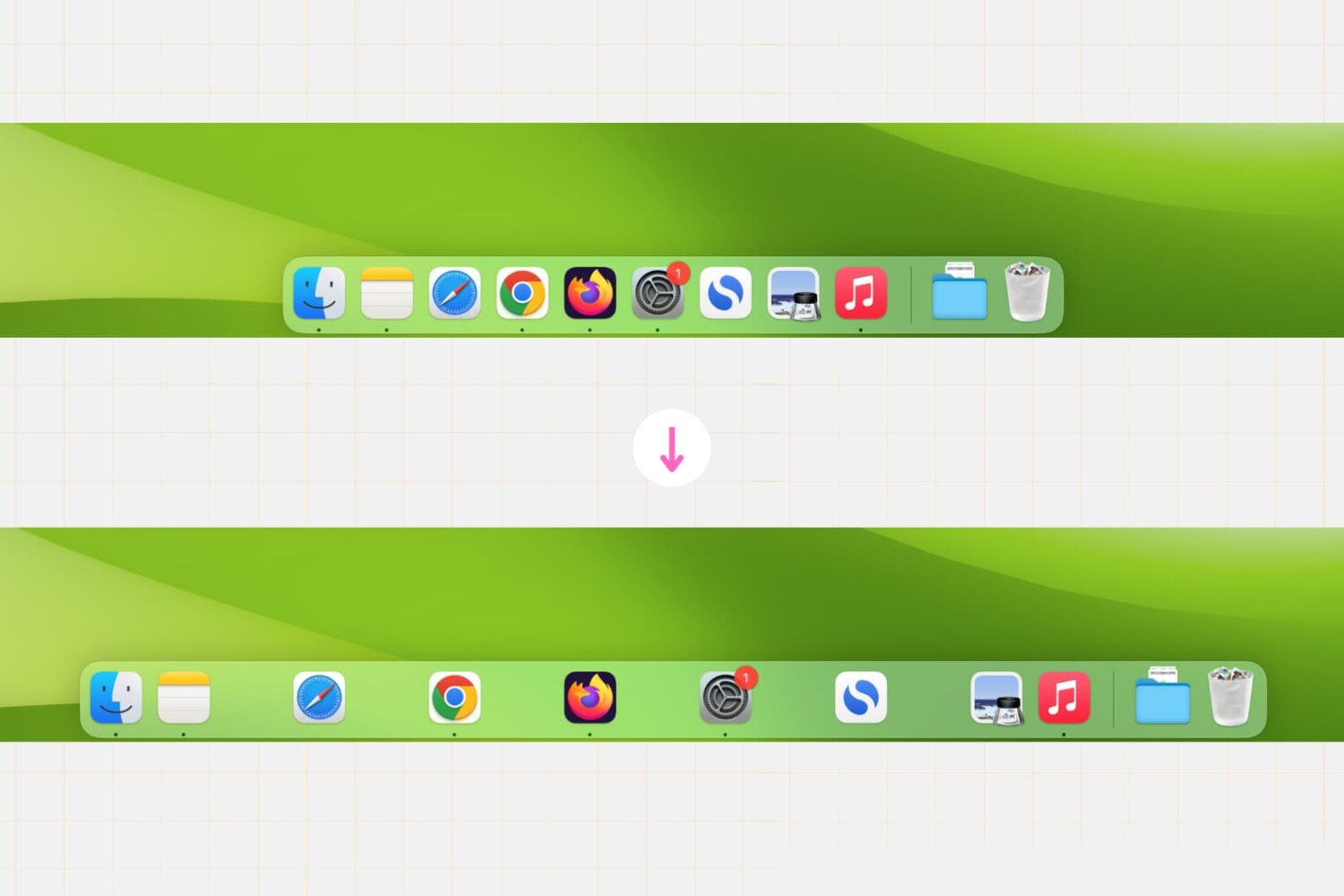
Whether you’re a productivity enthusiast or just want to customize your desktop, this simple Terminal command lets you create clear divisions between app icons, helping you achieve a cleaner and more organized Dock setup in no time.
Learn how to split tabs in the Finder on your Mac into separate windows, as well as merge multiple windows into a single window with multiple tabs.
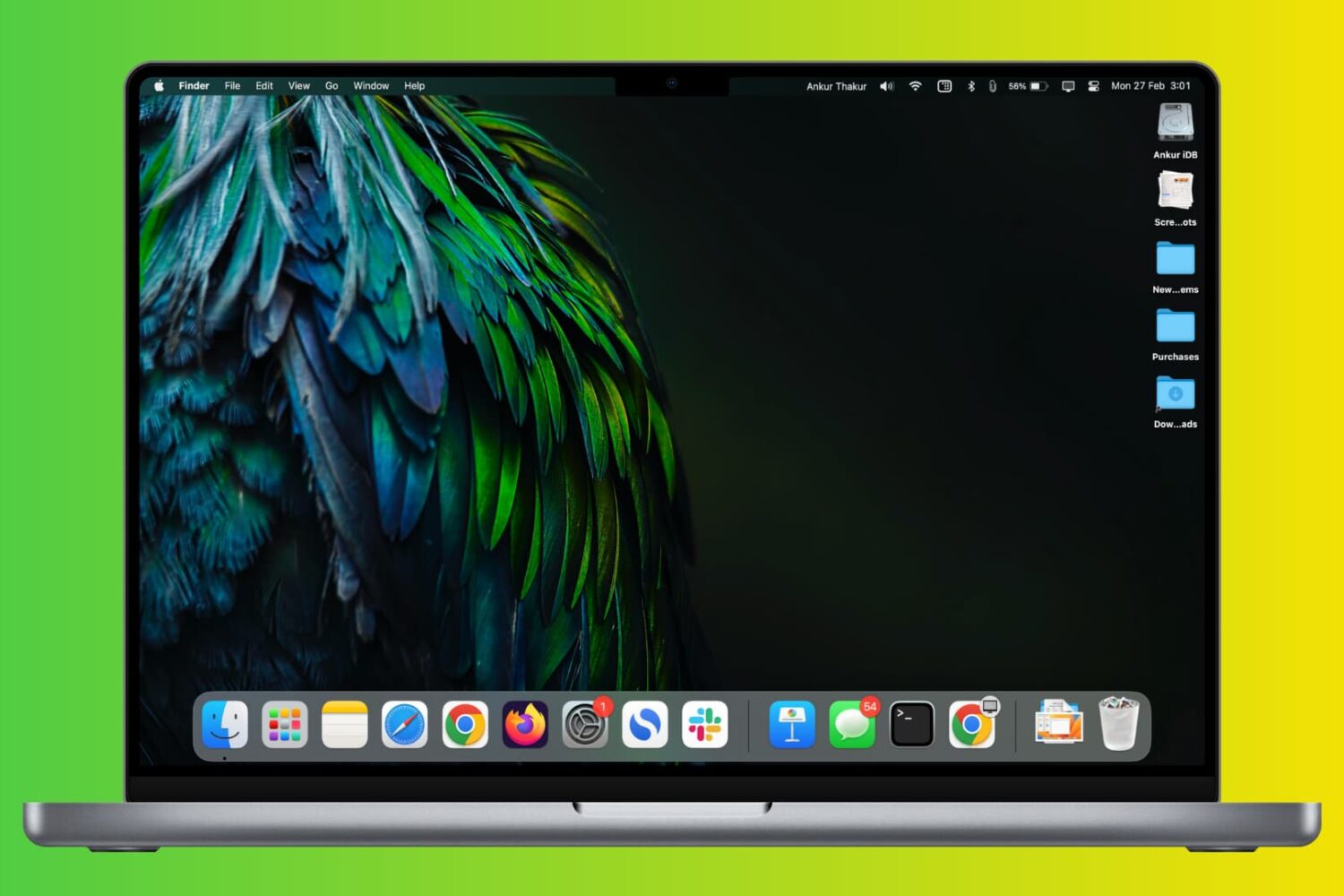
Check out these two simple ways to permanently keep currently open and recently used apps in your Mac’s Dock.
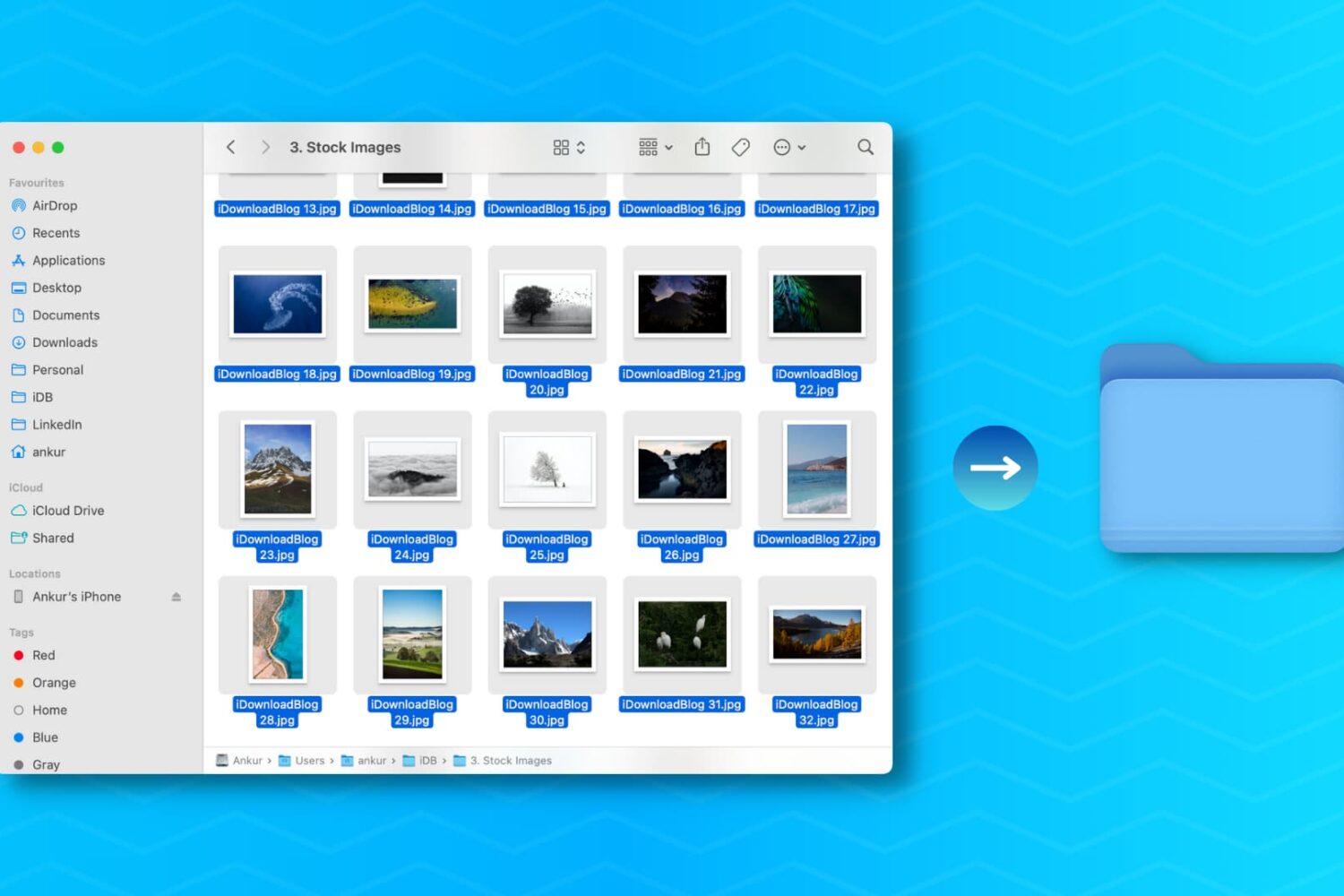
Learn how to create a new folder on your Mac containing a bunch of files you’ve selected in the Finder in one fell swoop, saving you time when organizing files.
Learn how to extract icons of a Mac app and save them in ubiquitous bitmap image formats such as PNG, JPG, and more.
Here are 18 simple yet important tips to protect your Mac so that all your files, documents, and sensitive data remain safe and do not fall into the bad hands.
From screen recording to video editing and beyond, discover 17 things you can do with QuickTime Player on your Mac to boost your productivity.
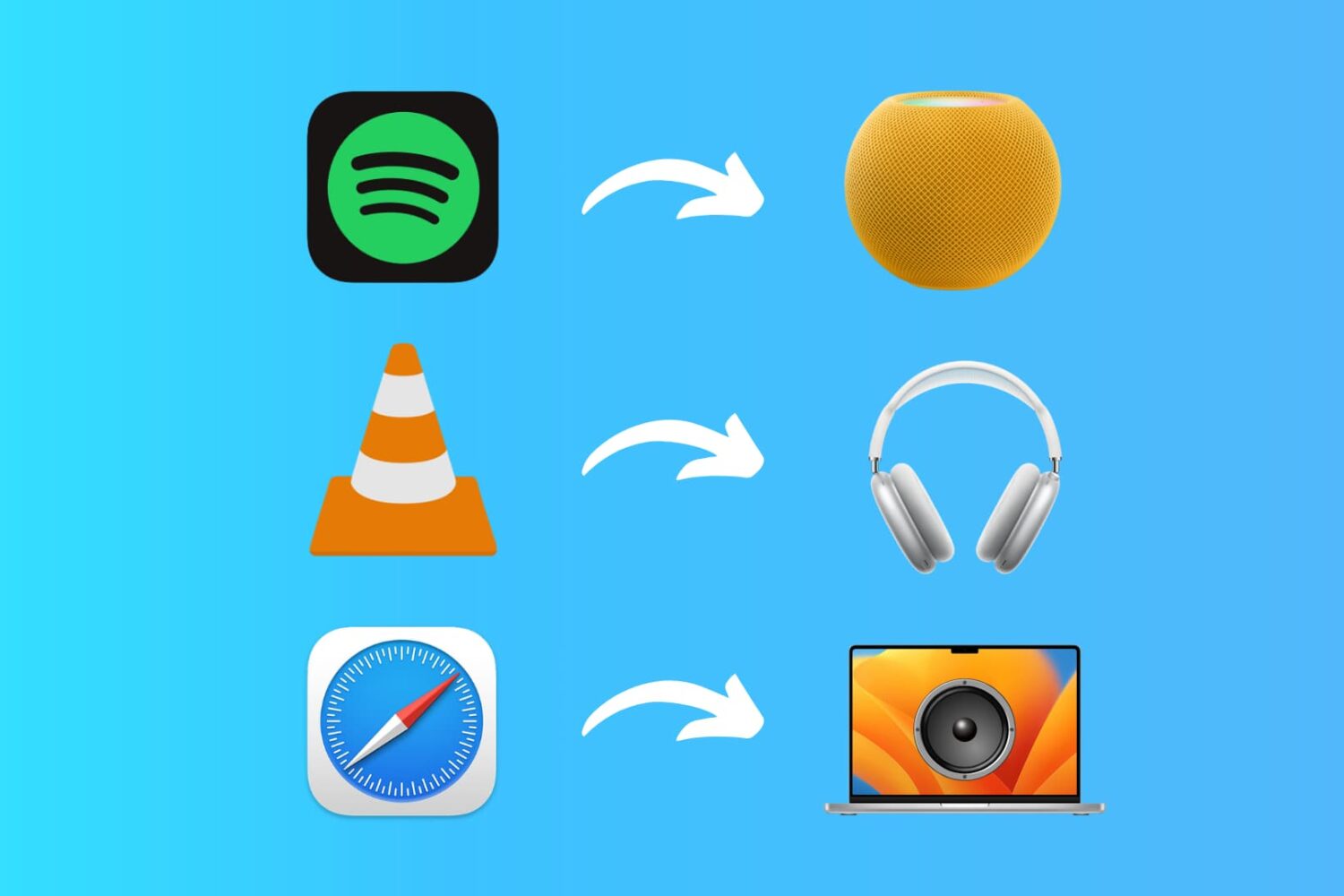
Learn how to set up custom audio output preferences for specific apps on your Mac, allowing you to enjoy your music and media exactly how you want.