Learn how to lock the bottom Dock on your Mac to prevent unwanted changes to it by you or anyone with access to your computer.
How to lock Mac Dock to prevent unwanted changes
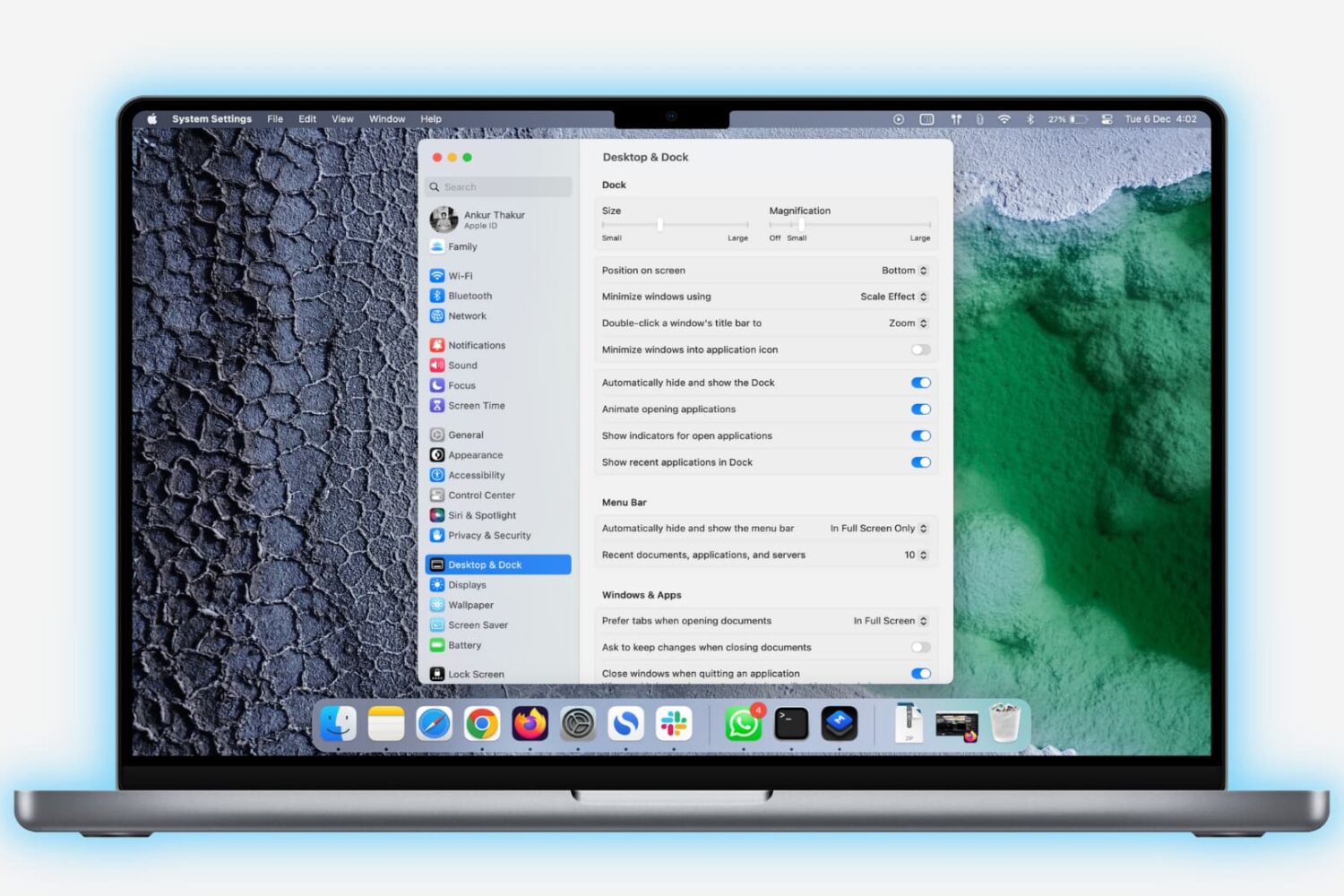
Learn how to lock the bottom Dock on your Mac to prevent unwanted changes to it by you or anyone with access to your computer.

Learn how to enter, use, and exit full-screen mode on Mac to use apps and windows on the entire screen for a distraction-free experience.
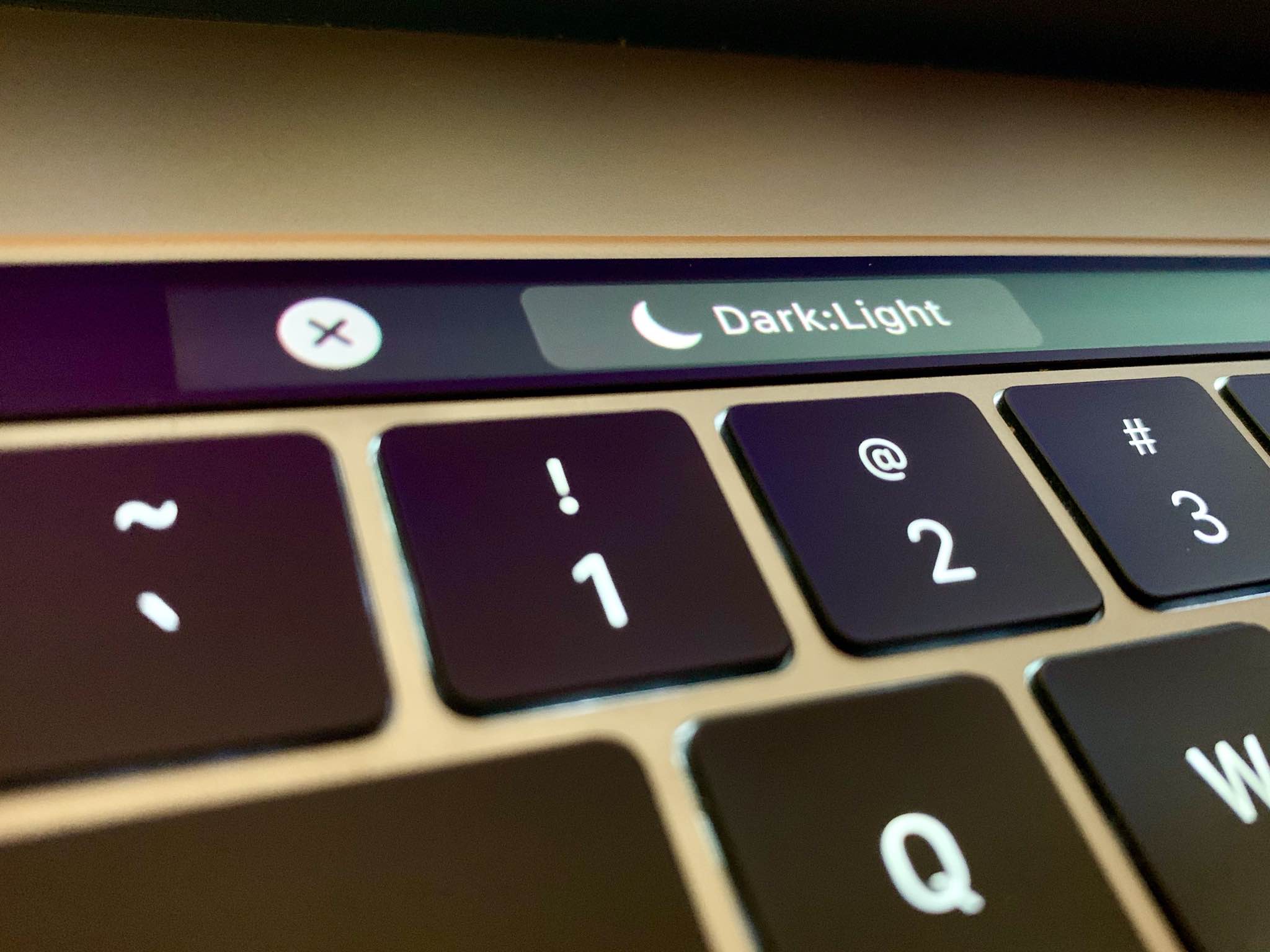
Follow this step-by-step tutorial to learn how to quickly switch between macOS's dark and light themes by adding a dedicated toggle for Dark Mode to the Touch Bar of your Mac.
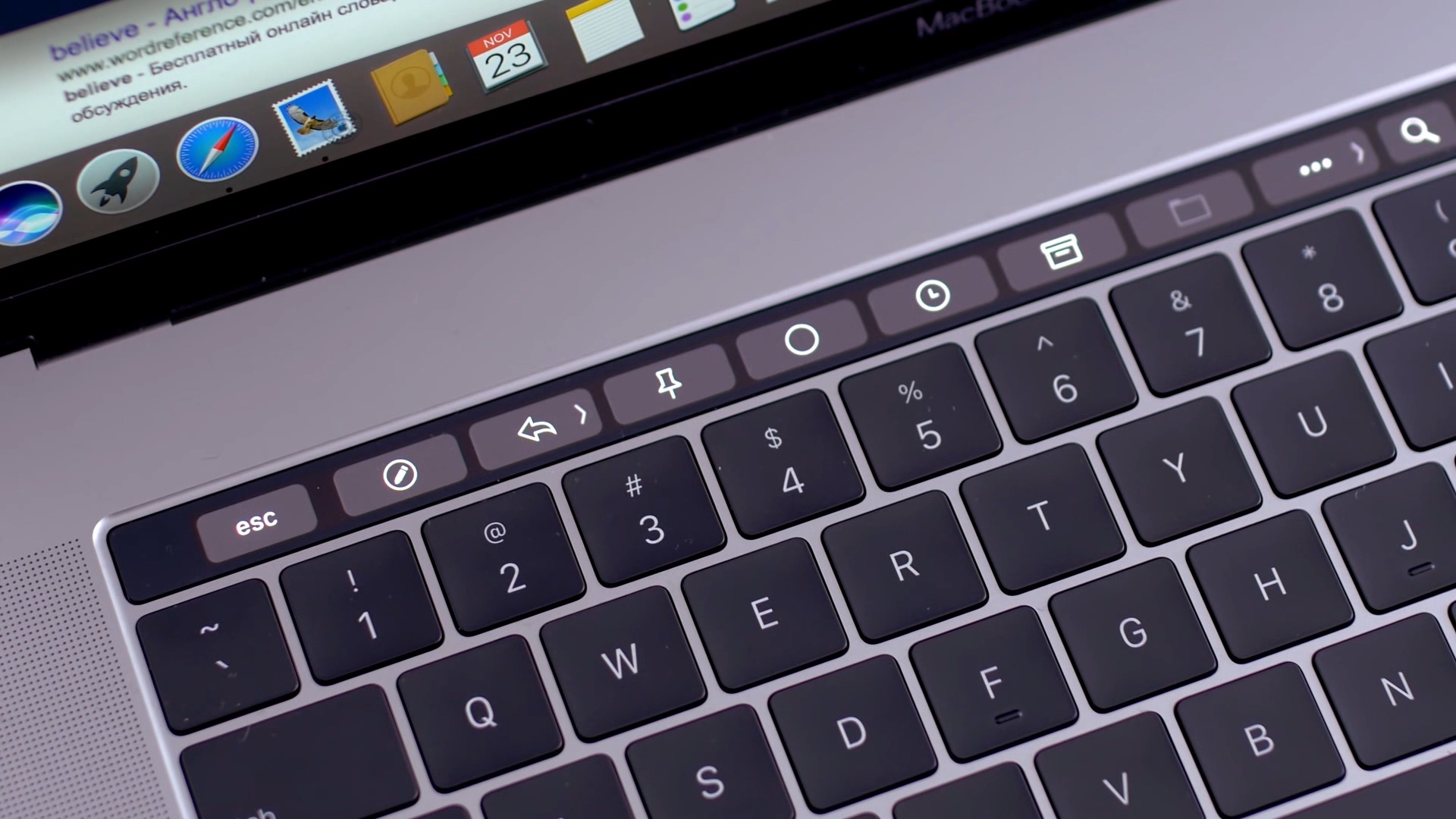
Learn how to add Automator workflows that are saved as Quick Actions to the Touch Bar of your Mac. Doing so will let you easily run your favorite macOS automation shortcuts at any time because they’ll be just two taps away.
The software that makes your Mac's Touch Bar work can also crash, become unresponsive, or misbehave to prevent you from using your favorite Touch Bar shortcuts. Should that ever happen, you can easily fix a frozen Touch Bar on your MacBook Pro, and we will show you how.

Discover some handy tips for using Safari Search on your Mac and find answers more efficiently with just a few clicks.

When you first get your Mac, there's a learning curve as you navigate through its features, set up apps like Messages and Mail, and customize your desktop. After some time, you'll be ready to level up your efficiency by learning useful shortcuts. That's why we've put together a handy list of tips and tricks specifically tailored for macOS beginners, helping you accomplish tasks faster and enhance your overall Mac experience.
Increase your productivity by using the Mission Control feature on your Mac to conveniently see all your open windows, virtual desktop spaces, and apps that are in full-screen or Split View mode.

Learn how to rotate your Mac’s screen upside down (180°) or vertically (90° or 270°) to optimize screen space for coding, reading, and designing with improved visibility.

The Mac Help system is a terrific tool for almost any question you have about your Mac, and here are some tips for using it to its potential.
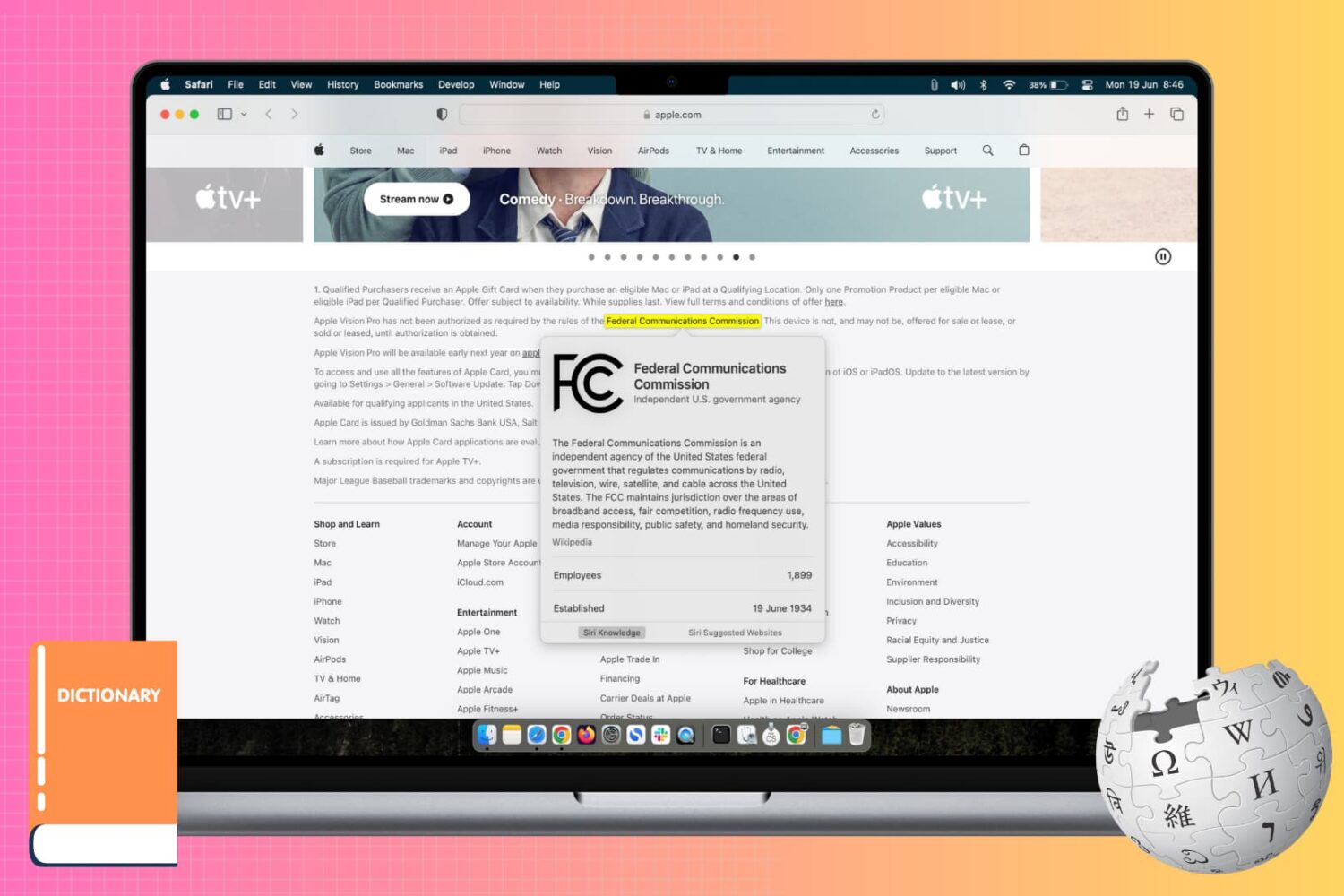
Learn how to use the incredibly useful Look Up tool on your Mac to find the definition and get more information about a word or phrase across all apps.