Learn how to merge macOS folders to clean up duplicate folders on your Mac that may or may not have the same names.
How to merge folders on your Mac
Learn how to merge macOS folders to clean up duplicate folders on your Mac that may or may not have the same names.
For all of you note-takers, we’ve compiled a list of keyboard shortcuts for the built-in Notes app on your Mac so you can format text, use tables and more like a pro.
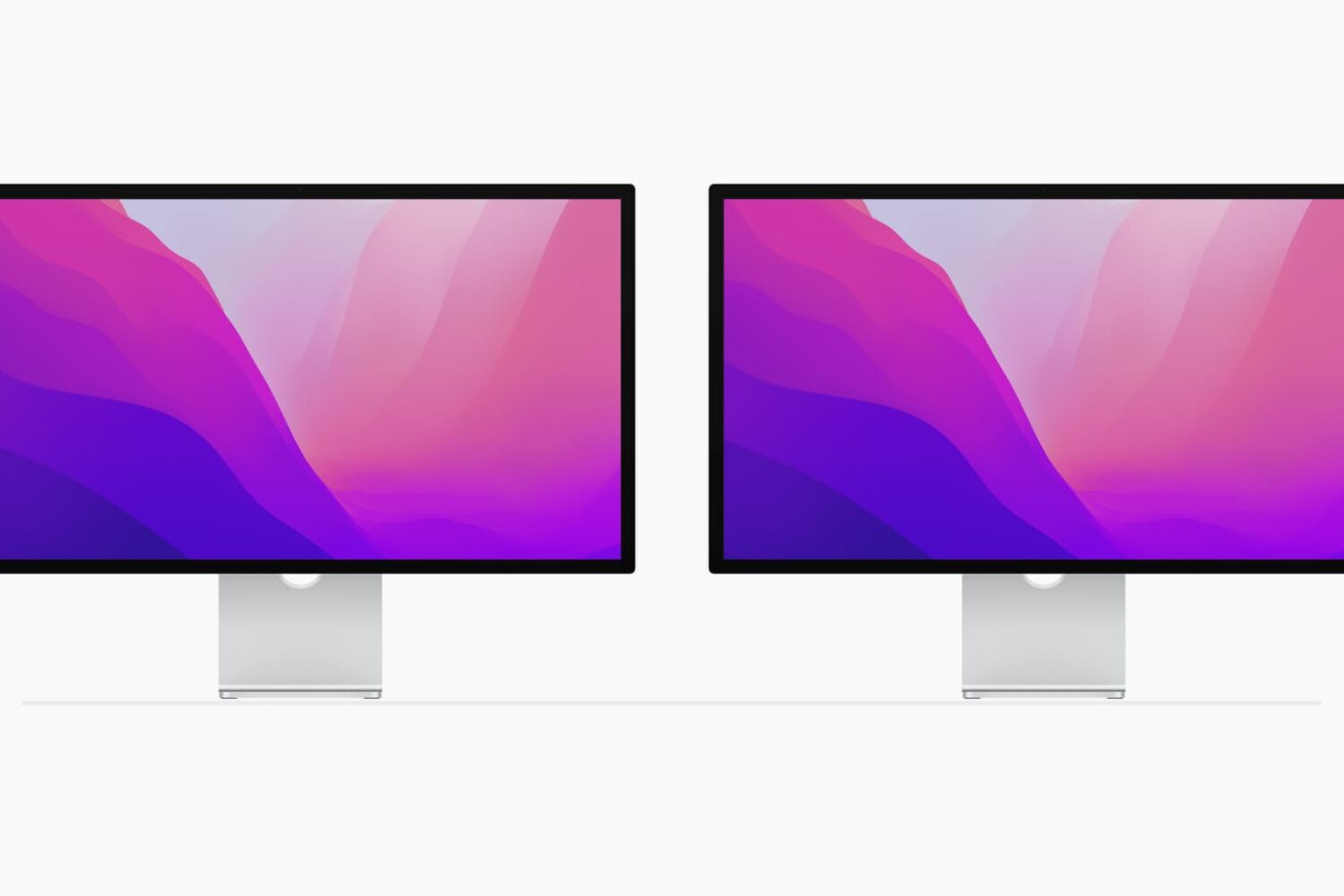
Using multiple monitors with your computer can increase your workspace and your productivity. Although you can easily use the Split View on your MacBook, you can actually quadruple that view with a second monitor.
If you’ve invested in a second display and have it connected and ready to go, here are some tips for managing your external displays on Mac.

Learn how to use the Finder’s file inspector to get a summary of multiple Mac items in a single floating window on macOS that dynamically refreshes as your selection changes.
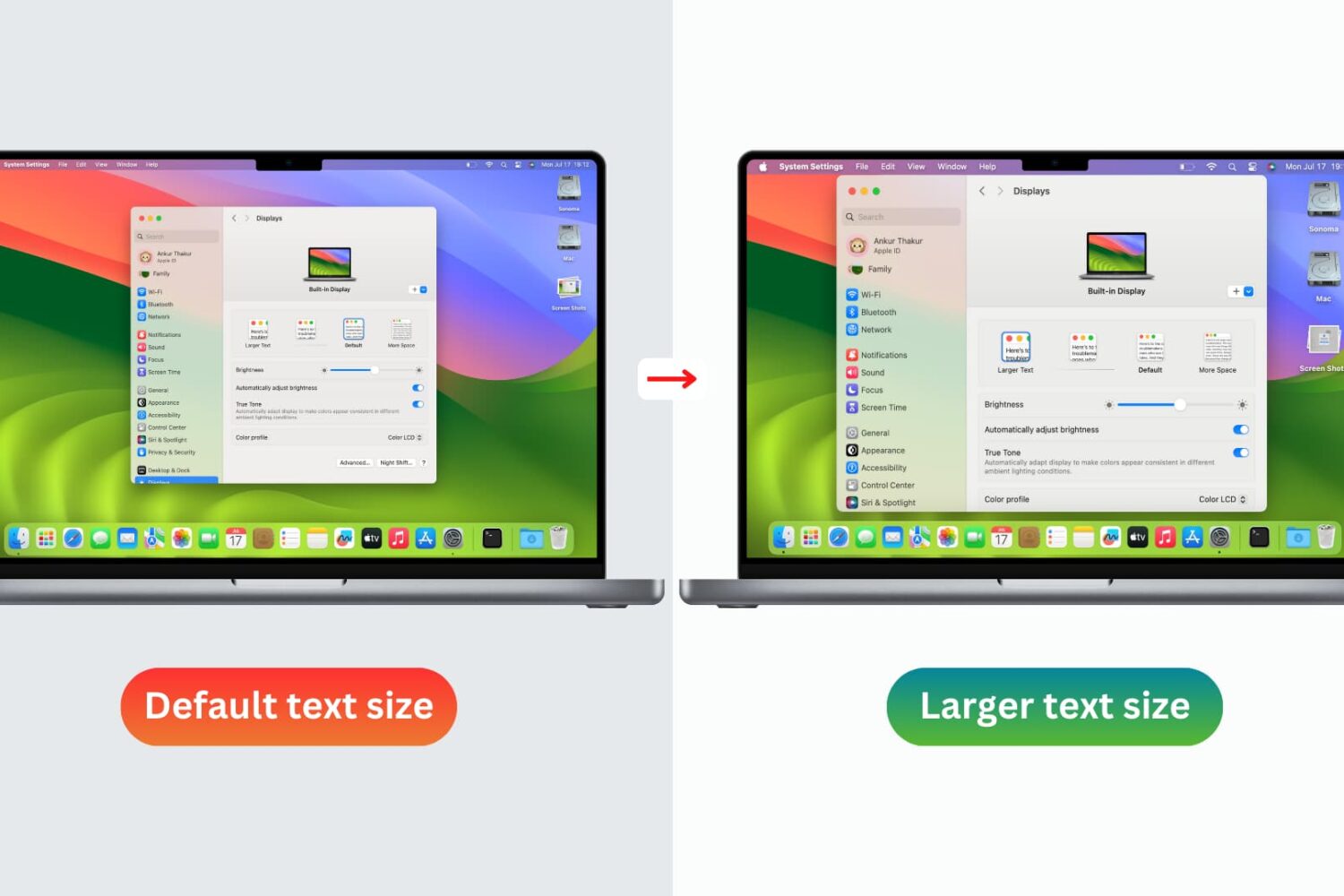
You don’t need to strain your eyes or grab your reading glasses to see items on your screen more clearly. Use these built-in options to increase the font size on your Mac and enjoy a more comfortable computing experience.
The iconic Mac startup chime played when you power up your computer had been around since 1998, but Apple disabled it in 2016 beginning with that year's MacBook Pro refresh. Thanks to a newly discovered Terminal command, you can re-enable the Mac startup chord sound on macOS Catalina and earlier, and our step-by-step tutorial shows you how.
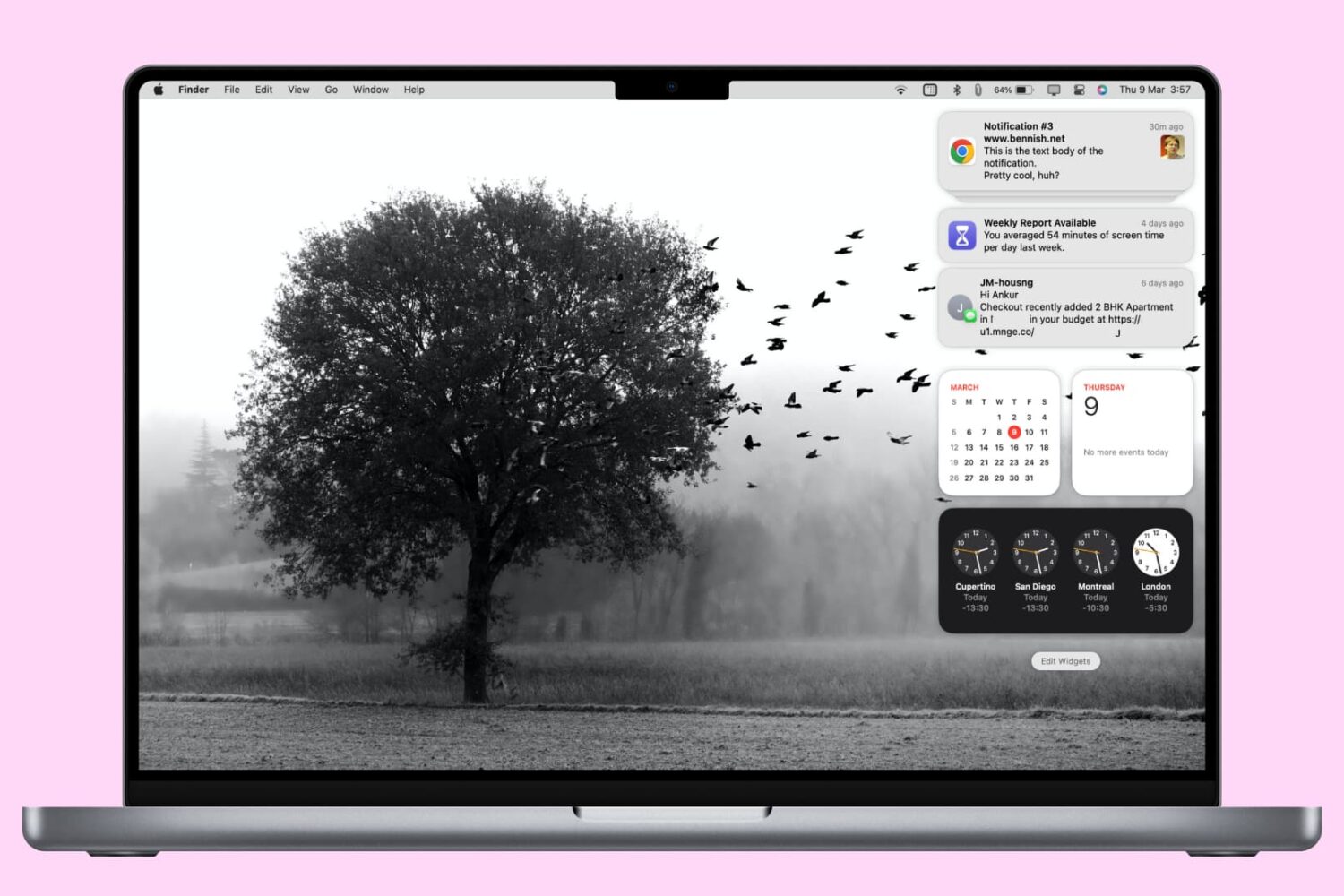
In this tutorial, we'll show you how to access and manage notifications on your Mac. We'll also provide quick steps to disable or temporarily pause alerts for apps with unhelpful notifications.
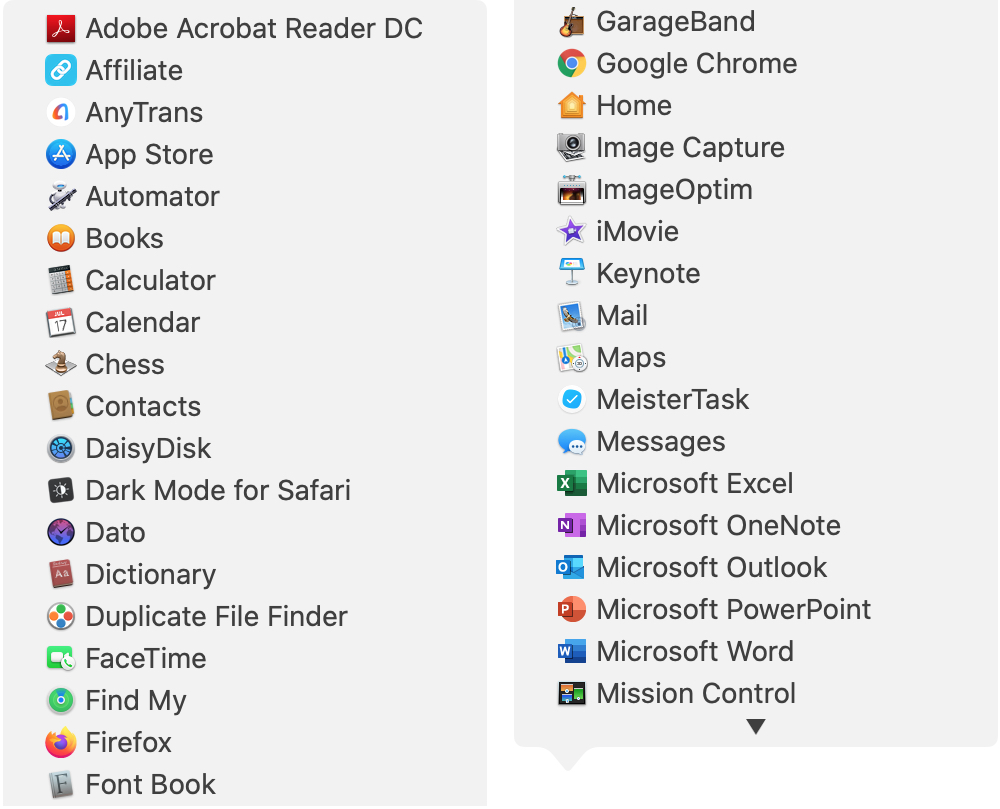
There are all sorts of ways to use shortcuts on your Mac. From tons of common keyboard shortcuts to those that help you navigate webpages faster; you have plenty of options.
Along with some useful keyboard shortcuts for your Dock are additional ways your Dock can help you do things faster. And especially for those new to macOS, you might not realize they exist. Here’s how you can navigate your Mac quicker with Dock icon shortcuts.
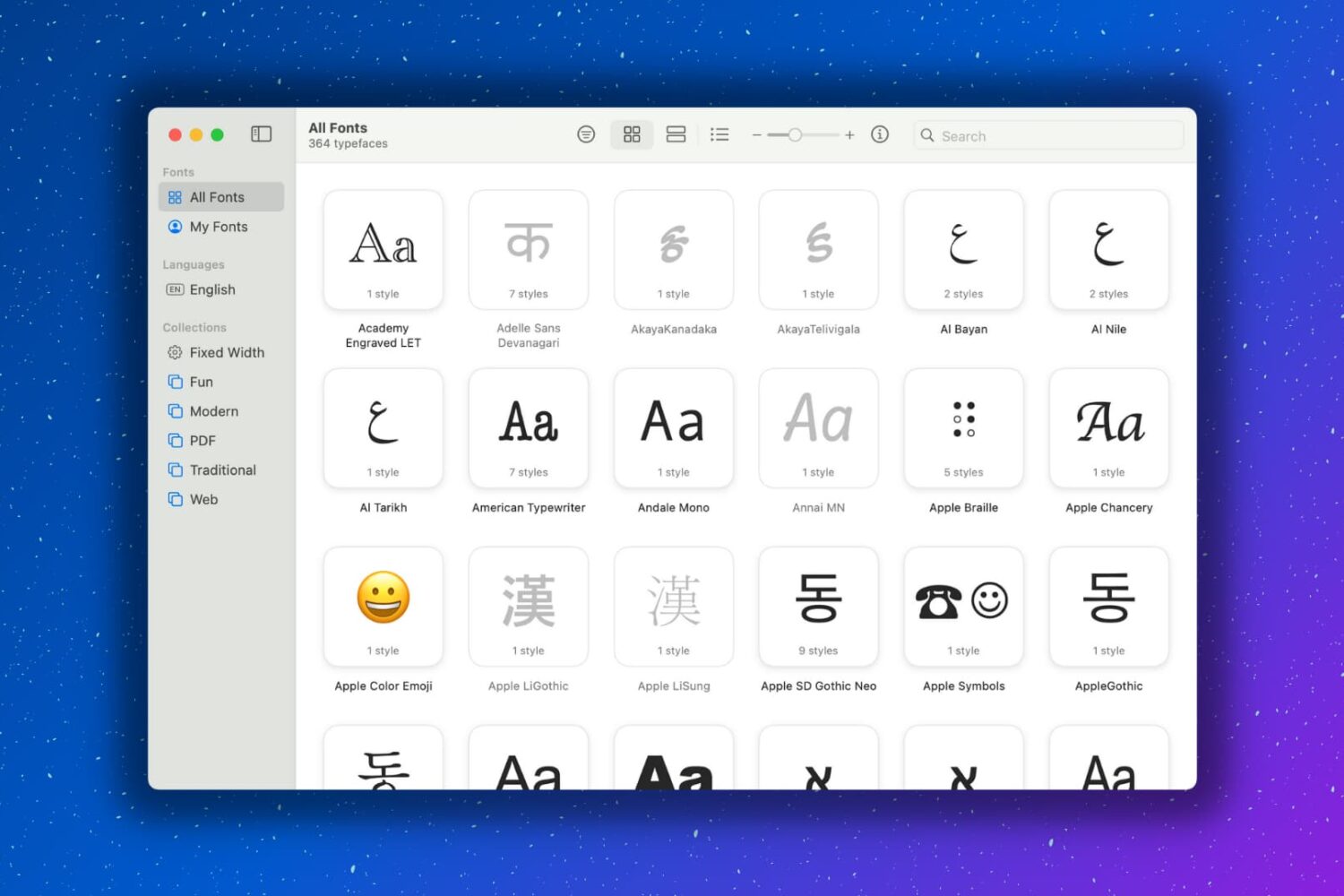
Having extra fonts available on your Mac is awesome. You might be composing a document that you want to have a special look. Or maybe you like using unique font styles for taking notes. Whatever the case may be, you can certainly find fonts on the internet and install them, which is super easy. But you might not realize that your Mac has cool fonts tucked away that you can use.
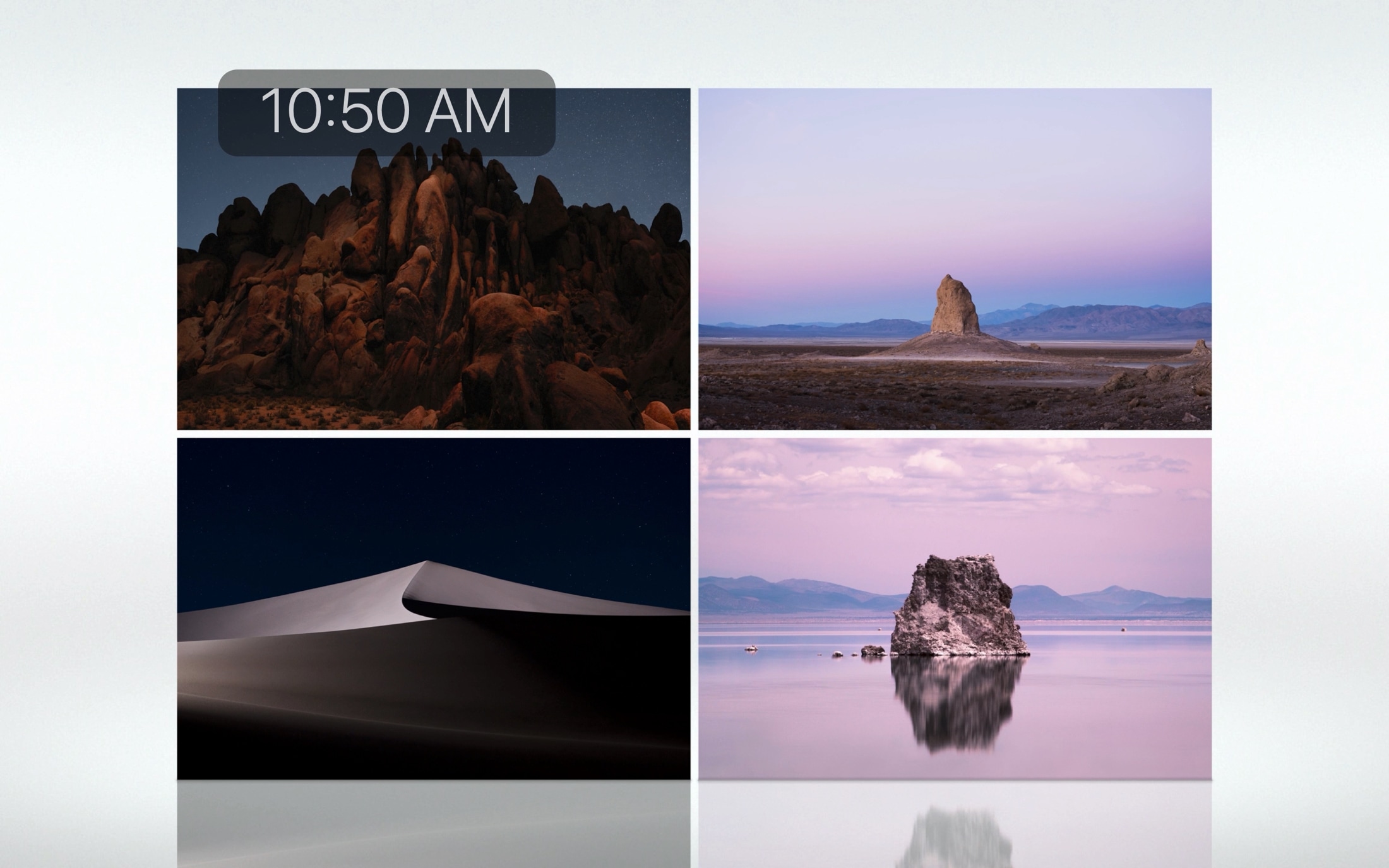
If you’re going to walk away from your Mac for a minute, you might want to start your screen saver. You may not want to lock your computer or put it to sleep but just display your screen saver instead.
There are three quick and easy ways to create a shortcut to start your screen saver, and we’ll walk you through each one.
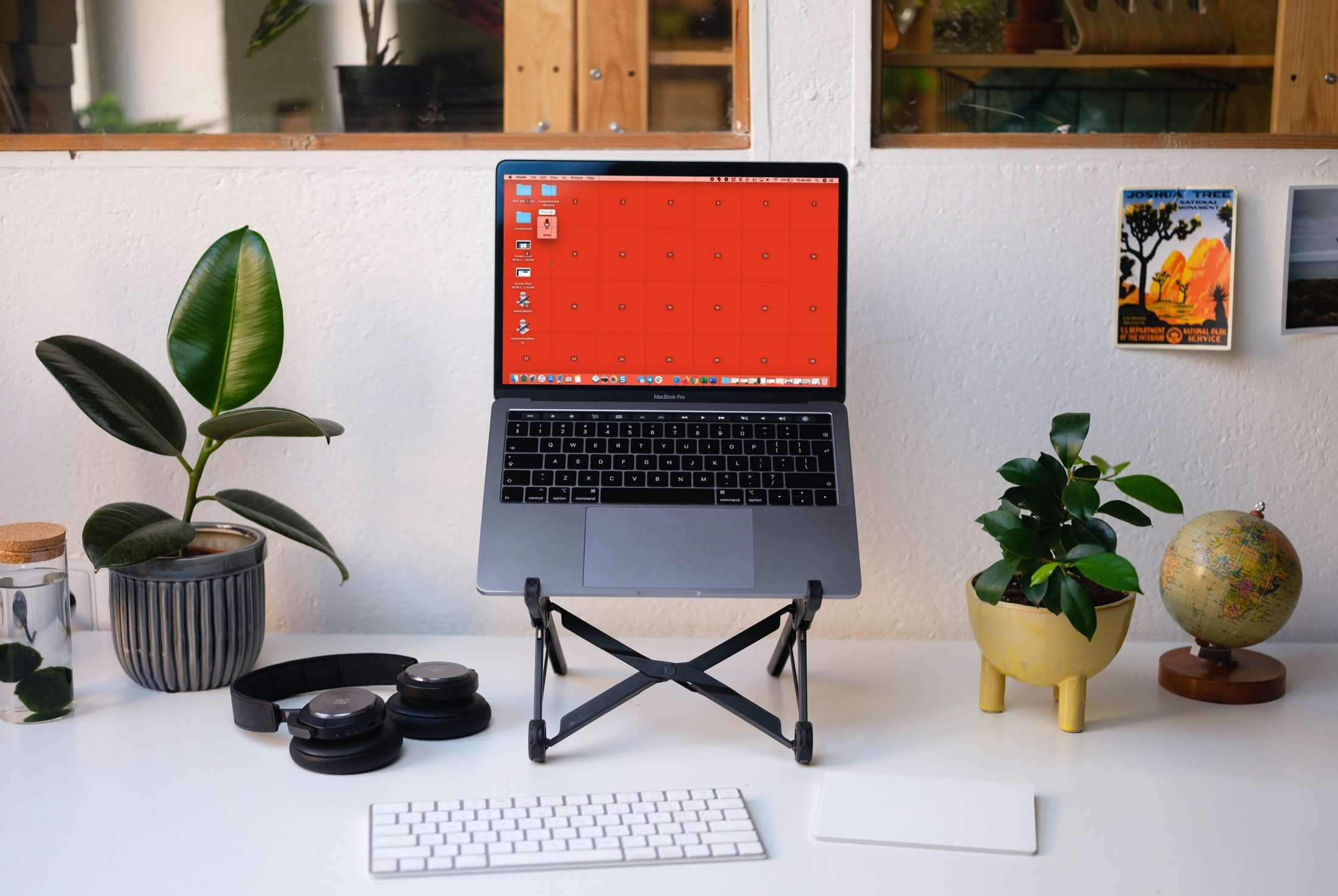
Learn how to use Voice Control on your Mac to navigate and interact with your computer using just your voice. This is handy if you cannot use traditional input methods, or want an additional way to get things done.
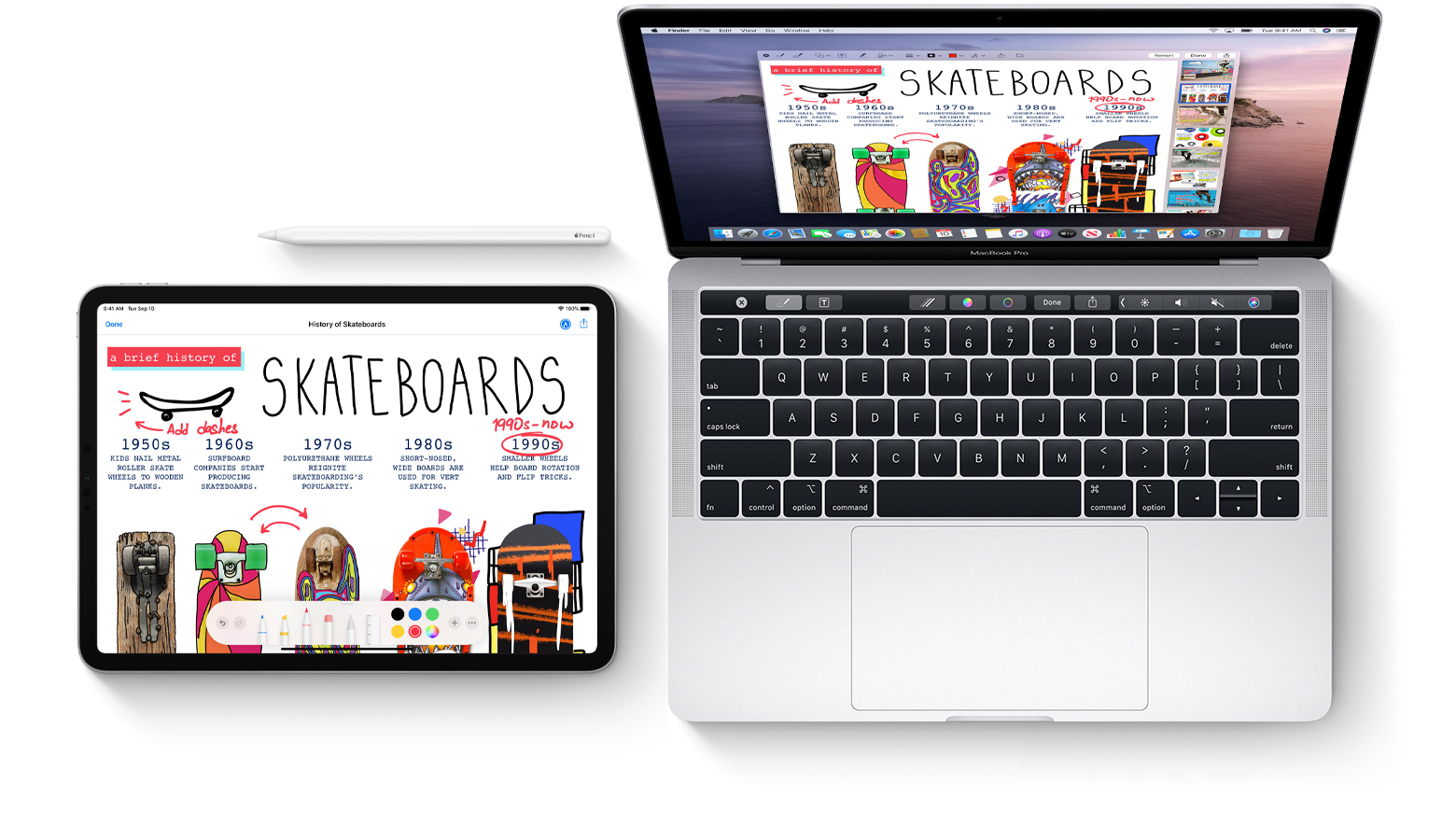
Learn how to mark up PDF documents and images on your Mac by using Apple Pencil or your finger on a nearby iPhone or iPad.