Jailbreak

Check out the most comprehensive jailbreaking coverage on the internet, including the latest news, apps, tweaks, and detailed tutorials about everything jailbreak.

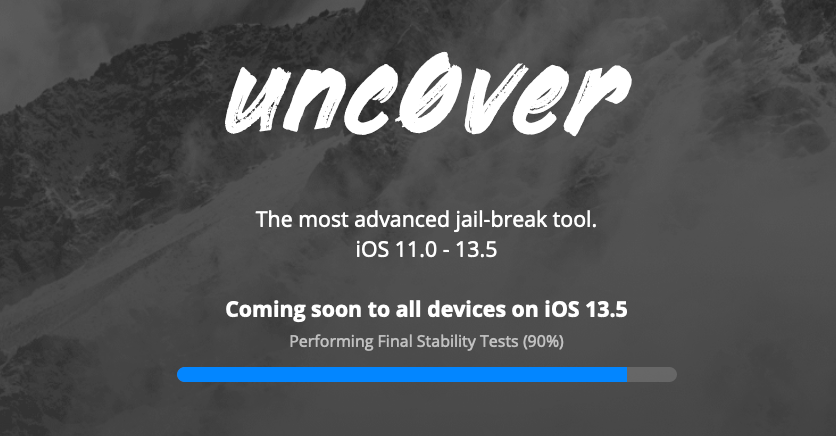
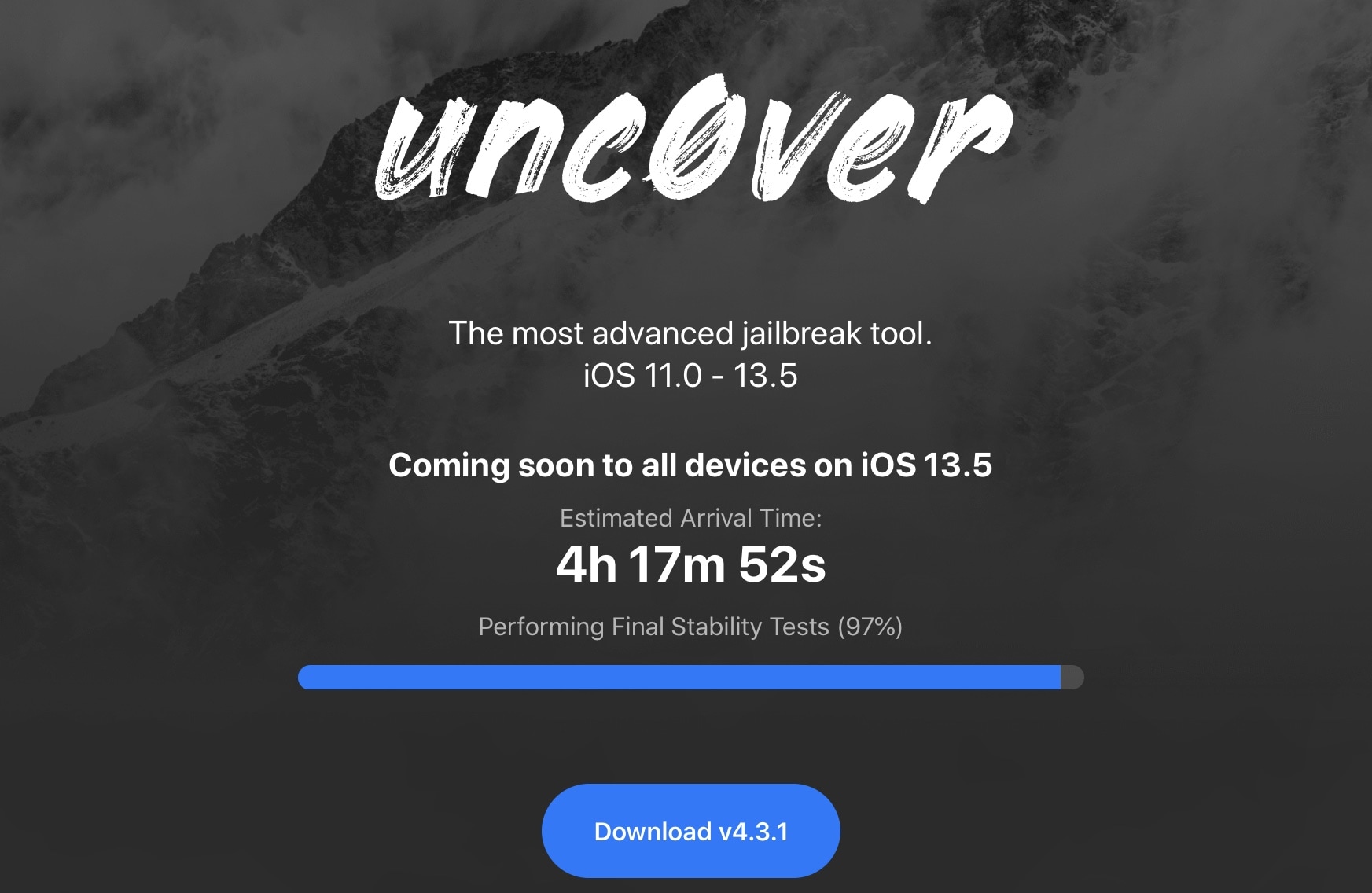
Countdown to release of unc0ver v5.0.0 with support for iOS 13.5 begins

On Wednesday, team unc0ver teased an upcoming v5.0.0 of its jailbreak tool with support for all iPhones and iPads that can run Apple’s latest and greatest iOS 13.5 firmware (iPadOS 13.5 included) by way of a brand-new 0-day kernel vulnerability from project lead developer Pwn20wnd.

At the time, the official unc0ver.dev website displayed a progress bar with the text “Performing Final Stability Tests 90%,” but things seem to be moving right along. The progress bar has now surpassed 95%, and several high-profile Tweets now indicate that unc0ver v5.0.0 will be released this weekend, sometime within the next 24 hours.
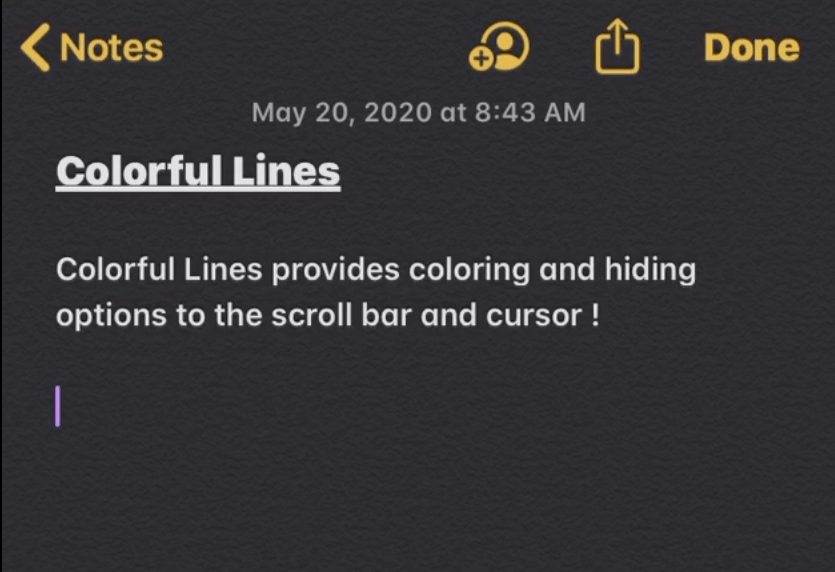
Colorful Lines lets jailbreakers colorize iOS’ cursors, scroll bars, text highlights, & more

If you’re a minimalist, then you may enjoy customizing your jailbroken iPhone, but perhaps not to the extent of installing crazy themes or adding extraneous features and interfaces. One thing you might enjoy doing, however, is making subtle adjustments to iOS’ native user interface.

Anyone who aligns themselves with the aforementioned sentiment will probably enjoy the likes of a newly released and free jailbreak tweak dubbed Colorful Lines by iOS developer Yulky Tulky. Just as its name implies, this tweak doesn’t do much else other than allow custom colorization of certain line-centric interfaces in iOS.

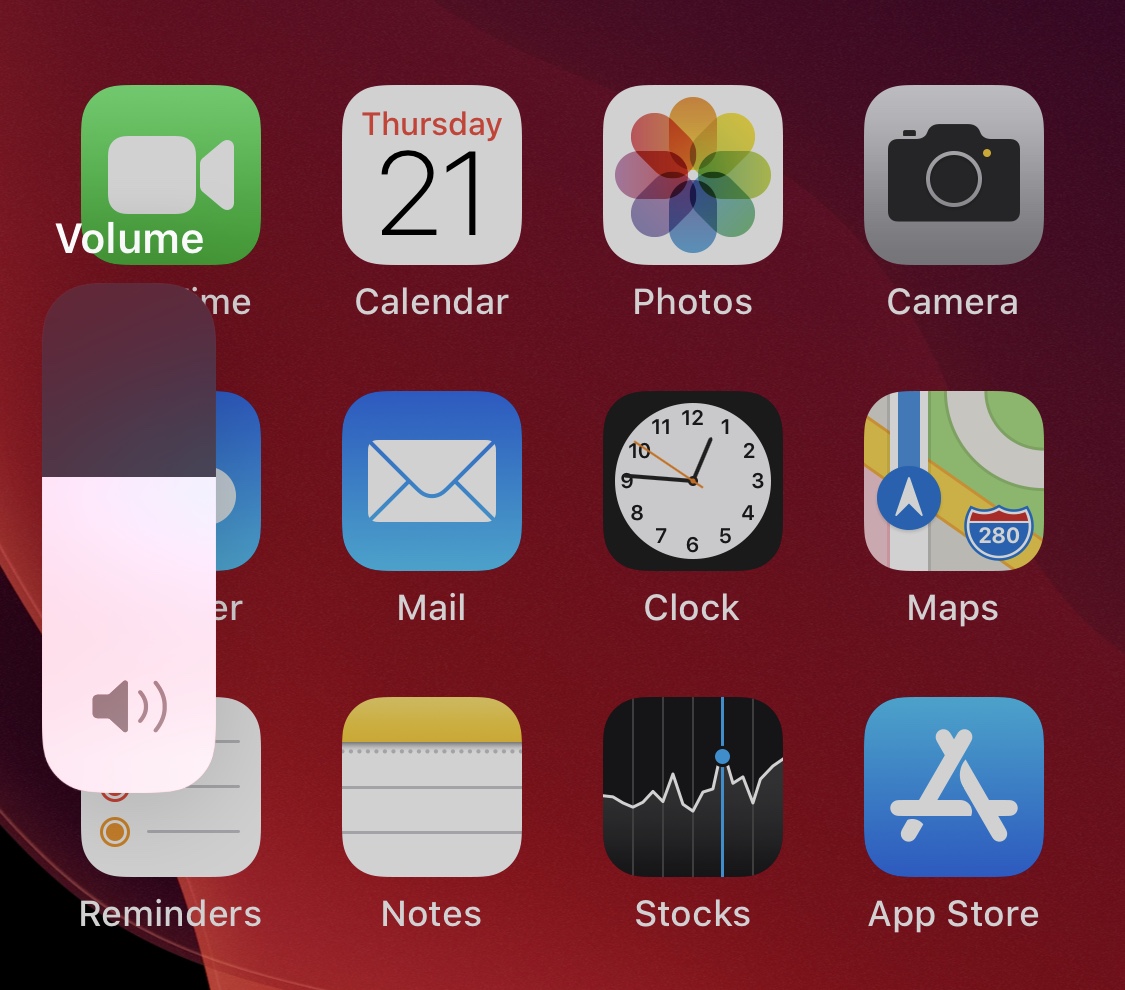
Get more ‘oomph’ out of a single volume button press with VolumeStep13

As you adjust your iPhone’s volume with the physical volume buttons on the left edge of the handset, each button press equates to a tiny amount of adjustment to the volume level itself. If you’re trying to make drastic changes to the handset’s volume all in one fell swoop, then this means pressing the volume button(s) several times in rapid succession until you get it right where you want it.

A newly released and free jailbreak tweak dubbed VolumeStep13 by iOS developer Randy240 attempts to make this process a little bit easier by allowing jailbreakers to set a custom volume step amount. In a nutshell, this means each button press can have more or less influence over the volume level than it would on a stock handset, and as you might come to expect, the step amount is fully configurable.

Unc0ver jailbreak v5.0.0 teased with support for every device running iOS 13.5

It’s been a while since we’ve heard anything new from the unc0ver Team; in fact, the last time the tool was even updated was at the beginning of March. But that silence was broken Wednesday evening when the unc0ver Team teased the imminent release of unc0ver v5.0.0, which purportedly adds support for all devices running Apple’s freshly released iOS 13.5.

The particularly exciting announcement was shared via by the unc0ver Team on Twitter at approximately 8:08 P.M. Eastern time, and was quickly Retweeted by unc0ver lead developer Pwn20wnd:

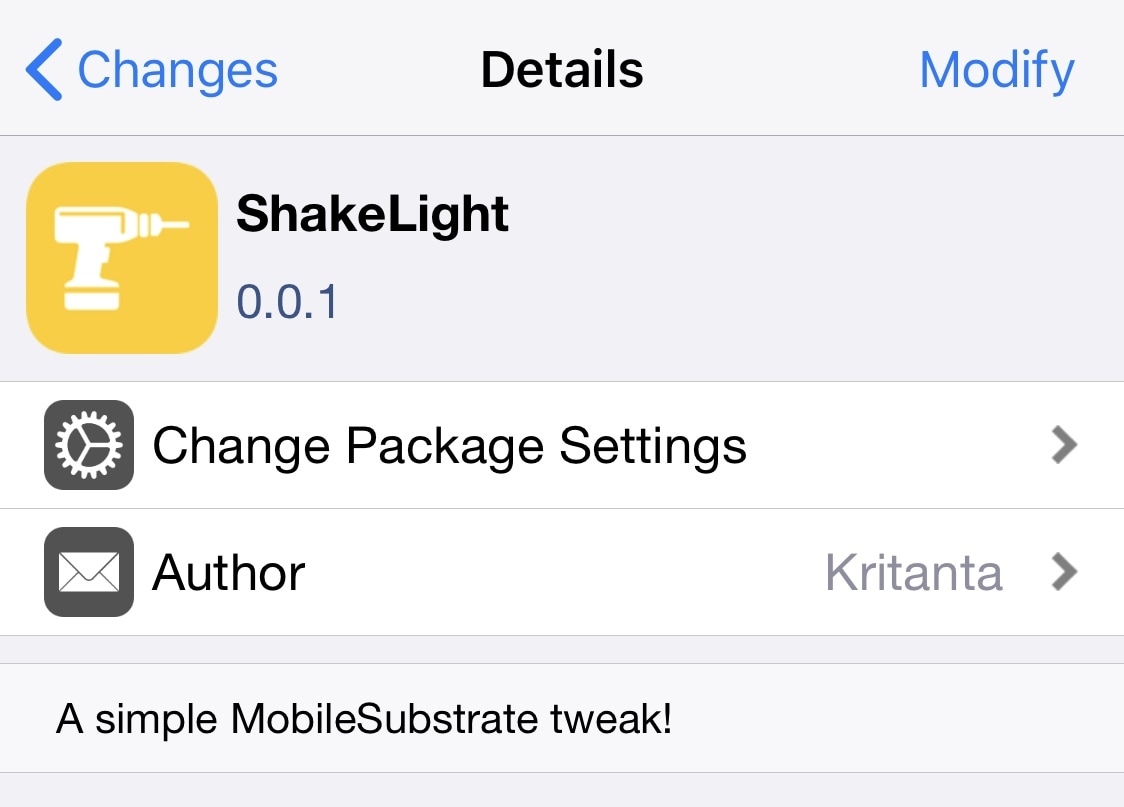
ShakeLight lets you use your iPhone’s LED flashlight with a shake

I often find myself in situations where I require a flashlight, and when one isn’t readily available. When this happens, I’ll do the only logical thing and grab my iPhone to use the LED torch functionality.

There are some cases, however, when using the touch screen to activate my iPhone’s LED torch just isn’t an option, and that’s one reason why I’m excited about the release of a new and free jailbreak tweak called ShakeLight by iOS developer Kritanta.

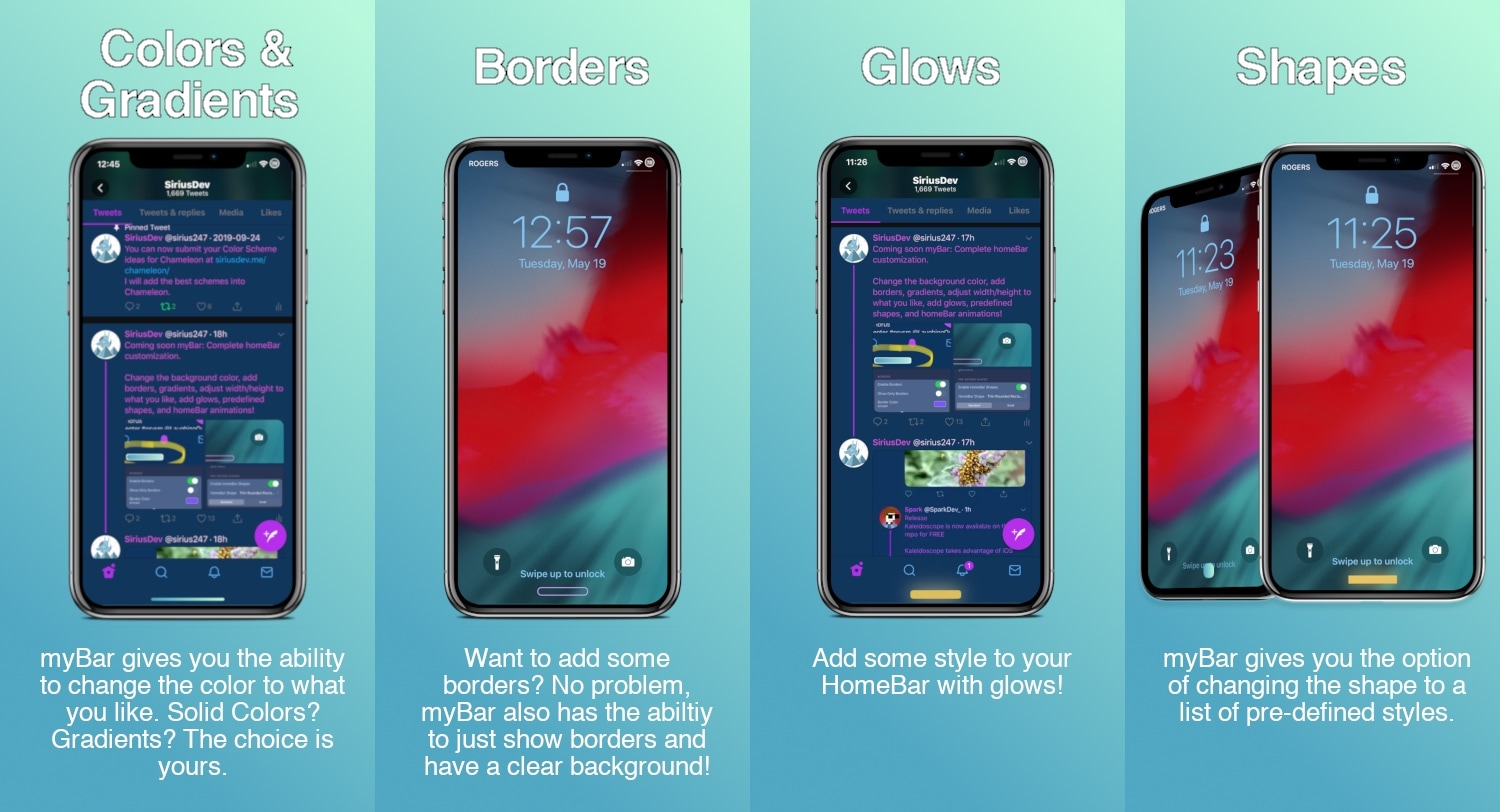
Customize your iPhone’s Home Bar without bounds with myBar

If your iPhone doesn’t have a Home Button, then it probably has a Home Bar instead. The Home Bar provides a convenient pathway for accessing the Home Screen, App Switcher, Reachability, and other imperative things, but one thing Apple appears to have left out is customization.

Enter myBar, a newly released jailbreak tweak by iOS developer Sirius24 that introduces extensive options for customizing the Home Bar’s aesthetics. And if that didn’t sound exciting enough, it should be noted that myBar offers enough configuration out of the box to appease picky minimalists or even the most extreme of interface tinkerers.

Dress is a free and feature-rich Lock screen customization tweak for iOS

The Lock screen is the first thing you see every time you pick up your iPhone to use it, so we’d completely understand if you wanted to personalize it. Apple doesn’t allow much by way of Lock screen customization out of the box, but if you’re jailbroken, then you’ll definitely want to check out a free jailbreak tweak called Dress by iOS developer Litten.

In a nutshell, Dress is probably the most comprehensive Lock screen customization jailbreak tweak that you can get without paying money. It offers a plethora of useful options that will make you excited to get your hands dirty with customization, and best of all, it can get you that personalized Lock screen experience you’ve been looking for.

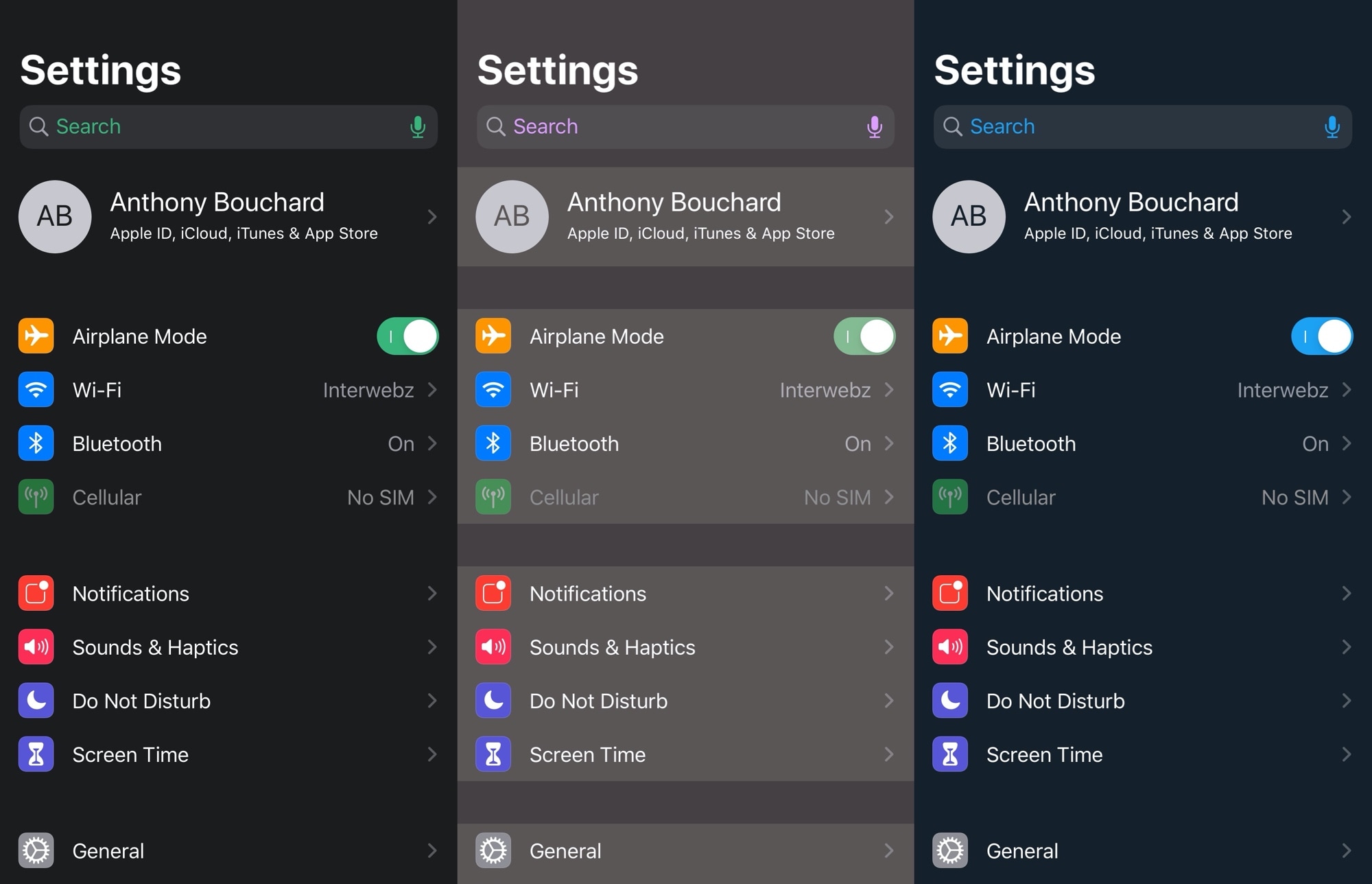
Kaleidoscope brings resource efficient UI colorization to iOS 13

One of the first things many jailbreakers like to do after liberating their handset is get dirty with interface colorization. After all, folks don’t always like the eye-searing bright white or dismal black user interfaces that Apple provides out of the box. Some users just want some color, a sentiment that I personally understand.

That’s one reason why I’m excited about a new free jailbreak tweak release dubbed Kaleidoscope by iOS developer SparkDev. While we’ve seen user interface colorization tweaks in the past, Kaleidoscope aims to be one of the most simplistic and resource efficient colorization engines available to jailbreakers today.

Rose offers seemingly unlimited ways to customize iPhone haptic feedback

If anything’s certain, it’s that the time and energy Apple invested in creating the iPhone’s Taptic Engine means haptic feedback is here to stay, and it’ll probably become more advanced over time as Apple further develops and refines its hardware and software.

But one place where Apple falls short on its platform is haptic feedback customization, and that’s where a free and comprehensive jailbreak tweak dubbed Rose by iOS developer Litten comes into play.

Sileo updated with support for editorials, more Swift-driven UI

In a brand-new update for the Sileo package manager Sunday evening, the Sileo Team incorporated support for built-in editorials so that avid jailbreakers who are interested in reading about jailbreak-centric news can now do so in addition to installing their favorite packages.

According to the official Tweet shared just minutes ago via the Sileo Team Twitter page, the team notes that editorials will appear for users under the ‘New’ tab in the app, integrating with an existing list of newly released packages and package updates: