Home screen

Lakeside offers advanced custom aesthetics for your iPhone’s application Dock

From the moment you unlock your iPhone and begin interacting with the Home Screen to launch apps, the Dock is one of the first things you see. It stands out with its pronounced background and exclusive user-selected app list that persists regardless of which page of the Home Screen you’re on. But what if you could customize the Dock even further?

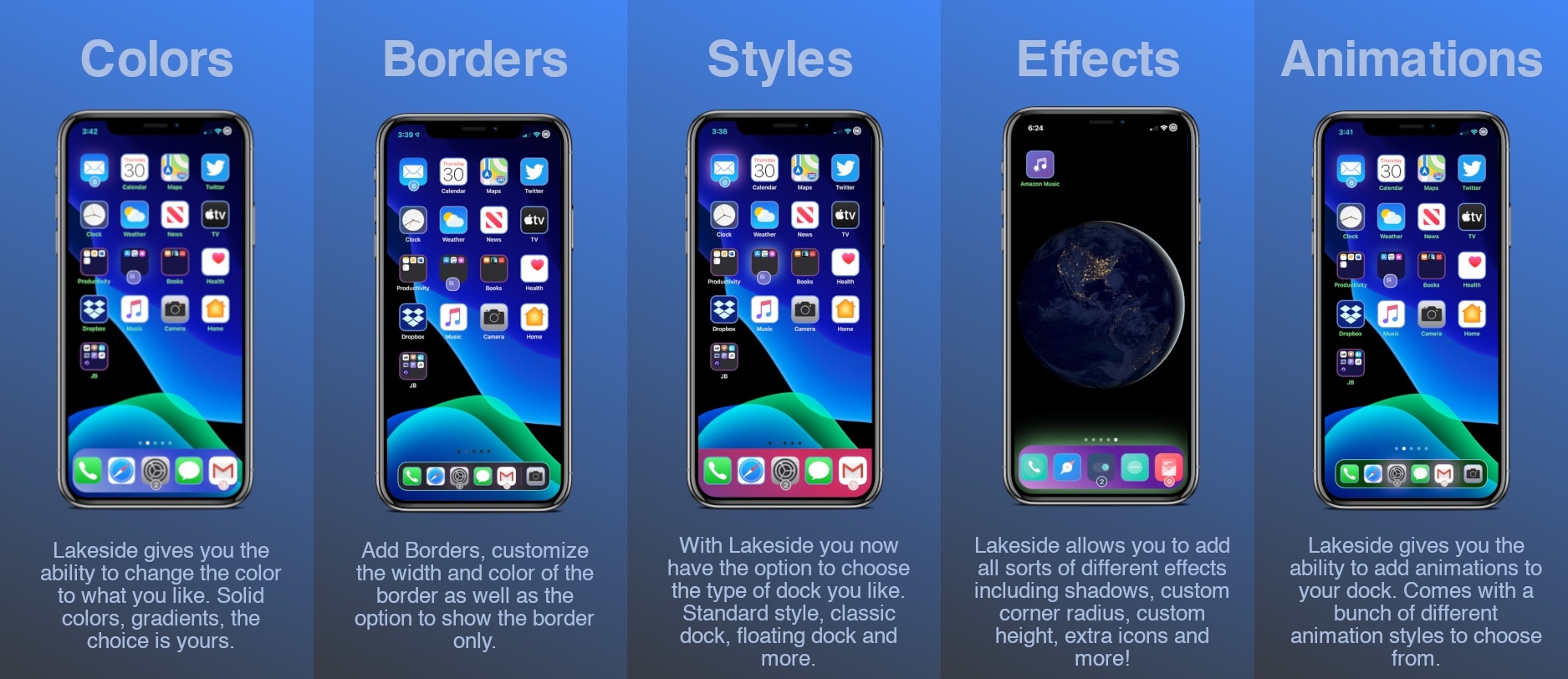
Meet Lakeside, a newly released jailbreak tweak by iOS developer Sirius that lets jailbreakers assume full control over the aesthetics and behavior of their Home Screen’s application Dock in more ways than one. With it, users can enjoy custom colors, borders, styles, and even animations, all of which are extremely likely to capture the attention of others who aren’t already jailbroken.

Dock Controller lets jailbreakers supercharge their iPhone’s Dock

The Dock is an integral part of the Home Screen on any iPhone or iPad, and if you’re familiar with both platforms, then you’ll already know that Dock behavior varies from one device to the next. iPads, for example, have a much more robust Dock experience with a separated section for recently-used apps, whereas the iPhone’s Dock is much more simplistic.

If you wish you had more control over your handset’s Dock experience, then we think you’re going to love a newly released and free jailbreak tweak dubbed Dock Controller by iOS developer Tomasz Poliszuk. Just as the tweaks’ name implies, Dock Controller gives users quite a bit more control over their handset’s Dock aesthetics and behavior.

DockChanger brings the classic Dock to notched iPhones and vice versa

If you owned an iPhone before the days when Apple began incorporating Face ID and the infamous ‘notch,’ then you probably remember the classic Home Screen application Dock with the edge-to-edge background. Fast-forward to now, and modern iPhones’ Docks sport a floating appearance rather than the traditional edge-to-edge background.

Whether you’ve got a notched iPhone at your disposal and you’re feeling nostalgic over the traditional Dock UI or you’ve got a notchless iPhone and feel left out because your Dock doesn’t have the same floating aesthetic that newer handsets have, a newly released and free jailbreak tweak named DockChanger by iOS developer Thomz could be just what you’re looking for.

Viper supercharges the Home & Lock Screens on jailbroken iPhones

While Apple does its best to keep the iPhone’s user interface simple by design, sometimes it takes things to such extremes that it actually handicaps the smartphone’s potential user experience. If you, like many others, wish your handset’s Home Screen and Lock Screen were a bit more capable, then you may want to do yourself a favor and look into the likes of a newly released jailbreak tweak dubbed Viper by iOS developer Esquilli.

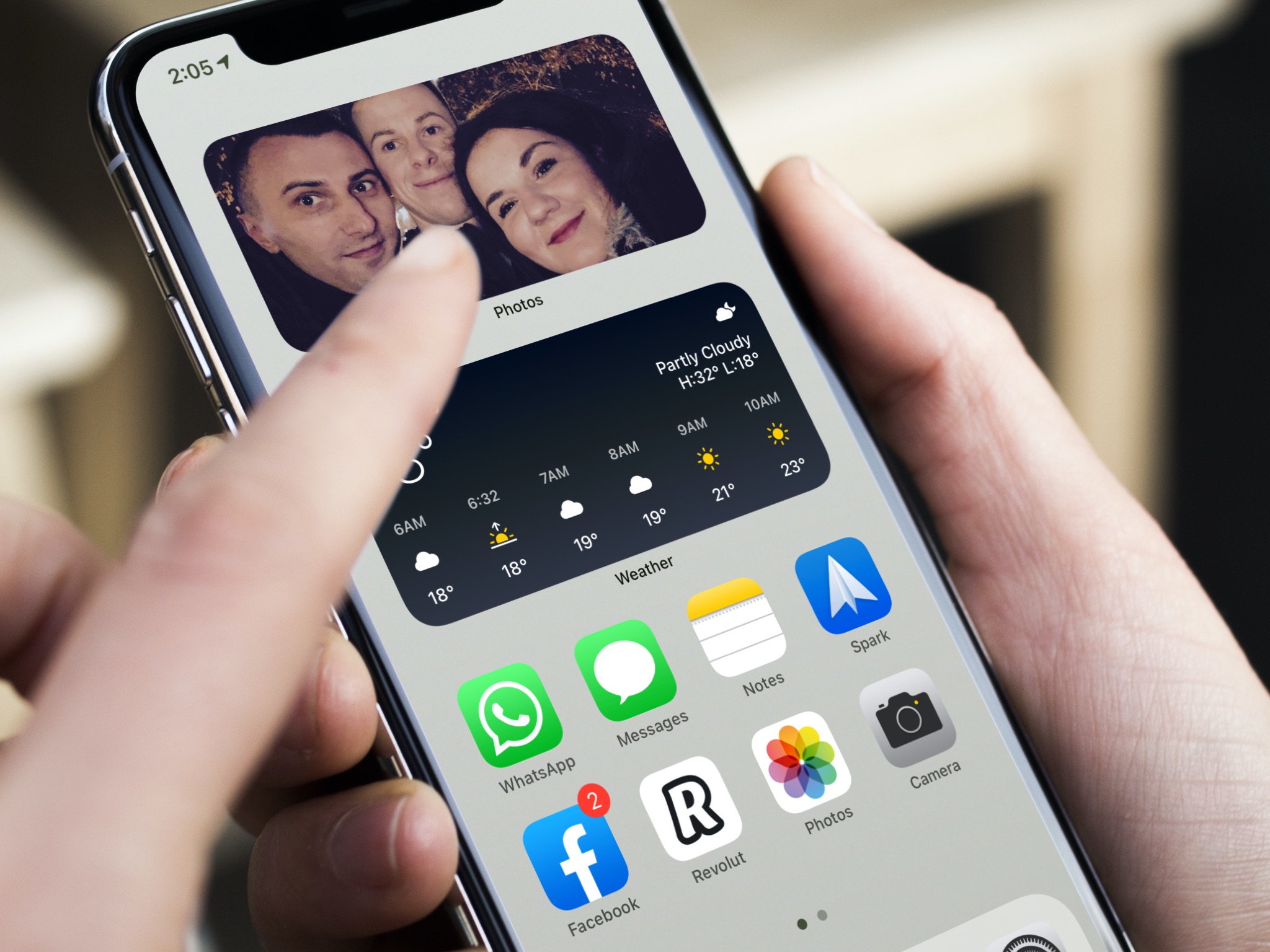
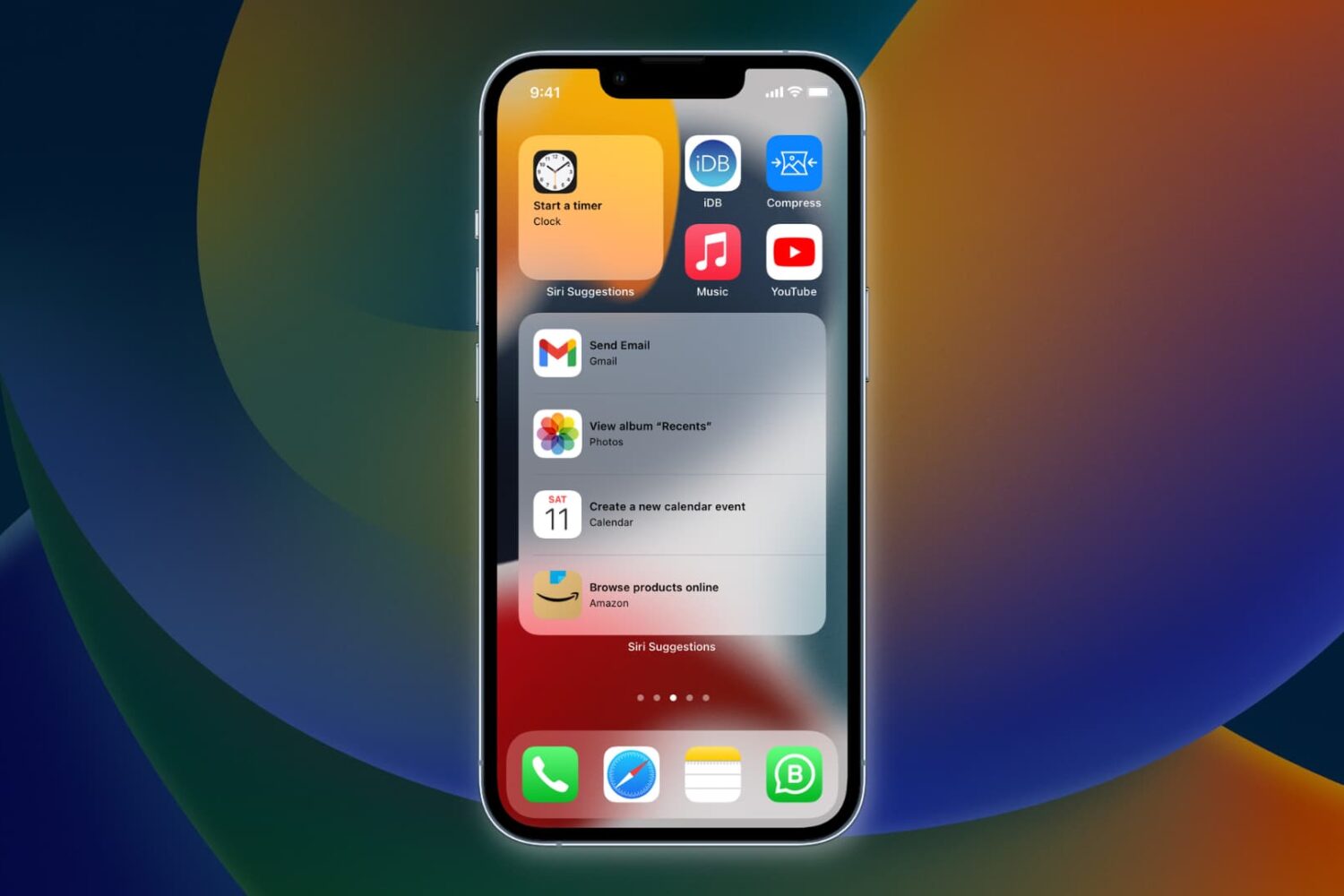
Viper augments the iPhone’s Home Screen and Lock Screen interfaces in more ways than one. Not only does it bring interactive widgets to the Home Screen, but it also incorporates an App Drawer for faster app access and more informative Lock Screen interface with both Weather and time information. Examples of some of Viper’s features are depicted in the screenshot examples above and below.

Power users with jailbroken iPhones will love the new AppData tweak

Depending on how advanced of an iPhone or iPad user you are, you might find yourself wanting to do more than simply launch and use your apps. Maybe you have a curious mind and you fancy tinkering with stuff related to those apps, or perhaps you just desire an easier way to clear your apps’ caches on a regular basis.

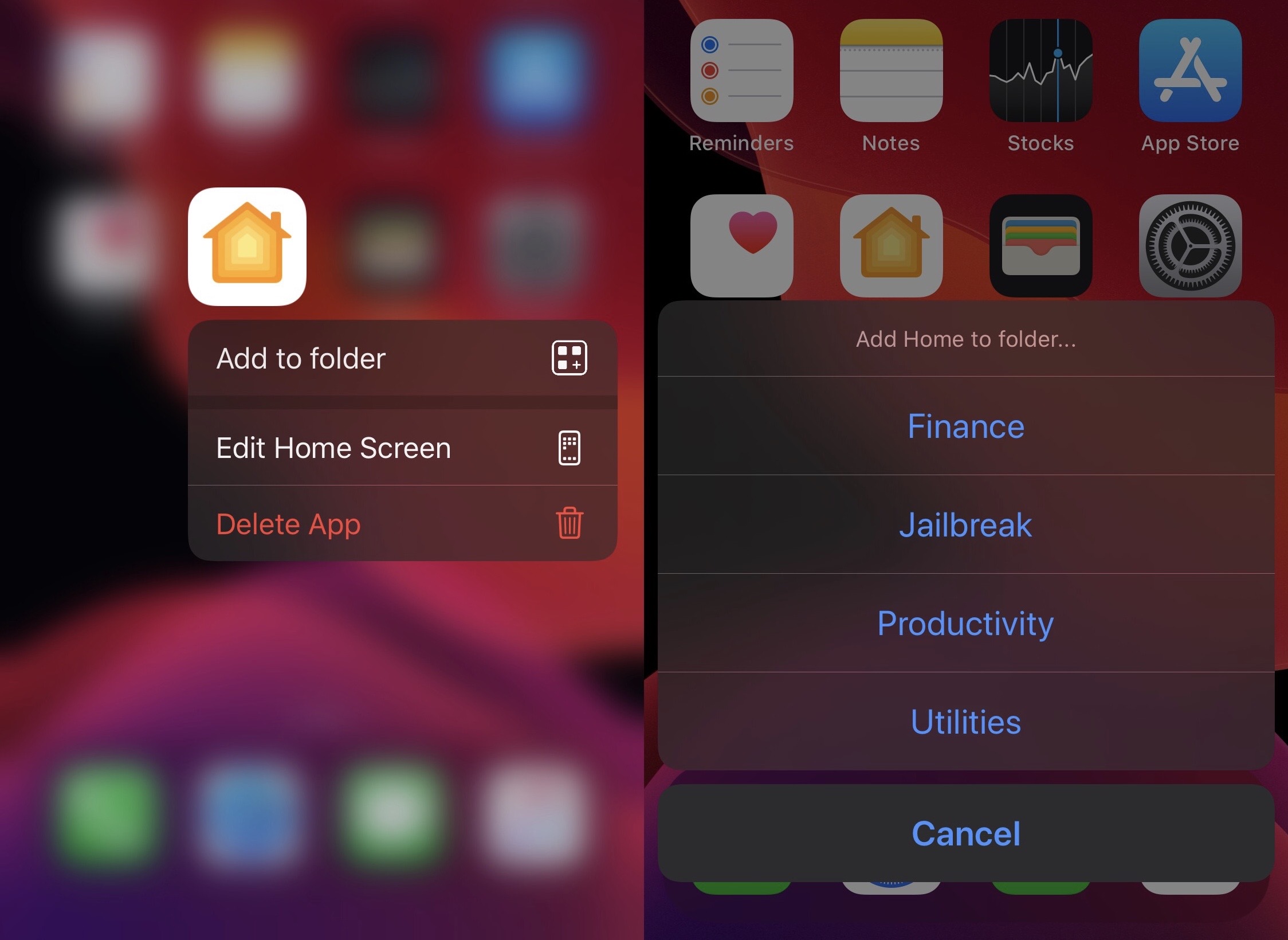
Whatever you’re looking for in the world of advanced iPhone and iPad usage, chances are a newly released and free jailbreak tweak dubbed AppData by iOS developer Fouad Raheb can help you get more out of using your handset’s Home Screen.