In this brief tutorial, we show you how to stop getting the file and folder naming suggestions that appear when you are manually renaming files on Mac.
How to turn off AI file name suggestions in macOS 27 Golden Gate

In this brief tutorial, we show you how to stop getting the file and folder naming suggestions that appear when you are manually renaming files on Mac.

In this quick troubleshooting guide, we explain what to do if you take a screenshot on your Mac, but the saved file is grayed out and won’t open as an image.

Learn what to do if a Mac application, such as Photoshop, Preview, or Mockuuups Studio, saves an unusable final file instead of a usable image (JPG, PNG) or project file.

In this short beginner’s guide, we’ll show you how to use Boolean operators (OR, AND, or NOT) to narrow down or broaden your search results in Finder to quickly locate the right image, photo, video, document, or other files.

Learn how to customize your Finder folders in macOS Tahoe 26 by changing the folder color or adding an icon or emoji.

Learn how to revert Apple’s Liquid Glass design changes for your Mac’s menu bar in macOS Tahoe by replacing the default frosted look with a solid background.

Apple has fixed the reversed Finder icon and transparency in the iPhone's Control Center with the latest iOS 26 and macOS Tahoe betas released yesterday.

In a change that irked some users, Apple's new macOS Tahoe operating system flips the decades-old Finder icon, which has become synonymous with the Mac.

Check out these 15 tips to declutter your Mac desktop, organize Finder folders, and tidy up apps to reduce distractions and enhance productivity.

Learn how to stop the iOS Files app on your iPhone or iPad and Finder on Mac from automatically removing the offline version of iCloud Drive files and folders so you can access them at all times without an Internet connection.
Just last Monday, Apple released iOS & iPadOS 17.6 to the general public with the express reasoning of introducing important bug fixes and security updates without the introduction of any new features for iPhone and iPad users.
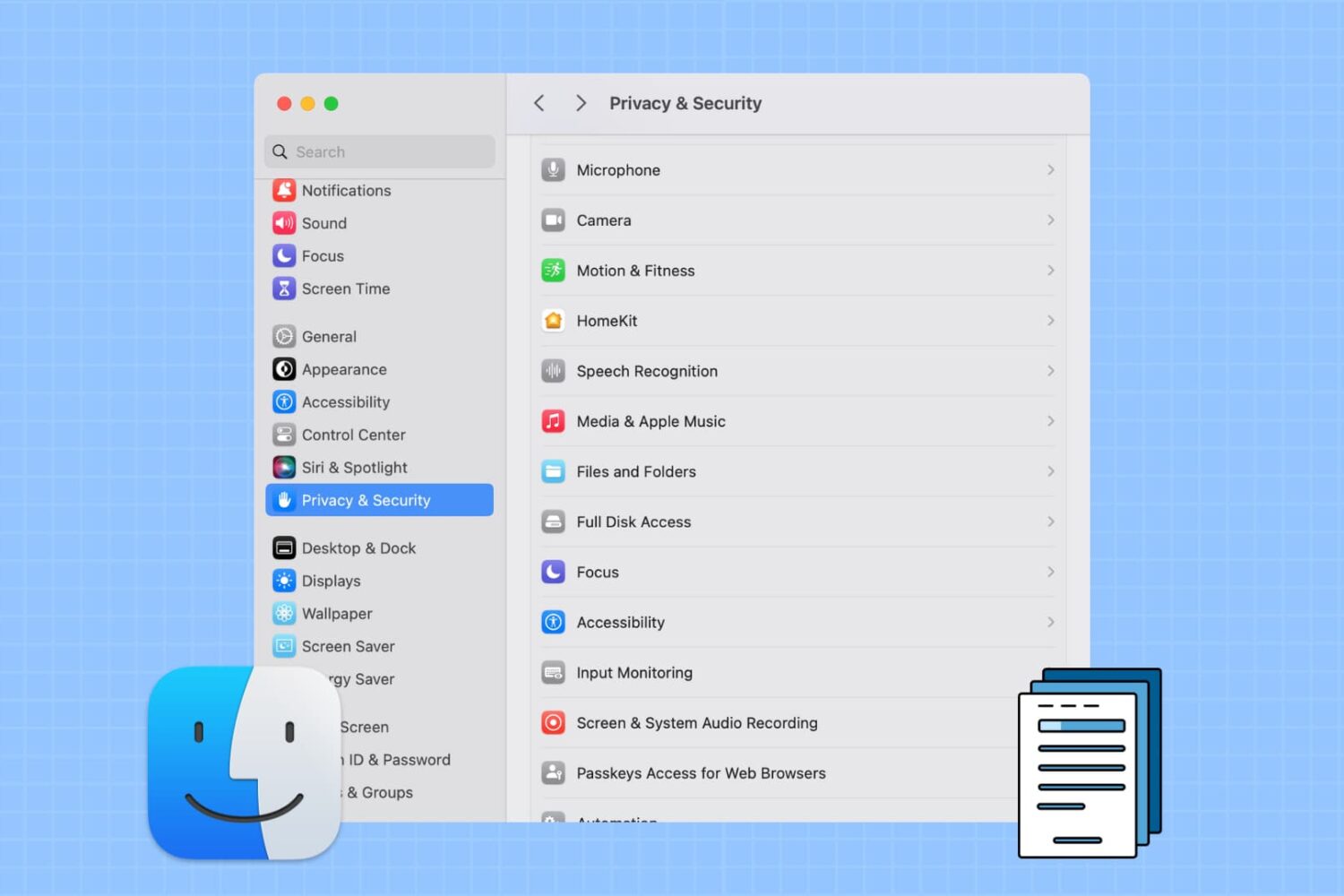
Learn how to prevent specific apps from accessing your personal photos, PDFs, and files stored in Downloads, Documents, Desktop, iCloud Drive, and other Finder folders on your Mac.