Camera

Give your Camera app a Sci-Fi-inspired makeover with FuturistiCam

Jailbreakers who open their favorite package manager and refresh their sources this weekend will likely happen upon a peculiar and newly released jailbreak tweak dubbed FuturistiCam by iOS developer PlatYkor.

At first glance, FuturistiCam makes iOS’ native Camera app user interface look like something right out of a science fiction movie. It appears to bring custom aesthetics and sound effects to the Camera app so that it’s both fun to use for the end user and attention piquing to anyone who might be around you.

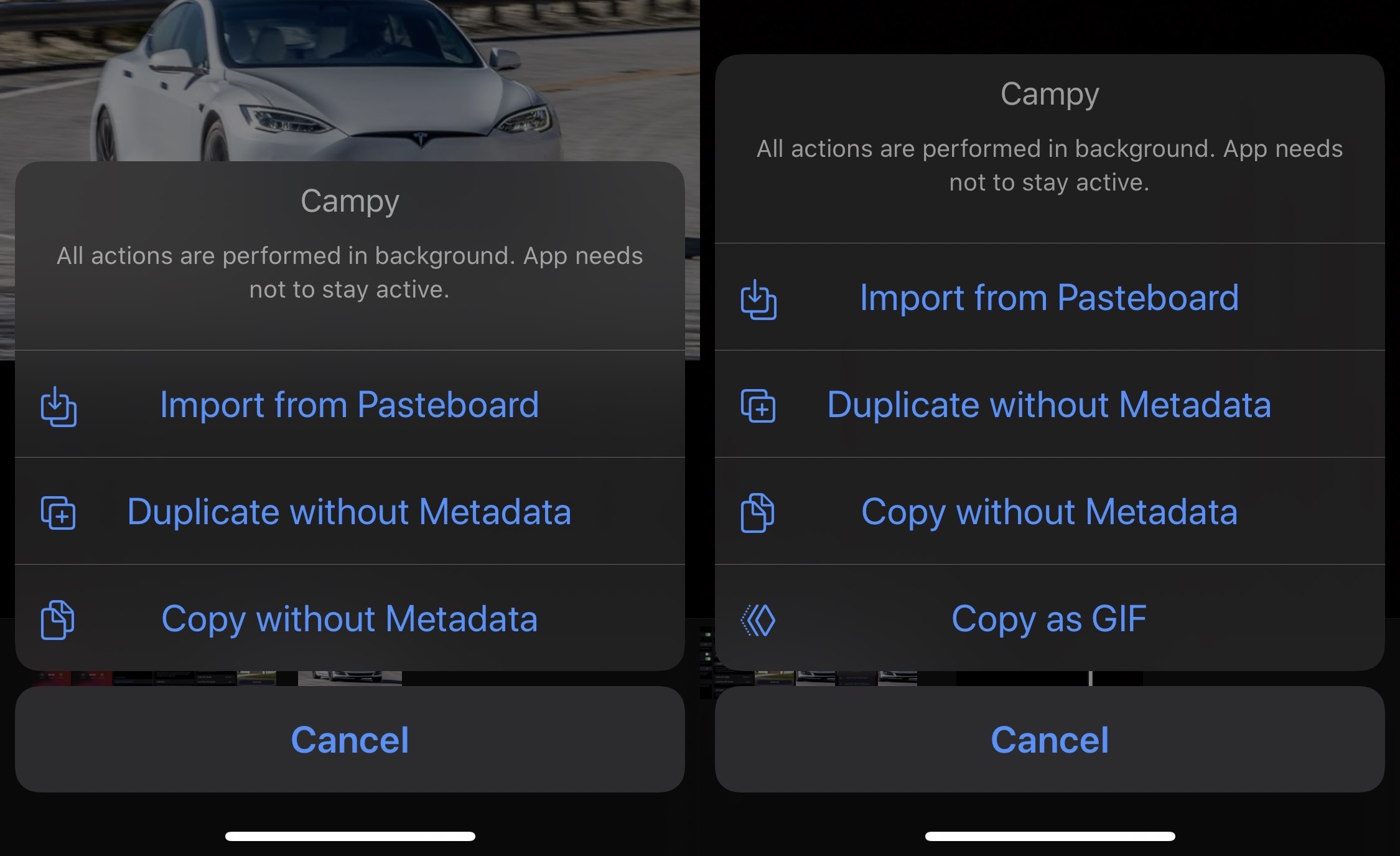
Campy lets you do more from the native Photos app on your iPhone or iPad

The Photos app that comes pre-installed on every iPhone and iPad is a powerful way to view, interact with, and even marginally edit certain images or photographs. Still, it’s lacking what some users might consider important features, and this fact alone has stirred up some interest in the jailbreak community.

Enter Campy, a newly released and free jailbreak tweak by iOS developer udevs that makes the Photos app considerably more powerful by adding must-have features that Apple seemingly left out when they upgraded the app with the release of iOS & iPadOS 14 this Fall.
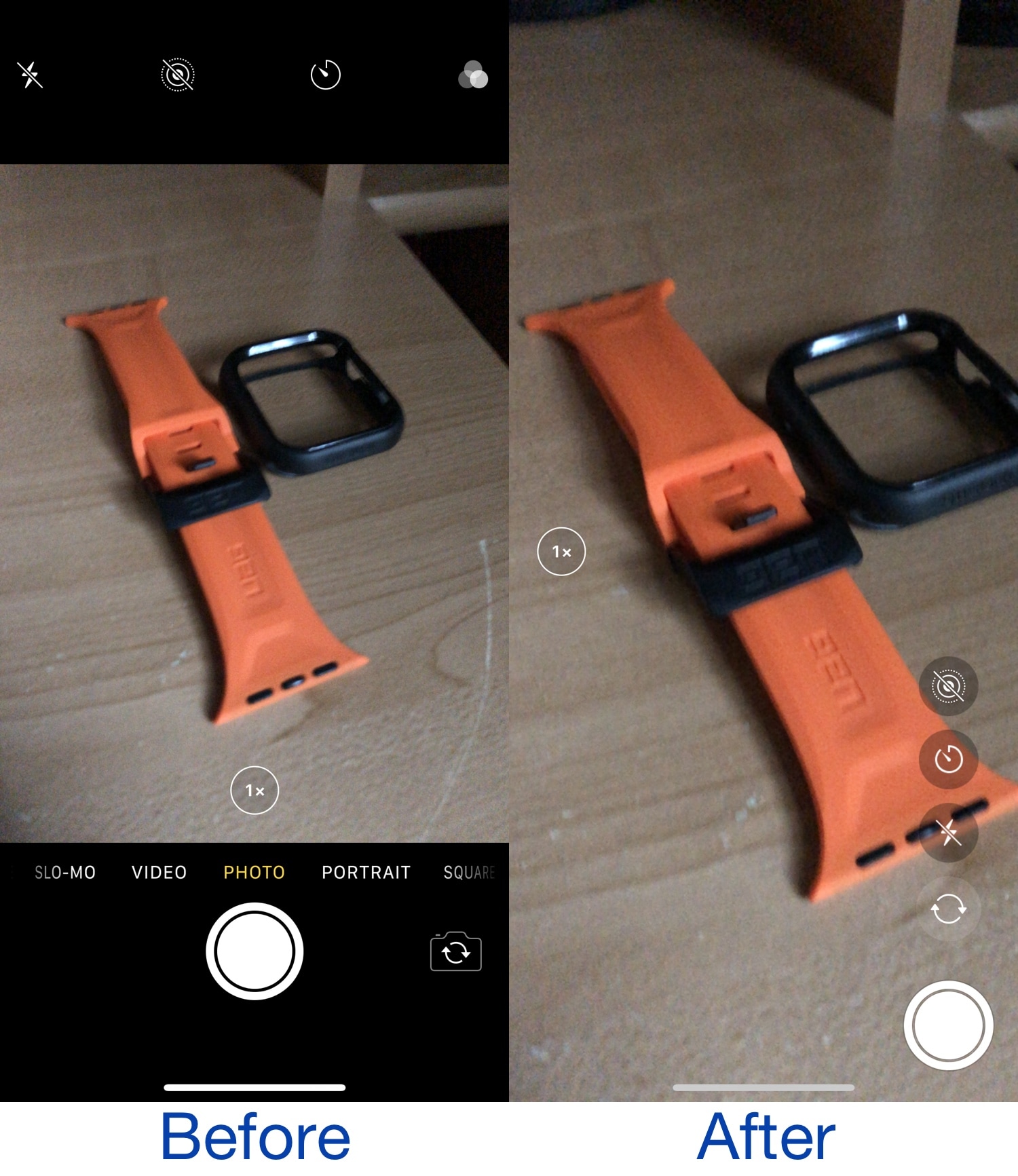
This jailbreak tweak ports the iPad’s Camera app interface to iPhones

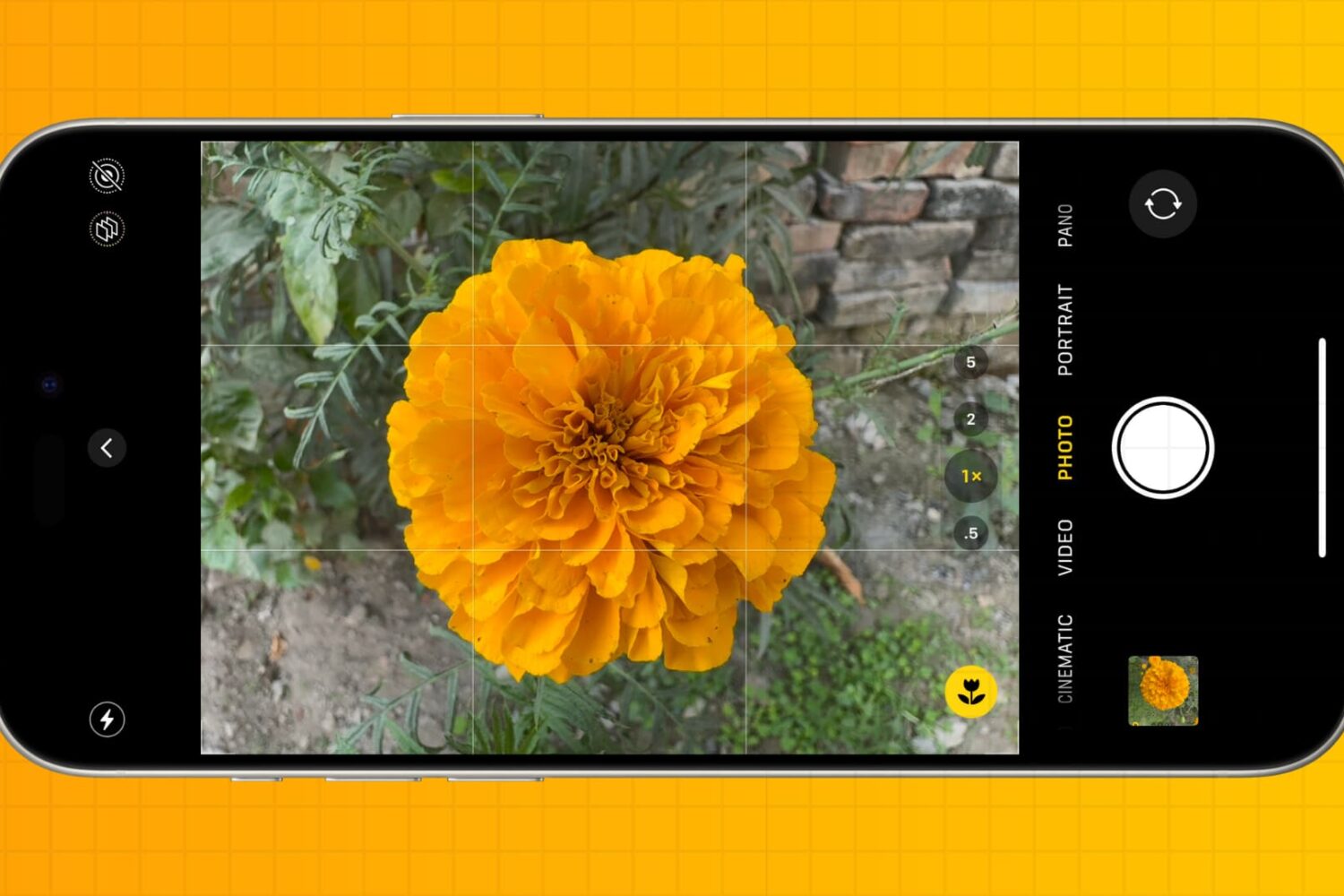
As anyone with both an iPhone and iPad can tell you, there’s a distinctive difference between the Camera app interface on each type of device. The iPhone’s Camera app layout takes a horizontal approach to button positioning, while the iPad’s Camera app layout takes a vertical approach to button positioning.

Apple likely has its reasons for designing things how they did, likely to make accessing controls on the iPad easier when your thumbs are on either side of the device as you control it. But wouldn’t it be nice if there was at least some form of synergy between the two platforms? If you answered yes, then you might enjoy a newly released and free jailbreak tweak dubbed iPad Cam by iOS developer pholic.

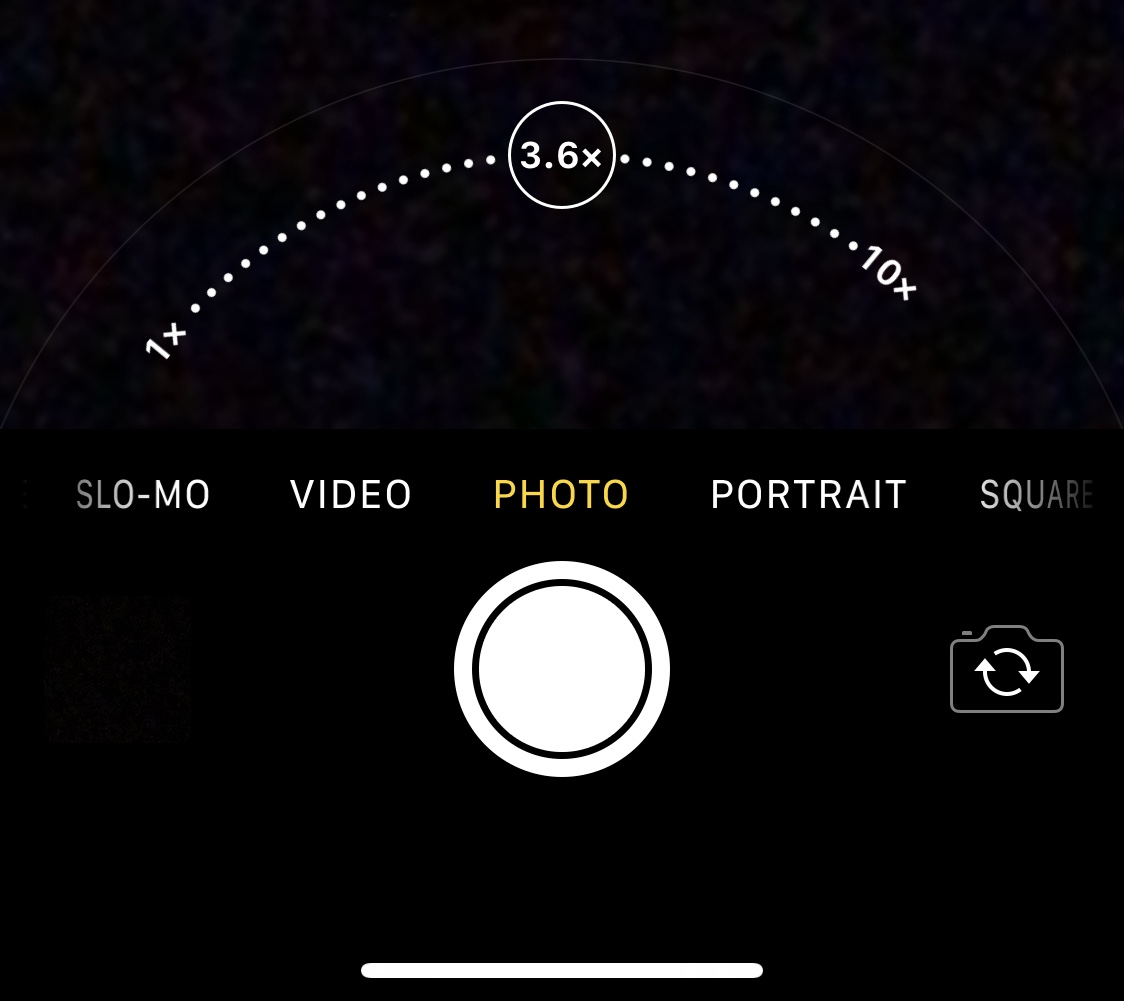
This tweak lets you zoom while snapping selfies on pwned iPhones

There’s absolutely no question that Apple goes all-in on making the rear-facing camera on its iPhones as powerful as possible through the combination of great hardware and user-friendly software. Unfortunately, it’s blatantly obvious that Apple doesn’t even come close to investing in their handsets’ front-facing cameras, as many seem to lack obvious features such as the ability to zoom while snapping selfies.

Fortunately for jailbreakers, iOS developer Brandon Robinson has released a solution in the form of a new and free jailbreak tweak called Front Zoom Dial. Just as the name implies, Front Zoom Dial adds the familiar zoom capability that we all take for granted from the rear-facing camera to the front-facing camera as well.

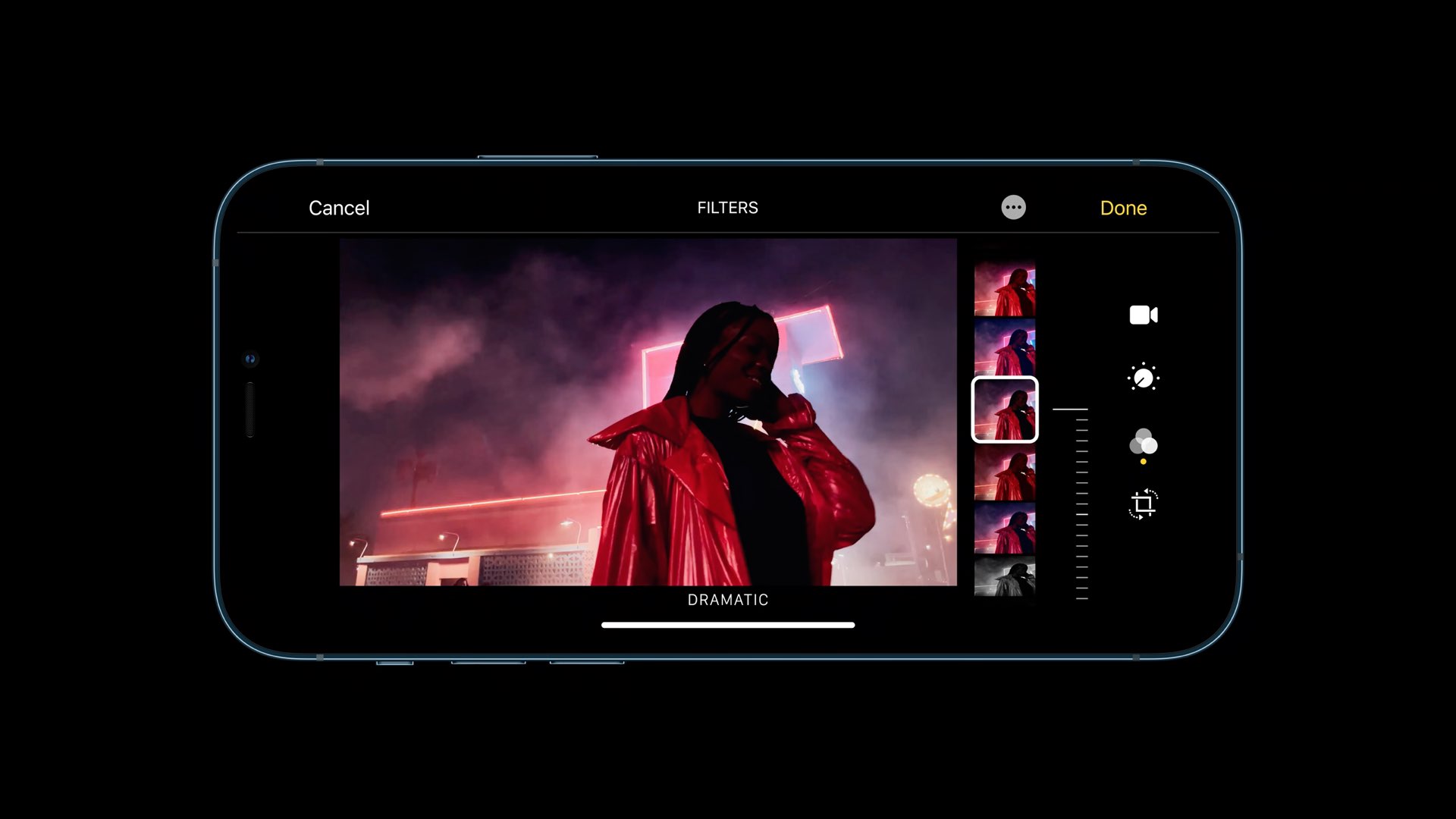
System requirements: Which Apple devices support 10-bit HDR video capture and edit?

All iPhones with OLED screens can render images and videos with high dynamic range (HDR), resulting in many more colors than regular LCD screens. And with the latest models, you can for the first time not only shoot true 10-bit HDR video with Dolby Vision but also edit, share and play it back. But does your device support these features? Here's a handy list of all Apple devices that support 10-bit HDR video capture, as well as playback and edit in Photos.

Lumi gives jailbroken iPhones better low-light camera performance

There’s no doubt that Apple pours tons of cash into researching and developing some of the best mobile camera experiences for smartphones in the world, but that doesn’t make it perfect. In fact, low-light photography is one area in particular where the iPhone’s camera seems to lag behind some of the competition.

If Apple’s native Night Mode feature isn’t enough for you, then you might want to consider upping your ante and trying a new jailbreak tweak called Lumi by iOS developer FoxfortMobile. Lumi requires a jailbroken device to work, but the results are particularly pleasant, especially if you’re an amateur iPhone photographer and struggle to capture the ideal shot in the most demanding of low-light conditions.