Apps

Apple honors select app developers in its 2017 Design Awards

Unlike the name might imply, Apple’s Design Awards are not exclusively dedicated to chasing the pinnacle of visual design, but more comprehensively appraise other app elements such as user interface innovation, sound design and also gameplay for apps offering unique gaming experiences. The latter, games, have easily stolen the show this year with 5 out of the 12 winners coming from said category.

In a slightly embellished press release, Apple announced the names and links of all twelve winning applications, each coming with a punchy story to explain and celebrate the selection in addition to screenshots and pictures of each developer team.

Watch the first episode of “Planet of the Apps” free for a limited time

The inaugural episode of “Planet of the Apps”, Apple's original show about apps and their creators, is premiering tonight at 9PM Pacific Time, midnight Eastern Time on Apple Music. Apple today released a new trailer for ”Planet of the Apps” on its official YouTube channel.

The show will be streamed free to all Apple Music members, Reuters reported Wednesday.

“The question when you have ideas is how to take those to fruition,” said Eddy Cue, Apple’s Senior Vice President of Internet software and Services. “Sometimes you may not know how, you might be afraid of what’s involved. This really shows how that’s possible.”

Apple will promote the show on its homepage, in iTunes and elsewhere.

“All of our customers are going to be exposed to this in one way or another,” Cue said.

The first episode is also available free for a limited time via planetoftheapps.com. Apple encourages customers to join Apple Music to get new episodes every Tuesday.

Here's the trailer.

https://www.youtube.com/watch?v=BDEvJXpjQHM

From the video's description:

Apple Music presents Planet of the Apps, a groundbreaking new series that gives aspiring app creators the opportunity of a lifetime to work with entrepreneur advisors Jessica Alba, Gwyneth Paltrow, Gary Vaynerchuk, and Will.i.am.

Under the close guidance of one advisor mentor, each concept goes through an intense incubation period—all in preparation for a real-life, high-stakes pitch to Lightspeed Venture Partners. Will they get funding or will they flounder?

Everything is on the line for these app creators and their million dollar ideas.

As mentioned, the first episode is available free for a limited time via the official website.

Force Google Assistant to listen immediately after app launch with InstantAssistant

Siri is the default voice-based assistant on iOS devices, and while some people like using her, others prefer to use different voice assistants because of the features they offer or their superior fluidity.

Unfortunately, Apple doesn’t let you choose the default voice assistant, but a new free jailbreak tweak called InstantAssistant by gilshahar7 can help quell the pain.

iOS can automatically uninstall apps that haven’t been used in a while

iOS 11 included many new features and enhancements, big and small alike.

For example, a revamped storage-management section became available in Settings. Speaking of which, users can appreciate another new feature that allows them to optionally have their device automatically uninstall apps that haven't been used in a while.

If you venture to Settings  → iTunes & App Store, you'll notice a new toggle at the bottom of the screen, labeled Offload Unused Apps. Setting that switch to the ON position shall prompt iOS to delete rarely used apps from your device in order to make more room for your photos, videos, documents and so forth.

iOS uses Siri intelligence to determine your usage of apps.

The feature's description notes that documents and data belonging to uninstalled apps will be kept on your device in case the app is reinstalled. “Reinstalling the app will place back your data, if the app is still available in the App Store,” notes Apple.

This feature is disabled by default.

Rightfully so, if I may add. Had Apple enabled it by default, novice users would've been stunned discovering iOS had deleted their apps for seemingly no apparent reason.

Hands-on with iOS 11’s overhauled Podcasts app

Apple's stock Podcasts app has undergone some visual changes in iOS 11. Functionally, a few things have moved around and some new features have been added.

For example, the Unplayed, My Podcasts, Featured, Top Charts and Search tabs lined up alongside the bottom of the interface have been replaced with a new and simpler tab layout: Listen Now, Library, Browse and Search.

Our resident video editor Andrew O'Hara has put together a quick video for you guys to see for yourselves Apple's new design for the Podcasts app on iOS 11.

Watch Andrew's video right below, then meet us in comments.

https://www.youtube.com/watch?v=LFsAlcnlmSo

Subscribe to iDownloadBlog on YouTube

The Listen Now tab combines podcasts you're subscribed to (previously in the My Podcasts tab), recently played episodes (previously in the Unplayed tab) and shows other people like.

Under the new Library tab, you can easily browse all of the audio and video shows you're subscribed to, as well as individual podcast episodes, ones that have been download to the device and the recently updated episodes of any shows you're following.

The Browse tab is your storefront to the Podcasts section on iTunes.

There, you can swipe through featured podcasts Apple's editors highlight at the top, access the full Featured section, see charts-topping audio and video shows, access the list of major podcast providers and browse all podcasts by category.

The Search tab now lets you choose between searching across podcasts in your library or all shows on iTunes. As evidenced by the screenshots, the redesigned app has adopted a bold font with much bolder headings and other visual cues borrowed from Apple Music on iOS 10.

Another feature iOS 11's Podcasts app has borrowed from Apple Music is a completely revamped mini-player that can be now pressed with 3D Touch to access quick shortcuts pertaining to the currently playing episode.

Other tidbits worth mentioning include larger artwork and other visual tweaks to match the look and feel of other apps inside of iOS 11, as shown on the screenshot top of post. The official Podcasts widget has remained unchanged.

For those wondering, Apple still does not provide Podcasts for Apple Watch.

How do you like these Podcasts app changes on iOS 11?

Let us know by posting a comment below.

Apple now allows public testing of tvOS betas on Apple TV

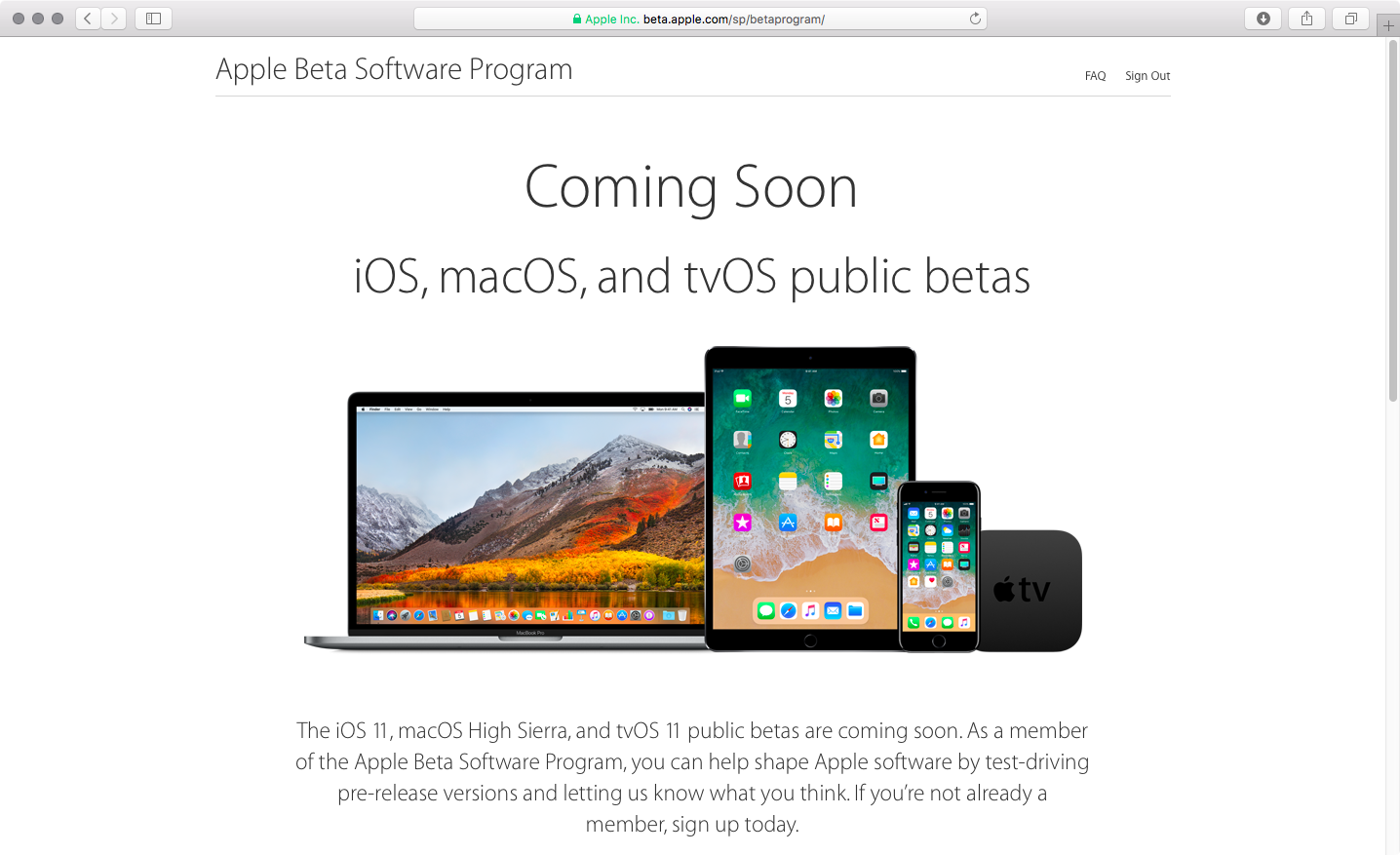
For the first time ever, Apple will now allow non-developers to install and test tvOS betas on their fourth-generation Apple TVs, starting with the first public beta of tvOS 11 to be issued later this month. Before this change, public beta testers could only install iOS and macOS betas.

To take advantage of the upcoming tvOS 11 public beta, you should enroll in Apple's Beta Software Program by visiting beta.apple.com.

It's unclear how public beta testers will install a tvOS 11 beta on their Apple TV.

Currently, developers must download the tvOS 11 beta installer and connect their fourth-generation Apple TV to a computer running iTunes using a USB-C cable. The tvOS software is initially side-loaded on the device through iTunes.

Subsequent updates are then available over-the-air.

“The iOS 11, macOS High Sierra and tvOS 11 public betas are coming soon,” reads a notice on the webpage. “As a member of the Apple Beta Software Program, you can help shape Apple software by test-driving pre-release versions and letting us know what you think.”

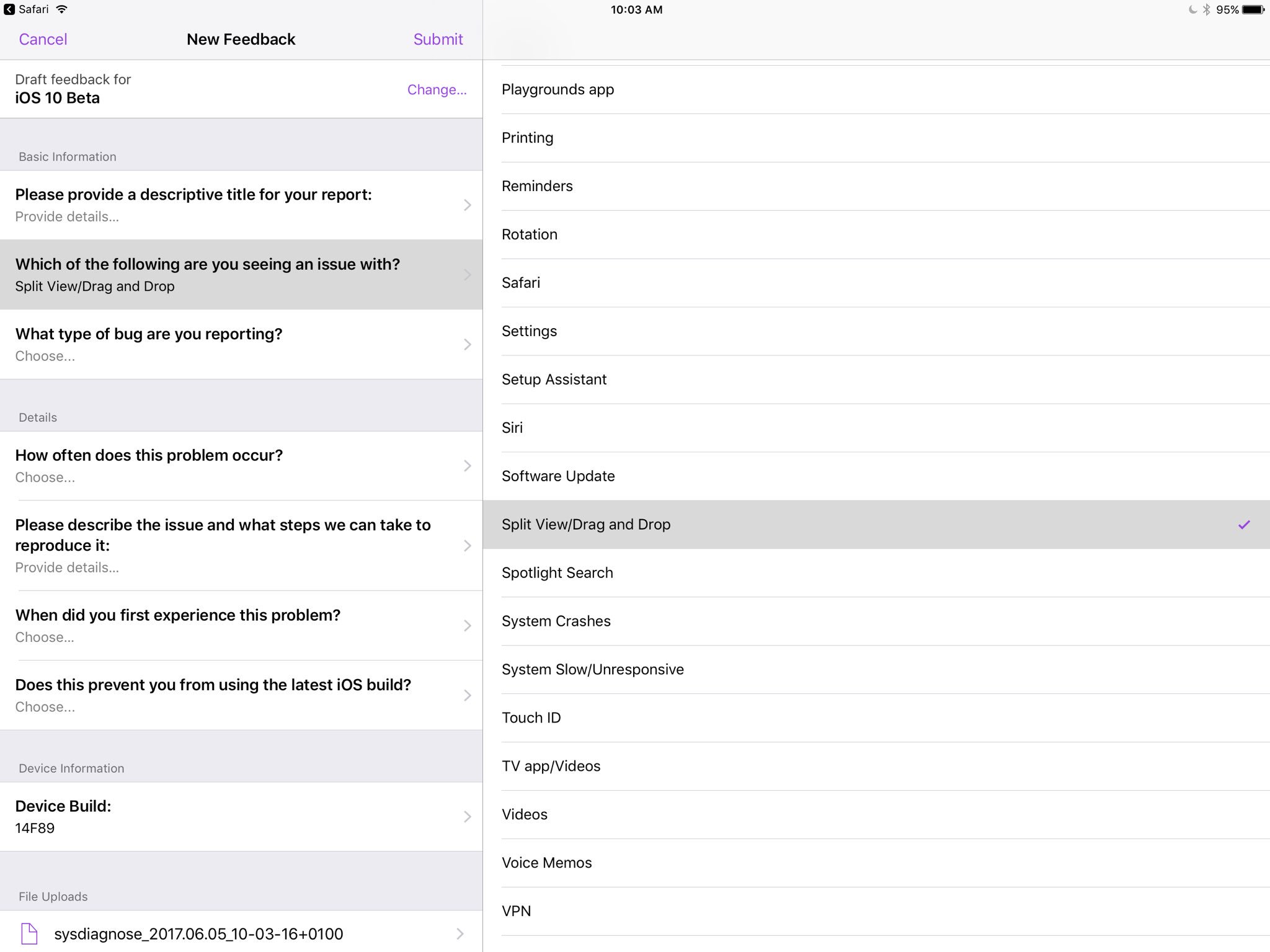
You can provide feedback directly to Apple using the built-in Feedback Assistant app.

Apple opened macOS and iOS betas to the general public back in 2014, with the releases of major visual makeovers in iOS 7 and macOS Yosemite.

iOS 11 drops support for 32-bit apps

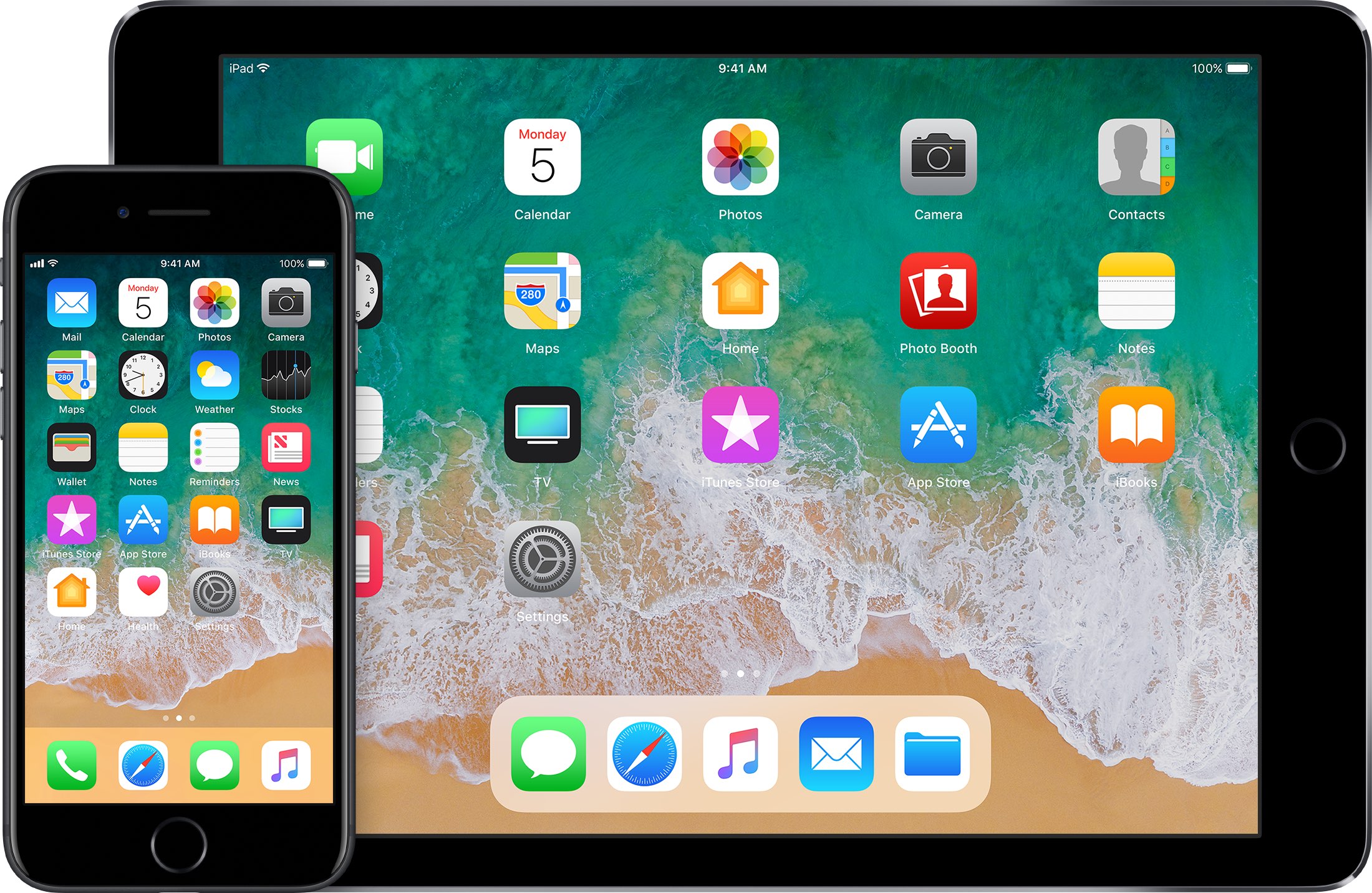
During Monday's keynote talk at the Worldwide Developers Conference, Apple introduced iOS 11, the next major software update for iPhone, iPad and iPod touch. As previously suspected, the mobile operating system has dropped support for legacy 32-bit apps.

Attempting to launch a 32-bit app on iOS 11 now yields a message, saying “The developer of this app needs to update it to work with iOS 11”. You can tap OK to dismiss the prompt or tap Learn More to open the full list of 32-bit-only apps that are currently installed on the device.

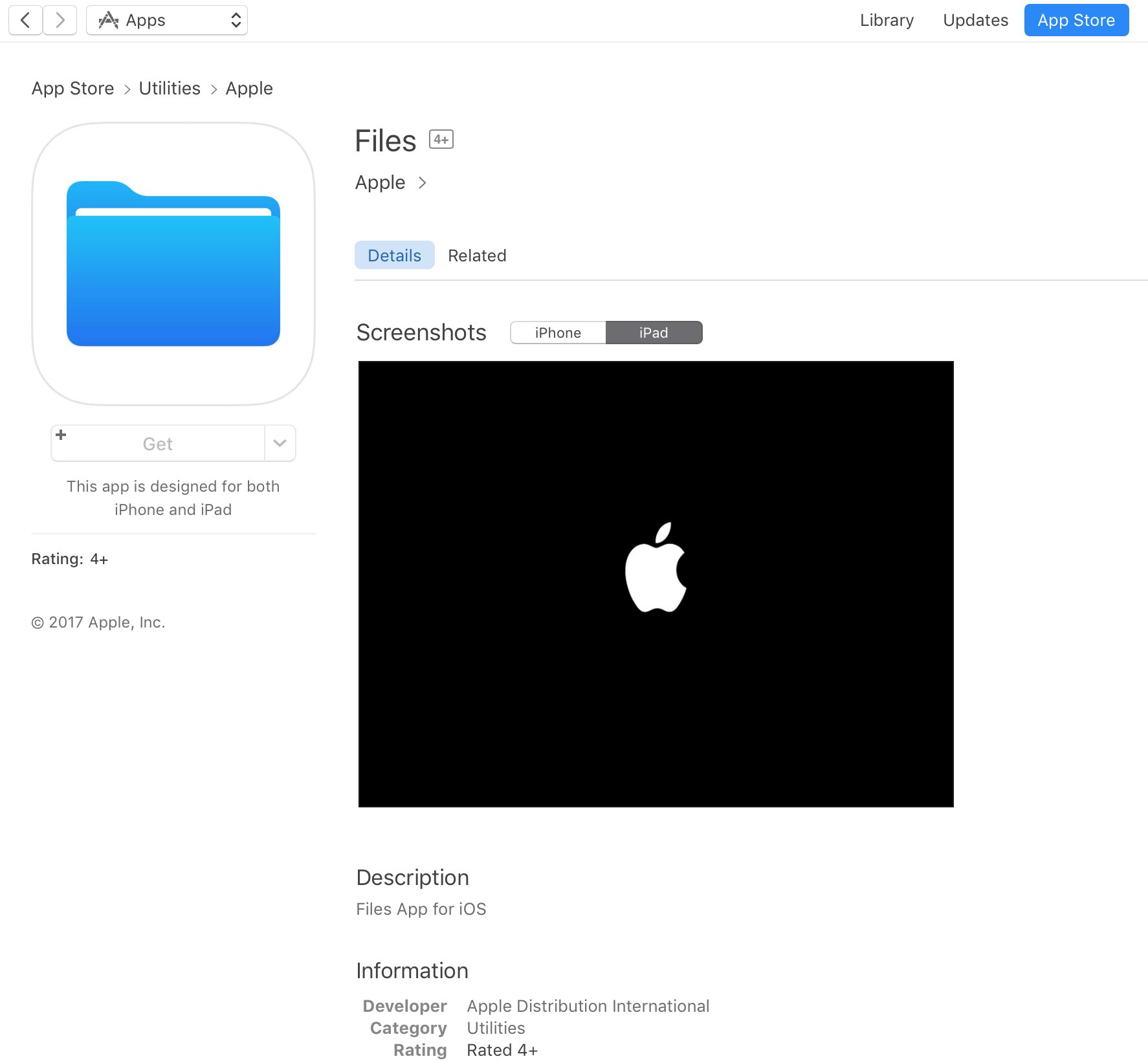
Apple's Clips app, for example, requires a 64-bit iOS device and the new Files app is optimized for 64-bit computing. Starting with iOS 10.3, Apple began naming and shaming legacy apps via a new App Compatibility section in Settings → General → About → Applications.

TUTORIAL: How to identify legacy 32-bit apps on your iOS device

Any previously installed 32-bit apps are no longer available for re-download through the App Store's Purchased tab. Moreover, 32-bit app no longer appear in App Store search.

The time is right to drop support for non-64-bit apps because running legacy 32-bit apps alongside 64-bit ones slows down the system as iOS has to load both 32-bit and 64-bit versions of the kernel and system frameworks in the RAM.

Devices with the Apple-designed A7 or newer chips are 64-bit, including the sixth-gen iPod touch and every iPhone and iPad from their respective iPhone 5s and iPad Air models onward.

In fact, iOS 11 itself won't run on a non-64-bit iPhone, iPad or iPod touch, meaning iPhone 5s, iPad Air and the sixth-generation iPod touch are now the entry-level devices for iOS 11.

Now watch Apple’s WWDC videos promoting HomePod speaker, 10.5″ iPad Pro & iMac Pro

With the WWDC keynote wrapped up, Apple has now posted latest product introduction videos to its official YouTube channel, including one aptly titled “Apocalypse” that highlights the importance of mobile apps (it was played as an opening intro for WWDC attendees).

Some of the hardware products and updates announced today are available immediately, like the refreshed Mac desktops and notebooks, while others will arrive later in the year, like the firm's Siri-powered smart speaker, called HomePod, and the new iMac Pro.

Apocalypse

“Ever wonder what life would be like if all our apps suddenly disappeared? Enter the Apocalypse,” reads the videos description.

https://www.youtube.com/watch?v=FC0pT9xg1oI

Song: “All Right” by Christopher Cross

Introducing HomePod

“Immersive hi-fi audio. All the music you love. And the intelligence of Siri. Welcome HomePod.”

https://www.youtube.com/watch?v=1hw9skL-IXc

As we told you, HomePod will be available beginning this December. To learn more about Apple's Siri-enabled smart speaker with HomeKit support and more, visit apple.com/homepod.

The New iPad Pro—On Any Given Wednesday

“With the world's most advanced display, the powerful A10X Fusion chip, and a new 10.5-inch model, the new iPad Pro is everything you want modern computing to be.”

https://www.youtube.com/watch?v=UR5ODc5Wbbo

Productivity-enhancing OS 11 features shown in the video will be available this fall.

To learn more about what the new 10.5-inch iPad Pro has to offer check out my colleague Cody's write-up, then visit apple.com/ipad-pro.

iMac Pro—Power to the Pro

“Packed with powerful technologies for the creative professional. The new iMac Pro. Power to the pro.”

https://www.youtube.com/watch?v=XPIrnAcmCSk

To learn more about the upcoming iMac Pro, visit apple.com/imac-pro.

Apple announces completely redesigned App Store

Phil Schiller just made perhaps the most surprising and impactful announcement at Apple's WWDC keynote: the App Store is getting a complete redesign. This is the first time this has happened since the App Store was introduced back in 2008.

“Together with our incredible developer community, we’ve made the App Store the best app platform in the world, and more than 500 million unique customers visit it every week,” said Philip Schiller, Apple’s senior vice president of Worldwide Marketing. “Now, we are taking everything we’ve learned from the App Store over the past nine years and putting it into a stunning new design. Every element of the new App Store is richer, more beautiful and more engaging.”

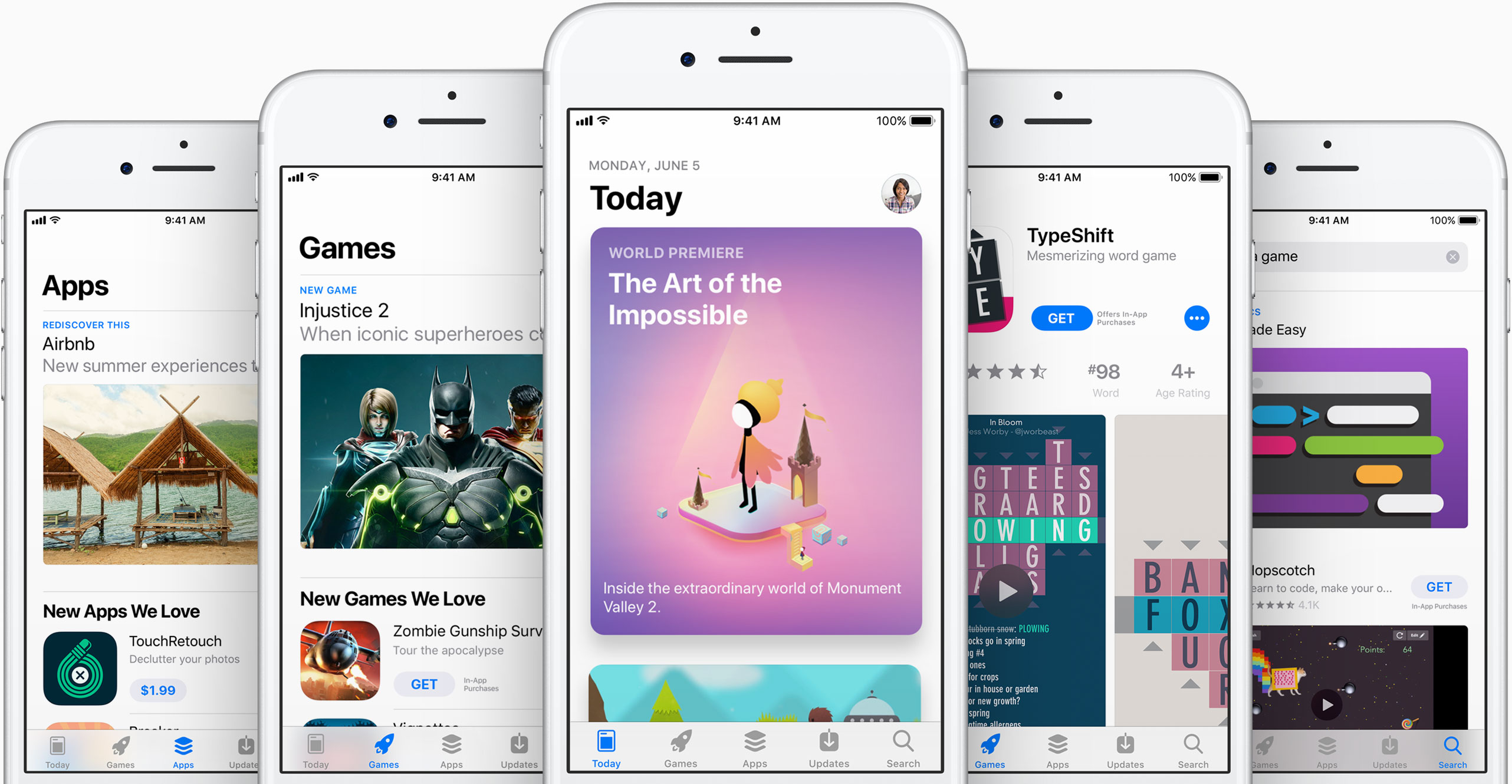
As you can see in the above images, the new App Store looks a lot like Apple Music and Apple News. Images are larger with rounded corners, and header text is large and bold. There's a new Today tab, with big, color cards you scroll through that shows app previews and updates, news, tips and guides, and more. There will also be an app of the day, game of the day, and a daily list of suggestions.

"It all starts with the Today tab, a daily destination all about games, apps and app culture. Through in-depth features and interviews filled with beautiful artwork and videos, the App Store’s global team of editors will share the stories behind the apps and games that change the way we live and the developers whose ideas push and shape the world as we know it. Today will feature exclusive premieres, new releases and a fresh look at all-time favorites, as well as recommended tips and how-to guides to help customers use apps in innovative ways."

Games also now have their own tab, separate from apps, which should make non-game developers pretty happy. This is going to be one of those things where we are going to have to go hands on with to cover the extent of the changes.

"Games is the most popular category on the App Store, and with the new design there will now be a dedicated home just for games. It will feature recommendations of new releases and updates, compelling videos, top charts just for games and hand-picked collections. It's now easier than ever to navigate the over half a million games available, and find the perfect game for everyone from the casual player to the hardcore enthusiast."

What do you think of the new App Store design?

Photos for Mac will sync faces across devices, support printing services & more

Photos for Mac is gaining some interesting new features in macOS High Sierra, which is the official name of the upcoming 10.13 version of the desktop operating system powering Mac computers and notebooks. For starters, the app will now synchronize any named or recognized faces across your devices via iCloud.

Facial recognition has received a boost, thanks to advanced convolutional networks and machine learning. You'll notice a new persistent sidebar within the app, allowing for one-click access to the commonly used features. You also get a new view for all your imports, allowing you to view them in chronological order and so forth.

Speaking of filters, you can now filter your photos and videos by things like your favorites, media type and more. There are also some new editing tools, like support for precise curve-based adjustments of your color, contrast and more. You can now select content areas by color as well.

The app now plays nicer with third-party apps like Pixelmator.

Now when you edit an image in Pixelmator and save the changes, Photos automatically updates the image in its library. Last but not least, Photos for Mac will feature support for additional third-party printing services, allowing users to easily order wall-mounted photo prints and even publish their images using website templates.

Apple did not say when the updated Photos app will release or if it will require macOS High Sierra.

Apple promoting WWDC 2017 with themed Snapchat geofilters

With the live-streamed WWDC keynote almost upon us, Apple has now created a bespoke Snapchat geofilter to help promote this year's developers conference. The sponsored WWDC 2017-themed geofilter automatically appears for Snapchat users who find themselves near the McEnery Convention Center in San Jose.

As first noted by 9to5Mac, the filter is available when sharing photos or videos with other Snapchat users. Simply choose it from the list of Snapchat filters to have Apple's official WWDC 2017 banner design applied to your item. Again, this is a filter that uses geofencing so only people attending this year's developer conference will see it in Snapchat.

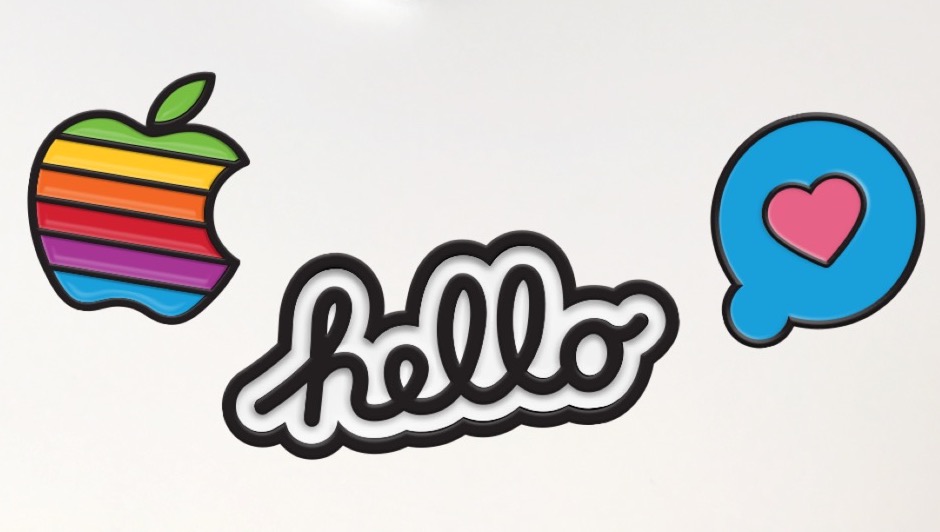
The same stickers can be found in iMessage via Apple's official WWDC app, as shown above.

Snapchat is available at no charge from App Store.

Apple’s Activity app could be removable in iOS 11

Aside from spotting interesting references to a drag-and-drop feature for iPad and an all-new dedicated Files app, developer Troughton-Smith also noticed a placeholder listing for Apple's stock Activity app on App Store.

This is the first time the app has appeared as a downloadable item on App Store, suggesting Activity could be removable in iOS 11. The listing has since been removed from App Store.

No additional screenshots, descriptions or other information were provided.

Introduced as part of the iOS 9 update two years ago, the Activity app is one of the few stock apps that cannot be hidden from a user's Home screen. Check out Apple's support document for the full list of built-in iPhone and iPad apps that can be removed from the Home screen.

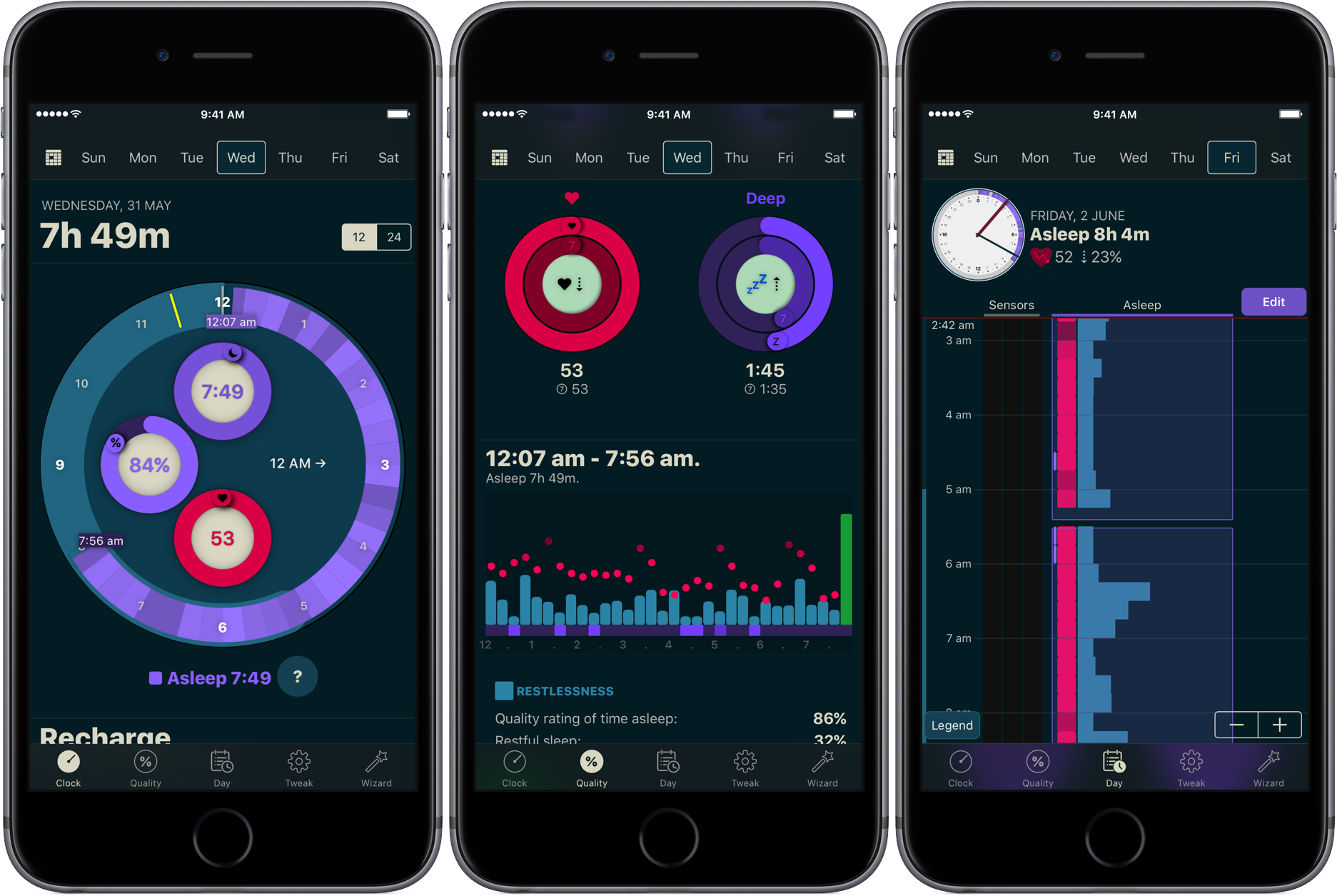
The Activity app only appears on the Home screen if a paired Apple Watch is present. Apple could be making Activity a downloadable item so that non-watch users could optionally download it and fill their Activity rings with other fitness tracking devices.