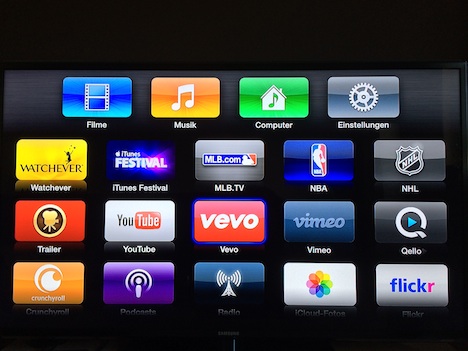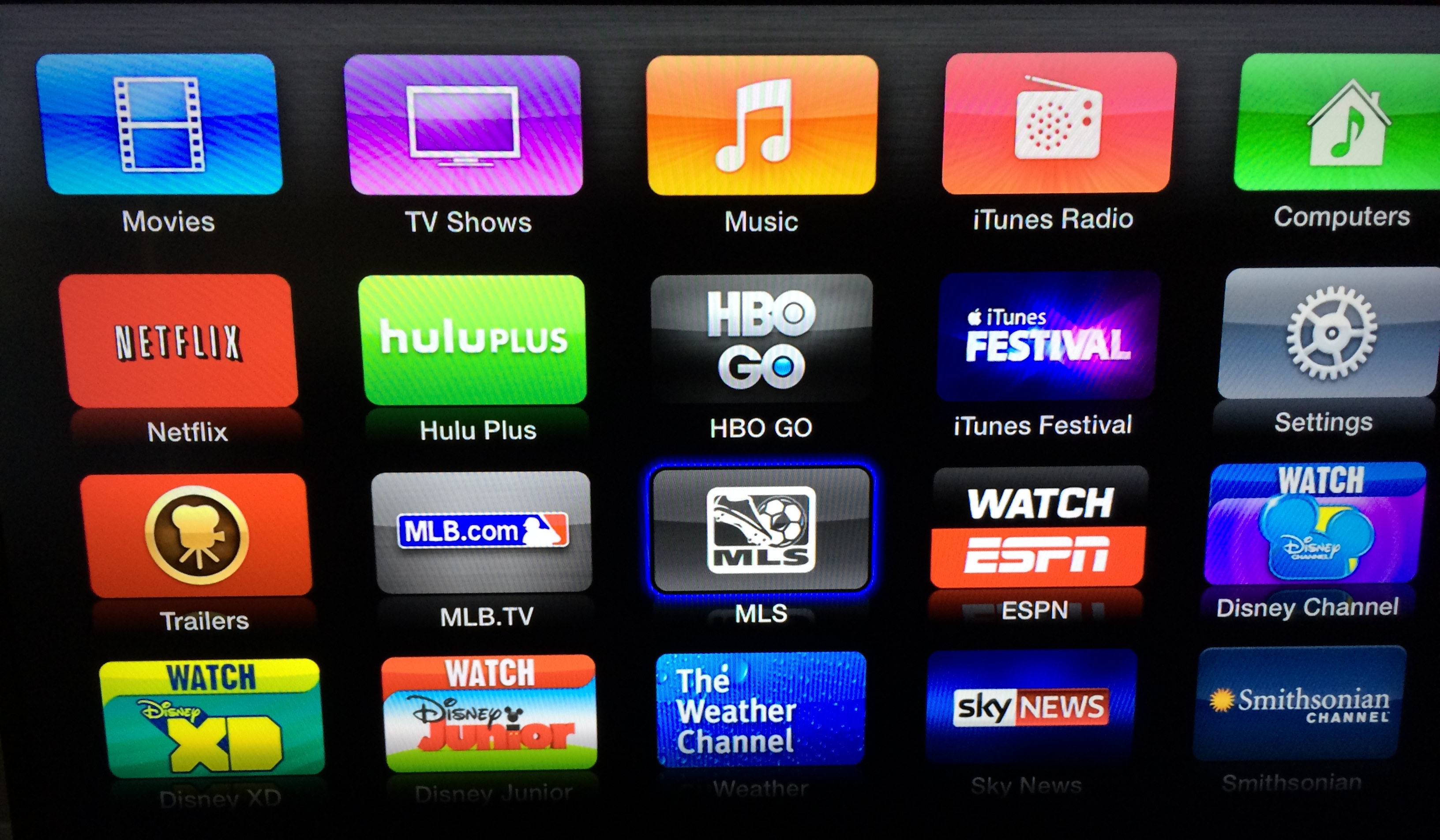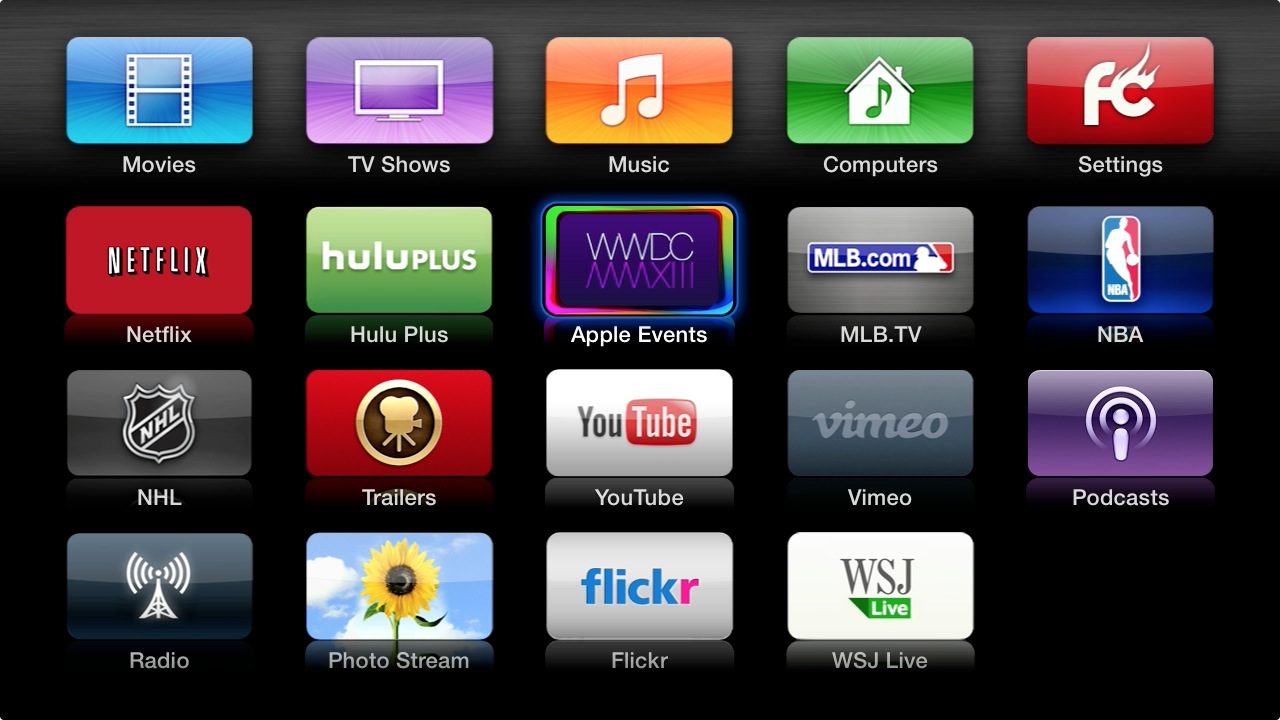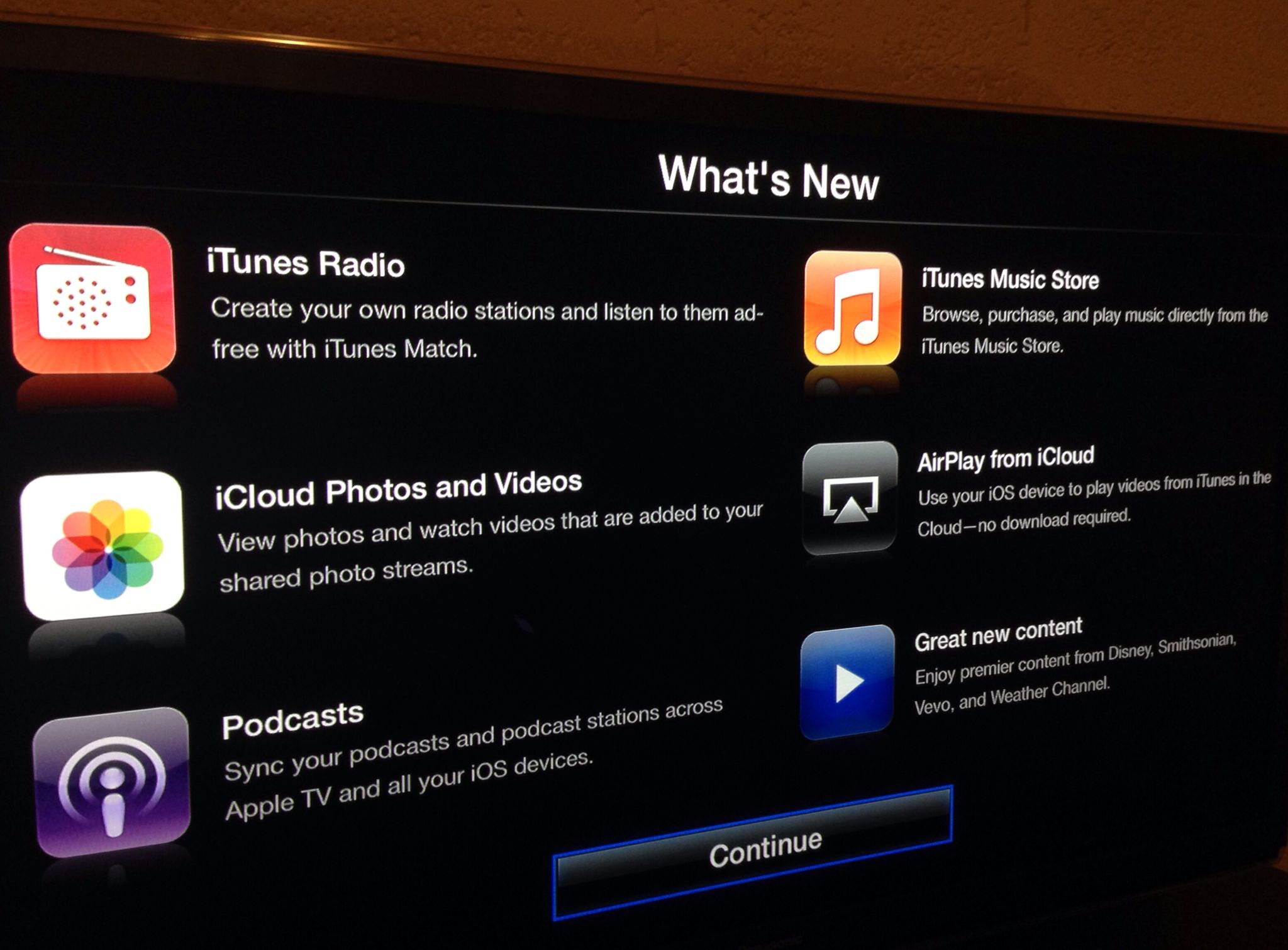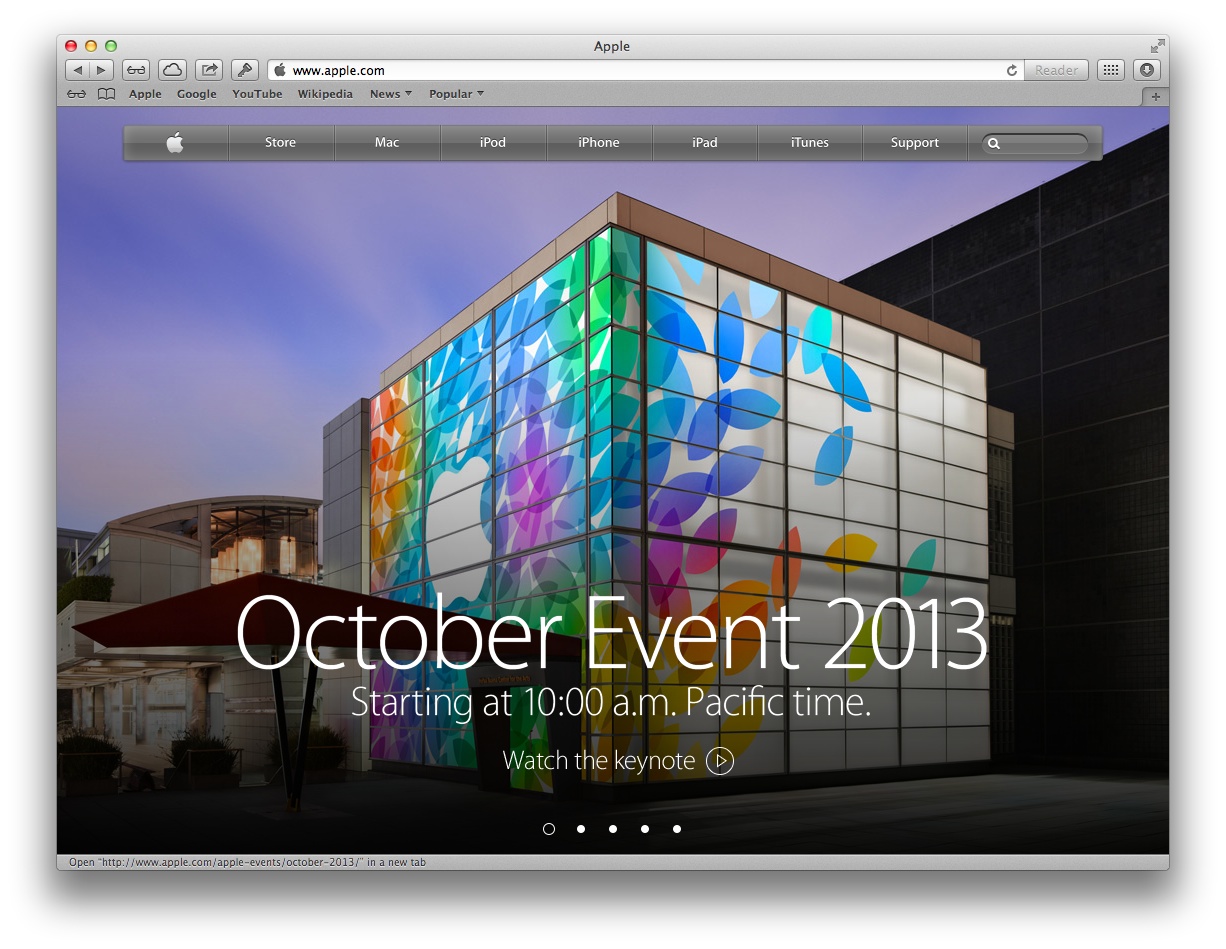
It looks like Apple will provide a live stream of today's iPad event after all as Apple TV owners report that the Apple Events channel has been updated on their $99 set-top box to reflect Apple's invitation graphics.
"Watch the special event held at the Yerba Buena Center for the Arts Theater in San Francisco, CA," the event listing reads.
Additionally, the company will be live-streaming the show to iOS devices and Macs through the new October 2013 event section on its Apple Events web page...