The core concept behind many iOS puzzle games is something we’ve seen before. Whether it’s a match three or a word jumble, there is a lot of familiar ideas out there. Truly great games are able to take these ideas and expand on them. They mix in brand new concepts and create a game that is unique and exciting. The newest game from unexpected3rd, Singularity, is a tried and true concept that I think we’ve all seen in other games. The question is; does Singularity expand upon its premise enough to be considered great?
App Store
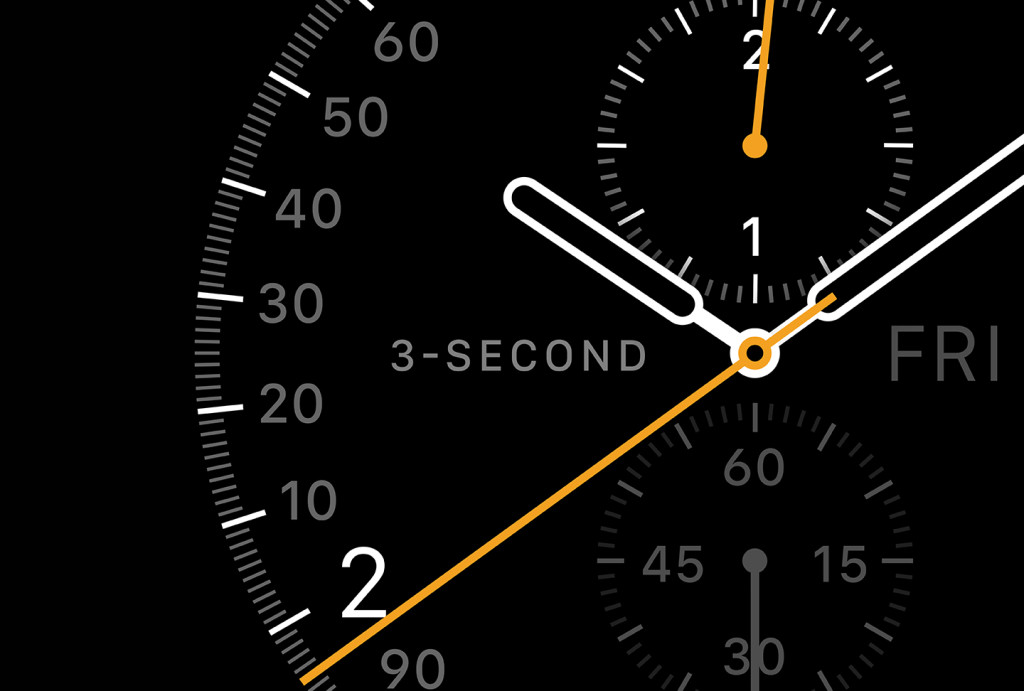
Unsurprisingly, Apple says ‘no’ to custom faces, fart apps and time-telling Watch apps
Apple on Tuesday updated the official App Store Review Guidelines, officially taking a stance against third-party applications for the Apple Watch whose sole purpose is to tell the time, as first discovered by developer David Smith.
A newly added clause of the agreement guiding third-party development now explicitly states that Watch applications which simply tell the time will be flatly rejected.
“Watch Apps whose primary function is telling time will be rejected,” reads the document. Moreover, the same principles appear to apply to custom watch faces and flatulence apps.
It's worth mentioning that these rules have been enforced since the onset as there has never been a single time-telling Apple Watch app, or a fart app, (or a custom face for that matter) available on the App Store.
App Watch: the first wave
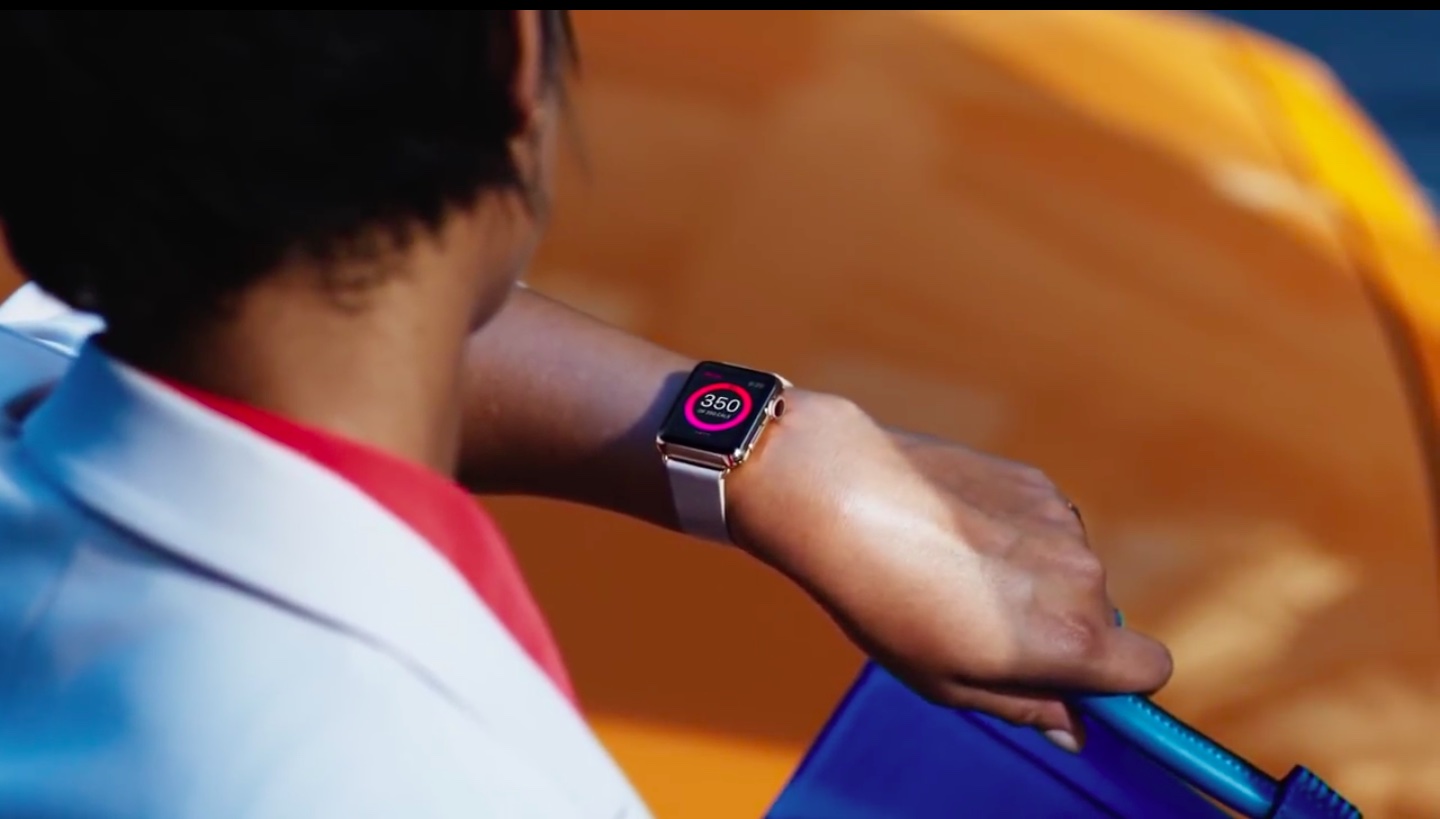
You've received your Apple Watch in the mail, unboxed it, tried it on, and now the months of anticipation and waiting have finally come to an end. It's surreal, really, and you can't help but glance at your wrist every few minutes, even after wearing it for a couple days, to play with your new toy.
Or you haven't received your Apple Watch yet and must sit alone and forsaken, watching all your friends talk to their wrists, wishing you could've gotten that pre-order in just a little bit earlier, or chosen a more plentiful model.
Or perhaps you simply couldn't justify the price of the Apple Watch for its functionality, at least in the first generation. But you are interesting in its potential, particularly in how third-party developers will be putting its unique skillsets to use.
If you fall into one of those categories, it is for you that I'm excited to introduce App Watch, a new weekly article series by iDownloadBlog. In these posts, I'll be covering a small handful of Apple Watch apps that stand out to me in terms of design, ease of use, convenience, and real-world usage. The point is not to cover every WatchKit app, but to highlight those that bring something significant, beautiful, or practical to wrists around the world. Apple Watch has an incredible amount of potential, and I want to help you tap into that. So, let us begin.
Review: Forgotten Memories remembers what it means to be a survival horror game
For years, the survival horror genre has suffered from a bit of an identity crisis, with genre mainstays straying into everything from action adventures to point and click romps. With Forgotten Memories: Alternate Realities, developer Psychose Interactive seeks to resurrect the ideals that made survival horror great and prove that the early games in the genre got it right the first time.
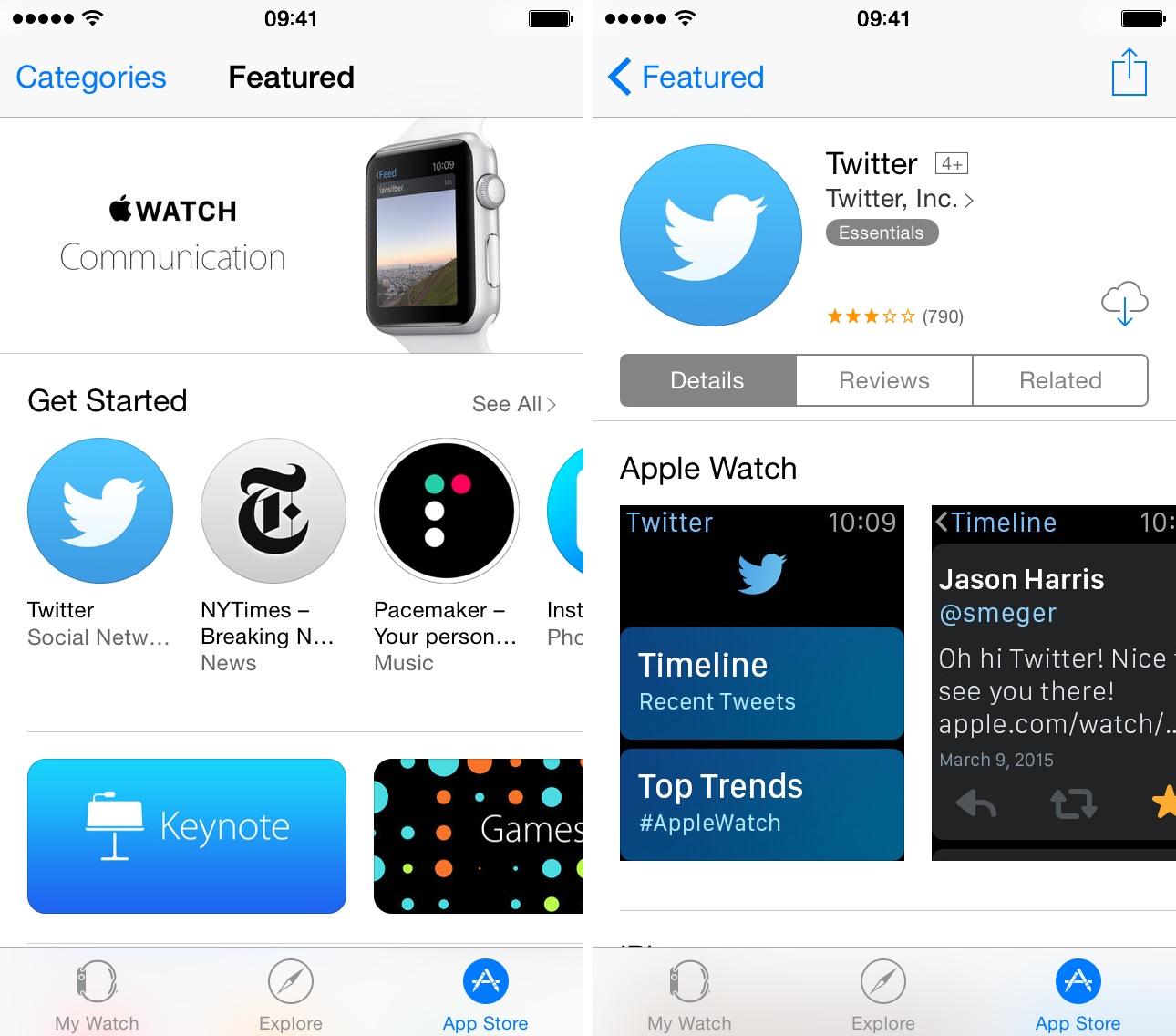
‘Offers Apple Watch App’ label added to App Store
In order to better distinguish between regular iPhone applications and those with added Apple Watch functionality, a new 'Offers Apple Watch App' label is now available in the App Store across the iPhone, iPad and iPod touch devices. It's also found when browsing Watch-compatible iOS apps in the App Store section of iTunes for Mac/Windows PCs.
When available, the label appears right below the app icon on individual app pages and in search results, making it easier to discover Apple Watch apps.
The Apple Watch App Store goes live
If you're running iOS 8.2 or iOS 8.3, you can view the Apple Watch App Store right now. Simply open up the Apple Watch app on your iPhone, and tap the App Store tab. If you don't yet see the App Store interface, you can use our refresh trick to reload the interface to view the Apple Watch App Store.
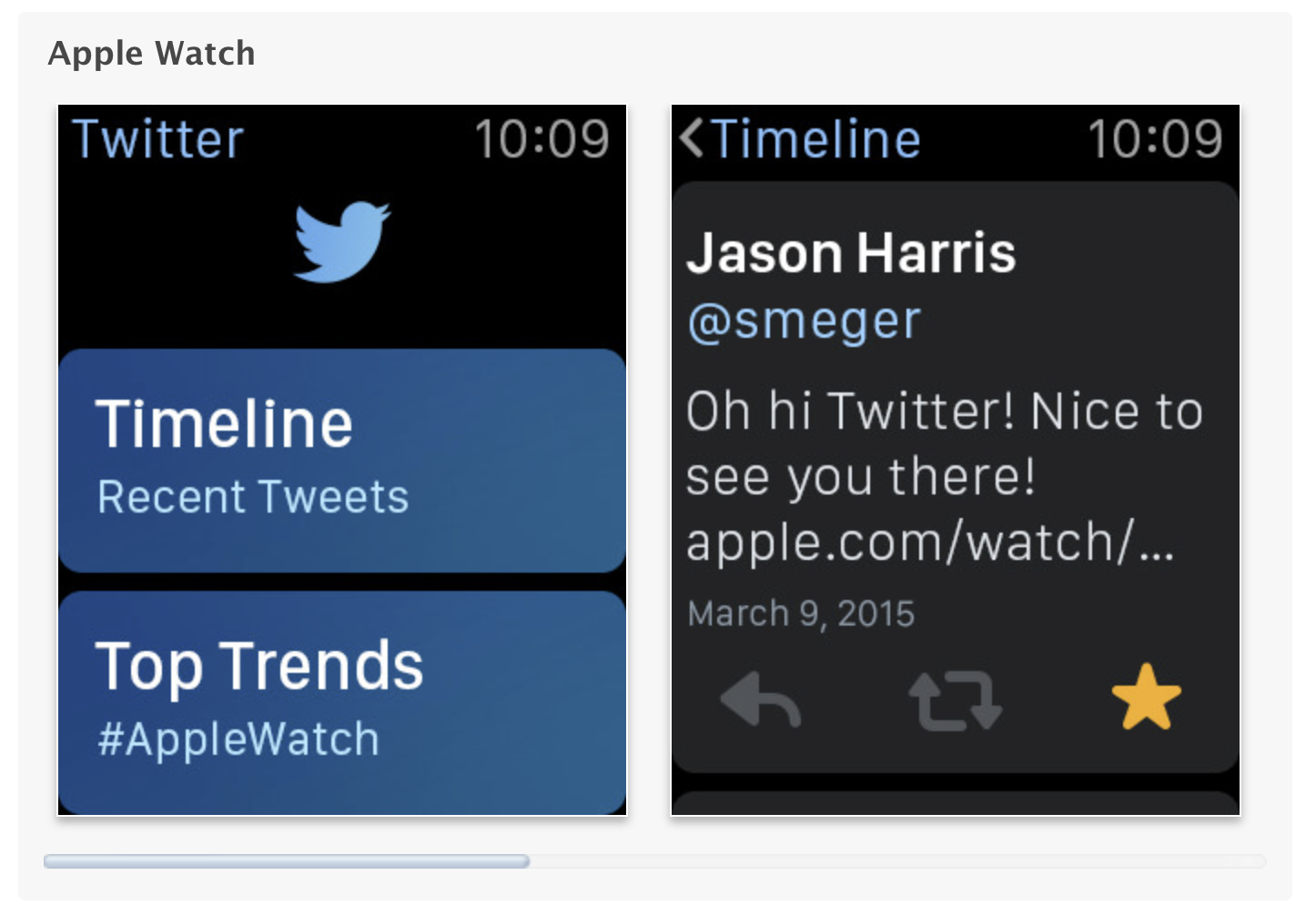
App Store updated to show Apple Watch screenshots
Apple has updated the App Store to showcase Apple Watch screenshots for apps that support the Apple Watch. The screenshots are displayed beneath the traditional screenshots for the app on the iPhone. In addition to these screenshots, there is a notation beneath every app that features an Apple Watch app, making it easier to discover apps thats support Apple's new wearable device.
Apple Watch App Store is now live, highlighting must-have apps
Apple has shared with BuzzFeed that the App Store for the Apple Watch will be launching on Thursday, one day before the Apple Watch will be on the wrists of Apple fans around the world.
Update: The Watch App Store is now live.
Tiltagon review: a game that’s frustrating, but in all the right ways
Games using tilt controls have certainly come a long way since the early days of the iPhone. Advancements in technology and programming have taken what was once difficult and unwieldy and transformed it into a responsive, valid control scheme. Tiltagon seeks to utilize this new-found precision to create a game that is frustrating, but in all the right ways.
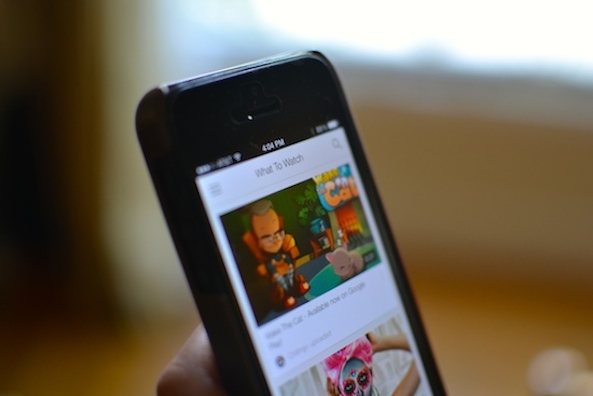
Google removes YouTube app support for older versions of iOS, Apple TV
Google announced on Monday in a support document that its YouTube app will no longer work on older versions of iOS and the first and second generation Apple TV "after April".
Lost Within, LiquidSpace, Tiny Guardians and more hit the App Store this week
As the flow of updates geared towards the Apple Watch continues to increase, you may be feeling a little left out as you look down at your iPhone. There’s no need to be quite so despondent though, because a bevy of exciting new iPhone and iPad apps also exploded onto the App Store this week.
Whether you’re in the mood for a thrilling adventure, a perplexing puzzle, or something in-between, this list has you covered. If you somehow still find yourself wanting more after reading through this article, remember to keep checking back. We make lists of App Store releases and updates almost every day.
Touch ID for App Store purchases stops working for many after updating to iOS 8.3
A growing number of users are complaining about the inability to use Touch ID fingerprint scanning to authorize purchases in the App Store after updating to iOS 8.3.
As reported on Twitter, Reddit and detailed in a thread on Apple's Support Communities forums, iOS 8.3 appears to be asking for an Apple ID password for each and every purchase made in the App Store.
This is regardless of whether or not the option to use Touch ID in the App Store is enabled in Settings. What gives?