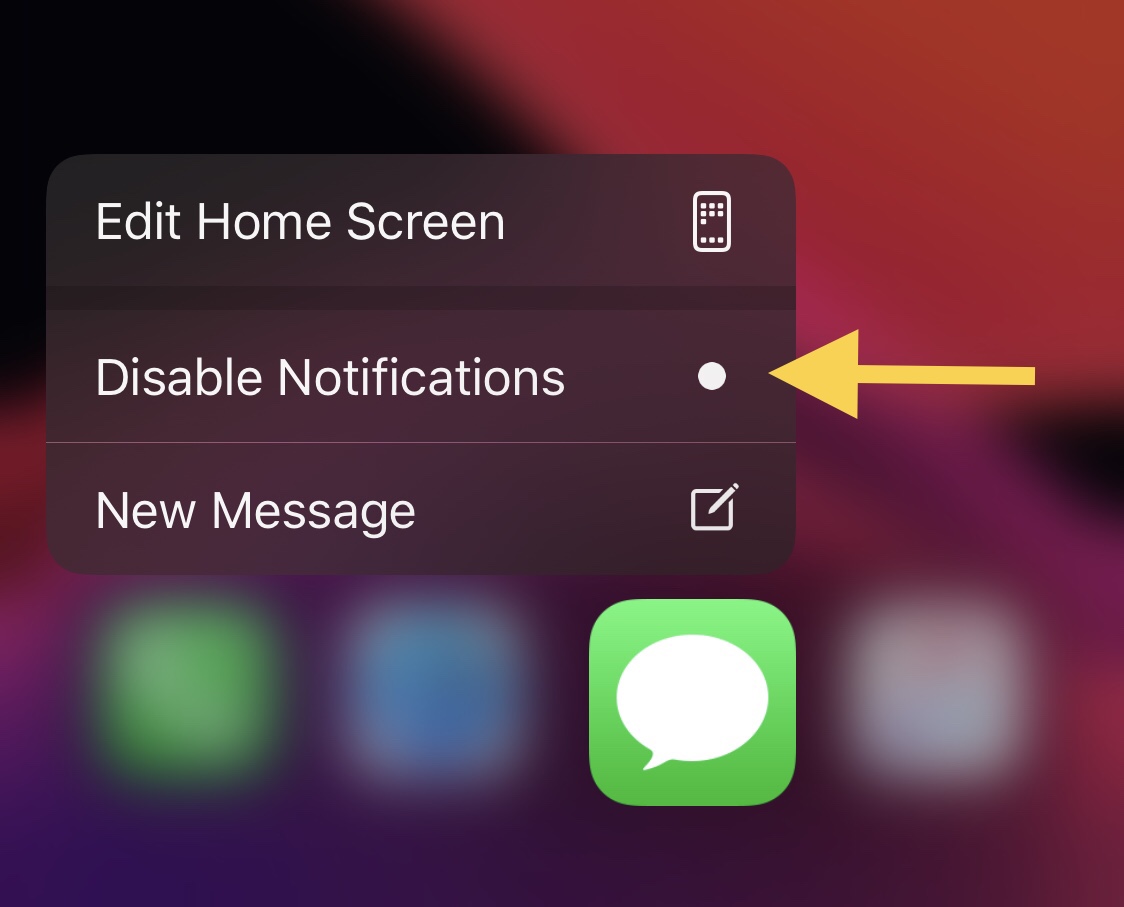
One of the things you can do with a 3D Touch or Haptic Touch-compatible iPhone or iPad is assert a light press or tap-and-hold on individual app icons from the Home Screen to reveal a hidden menu with app-centric options in it. This feature is useful not only because it provides faster access to the most popular features of the app in question, but it can also be a fun way to access them.
While most of these menus sport standard options such as sharing the app, removing the app, or editing the Home Screen, users may also find app-specific options when performing these gestures on apps in which the developer has devoted time or effort into implementing specialized options. Interestingly enough, a newly released and free jailbreak tweak dubbed Quiet by iOS developer Greg0109 can add another handy feature to these menus: the ability to mute notifications for that specific app.