Learn how to find the model and serial numbers of your AirPods, AirPods Pro, and AirPods Max in case you ever need them.
How to find model and serial numbers of your AirPods
Learn how to find the model and serial numbers of your AirPods, AirPods Pro, and AirPods Max in case you ever need them.
AirPods Max are hard to come by right now, with shipping in many cases not taking place for several weeks (or months). And, at the time of publication, the ear cushions for the new headphones aren't available to order, either. But that doesn't mean you can't dream about color combinations.
A new series based on the rise and fall of WeWork has been in development for Apple TV+ since February, with Collider reporting today that the '90s teen heartthrob Jared Leto is poised to play Adam Neumann, who was the charismatic but eccentric CEO of WeWork.
One might think that a pair of over-ear headphones that can fold, and fit into a case, would be perfect for storage while moving from one place to another. Apple would not agree, at least for the AirPods Max.
The Look Around feature in Apple Maps is now available in a few more major cities in the United States, including Denver, Detroit, Fort Lauderdale and Miami.
If you live in a city that has street imagery available, invoking Look Around will let you pan high-resolution street photos 360 degrees and move through the streets with smooth transitions.
This high-resolution, interactive 3D experience in Maps was implemented on the iPhone and iPad with the September 2019 release of the iOS and iPadOS 13 software updates.
Aside from Denver, Detroit, Fort Lauderdale and Miami, the Look Around feature is also available in t he following cities, according to Apple's iOS and iPadOS Feature Availability page.
Boston, MA Chicago, IL Dublin, Ireland Edinburgh, Scotland Houston, TX Las Vegas, NV London, United Kingdom Los Angeles, CA Nagoya, Japan New York, NY Oahu, HI Osaka, Japan Philadelphia, PA San Francisco Bay Area, CA Seattle, WA Tokyo, Japan Washington, DCOn the Mac, Look Around requires macOS 11 Big Sur or later.
How to use Look Around in MapsTo use the Look Around feature, open the Maps app on your iPhone, iPad or Mac and enter the name of a supported city like San Francisco into the search box you (on mobile, swipe up from the bottom to reveal the search field).
If that location has Look Around available, you should see a Look Around icon in the location thumbnail available in the location details screen. Tapping the icon zooms the current map into a gorgeous street-level view. Use your finger to move the screen left or right for a full 360-degree picture. To see where Apple is collecting imagery for this feature, head over to the Apple Maps Image Collection page.
It's been several months since we last heard about Palmer, a drama starring Justin Timberlake (Trolls) heading to Apple TV+. And now we finally have the official trailer to share.
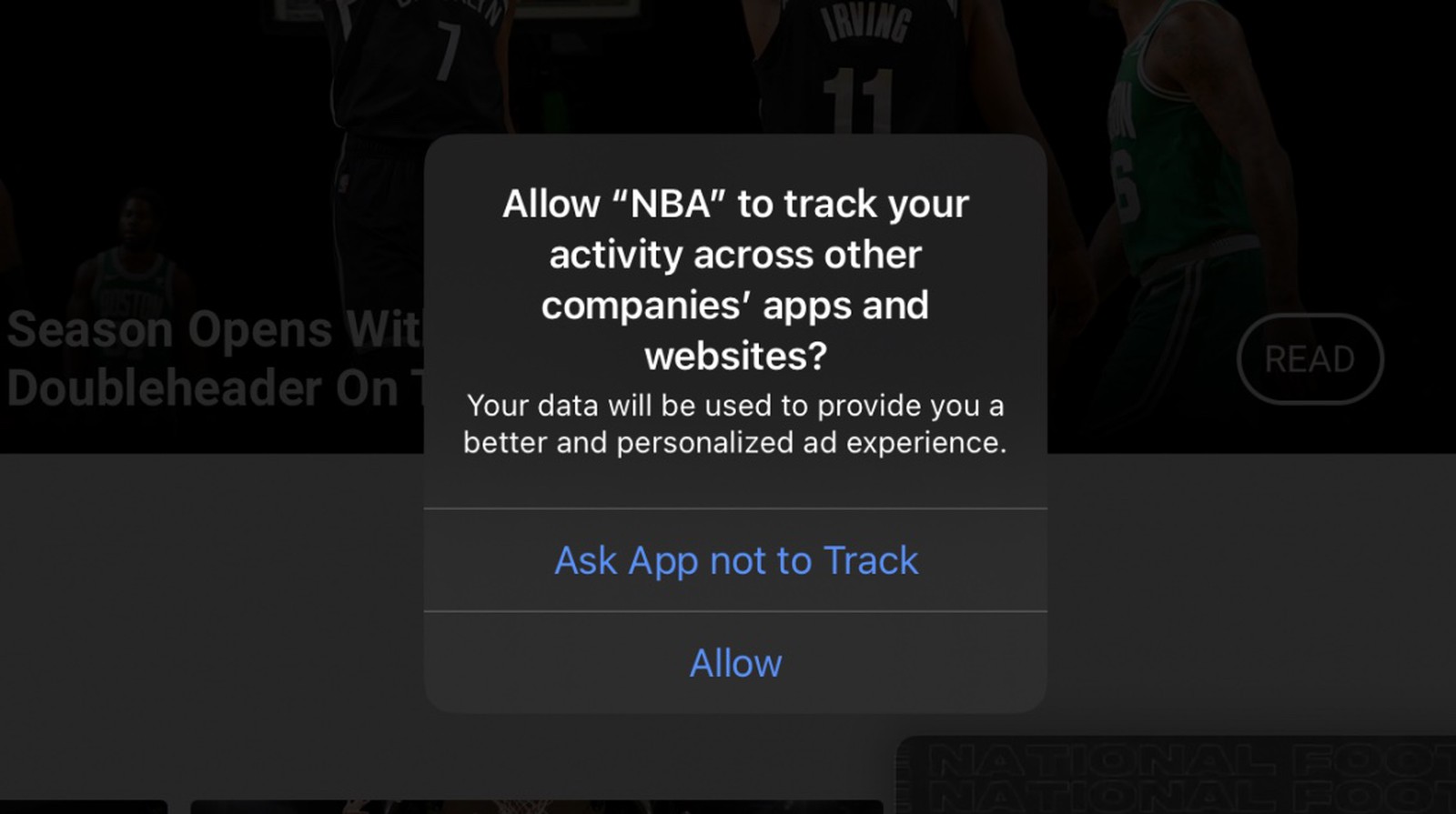
Less than 24 hours after it ran anti-Apple advertisements in the New York Times, Wall Street Journal and Washington Post newspapers in the United States, Facebook has now bought more full-page ads in an effort to have the general public support its stance on ad tracking.
If you use the Calendar app on your Mac, then you may have enjoyed the ability to snooze calendar notifications for a time you select. While the app defaulted to 15 minutes, you could simply click and hold the snooze button to pick a different time.
But not anymore!
With macOS Big Sur, you are no longer able to select the amount of time for your snooze. Here’s how Calendar notifications work now.
You may not realize it, but you can set up reading themes on your Kindle Paperwhite. This lets you select a font style, text size, and page layout, and save it. You can then reuse that theme whenever you like.
Themes are handy for reading various types of books. For instance, you might like the manuals you read to have larger, print-style font in landscape view, but for history novels you want a smaller, elegant font in portrait view.
Here’s how to create and apply themes on your Kindle Paperwhite.
It’s no secret that the jailbreak community enjoys all-in-one jailbreak tweaks that provide more bang for the buck, and while there’s certainly no shortage of such tweaks spanning the plethora of repositories available today, not all of them are created equally. Need proof of their popularity? Just ask any veteran jailbreaker if they've ever heard of Springtomize before and they'll probably say they've used it.
Apple’s market-leading music player and streaming service bundled into a nice little package is one of the key reasons why someone might pick an iPhone over a competing smartphone, and while Apple has made accessing music controls much easier over the years with the introduction of Control Center, some find that the music player may still be more than a comfortable number of taps away.
That’s where a newly released jailbreak tweak called MusicBox by iOS developer Greg0109 comes into play. This tweak brings a floating music player to the iOS platform, allowing the user to interact with and control their Now Playing track from anywhere in the operating system without so much as needing to open a single interface to do so.
John Lasseter (Toy Story) may be yet another producer inevitably working with Apple, if a pair of new animated films make the leap to Apple TV+.