AirPods Pro has become one of the most popular products for Apple to date, so of course the company is going to keep it around. But how do they improve upon it? Maybe offering different sizes is one way to do it.
AirPods Pro 2 may come in two sizes

AirPods Pro has become one of the most popular products for Apple to date, so of course the company is going to keep it around. But how do they improve upon it? Maybe offering different sizes is one way to do it.
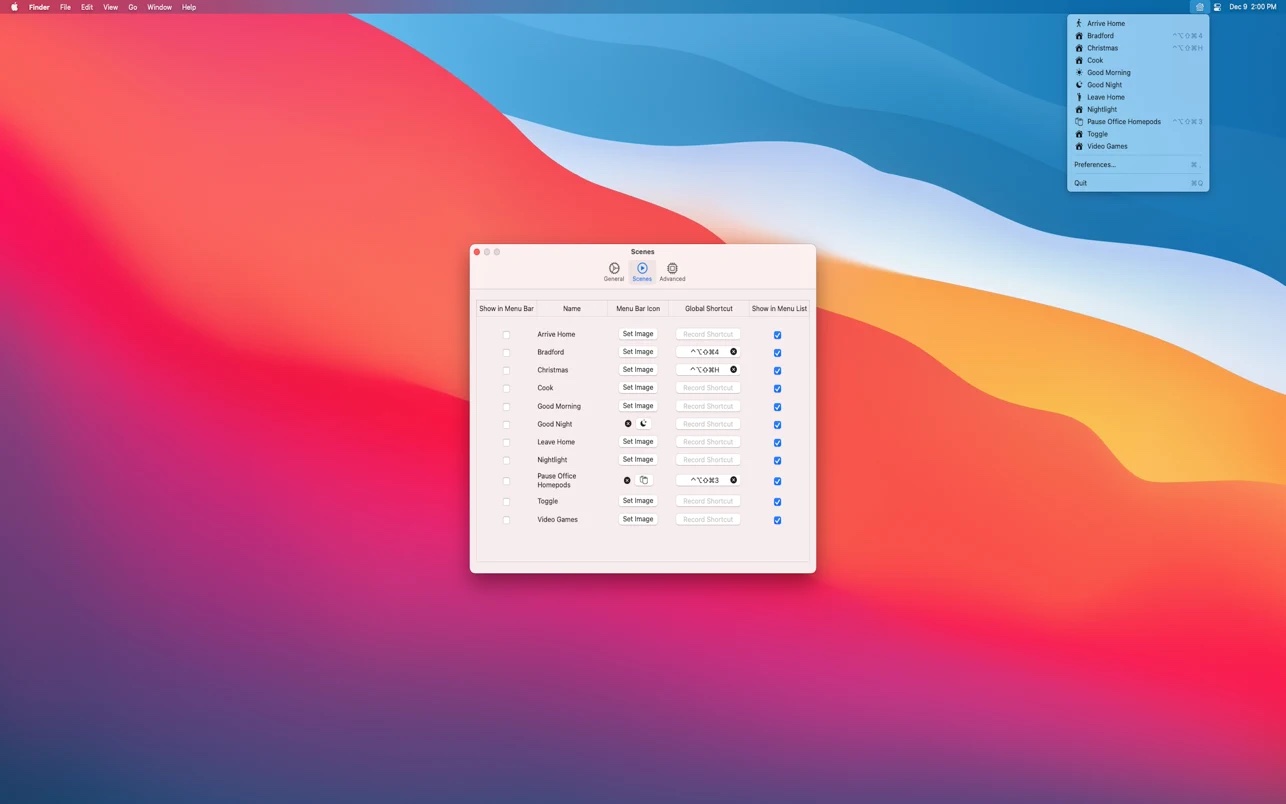
The free, open-source Scenecuts app by Seattle developer Nick Hayward is a great little utility that allows you to bypass Apple's unimpressive Home app and access your smart home devices and trigger HomeKit scenes directly through the macOS menu bar.

Have you ever felt like your keyboard is just too rigid when it comes to options for getting things done? Ever felt like it would be cool if it could change on demand, moving from a configuration to get work done and adapting to your gaming needs? Well, research from Apple indicates that someone agrees with you.

The original iPhone introduction was a seminal moment that has changed our industry forever. And while we've heard plenty of stories about the development of the iconic handset, rarely do we get to see the first iPhone model being manufactured. That is, until now...
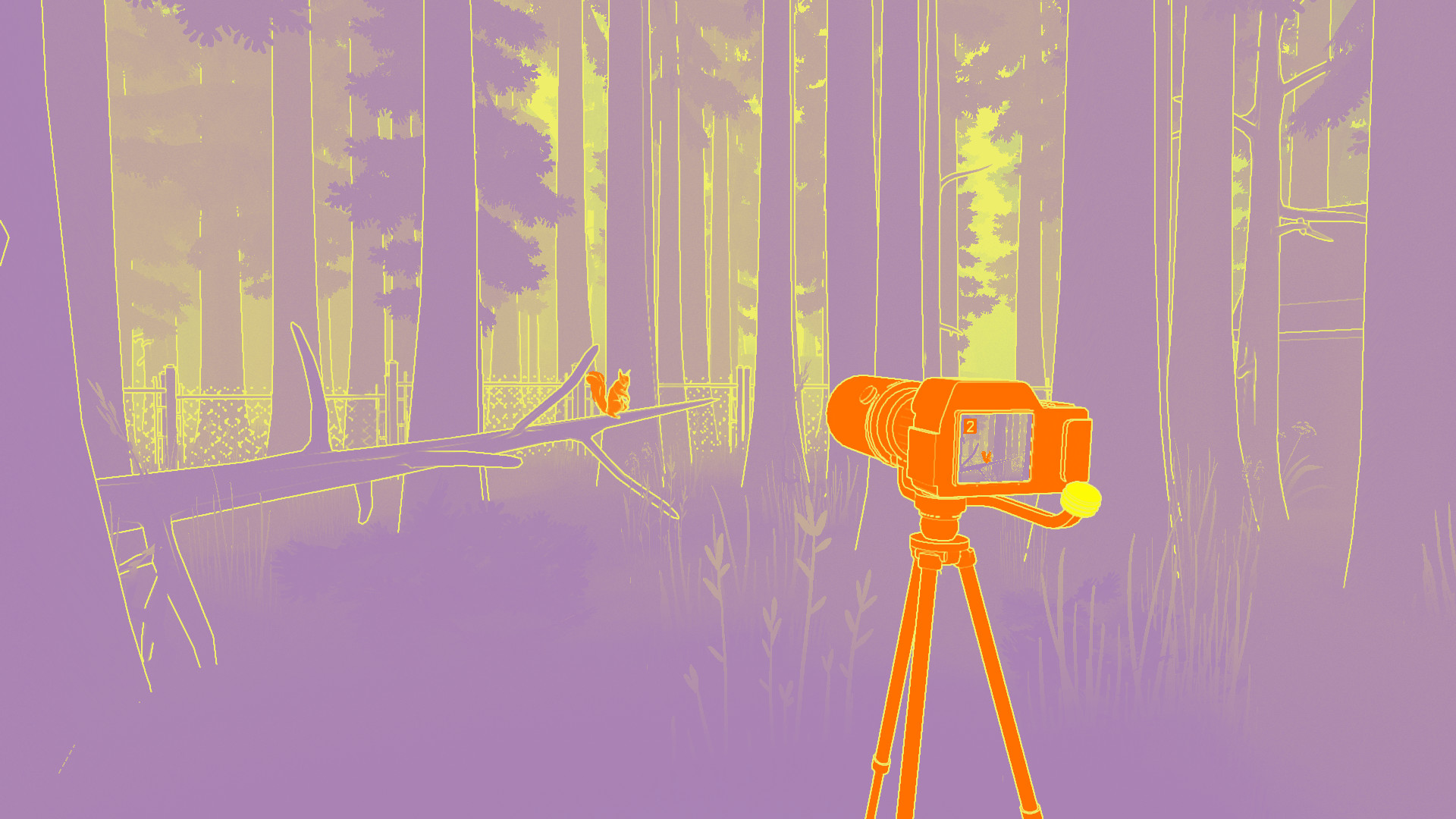
“NUTS - A Surveillance Mystery” is a narrative surveillance adventure with a bold visual style. Made by indie developers Joon, Pol, Muuutsch, Char and Torfi in collaboration with Noodlecake Studios, “NUTS” is launching soon across the iPhone, iPad, Apple TV and Mac via Apple Arcade.
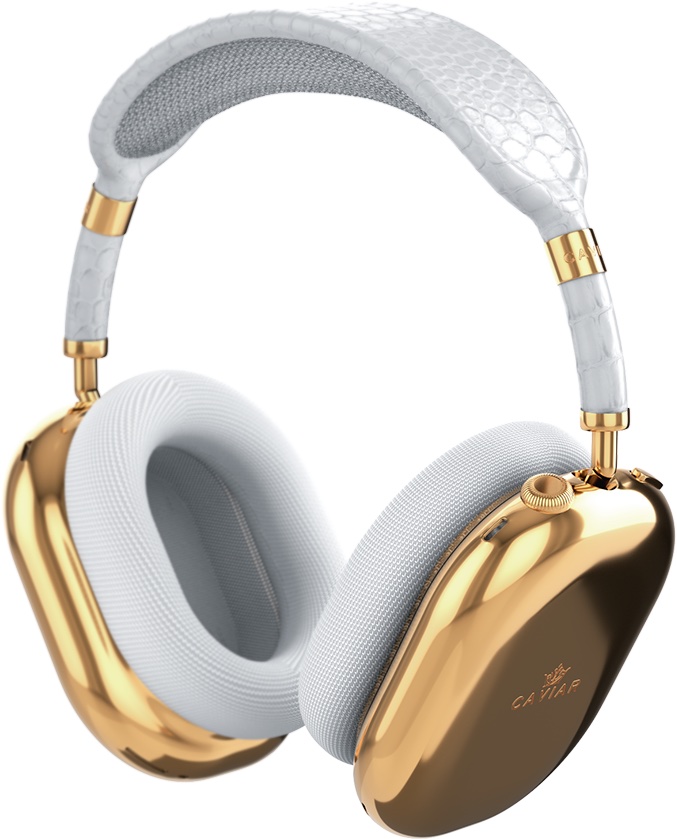
Have you been wondering what a pair of gold-plated AirPods Max headphones would cost? If so, the Russian luxury and modification company Caviar knows the answer to that question.
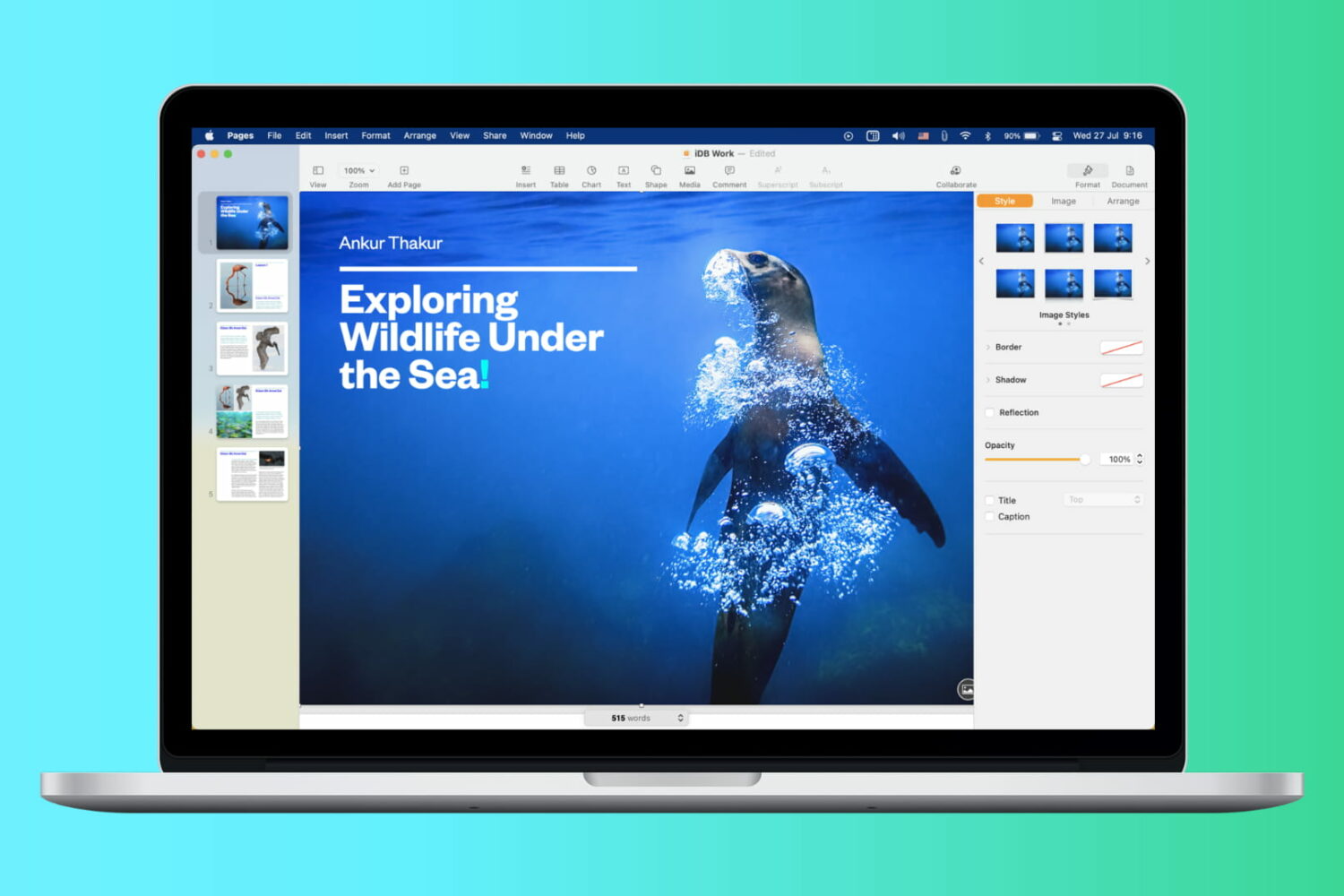
Have you ever received or downloaded a document that you wanted to grab an image from? It could be your company logo in a Pages document, a photo of a location in Word, or an instructional image in a Keynote or PowerPoint presentation.
For the most part, extracting a photo or image from Apple and Microsoft applications is universal, which is nice. Here, we’ll show you how to extract a photo or image from various document types.
Sebastien and Cody run through the top tech headlines from the past week including Apple Car rumors and talk of a new Apple TV. The pair also discusses China, Tesla and a certain tech CEO’s need for attention. You don’t want to miss this one!
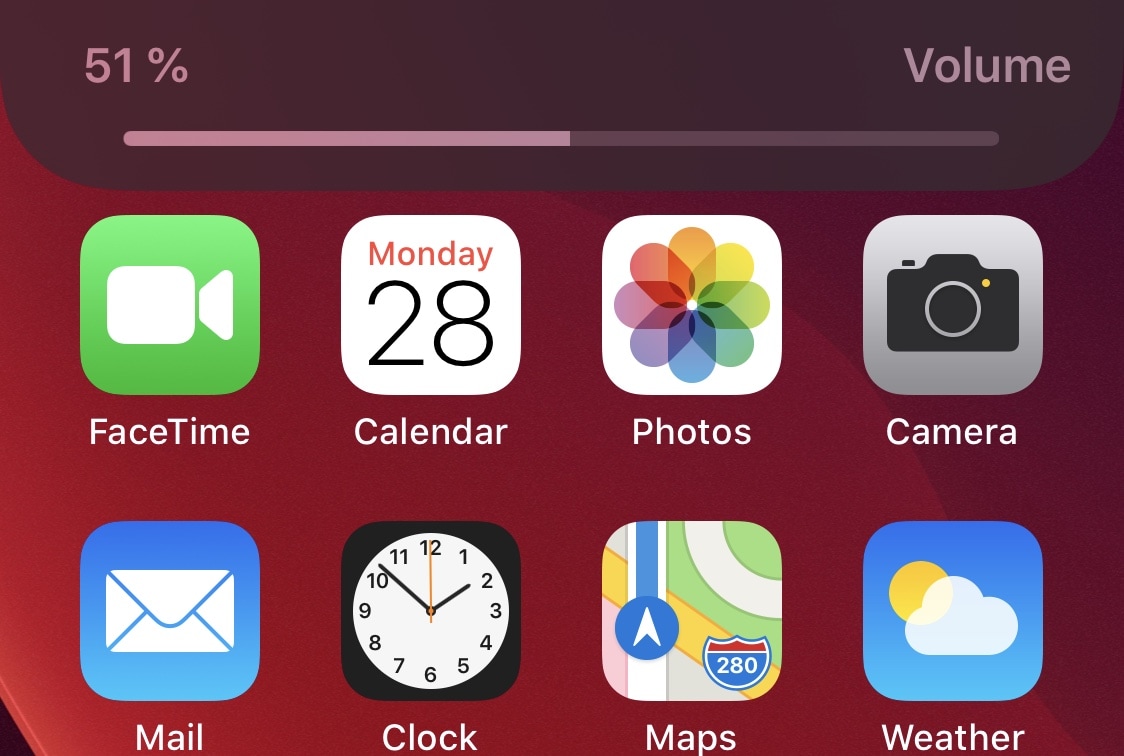
As many veteran iPhone and iPad owners may remember, last year’s iOS & iPadOS 13 release introduced an overhauled volume HUD interface that removed the repulsive mid-screen monstrosity that we were plagued with for countless years. The newer volume HUD materializes off to the side of the display, precluding it from getting in the way as you try to read, watch a video, or peek at photos.
But let’s say that even the newer iOS & iPadOS 13 volume HUD doesn’t do it for you… what then? If you’re not jailbroken, then we can’t offer much of a remedy, but if you are, then we think you’ll probably enjoy a newly released jailbreak tweak dubbed SmartVolumeControl3 by iOS developer midkin due to the myriad of alternative volume HUD interfaces it brings to the table.
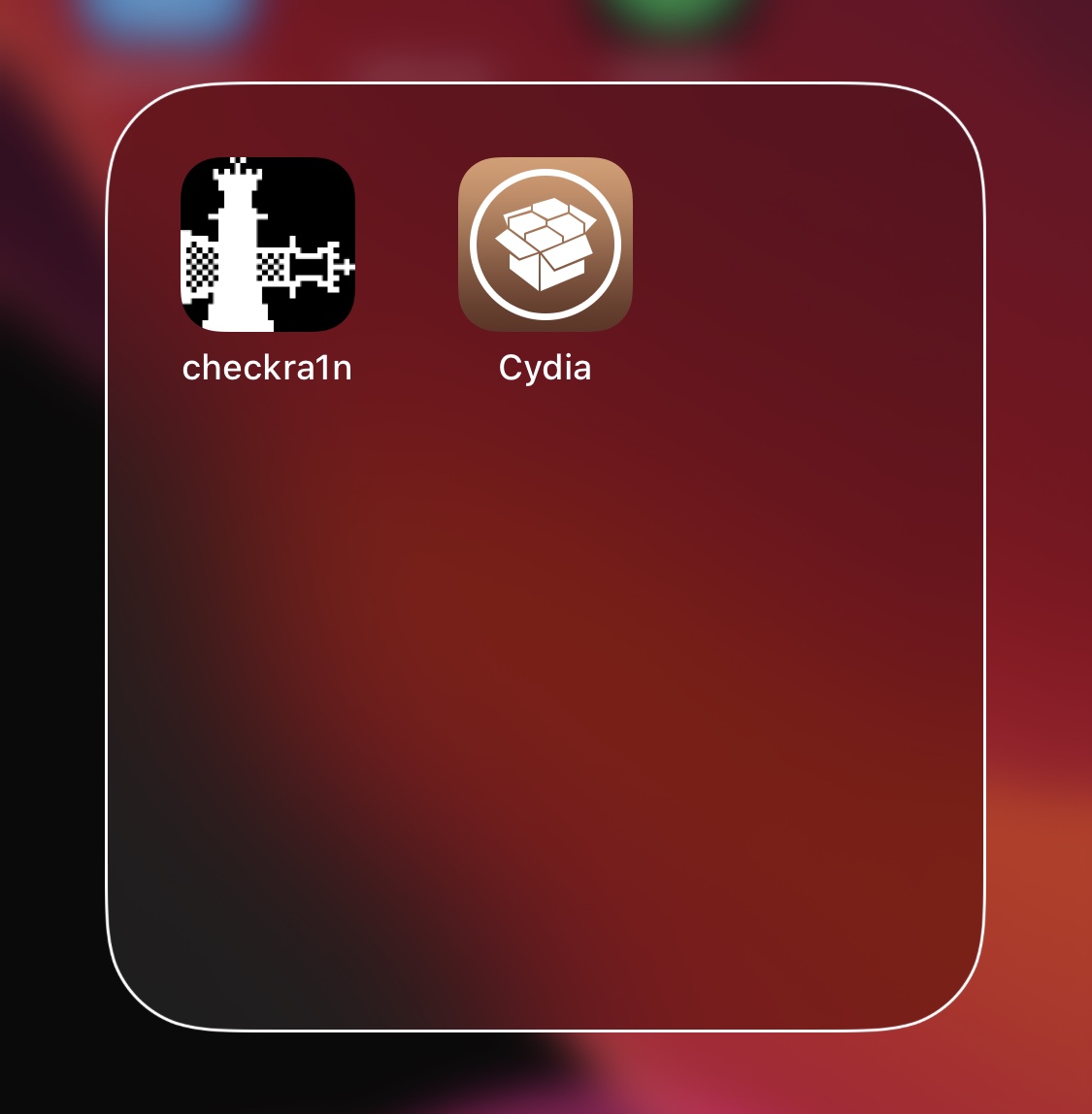
If your Home Screen is riddled with more apps than you can count with the fingers on your hands and the toes on your feet, then you might use folders to help organize the superfluous clutter. As useful as they are for this purpose, however, they could definitely do with a bit more customization.
FolderArtwork is a newly released and free jailbreak tweak by iOS developer Dcsyhi that offers several means of customizing your Home Screen’s folders, ranging from user-selected background artwork to custom borders and colors.

Last year, Apple launched the Hearing Study alongside work from the University of Michigan (which also supports the AirPods Pro). The goal was to determine overall hearing health from participants. But it turns out a bug associated with the app may have led to a lot more information being collected.

Apple is launching a new mentorship program, this one tuned specifically for college students. And not just any college students, either. This one's meant for first-generation students setting off to school.