How to get the new iOS 14.2 emojis on your jailbroken device

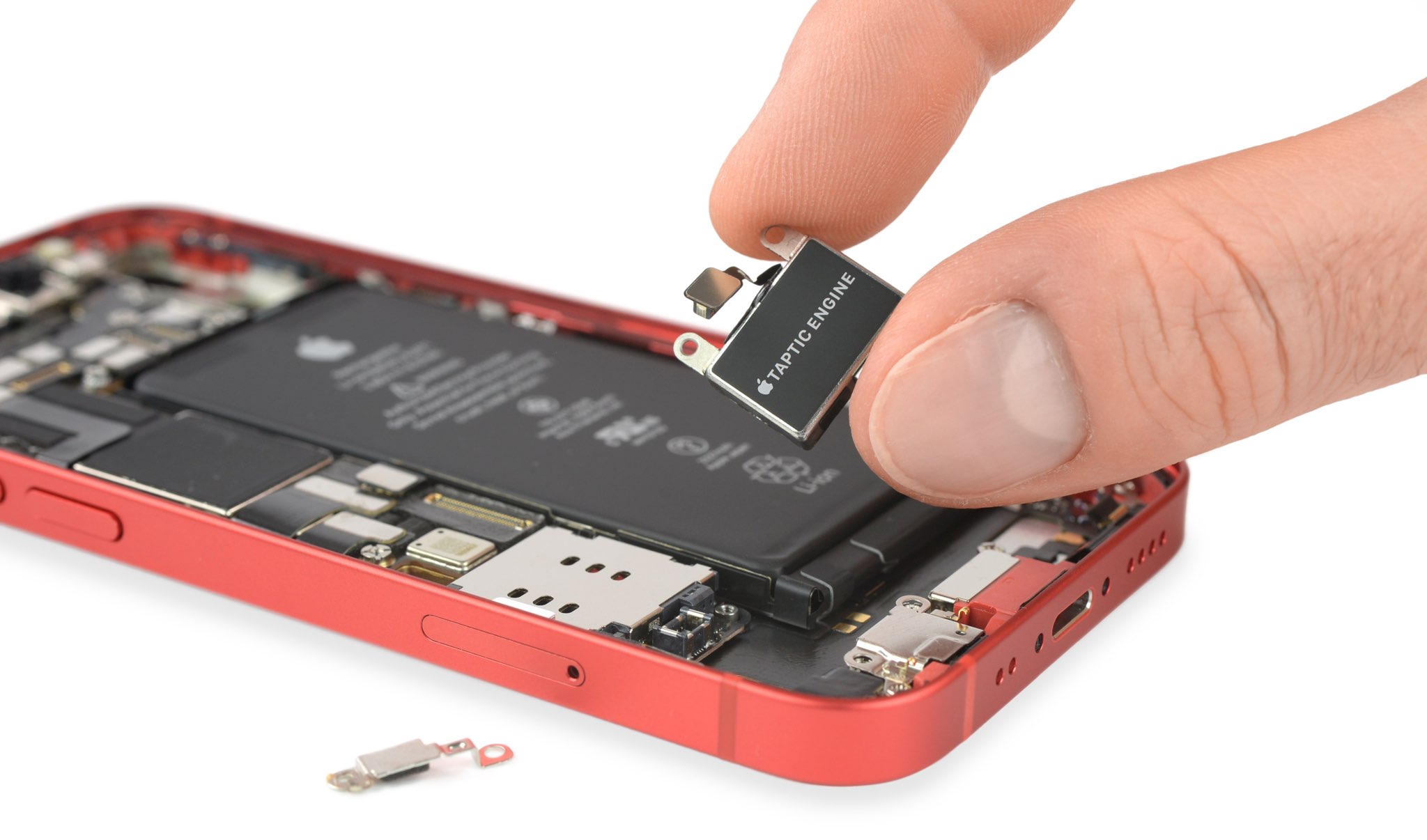
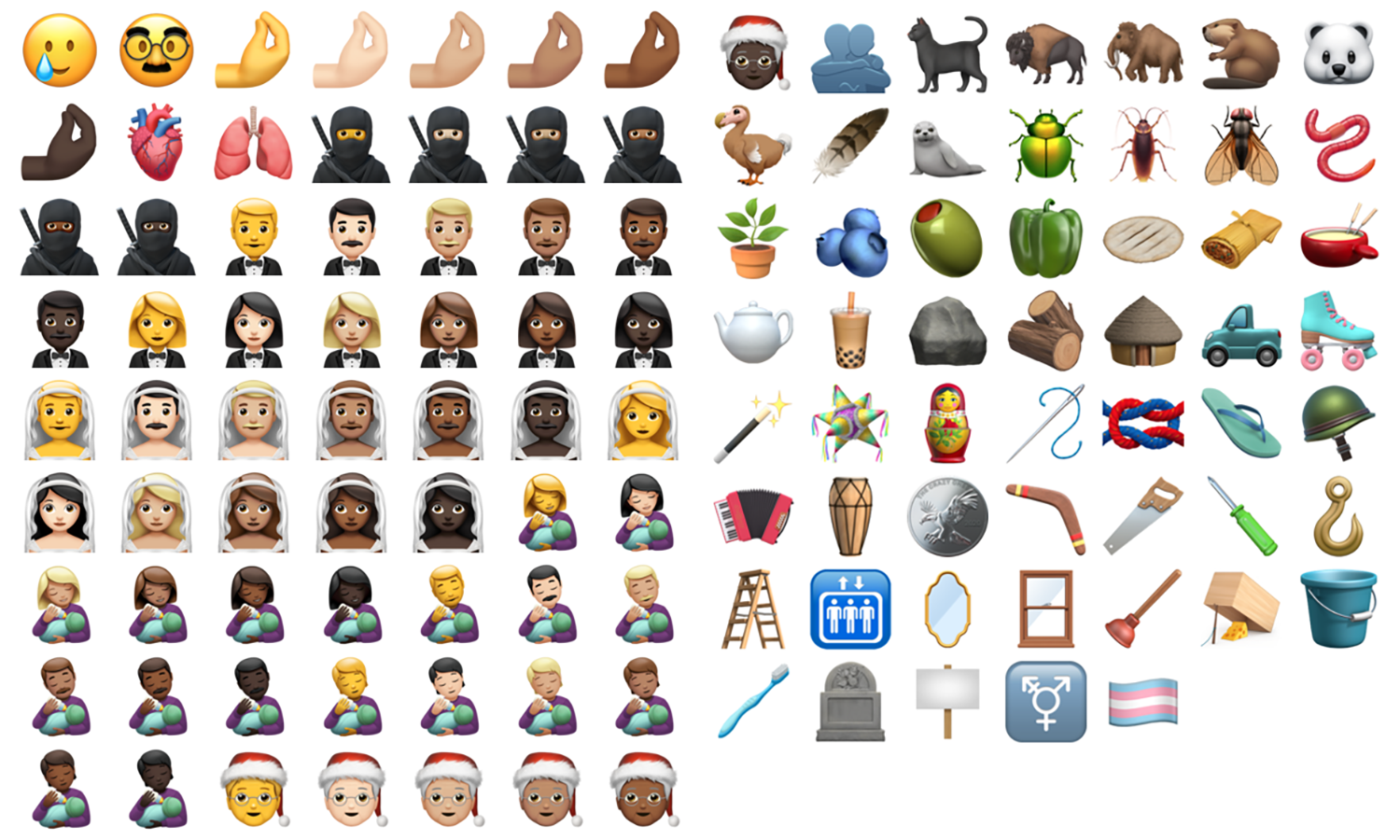
The last few iOS point releases had been all quiet on the emoji front, but iOS and iPadOS 14.2 brought over 100 novelties to users, including such ragers as "Pinched Fingers" (that emphatic gesture which often accompanies a hackneyed impression of an Italian), "Bubble Tea", "Ninja", and "Tamale" (at last!). Whilst stock users will have to update to iOS 14.2 to make use of these little beauties, jailbroken users don't have to, thanks to developer Poomsmart.

Choosing between losing your jailbreak by updating to iOS 14.2, or being unable to spam your friends with the Dodo emoji, is thankfully not necessary. We'll show you how to get the best of both worlds.
LottieStatusBar brings Lottie-inspired animations to the Status Bar

It was only a couple of days ago that we showed you a jailbreak tweak dubbed LottieLockscreen by iOS developer MiRO. In a nutshell, it brought fun and quirky Lottie-style animations to the Lock Screen on jailbroken iPhones. The tweak’s popularity rapidly gained momentum following its release, and as such, we knew it would only be a matter of time before the developer expanded the concept to other interfaces of iOS.

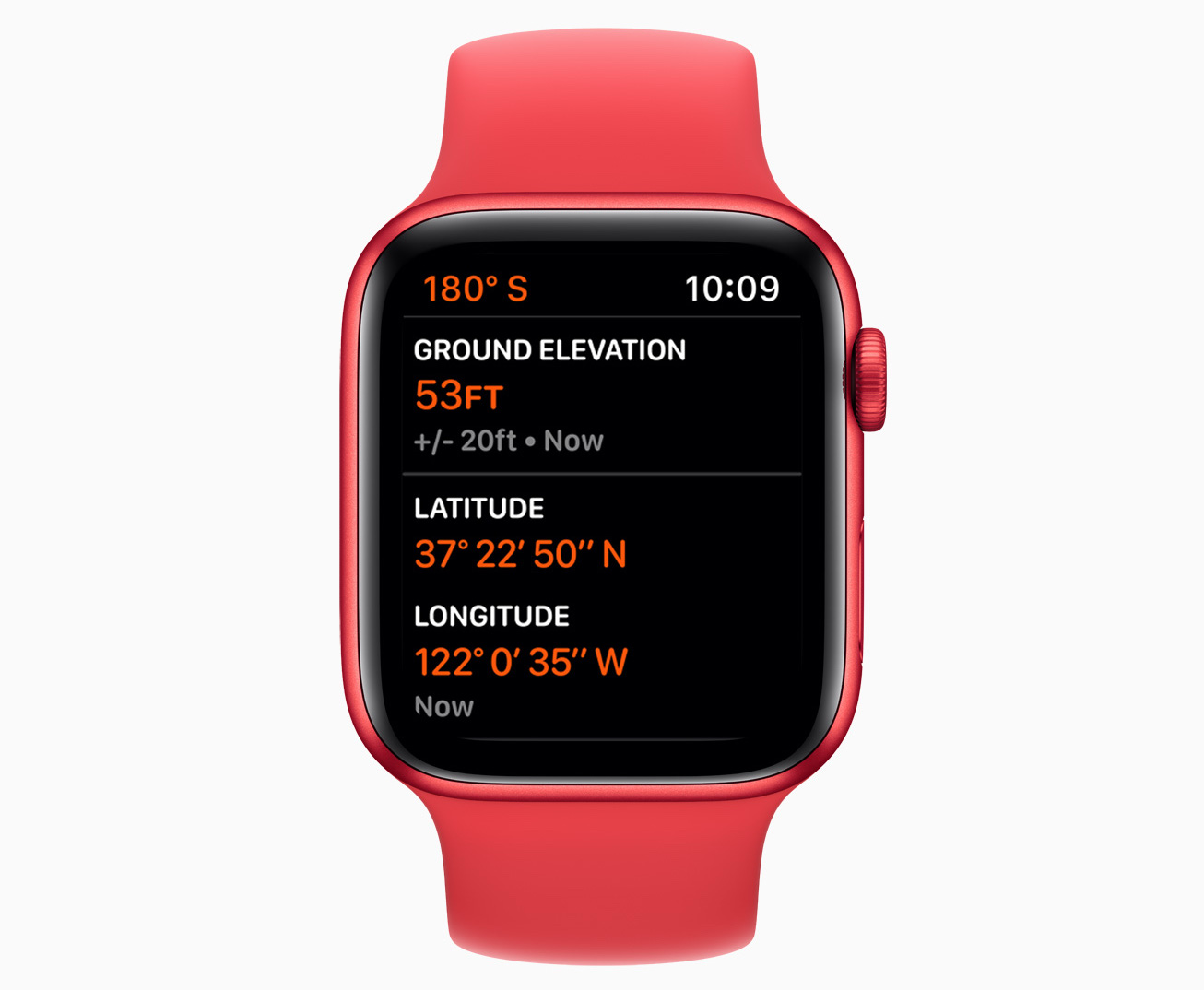
LottieStatusBar is the latest of such expansions, and just as the tweak’s rather conspicuous name implies, it ports these Lottie-style animations to the handset’s Status Bar.

The M1 MacBook Air’s battery life won me over

A still from Apple's event video showing software chief Craig Federighi opening the lid of a MacBook Air

2020 feels forever ago, and it's hard to imagine that in those 12 months I managed to buy two different MacBook Air models. But that's what happens when, at first, you really need to upgrade, and then, by the end of the year, Apple intrigues you enough to grab your interest all over again.

The best apps for kids to learn sight words on iPhone and iPad

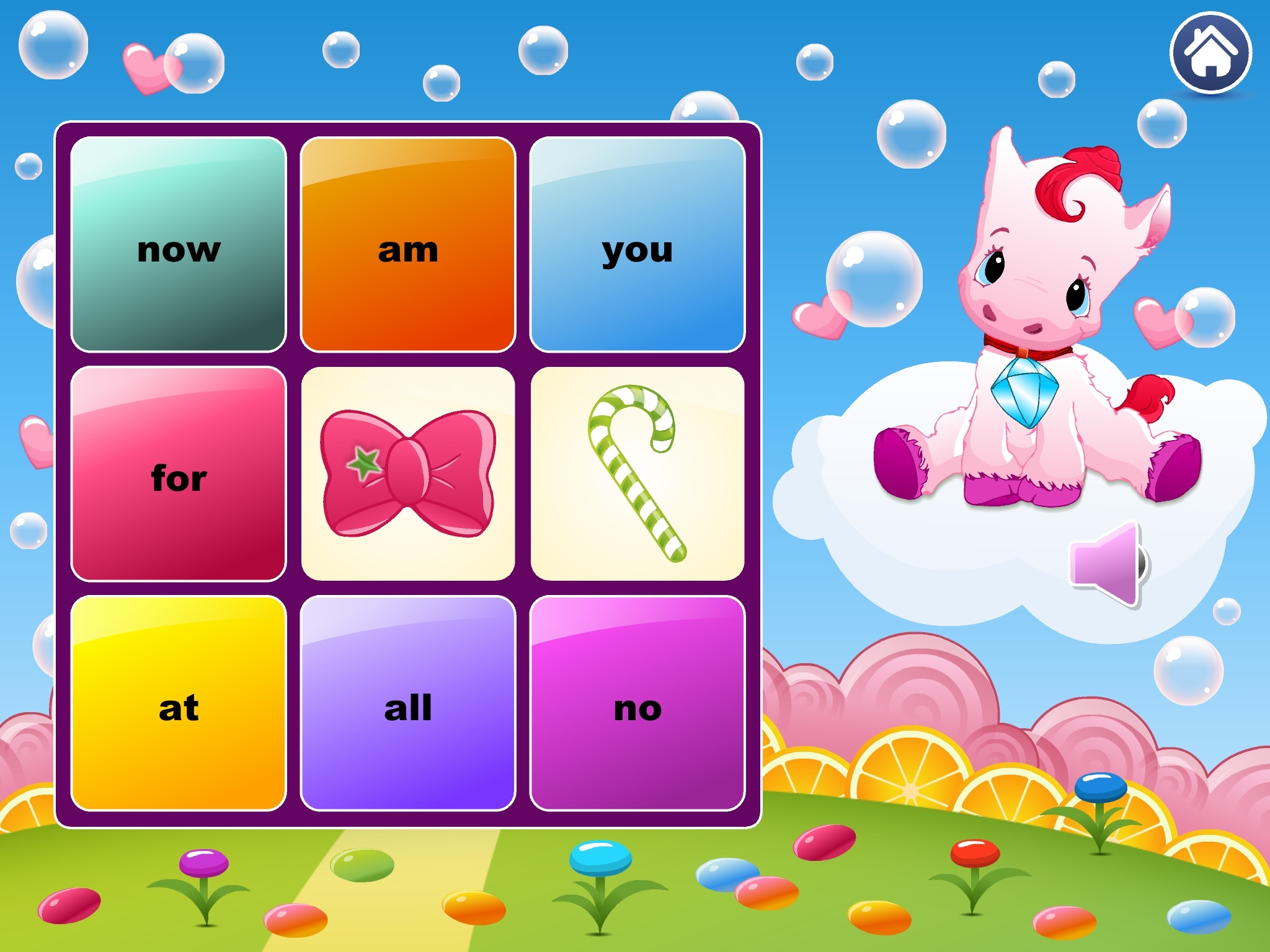
Apps for Sight Words - Phonics Reading

Teaching children to recognize sight words is important when they’re just learning to read. Knowing those common words that they can spot easily and not have to sound out helps them focus on tougher words.

For helping the youngster in your life, you can download sight word apps for iPhone and iPad. These digital tools can reinforce what they learn from you and their teachers. Plus, apps like these give them fun and entertaining ways to learn, which makes education more interesting.

Take a look at this list of apps for kids to learn sight words and see which one or more you think your child would enjoy!