Not everyone has the time or energy to come up with dinner ideas after a long day, whether you live alone or have a family to feed. And while takeout and food delivery are great, it can get expensive eating out all the time. Plus, you may have a restricted diet or watch what you eat.
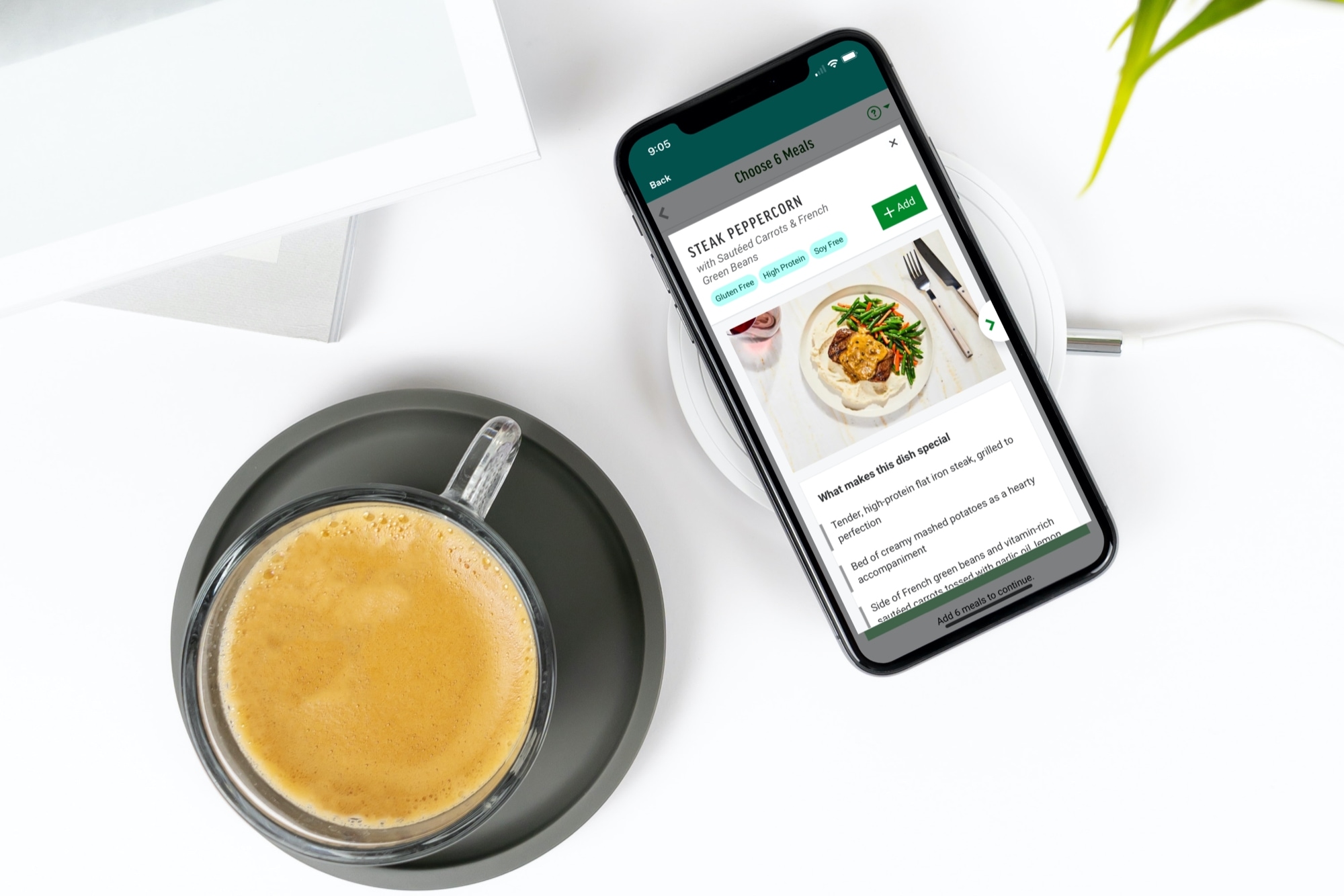
An alternative to coming up with dishes to make or ordering fast food is a meal kit. And of course, you can get these delivered to your door. You can pick the meals you want, receive the ingredients, get instructions for cooking or heating, and you’re set. No more, “What’s for dinner?” or “Would you like fries with that?”.
Check out these terrific meal kit delivery apps for iPhone and then let us know which one you like the best!