Learn how to save a presentation in Keynote as a PDF in a handout or outline view so you can send or share the file easily.
How to create PDF handout or outline of Keynote slideshow
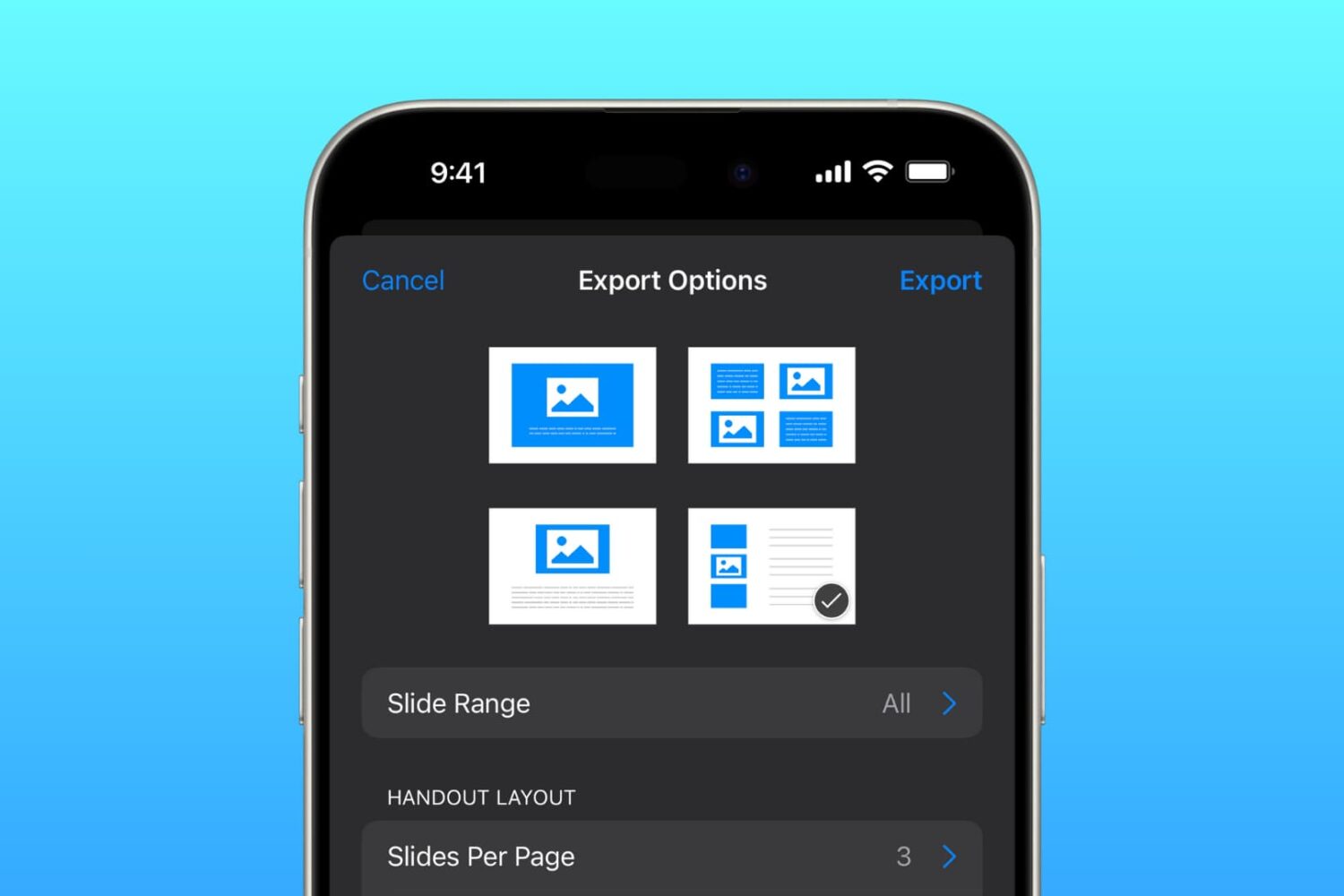
Learn how to save a presentation in Keynote as a PDF in a handout or outline view so you can send or share the file easily.

Learn how to quickly and easily send any document (PDF, DOC, HTML, etc.) to your Kindle or Kindle app just by sending an email.
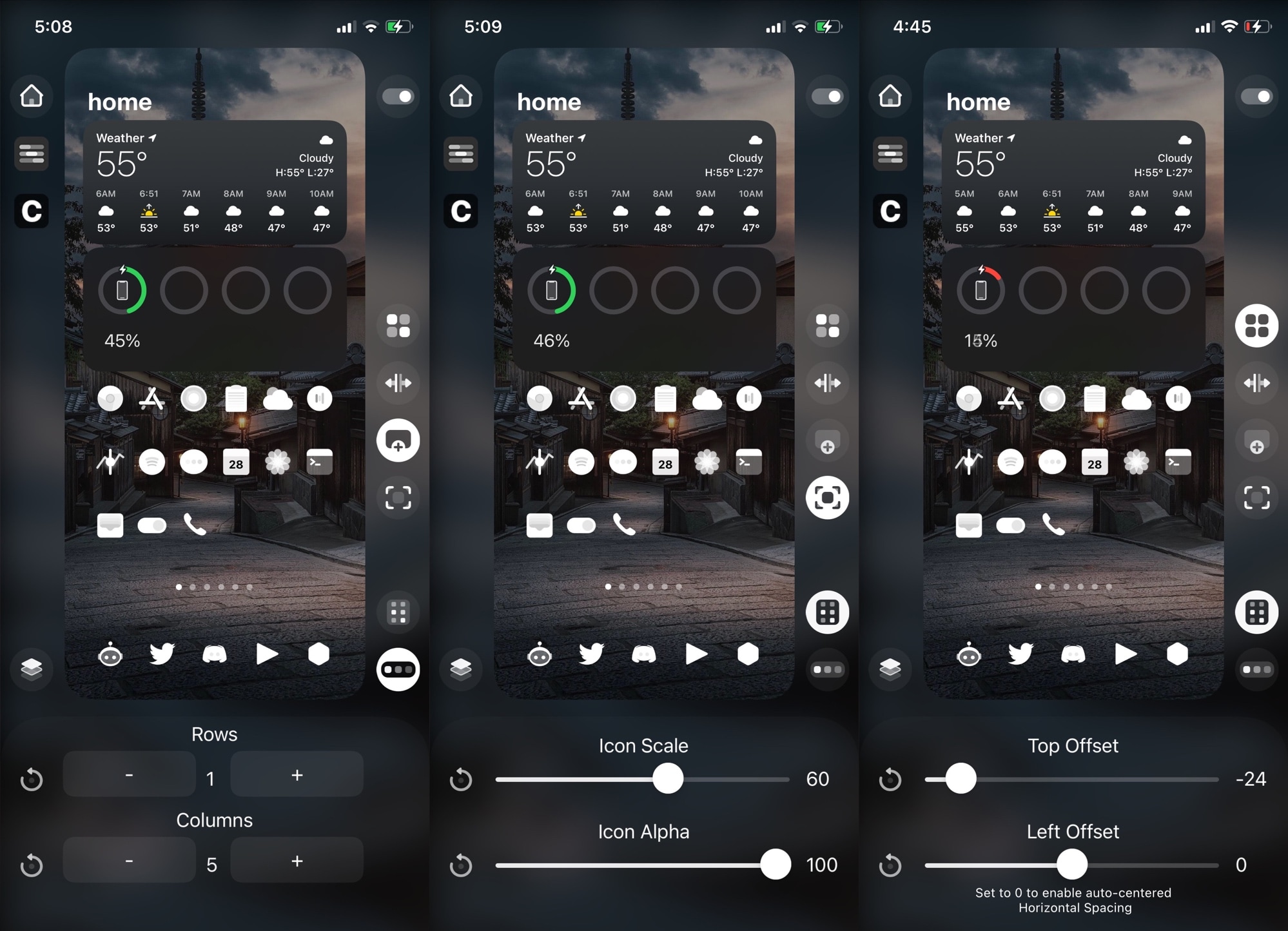
Longtime jailbreakers will remember that one of the most popular pastimes would have been customizing the Home Screen layout with an arbitrary number of rows and columns to fit the growing number of apps we use on our handsets these days. Some liked higher app icon density on each page, while others preferred to lighten things up.
Last year, iOS developer Kritanta released HomePlus Pro, which offered granular Home Screen layout customization on demand for jailbroken iOS 13 devices. Now that unc0ver has picked up support for iOS 14.0-14.3, it may not come as much of a surprise that HomePlus Pro is available for jailbroken iOS 14 devices as well.
If you just jailbroke your iPhone or iPad on iOS or iPadOS 14 with the newly updated unc0ver jailbreak tool this past weekend, then you might be interested in finding some jailbreak tweaks to get your handset customization off to an acceptable start.
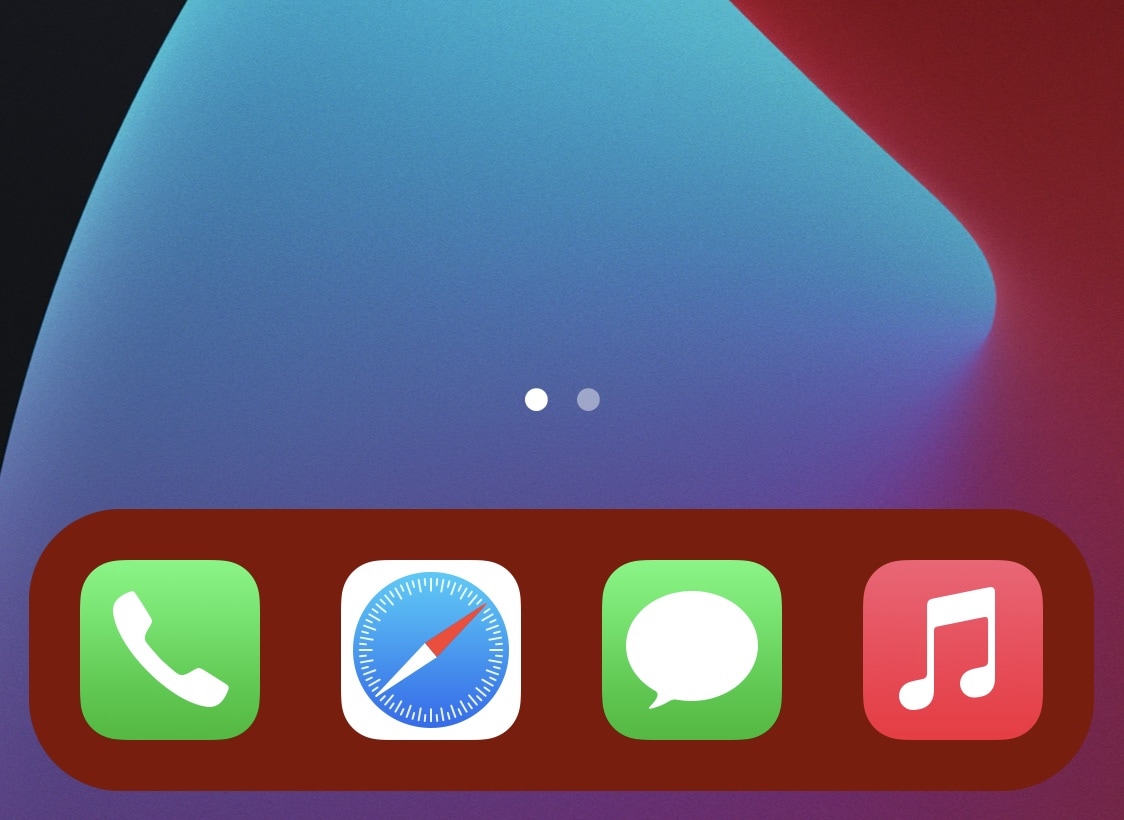
With that in mind, we’ll take this moment to recommend a newly released and free jailbreak tweak dubbed ColourMyDock by iOS developer TitanD3v, which allows jailbreakers to colorize their Home Screen’s Dock color with ease.
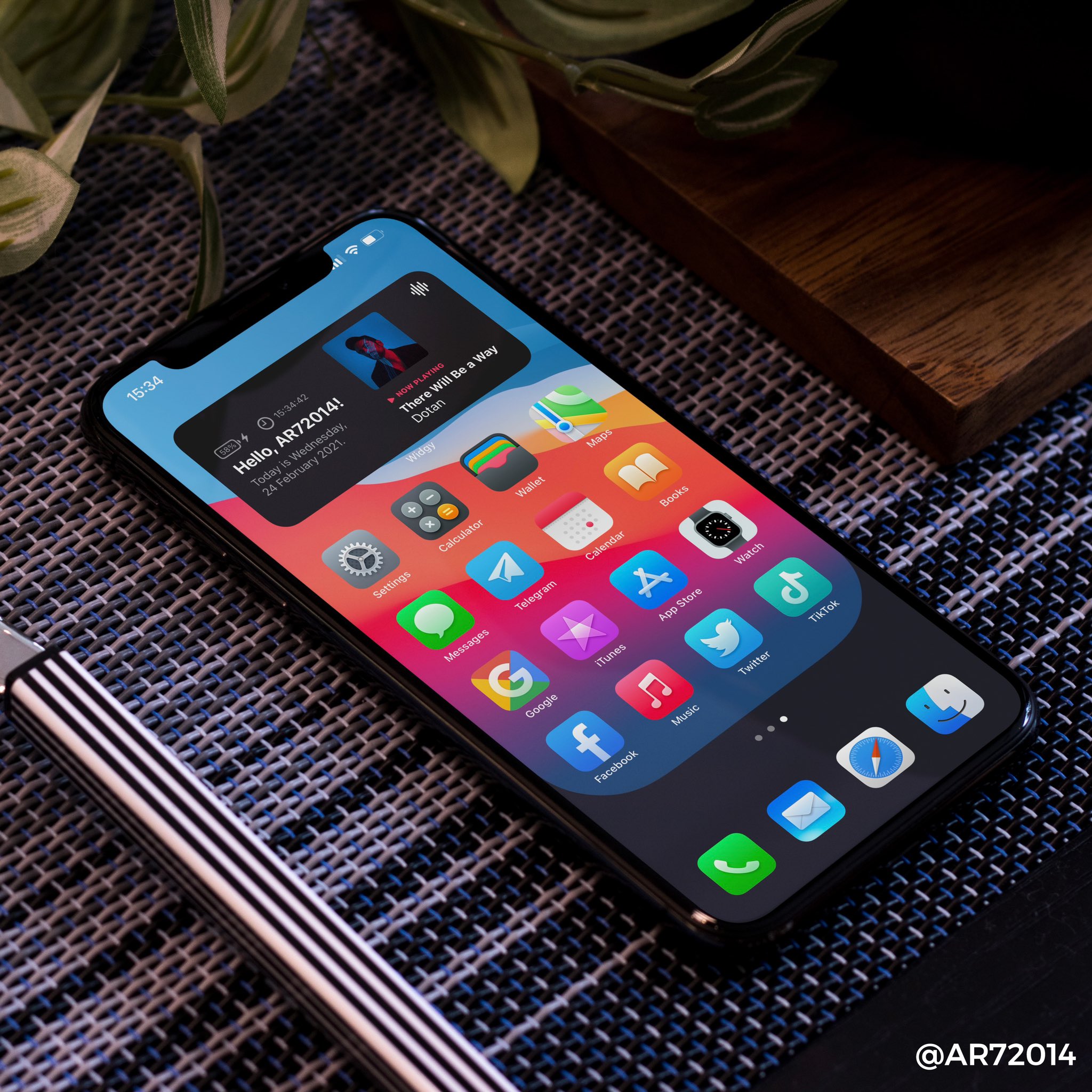
Since the launch of iOS Home Screen widgets and the ability to change app icons within native iOS 14, people are getting really creative with their setups. Pictured in the preview above, this @AR72014 wallpaper mod takes it a step farther with a creative way to enhance the look of the iPhone dock.
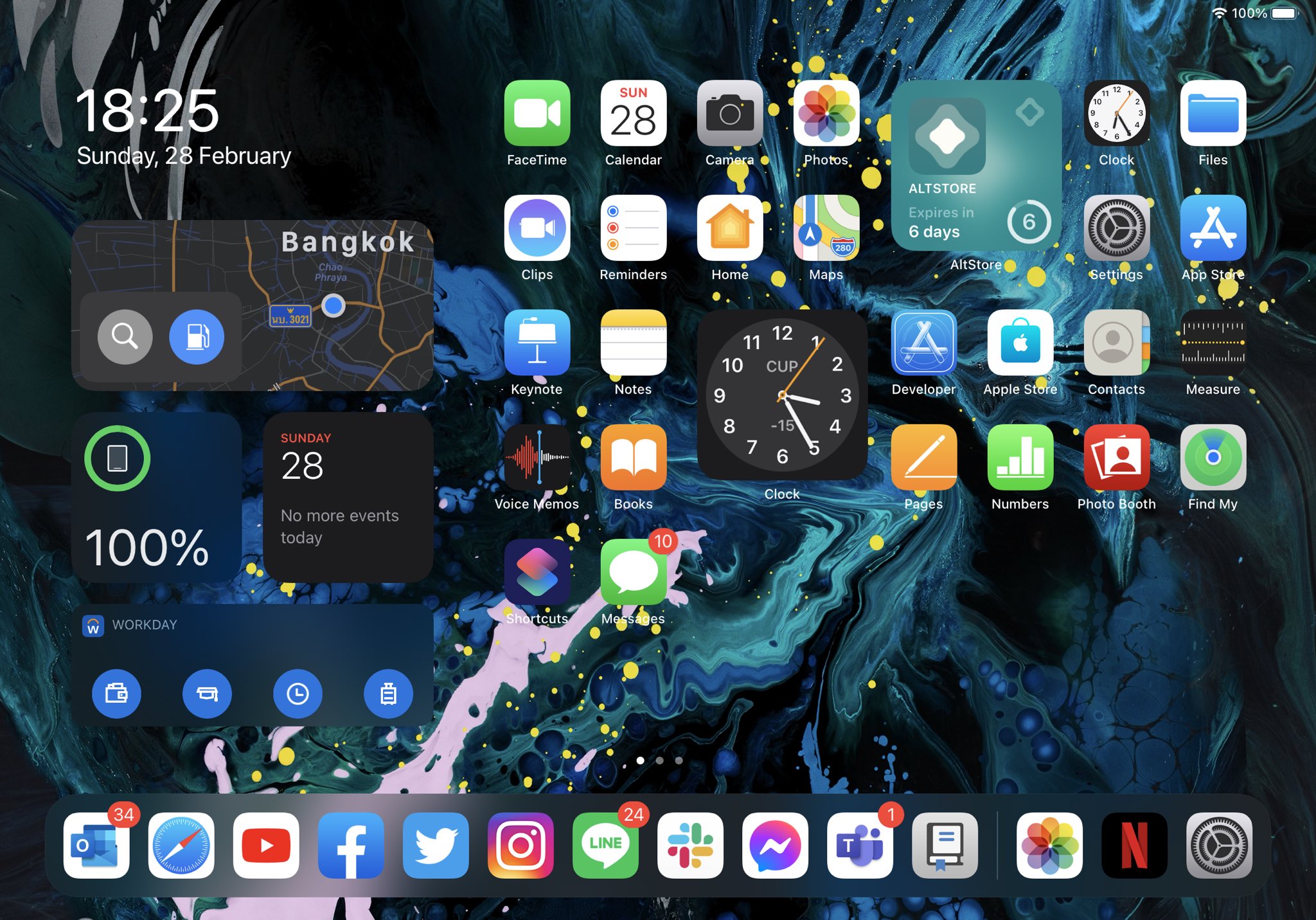
One of the things I really love about iOS 14 on my iPhone is that I can finally add widgets to any page of the Home Screen. Apple did a beautiful job on making the widget user experience very responsive and fitting those widgets into an otherwise cluttered screen of app icons.
Sadly, the same user experience can’t be appreciated on the iPad, as iPadOS 14 doesn’t let users have widgets on individual Home Screen pages. Instead, widgets are limited to the Today view, just as they always were on iPadOS 13. Bah humbug!
In case you missed it, the unc0ver jailbreak tool received an update Saturday night to version 6.0.0, adding official support for iOS & iPadOS 14.0-14.3 devices.
Many iPhone and iPad users are excited about the thought of jailbreaking their iOS & iPadOS 14 devices, but they’re either not sure where to begin or might be experiencing turbulence in the attempt to jailbreak.

With another week now behind us, we’re coming at you with a roundup comprised of all the latest jailbreak tweak releases and jailbreak-centric news to help ensure that you don’t miss a beat during these rapidly changing times in the community.
In this roundup, we’ll showcase jailbreak tweaks and news released from Monday, February 22nd to Sunday, February 28th. As always, we’ll start things off with a discussion about our favorite releases first and then wrap things up with an outline of everything else afterward.

After much anticipation, the unc0ver team has officially updated its tenable jailbreak tool Saturday evening with initial support for iOS & iPadOS 14.0-14.3.
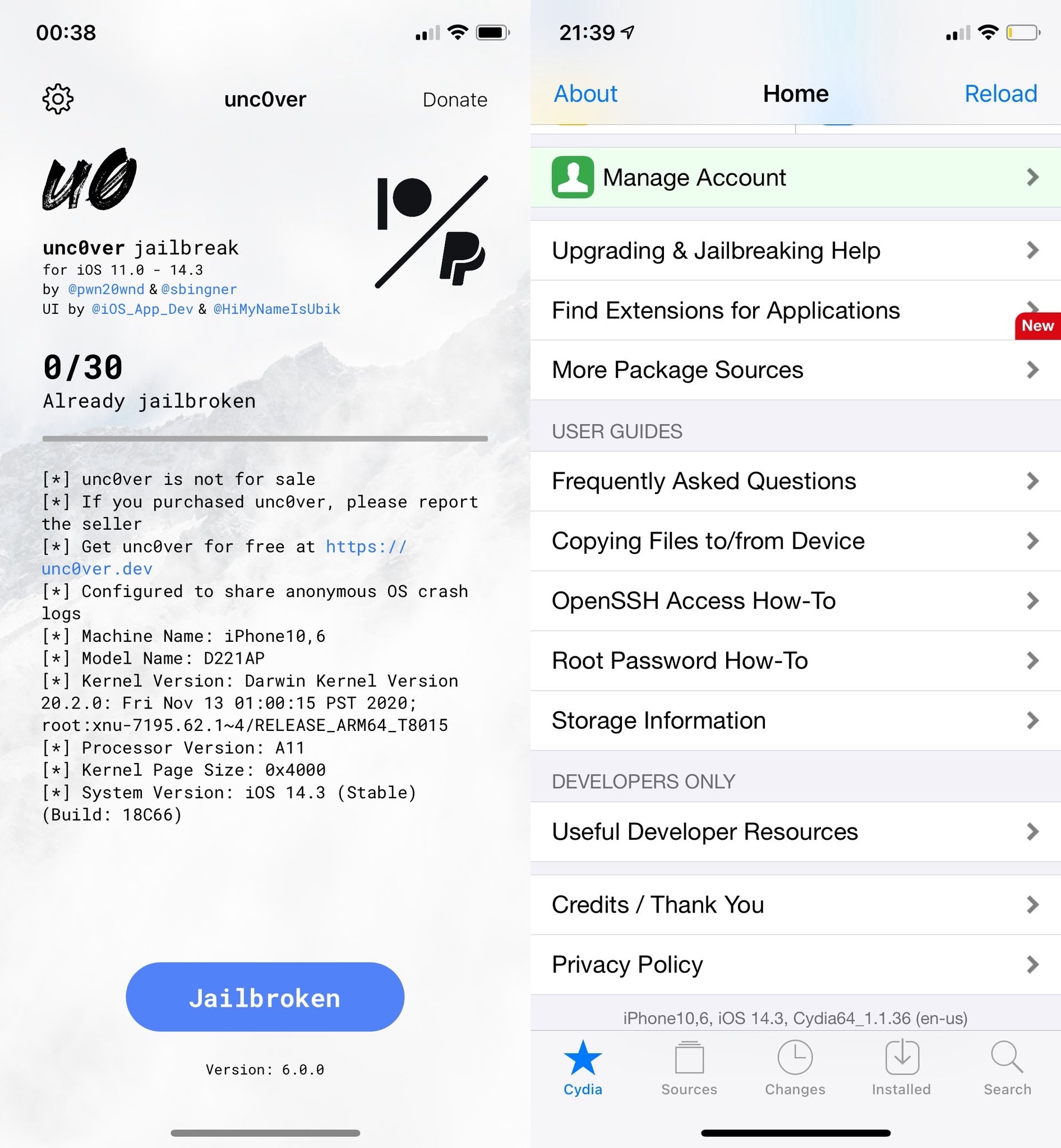
The latest unc0ver update brings the tool up to version 6.0.0, and as expected, incorporates a full fledged jailbreak experience with tweak injection via Substitute and package management via Cydia.
The news officially broke Thursday morning that the unc0ver Team had been hard at work on creating a full-fledged jailbreak for iOS & iPadOS 14.0-14.3. Since then, many avid jailbreakers-to-be have found themselves waiting in suspense.
Fortunately for those waiting, it seems that unc0ver could pick up support for iOS & iPadOS 14.0-14.3 sooner rather than later. In a series of Tweets shared to Twitter Saturday evening, we got our first glance at the unc0ver jailbreak app v6.0.0 on iOS 14 alongside some screenshots of Cydia running on iOS 14.

In this week's edition of our Apps of the Week roundup we have a subscription tracker, a todo list app with a twist, and a cross-platform two factor authentication app. And as always, we've selected two great games for you to check out.
Most people who hear the word Sileo immediately think of the default package manager used by the Chimera and Odyssey jailbreaks for iPhone and iPad. But what if it could also run on a Mac?
The idea of having a package manager such as Sileo available on the Mac isn’t new, and Odyssey Team co-developer Hayden Seay (A.K.A. Diatrus) says it will be coming to fruition very soon.