Apple closes signing window for iOS & iPadOS 14.4.1, halting downgrades

Apple released iOS & iPadOS 14.4.2 last Friday alongside iOS 12.5.2 for older devices that don’t support iOS & iPadOS 14 in an effort to remedy a WebKit-based security vulnerability that the company had knowledge of being actively exploited in the wild to maliciously impact its user base.

Given the amount of time that has passed since the release of those updates, we’re unsurprised to learn that Apple has officially stopped signing iOS & iPadOS 14.4.1 this evening. It’s a move on the company’s part that bars the majority end users from voluntarily downgrading their handset’s firmware to the previous version.

How to work with all-day and multi-day events in Calendar

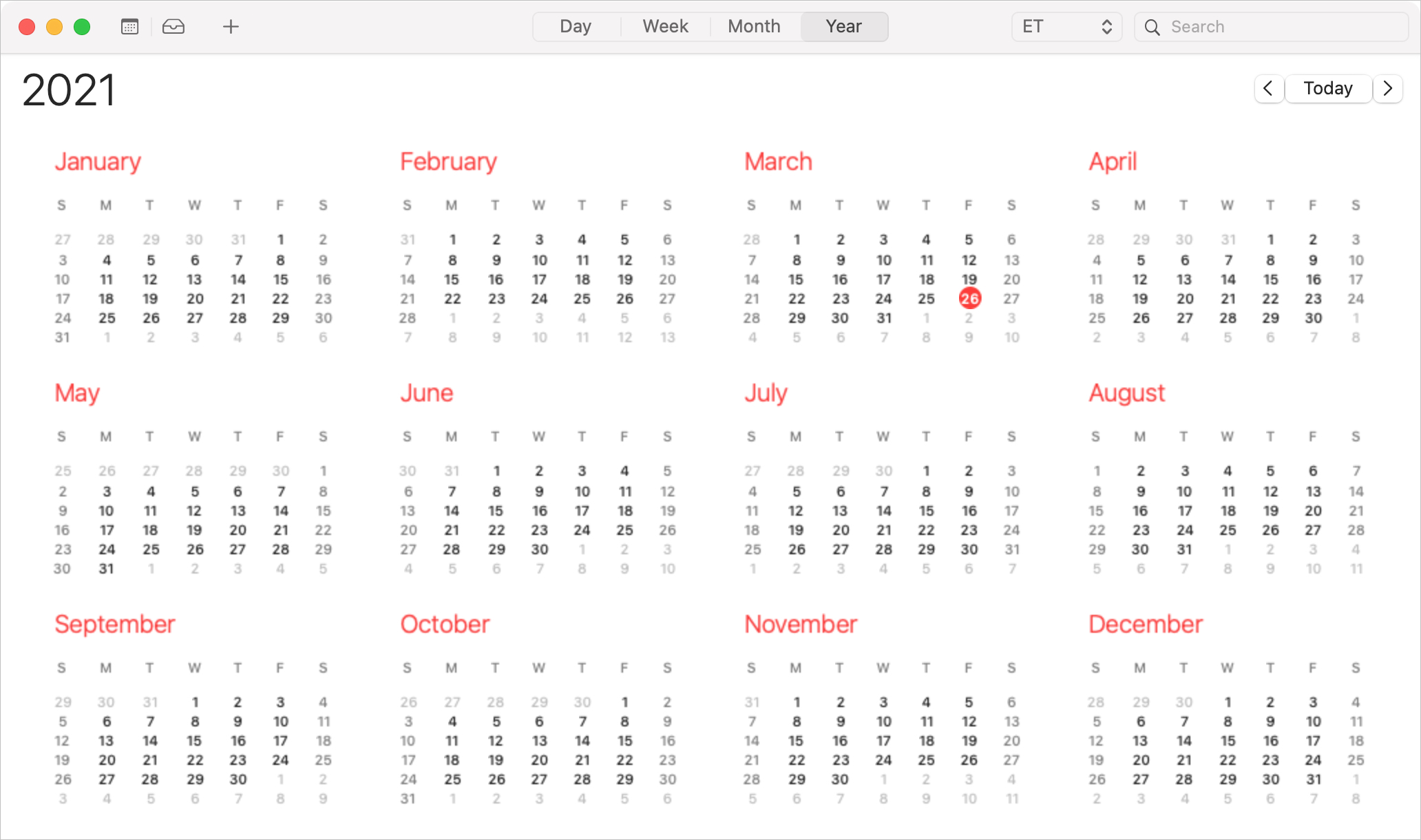
Calendar Year View on Mac

As we all know, events don’t always last an hour or two. A holiday, anniversary, or birthday lasts all day long. Vacations, getaways, and conferences can last days or even weeks. So when you want to add an all-day or multi-day event to Calendar, you’ll need to do it the right way to avoid overlap, confusion, or mistakes.

Here, we’ll show you how to create and edit all-day and multi-day events in the Calendar app.

This tweak adds a Rotation Lock button to iOS’ native video player

Rotation Lock is a useful feature that I use on my iPhone almost every single day. People use Rotation Lock for a bevy of different reasons, but many would coin video consumption to be a valid use since it can prevent the display from rotating to an uncomfortable orientation in those niche moments like laying in your bed.

Currently, the fastest and most convenient way to toggle Rotation Lock is via the dedicated Control Center toggle, but launching Control Center can interrupt your video playback. With that in mind, wouldn’t it have made perfect sense if Apple had simply integrated a Rotation Lock button into the video player interface to begin with?

How to find nearby COVID-19 vaccine locations with the Maps app

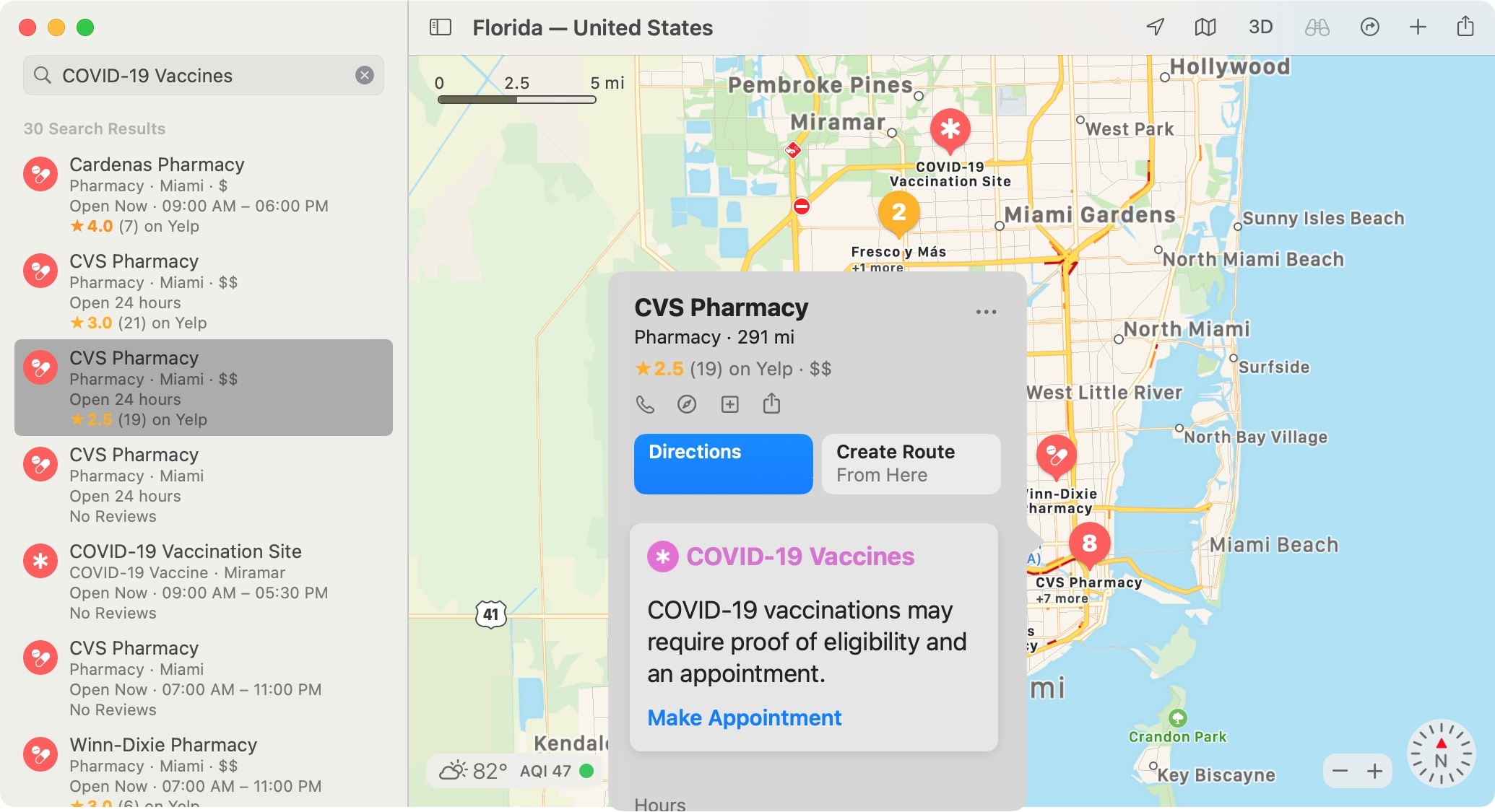
Select COVID Vaccine Location in Maps on Mac

In 2020, we showed you how to find COVID-19 testing locations using Apple Maps. And this is something you can still take advantage of. But luckily this time, we get to show you how to find locations in Maps offering the COVID-19 vaccine in your area.

Whether you’re considering getting the vaccine yourself or want to help a friend or family member, Maps makes it easy. On iPhone, iPad, and Mac, you can see locations offering the vaccine and even hit a simple button to make an appointment on the location’s website.

So if you’re ready, let’s get to finding COVID-19 vaccine locations in Maps.