How to downgrade macOS 12 beta to macOS Big Sur
Downgrade macOS monterey

We recently published a guide on how to install the all new macOS 12 developer beta on your Mac. Now, if you aren't happy with the upgrade and have come across problems, you probably want to downgrade. As a beta, you may face issues with third-party apps, stability issues, and so on. The new macOS 12 brings several new features and improvements, but isn't a major leap in terms of user interface.

Some of the best jailbreak tweaks for iOS 14’s Home Screen

We’ve been on a mission to showcase some the best jailbreak tweaks for different areas of the iOS & iPadOS 14 mobile operating systems for the past several weeks, and we’ve already discussed our favorites for things like Control Center, the Messages app, and the Now Playing interface.

But there’s still a lot more to cover, and that’s why this time we’ll be taking a closer look at some of the best jailbreak tweaks for the Home Screen on iOS & iPadOS 14.

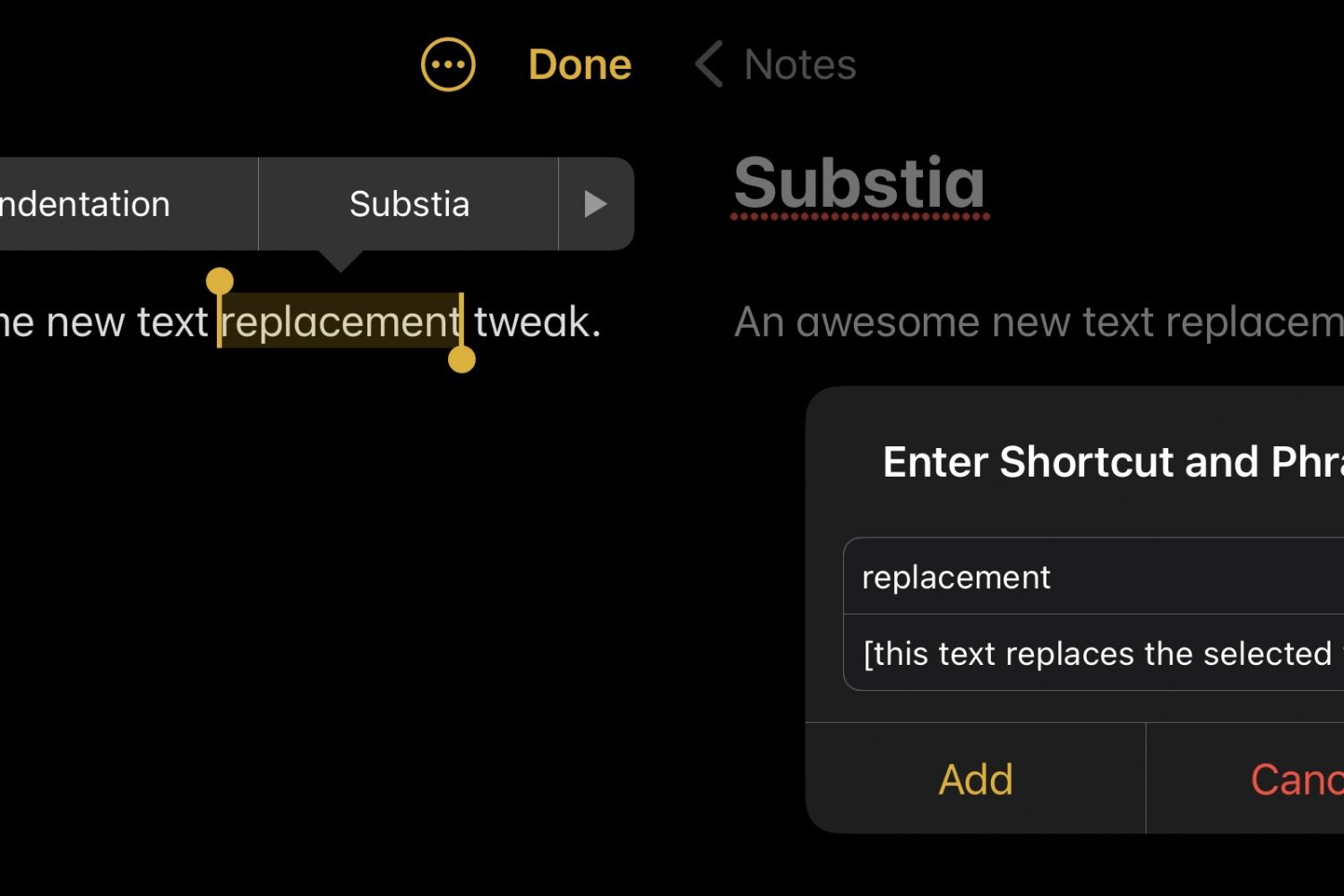
Substia upgrades iOS’ text replacement feature, making it more accessible

Shortcuts that help you do things with less effort can be a godsend, especially when it comes to being productive on a small and often cramped device like an iPhone.

That’s one of the reasons why I enjoy taking full advantage of iOS’ Text Replacement feature whenever I can. The only problem with it is that you’ll find yourself inconveniently navigating to Settings → General → Keyboard → Text Replacement to manage (add or remove) your text shortcuts.