Luna Display's PC-to-Mac mode lets you use your Mac as a secondary external display for a Windows PC with both 4K and 5K resolution supported natively right out of the box.
Luna Display now lets you use your Mac as a secondary PC display
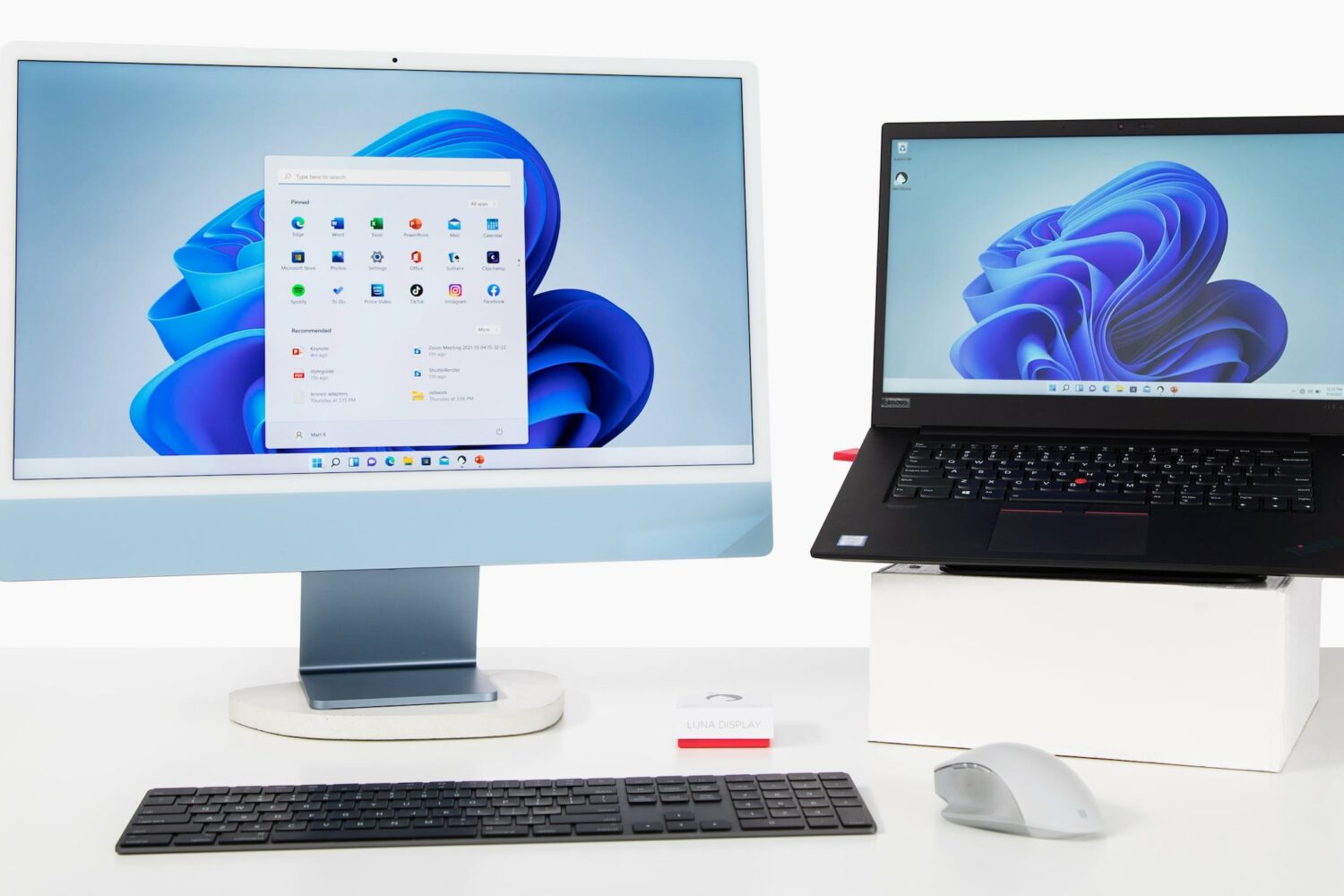
Luna Display's PC-to-Mac mode lets you use your Mac as a secondary external display for a Windows PC with both 4K and 5K resolution supported natively right out of the box.
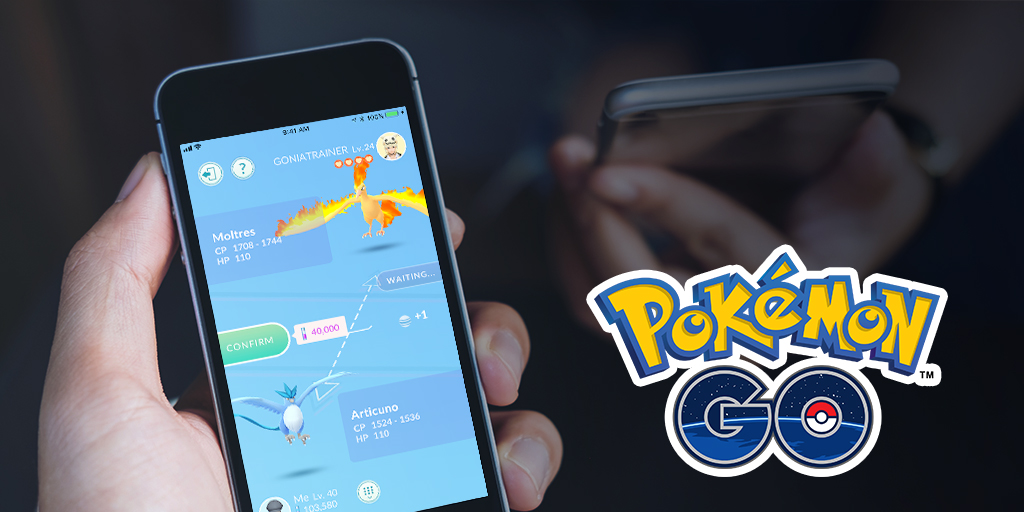
If you're looking for a smooth gameplay experience, then having access to fast refresh rates is one way to achieve that. While not everyone might be able to tell the difference, for those who can there is a considerable improvement when jumping up to 60fps from 30fps. But, for iPhone users, that hasn't always been a possibility.
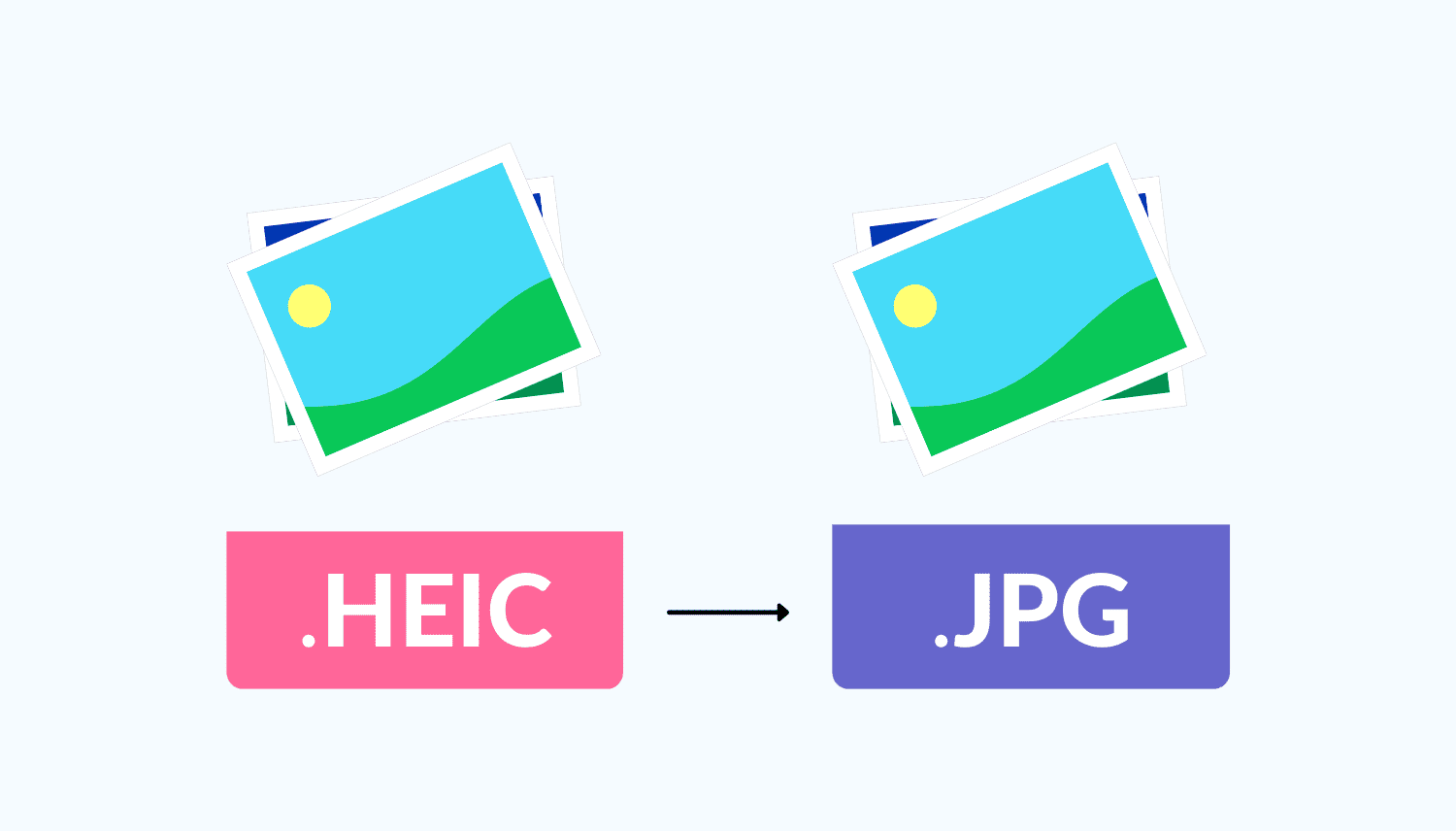
Check out the best free methods to convert HEIC photos to JPG on your iPhone, iPad, and Mac to ensure universal compatibility.
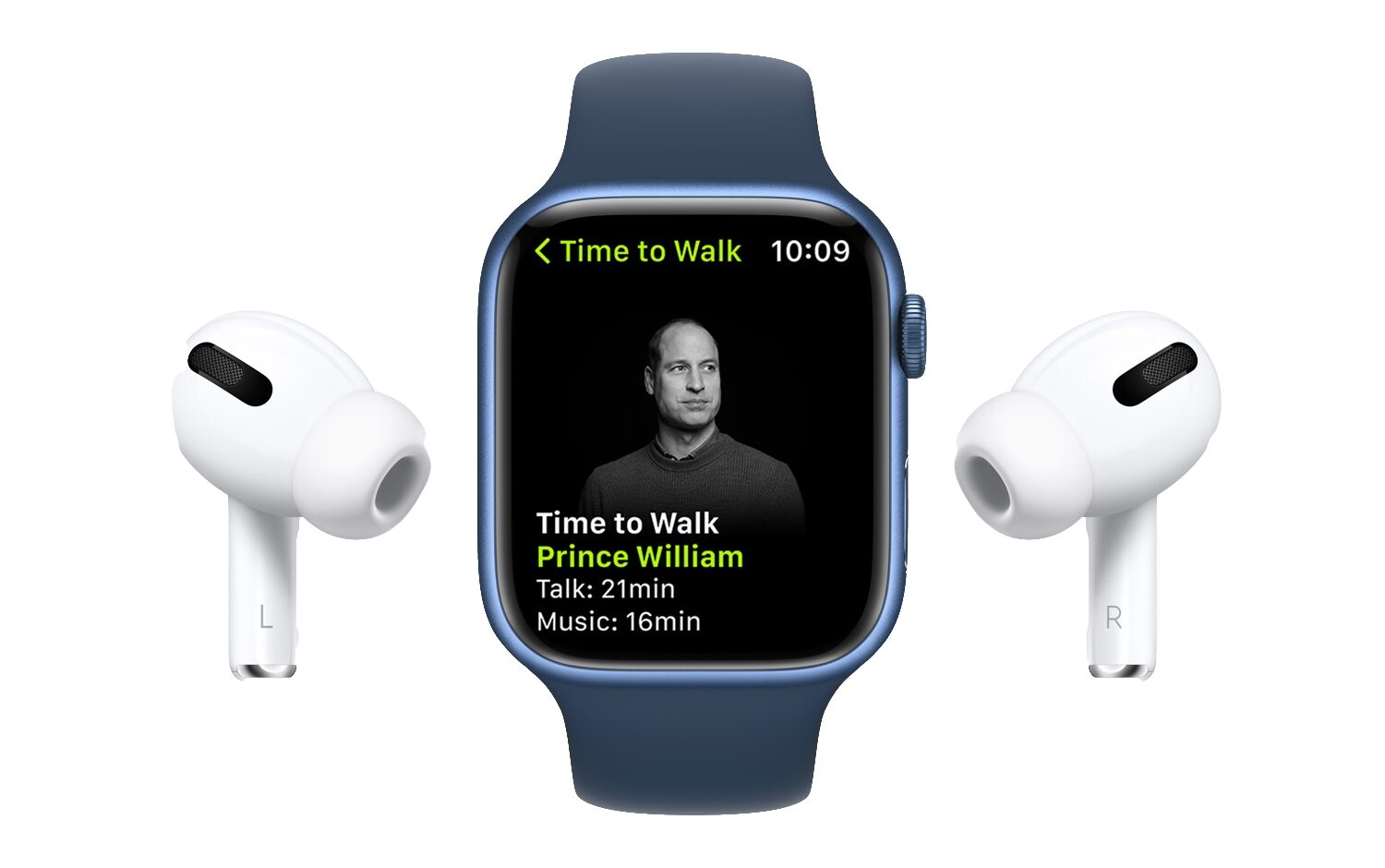
Apple Watch's Time to Walk feature is bringing a new episode featuring Prince William to Fitness+ subscribers and fans of the Apple Music 1 radio on December 6.
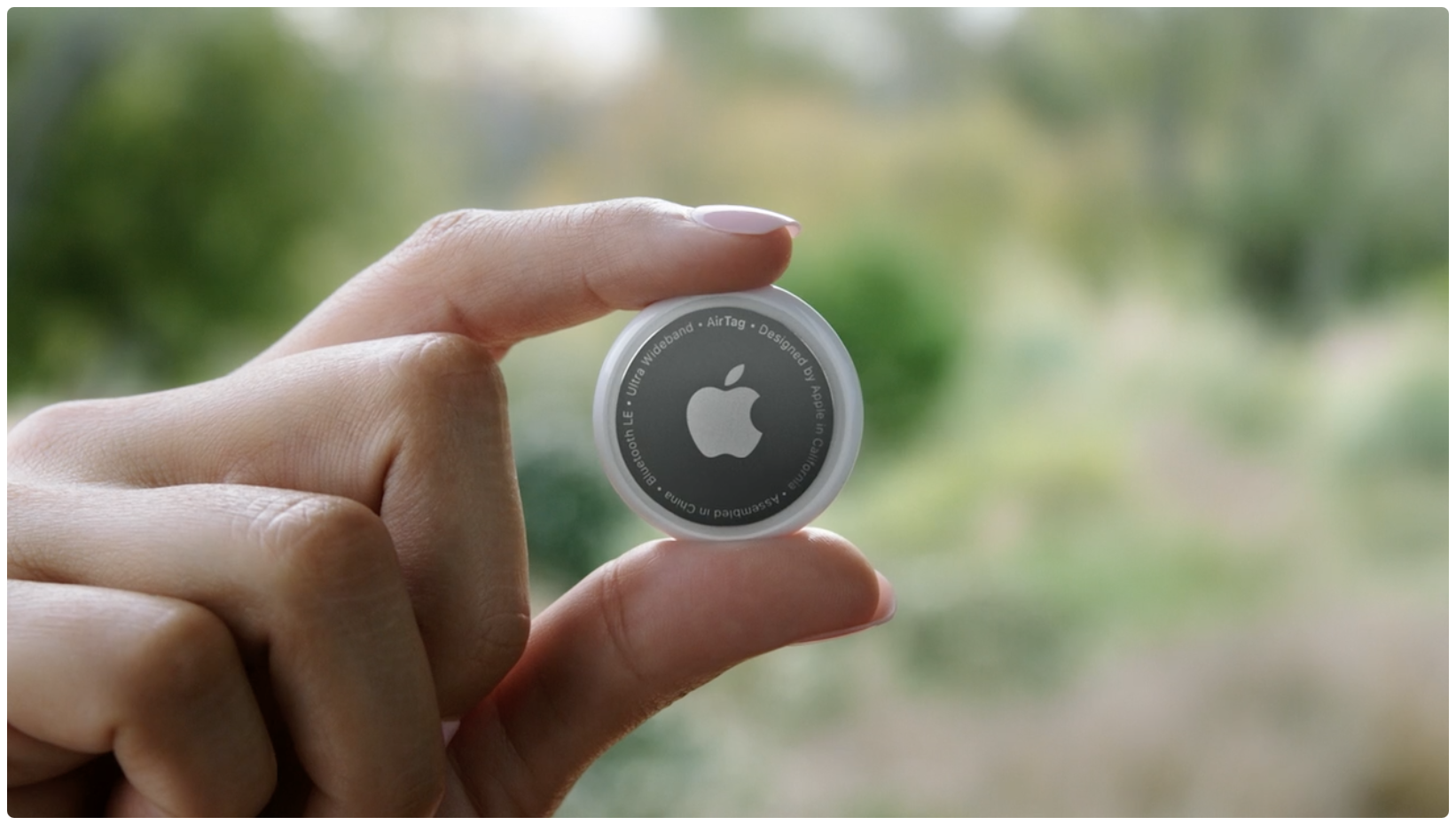
Apple has a tendency to shift industries, and usually that's a good thing. However, in one particular case, it appears that one of the company's newest products are being associated with something that isn't so great: car thefts. Which is surely a little frustrating, considering Apple was getting plenty of flack for not being the first to market with a small device used to track devices.
Google Pixel Watch is reportedly upcoming wearable hardware that will compete with Apple Watch beginning 2022, potentially filing as the search giant's first smartwatch.
When you have a jailbroken iPhone or iPad at your disposal, the inevitable happens; you install add-ons to upgrade the user experience of your handset, whether to make it look better or to give it new functional capabilities.

In this quick tutorial, we’ll share multiple ways to see the remaining battery of your AirPods and AirPods charging case on an iPhone, iPad, Apple Watch, Mac, Apple TV, as well as on Android phone and Windows PC.

While some of the projects destined to launch on Apple TV+ take a lot of time to get up off the ground, some don't. And when you're Bill Lawrence, one of the creators tasked to bring Ted Lasso in front of a lot of eyeballs, it's no surprise that your additional projects pick up steam pretty quickly.
Moving right along here, Apple has seeded the next beta for its upcoming software update to iOS 15 and iPadOS 15. This latest update isn't the biggest by far, and it's not adding a whole suite of new forward facing features for the end user. However, the software does make some notable additions and changes.
Apple's App Store fee policy is being scrutinized by governments around the world, and now the company indicated that it could collect its commission regardless of whether developers use its own In-App Purchase mechanism or a third-party payments platform.
With Apple TV+, Apple has been raking in the awards for its shows. But, when it comes to the end of the year, it's the company's turn to hand them out. We've already seen the Apple Music Awards, and now it's time for the App Store to get involved.