You can now pre-order the overhauled MacBook Air laptop powered by the new Apple M2 chip. The redesigned laptop is set to land on store shelves on July 15.
Apple opens pre-orders for its redesigned MacBook Air laptop with the new M2 chip
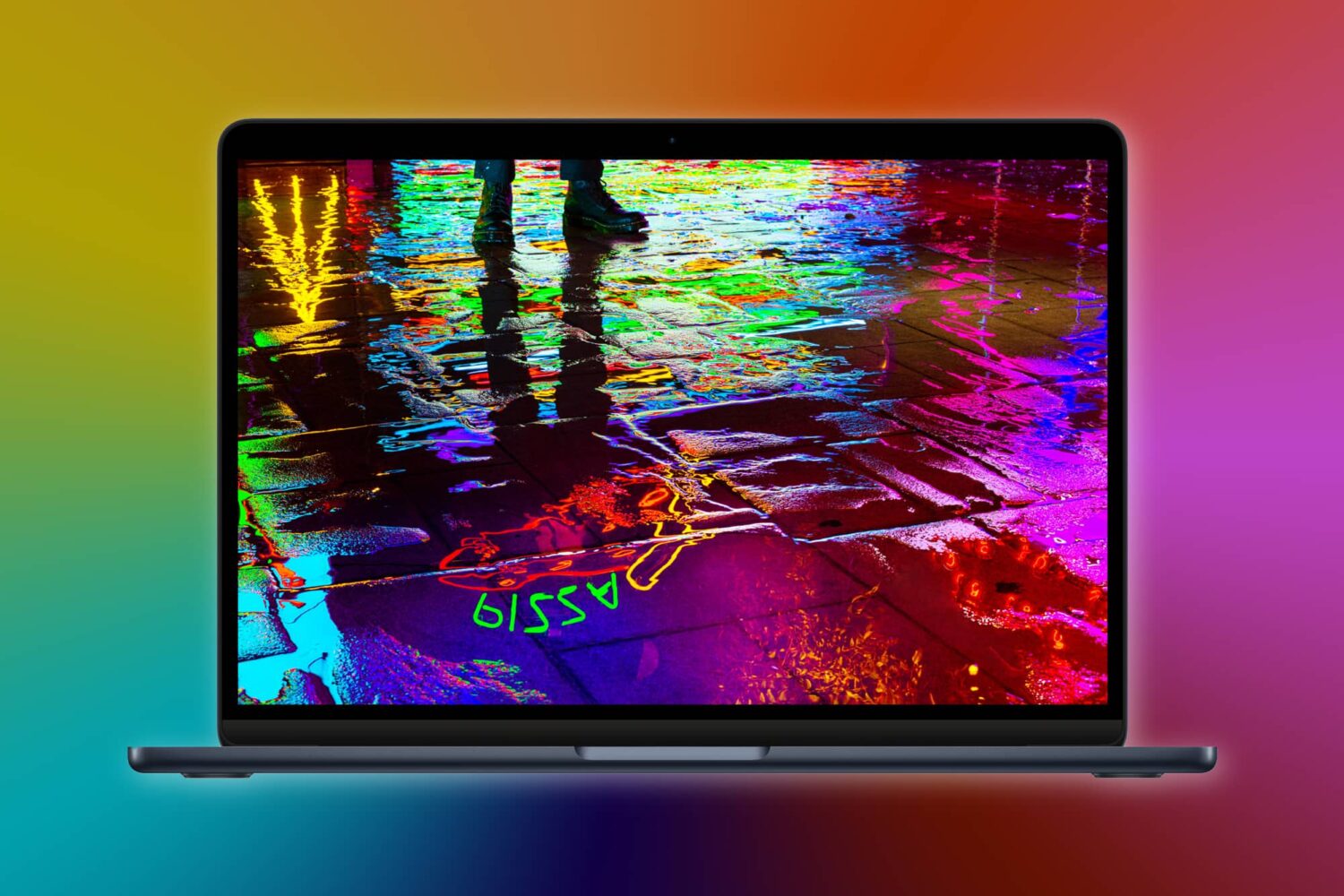
You can now pre-order the overhauled MacBook Air laptop powered by the new Apple M2 chip. The redesigned laptop is set to land on store shelves on July 15.

There has been a lot of hype surrounding Zhuowei Zhang’s recently-released PoC because it allows apps to be signed on a device indefinitely.
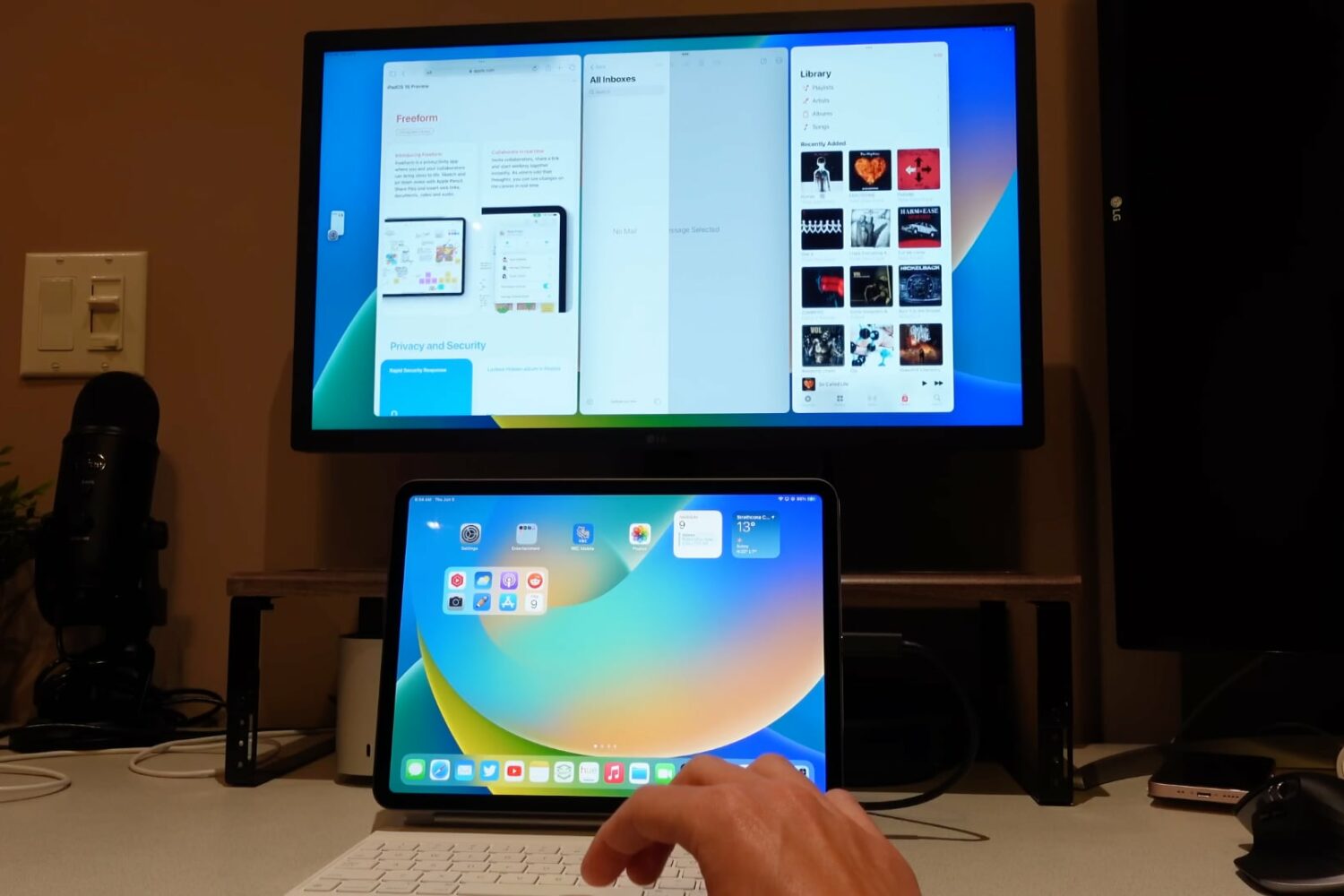
Stage Manager in iPadOS 16 makes it easier to use Instagram on your Apple tablet because the feature now supports iPhone apps as if they were iPad-only.

It has been a bit of a rollercoaster when it comes to spatial audio support for Netflix. But, for fans of the audio feature, the good news is that the ride has finally come to a stop. And now there's even better audio quality on Netflix.
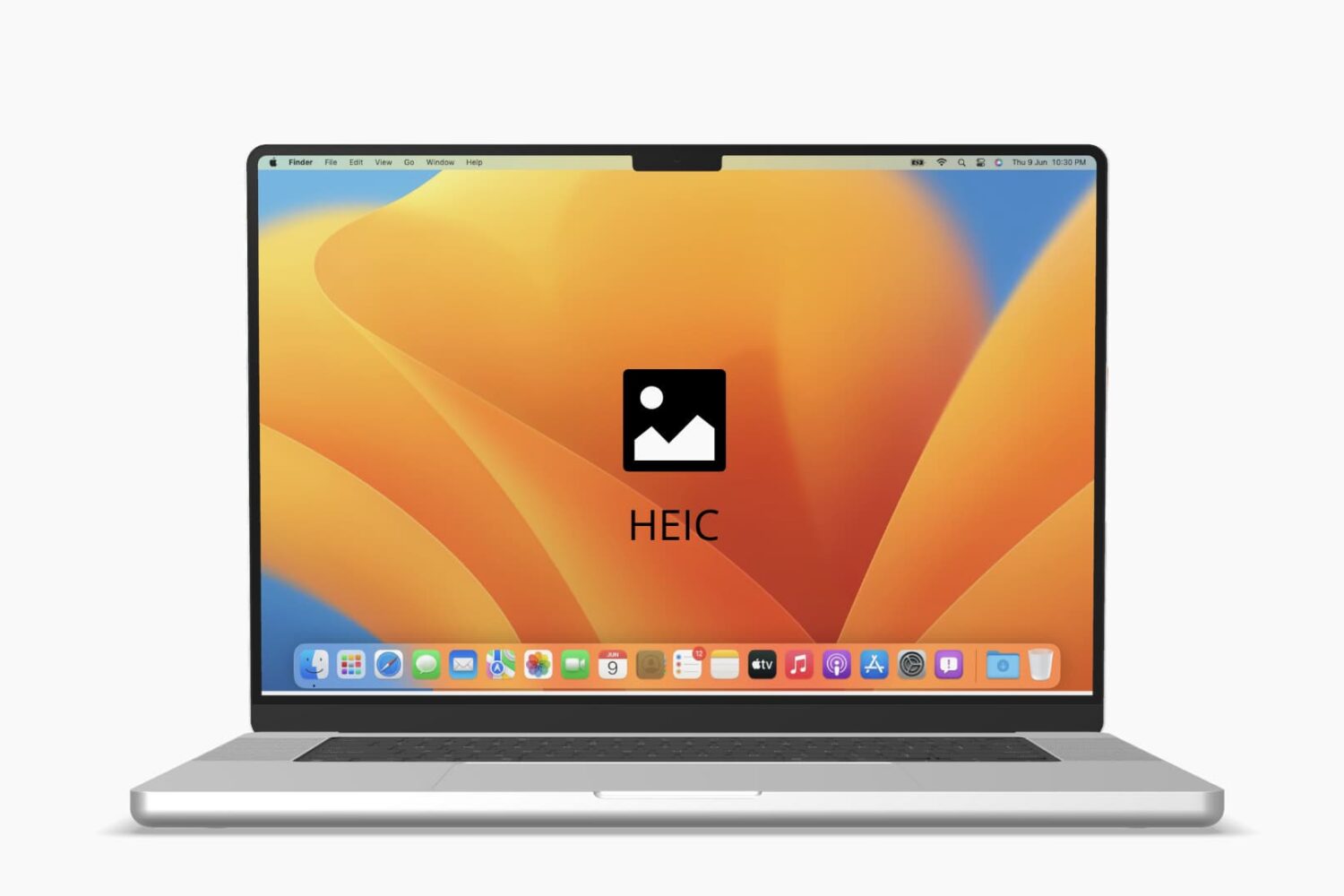
Check out these quick tips and ways to open HEIC or HEIF images on your Mac, even if it’s running an old version of macOS.

Luck, one of the major animated films from production house Skydance Animation slated for Apple TV+, finally has a release date. And with the streaming date now less than a month away, Apple TV+ has shared the first official trailer for the upcoming family film.

The latest Apple Pay promotion offers special deals and discounts on hotels, food and parking from popular destinations when using the feature at checkout.
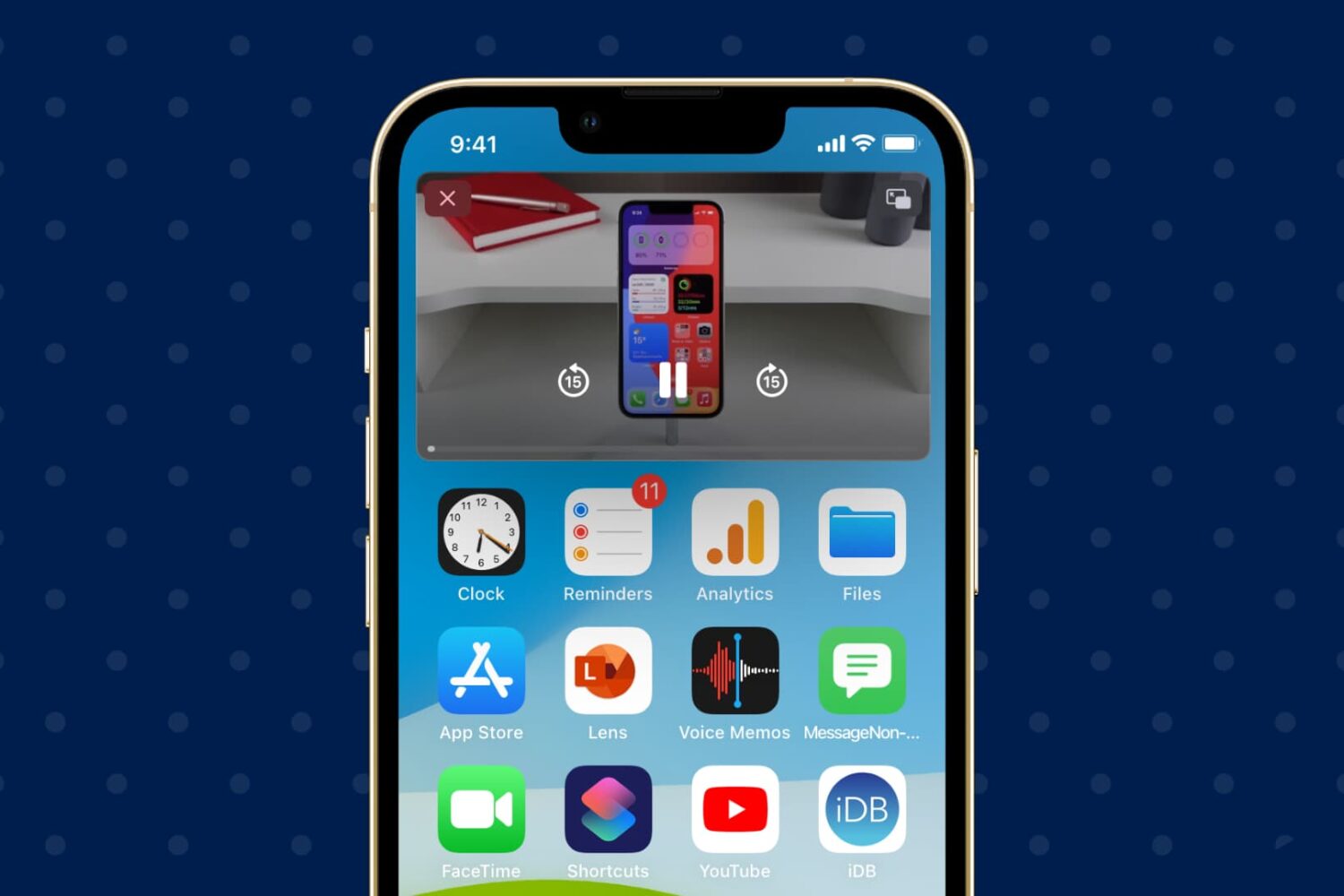
If you ever take advantage of the iPhone’s Picture-in-Picture mode when viewing videos, then you may have noticed a somewhat infuriating interruption when you lock your device or it falls asleep for any reason.
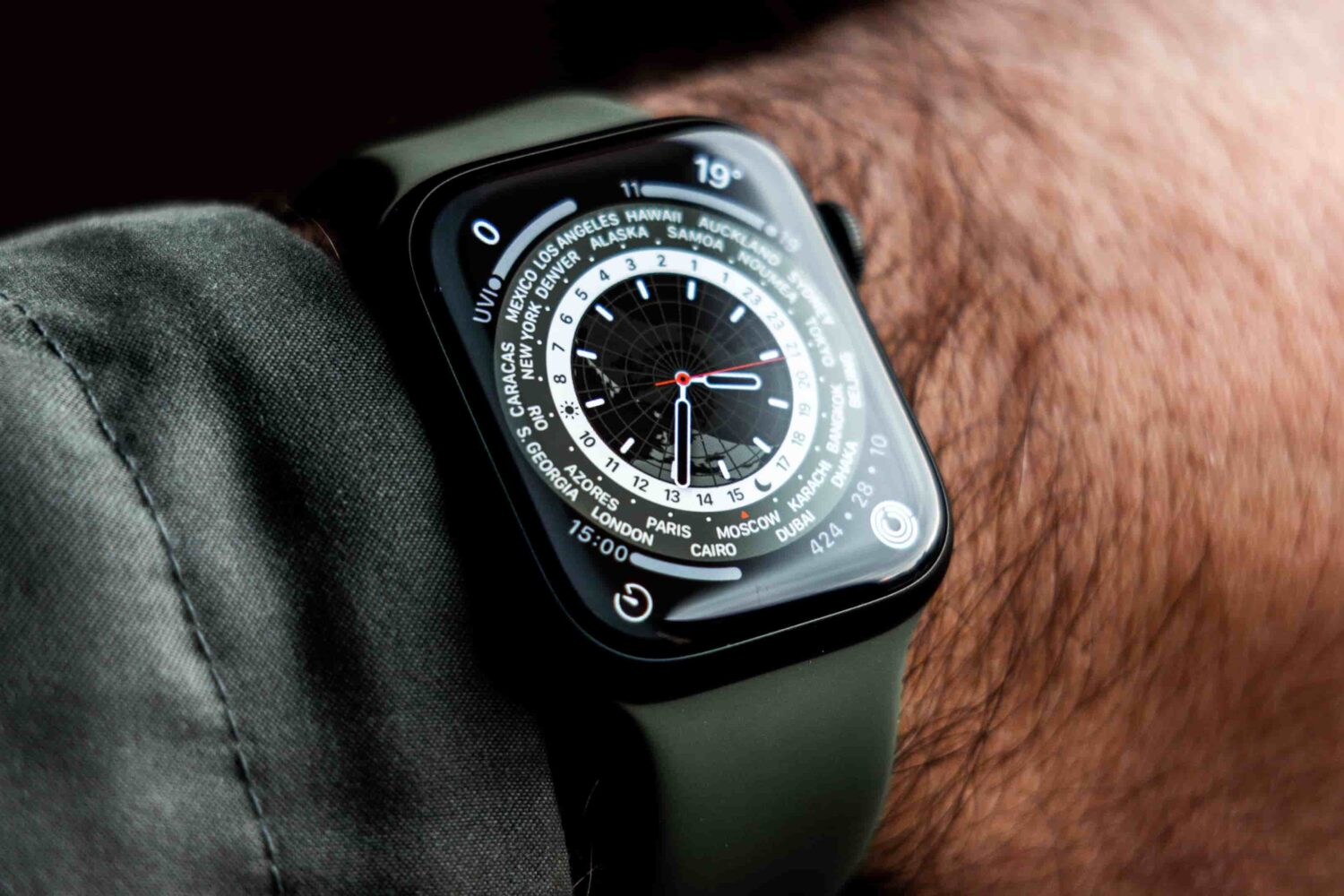
At some point, Apple is probably going to launch a more rugged version of its smartwatch. It has been rumored long enough by now. And, according to the latest rumor, it turns out that we may actually see the new smartwatch launch before the end of 2022.
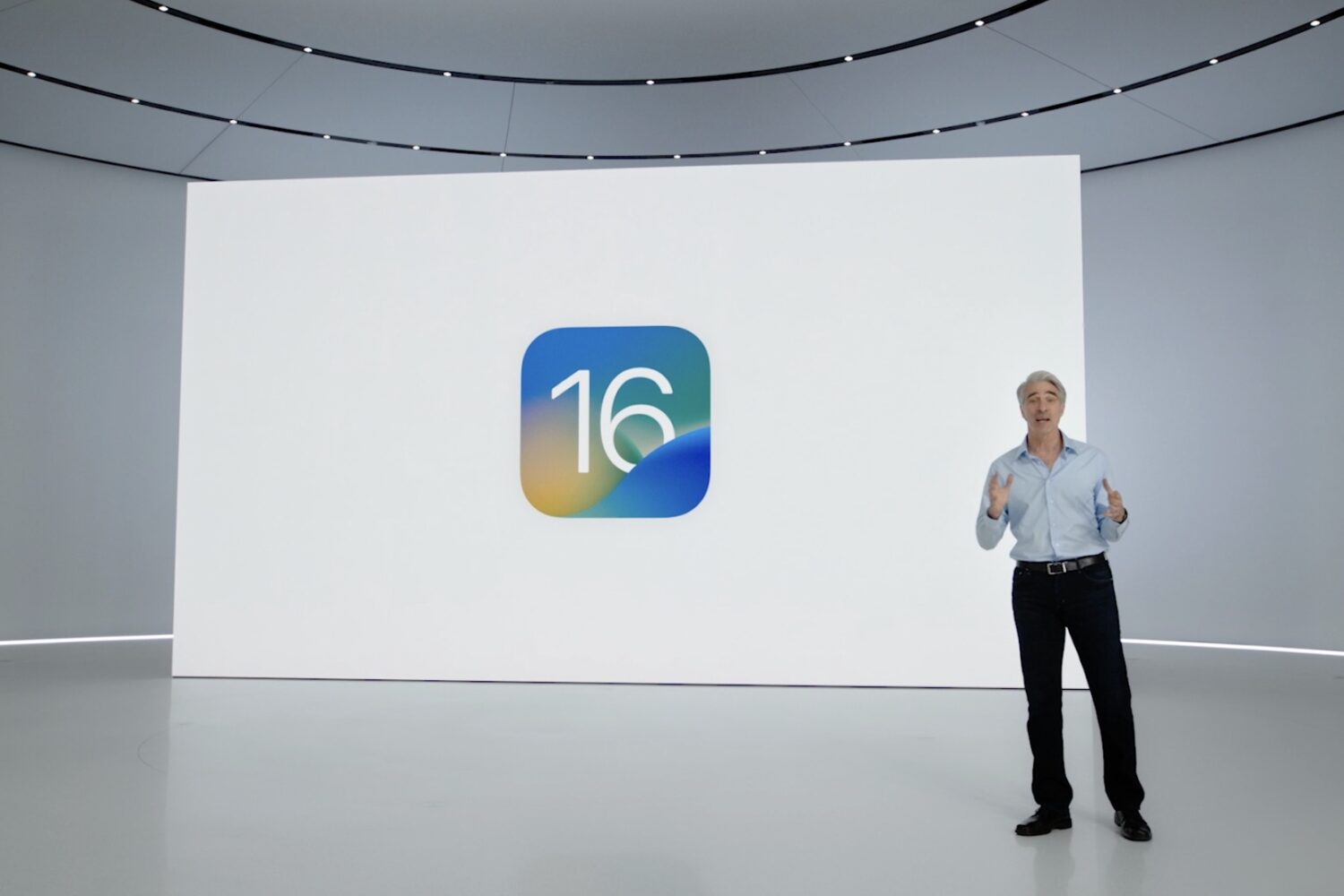
As we we march towards the public launch of iOS 16, Apple is in the process of issuing betas of the upcoming update. And, as is par for the course, Apple continues to tweak the software and add new features to the mix preparing for the public launch later this year.
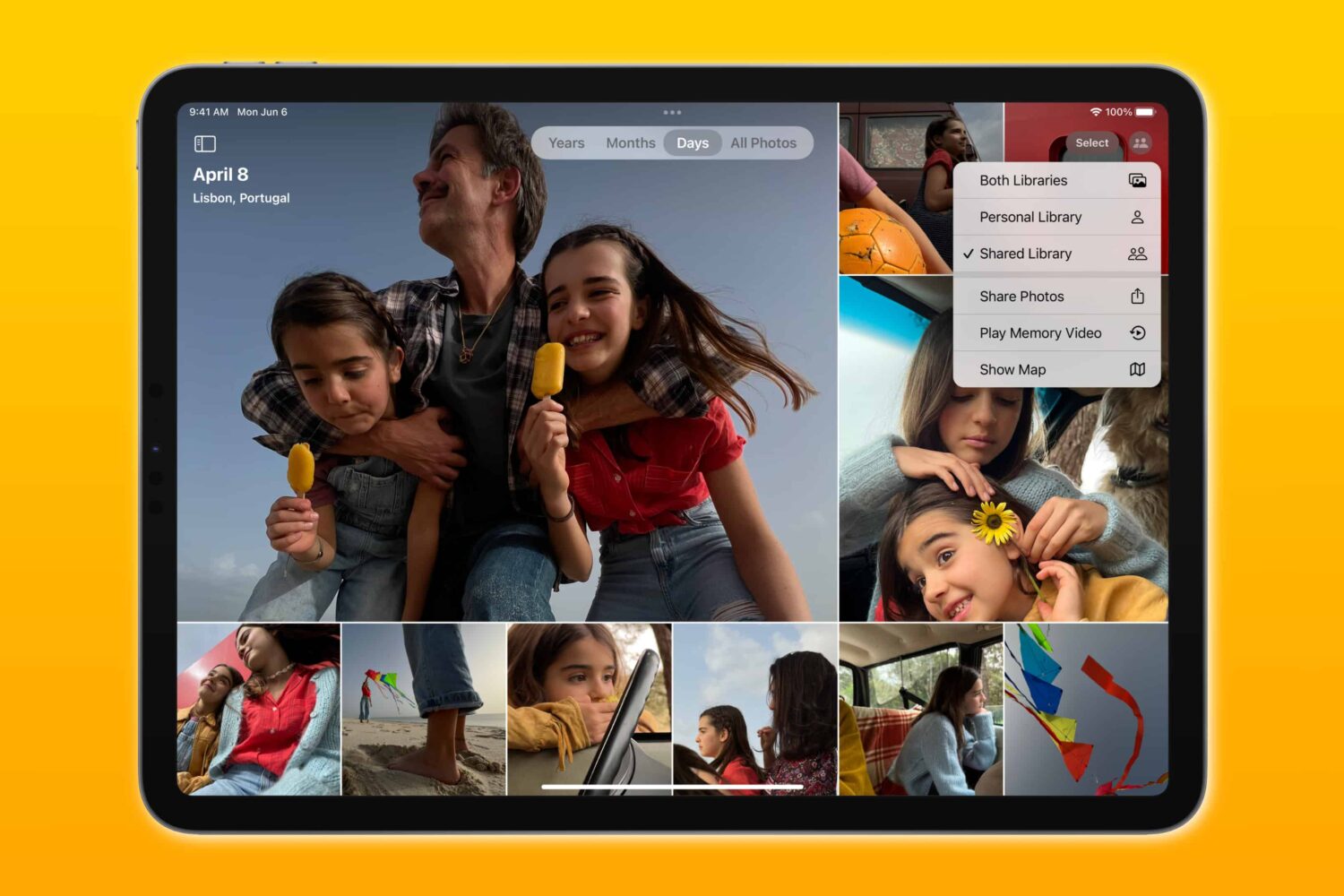
The third betas of iOS 16, iPadOS 16 and macOS Ventura add Apple's new iCloud Shared Photo Library feature that was previewed earlier at this year's WWDC.

While it doesn't happen often, Apple does sometimes preview new features coming to its platforms at seemingly random times. Like, for instance, today the company is showcasing a brand new feature that's coming to iOS 16, iPadOS 16, and macOS Ventura that will help protect users from "mercenary spyware." And even Apple is calling it "extreme."