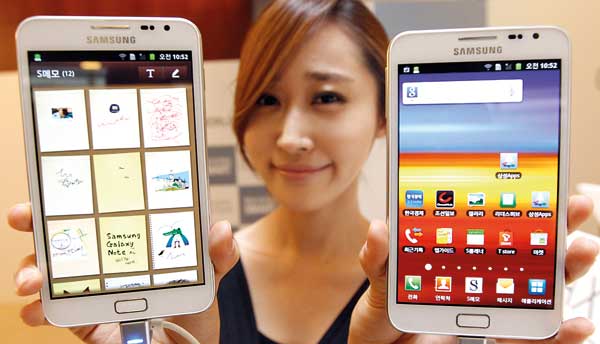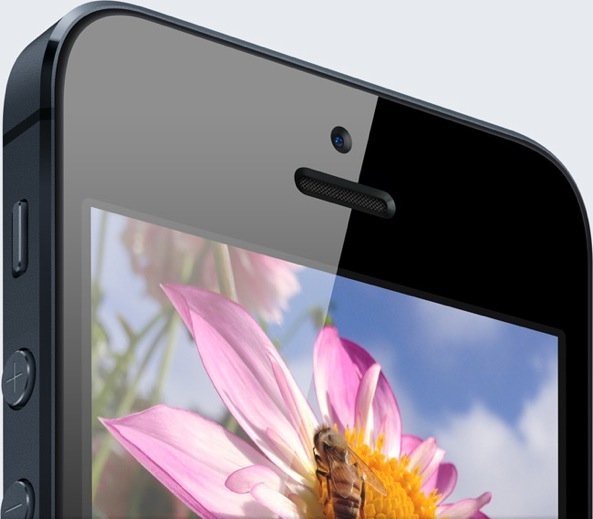
While Tim Cook patiently keeps on insisting that Apple isn't interested in making an iPhablet, that's not stopping analysts, media, watchers, bloggers - and even Apple's supply chain partners - from speculating. The latest example: just last week, Reuters ran a report claiming Apple is considering launching 4.7-inch and 5.7-inch iPhone models in six different colors next year.
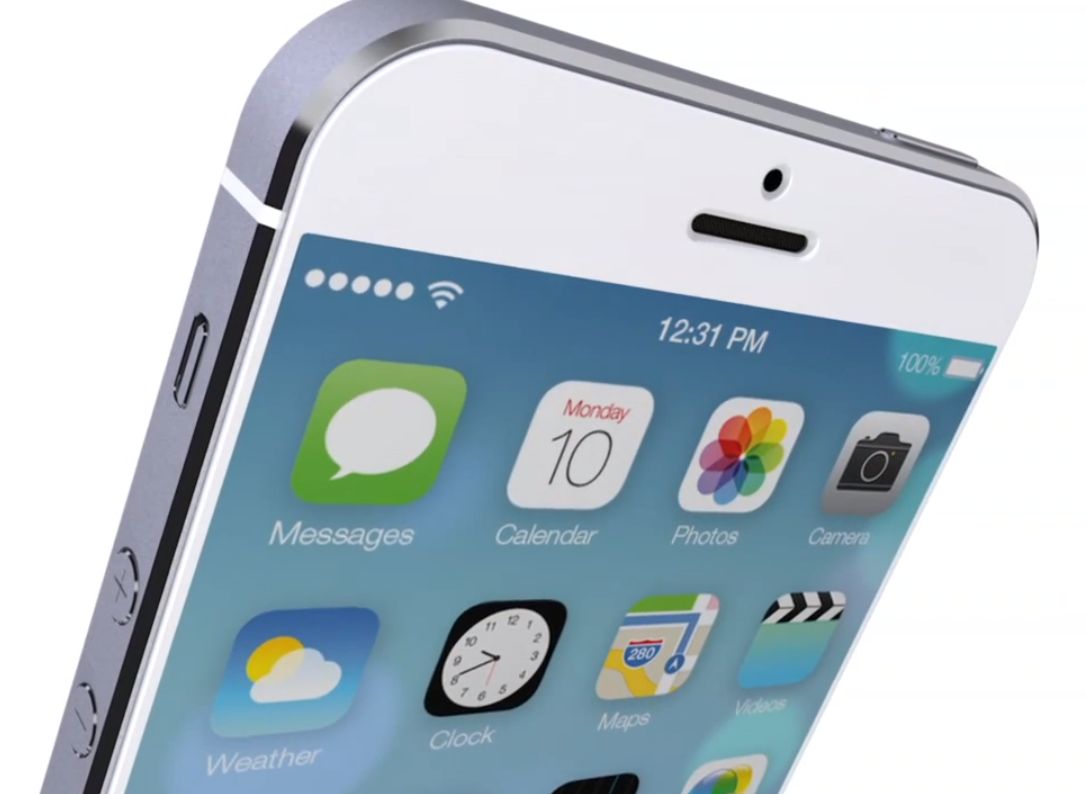
The 5.7-inch form factor didn't come out of blue: presumably, it's the right size for a 1080p Apple phablet. Figuring as much, UK's T3 magazine has put together an interesting concept video making a good case for a 1080p iPhone...