Apple unveils new iPad mini with Retina display, A7 processor

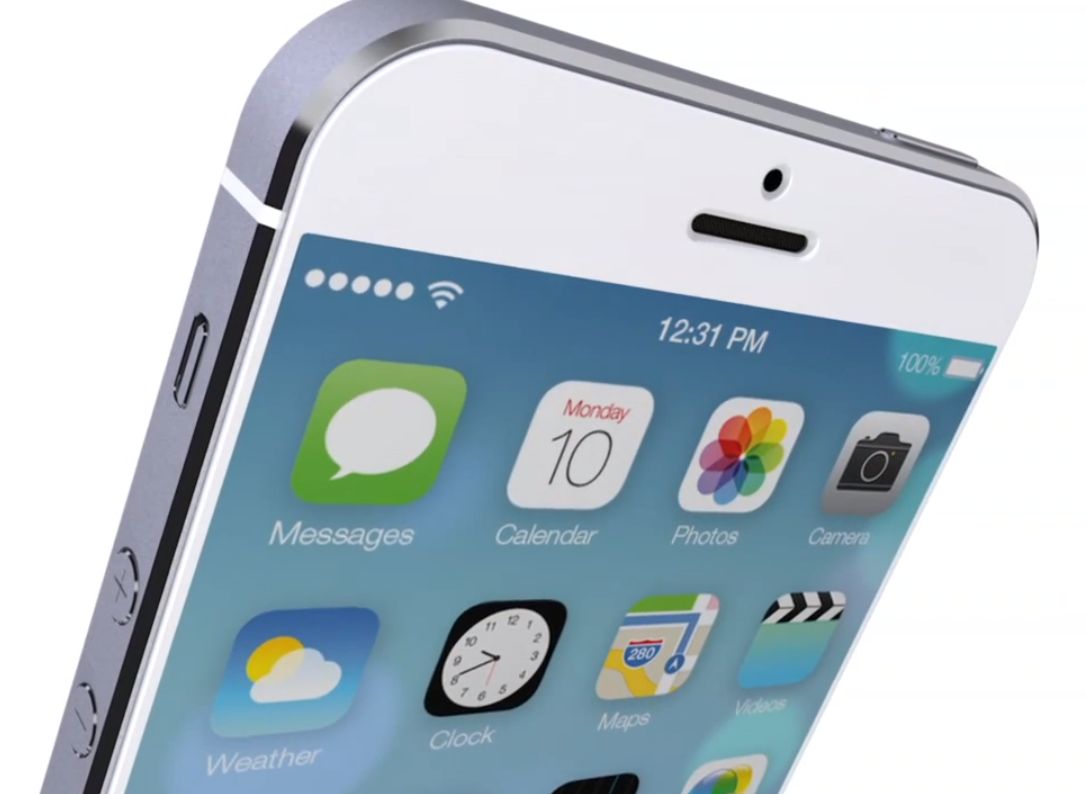
Now that he's finished up his staggering 'iPad Air' announcement, Apple's Phil Schiller has turned his focus to the smaller iPad mini. It too is getting a big refresh today, with the long-awaited display bump.

As expected, Apple has managed to squeeze its Retina screen in the tiny tablet, giving it the same 2048 x 1536 resolution as its larger sibling. And it's also added its 64-bit A7 processor, and other goodies...

Free OS X Mavericks update now available in the Mac App Store

Earlier today, Apple announced that this year's OS X update would be free for the first time ever to current Mac users. That's right, as long as you have a compatible Mac computer, you're eligible to get OS X Mavericks for free.

The update is a big one, bringing about several UI changes, new applications like Maps and iBooks, and a number of new features like Finder tabs and tags and quick reply for messages. And it's now available for download...

Apple quietly brings new iMovie Theater channel to Apple TV

As part of today's iPad keynote, Apple has unveiled long-expected updates to iLife and iWork apps, with the iMovie for the iPhone and iPad containing a new feature called iMovie Theater. What this does is sync all of your iMovie projects, movies and trailers across your devices through the power of iCloud.

If you own an Apple TV, you should now start seeing the new iMovie Theater icon on your main menu...

Safari 6.1 is out, brings Shared Links, Power Saver, Sidebar and more to Mountain Lion

In addition to a host of updates to its various iOS apps, Apple following today's iPad keynote has released the Safari 6.1 update, bringing some of the features that are part of the free OS X Mavericks update to Mountain Lion Macs. These include the Shared Links feature, the new Sidebar and Power Saver which improves battery performance when browsing plug-in heavy web pages on notebook systems...

What to do if you’re running Mavericks GM, and you can’t download the final version

A little while ago, I encountered a very frustrating issue that had me pulling my hair out for a while. That is, until I finally stumbled upon the fix for the issue.

As a registered developer, I've been testing out Mavericks since Developer Preview 3, and I made it a habit of installing every release up until the GM version. The nice thing about the Mavericks betas is that you can grab the updates directly from the Mac App Store without having to completely reinstall the OS once a new beta ships.

That all changed when Apple released a stealth (13A603) GM update a few days ago, which didn't feature an update in the Mac App Store. Either you needed to completely reinstall with the new GM build, or just deal with the outdated (13A598) GM build until hopefully OS X 10.9.1 places you back on the correct upgrade path.

Sure this was annoying, but it didn't sound like a huge deal to me until I wanted to download Mavericks this evening in order to make a USB install key, and was continuously met with an error message.

Apple updates Trailers, Podcasts and Find My iPhone apps for iOS 7

Earlier today, Apple announced that it would be updating 20 of its apps for iOS and Mac. We've already covered a number of these updates, including those for the iWork and iLife suites, and now it's time for some iOS-specific apps.

Trailers, Podcasts, and Find My iPhone have each been updated for iOS 7. They have all been redesigned to match the new iOS with flatter UI elements and thinner fonts, and we have screenshots and download links after the fold...

iTunes 11.1.2 is out with support for Mavericks and performance improvements

In addition to its wide range of other application updates today, Apple has posted a new edition of iTunes this afternoon. The update brings the content management software to version 11.1.2 and includes a handful of improvements.

Easily the biggest change in iTunes 11.1.2 is its support for OS X Mavericks, the big update Apple released today for its desktop operating system. But it also includes new language support and improved performance and stability...

Roundup of initial iPad Air and Retina iPad mini impressions

Apple introduced two new tablets this morning at a media event in San Francisco: the iPad Air and the iPad mini with Retina display. Both tablets got performance boosts thanks to the A7 64-bit processor, among other changes.

After the event, attending journalists were given the chance to go hands-on with the new devices. And for those of you who still don't know what to make of the two new iPads, we've collected some of their initial impressions of them...

iPad Air photo gallery

Apple just unveiled the iPad Air to the world. Sporting the same 9.7 inch screen, the iPad Air is the thinnest and lightest full size tablet to date.

Like everything Apple makes, the iPad Air is also a beautiful piece of hardware. We've gathered several images of the iPad Air for your viewing pleasure.

Enjoy...

New iWork suite goes live on the iOS and Mac App Store

Start your engines ladies and gentlemen, the new iWork is available for download on the Mac App Store right now. The full suite of apps, which include Pages, Numbers, and the renowned presentation app Keynote, have all been updated with tons of new features as outlined in today's iPad keynote.

Even better is the fact that all of the apps, including their iOS counterparts, have all gone free for those who have purchased Mac hardware. If you haven't purchase new hardware, chances are you already own these wonderful apps anyway, and the updates are free.

Apple updates Smart Covers and Cases for new iPads

Although there wasn't any mention of the rumored Surface-like keyboard cover at today's iPad event, Apple did announce updates for its current line of cases that will launch alongside the two new tablets.

Both the iPad Air and new iPad mini with Retina display will get a new set of Smart Covers and Smart Cases. The Covers, again, just cover the screen of the iPad, but the Cases offer wraparound protection...

Previous app versions coming to Mac App Store, too

A little over a month ago, Apple started letting customers download older versions of App Store apps. This handy new capability was designed to allow folks on legacy hardware to download the last compatible app version for their outdated iOS build. Up until then, the most recent app version available had used to render all of the previously submitted app builds inaccessible in the Mac App Store.

The same 'Previous Versions' feature is now coming to the Mac App Store, writes Apple in its memo to the registered Mac developer community, adding devs can now "let users download an older version” of their apps. I've got more information right below...