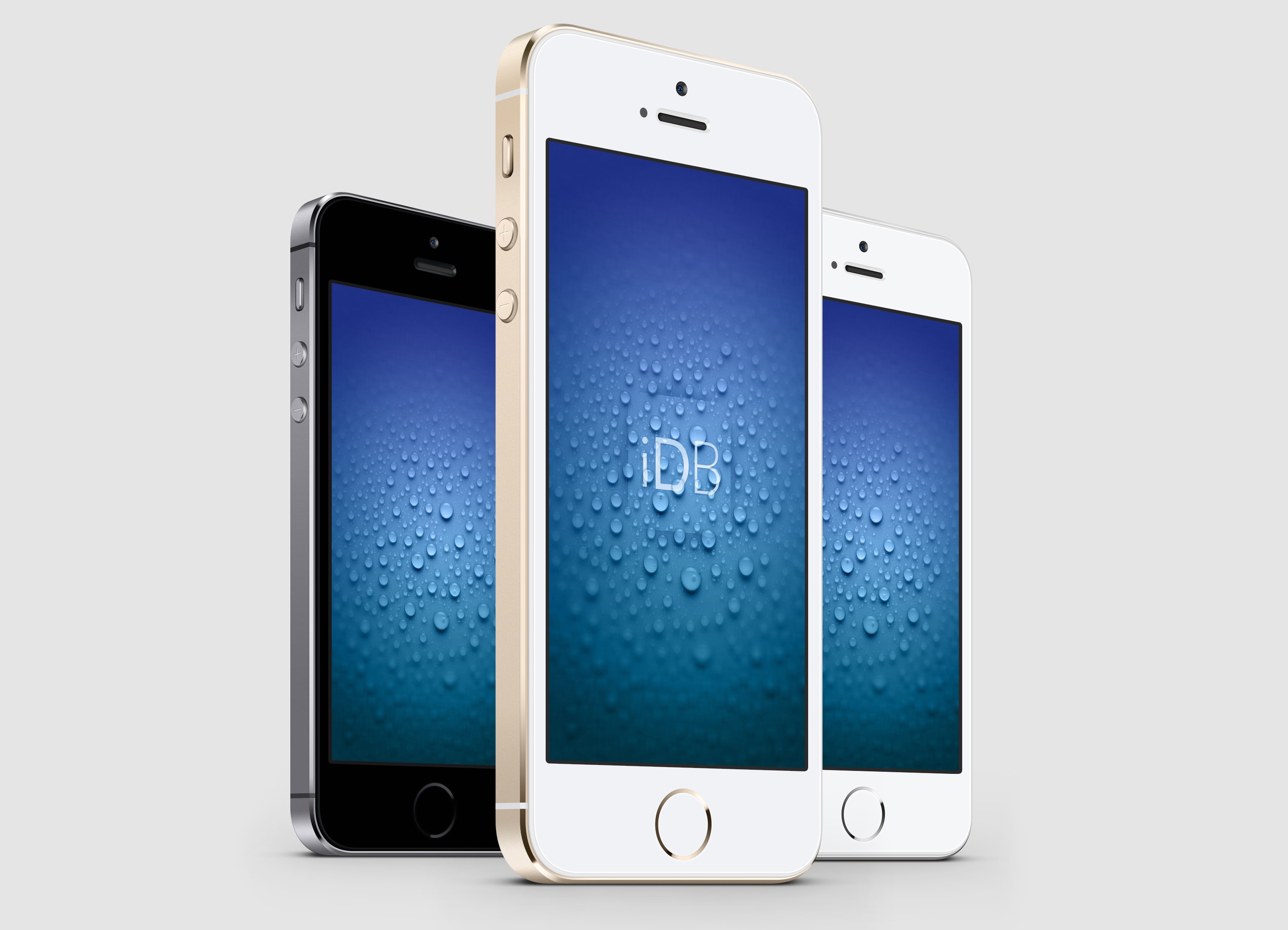
Download the iOS 8 and OS X Yosemite wallpapers

Today, Apple announced the newest version of its desktop operating system, OS X 10.10, also known as "Yosemite." With a vast array of new features, 10.10 is one of the largest departures from previous versions we have seen in many years. Sporting exciting additions like Continuity, which promises a more streamlined experience when switching between iOS devices and desktop devices, we are really enjoying getting through some of the beta testing.

Each new version of any OS includes at least one amazing wallpaper from Apple. Today, we discovered one new wallpaper with each iOS 8 and Yosemite. Inside, find the full resolution versions for your selective devices...

What did you think of the WWDC keynote?

Today was the seventh consecutive WWDC keynote that I have watched, and it easily ranks as one of my personal favorites. It might seem surprising that I feel that way, especially considering that there were no new shiny iPhones or Macs announced like there once was, but the nearly two-hour episode captured my attention for so many other reasons.

It started with the charismatic Craig Federighi, the humorous Apple executive that seemingly came out of nowhere and has become an instant hit over the past few presentations. It was not only his humor that was refreshing, but also his confidence. In fact, the entire team of Apple executives that appeared on stage this afternoon were equally confident… 

The best new features from the Messages app in iOS 8 [Video]

Without a doubt, I believe that quick reply for Messages was by far the most wanted feature of iOS 8 for the majority of long-time users. It's a feature that has been egregiously overlooked by Apple with seemingly little explanation.

This morning's keynote address finally brought an end to the wait, as native quick reply was revealed in all its glory on stage at the Moscone Center in San Francisco. To be honest, the keynote seemed to teeter on the side of fan service, but I'm certainly not complaining, especially when a part of that fan service is the long-awaited quick reply.

After installing the beta of iOS 8, one of the first things I've begun to play around with is the stock Message app, and of course, perhaps the most anticipated feature in iOS 8: quick reply. Have a look at our video walkthrough of some of the most prominent iOS 8 Messages app features.

T-Mobile will support Wi-Fi calling on iOS 8

Just a few hours ago, we rounded up a list of iOS 8 features that Apple simply didn't have much time to mention at its WWDC keynote this afternoon. One of them was Wi-Fi calling, which allows iPhone users to place calls over Wi-Fi as opposed to a cellular network. The feature allows for wireless customers to potentially save money on their monthly plans, which you would think is something that carriers would be against.

Not T-Mobile. Being the awesome underdog carrier that it has been as of late, the magenta-flavored company has embraced the feature with full arms. Earlier today, T-Mobile marketing chief Mike Sievert confirmed in a news release (via MacRumors) that Wi-Fi calling will be enabled for iPhone users on iOS 8, meaning that over 90% of smartphones on the network will be capable of the feature… 

A full breakdown of major OS X Yosemite features

While much of the excitement has been surrounding the arrival of iOS 8 for iPhone and iPad, Apple also pleasantly surprised us this afternoon with a more-than-impressive update to its OS X software. First and foremost, the company delivered upon the name OS X Yosemite that most bloggers figured out after a mountain from Yosemite National Park appeared on a WWDC banner at Moscone West. Now let's dive into all of its features… 

A breakdown of all the major new features in iOS 8

Apple just finished up with its huge WWDC keynote, and we're still sorting through the madness. The company introduced a number of new developer tools and two new platforms (HealthKit and HomeKit), as well as new versions of OS X and iOS.

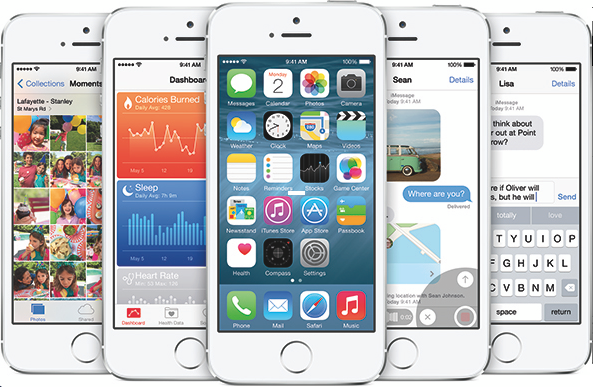
We've covered a lot of the new iOS 8 features individually, but given the sheer amount of things announced today, we thought it'd be helpful to create a roundup of everything you need to know about the update, which will publicly launch this fall...

iOS 8 introduces time-lapse videos

Apple has added an interesting new time-lapse video feature to the stock Camera app in iOS 8, useful for capturing things like the sun setting or the bustling of a busy city street. The new mode functions by snapping photos at dynamically selected intervals, and then grouping those photos together into an accelerated sequence. The result is a short video showing what you recorded over a predetermined amount of time… 

Resizable simulator in Xcode 6 hints at new iPhone screen sizes

Let the digging commence! Apple just released iOS 8 and Xcode 6 betas a few moments ago, and folks have already begun to search them for clues to future products. And those efforts have just yielded some results by the way of a new feature in Xcode Simulator.

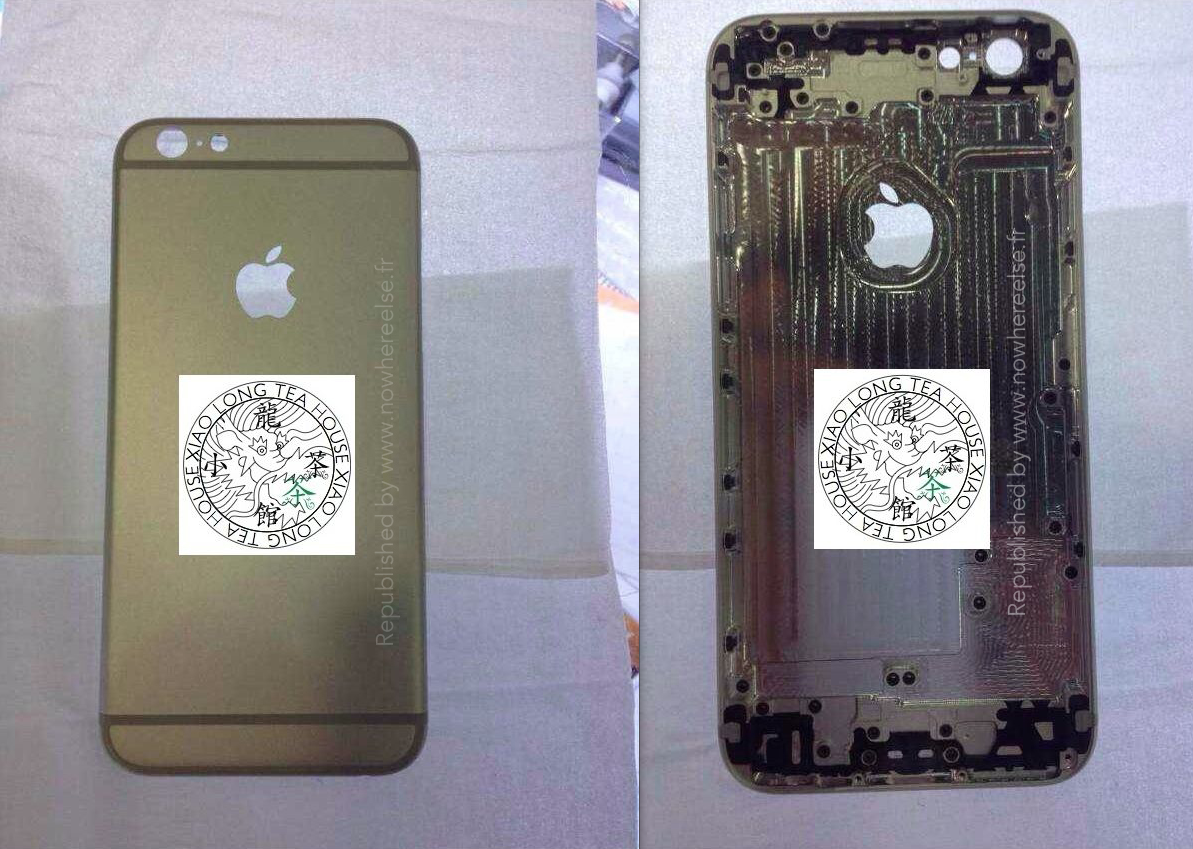
As noted by Chicago Sun-Times tech columnist Andy Ihnatko, Xcode includes 'resizable iPhone and iPad simulators.' This seems to reaffirm the rumors that have been floating around for the past 6 months that Apple is working on an iPhone with a larger display...

Here’s what it’s like to install iOS 8 [Video]

I'm in a hotel room Kyoto, Japan right now and it's 5 am in the morning, but I wouldn't miss this for anything. Like you, I just got finished watching the WWDC keynote, and I was blown away by what Apple unveiled.

Of course, there was no new hardware revealed at WWDC, but that was pretty much expected. What we didn't expect, was to have our socks knocked off by iOS 8, as it seemed that this year was the year of OS X Yosemite.

It was, indeed, a big year for Yosemite, but I believe iOS 8 stole the show. Thinks like third-party keyboard support, the Health app, quick reply, and Inter-app communication stole the show.

With all of that said, I wanted to bring you a first video showcasing the install process for iOS 8. If you've ever installed iOS 7, then you pretty much know what to expect here, as its very similar. Check out our install video, and check back for more breakdowns of the new features offered in iOS 8.

35 new features coming to iOS 8

Apple senior executive Craig Federighi is quite the personality. On stage today for the WWDC keynote, the hardware engineering chief announced several new features of iOS 8 in the most humorous way possible. But it would have been impossible for Federighi and the rest of the Apple team to cover all of the new functionality included in the software update, so instead they fit several features into one slide. We've gone ahead and rounded up all 35 of the featured listed ahead… 

Apple introduces new iCloud storage tiers

In addition to all of the other big announcements Apple made during its WWDC keynote today, the company unveiled some significant iCloud changes. The service now has a Dropbox-like front end called iCloud Drive that allows you to access your files across all of your devices.

And that's not all. Apple also announced some much needed new storage tiers for iCloud that will allow you to store more things in the cloud, for cheaper. Unfortunately, the free tier stays the same at 5GB, but users can now get 20GB of iCloud storage for just $0.99 per month...

Watch the WWDC 2014 keynote now

Hopefully, you've followed along the announcements Apple made during its WWDC keynote that we've covered here at iDownloadBlog, but the whole event is so much better than the summaries provided by blogs. Apple has of course provided a live stream of today's event. If you missed it, a replay stream went live at Apple.com - remarkably enough, just minutes after the keynote has wrapped up.

Yup, now everyone can witness Apple's boss Tim Cook take slow talking to the next level, laugh at the geeky jokes software engineering boss Craig Federighi cracked on stage (choice quote: OS X Weed) and basically see for themselves why Apple totally killed it today...