Nest Labs, the Google-owned maker of the popular Nest thermostat and smoke detector, has signaled its intention to open up its technology to third-party developers by launching the Nest Developer Program last September.
Since then, Nest has been building a real-time web API for the Nest Learning Thermostat and today, ahead of Google I/O which starts tomorrow, the program has gone active.
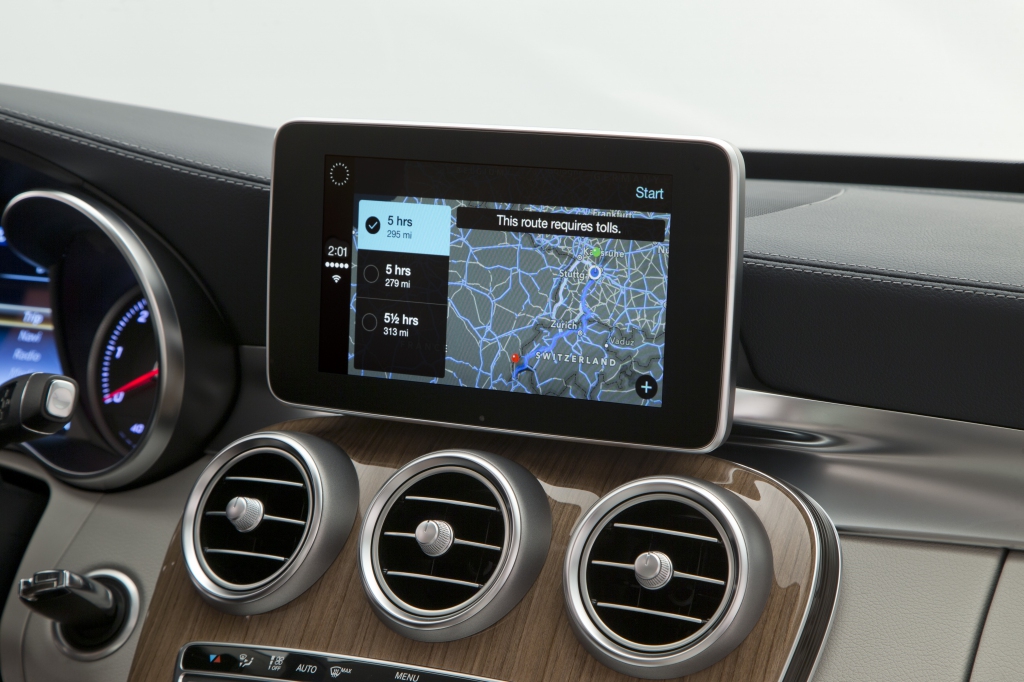
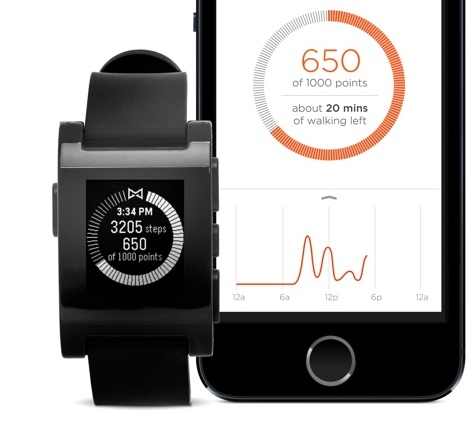
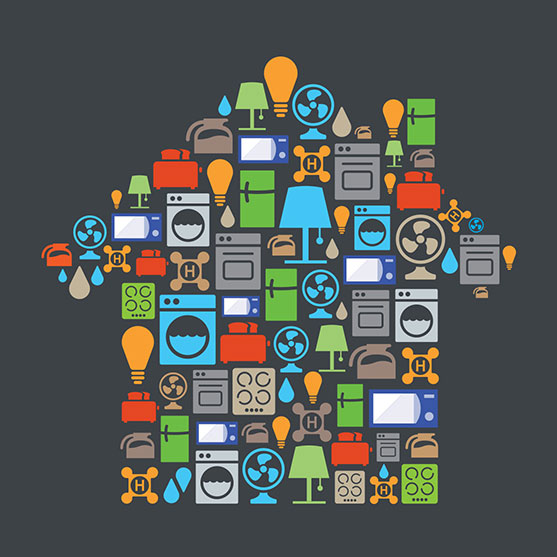
The official API allows the Nest to work with all kinds of devices, from smart light bulbs to various home appliances to fitness bands and even cars. "Connect your Nest to things inside and outside of your home, and we'll get even better at keeping you comfortable and safe," says Google.
Contrary to previous assurances by Nest co-founder and former Apple engineer Tony Fadell, Nest devices will need to share some data with Google so the Internet giant could understand your daily habits and intelligently propose new ways of saving energy around the house...