Empty Trash versus Secure Empty Trash – what’s the difference?
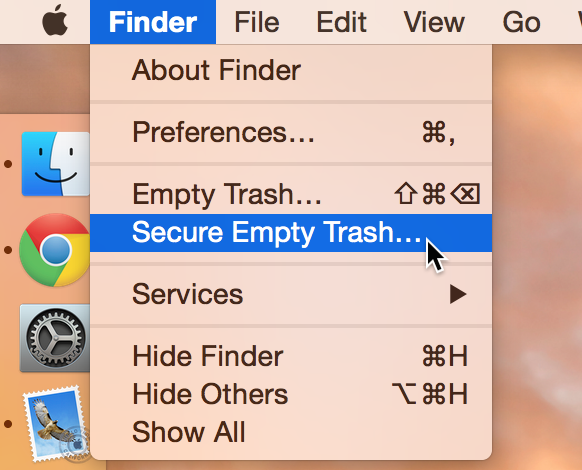
Did you know that there are actually two ways to empty the trash on your Mac? Perhaps you've seen both options before, but never gave it much thought. Just what is the deal with Empty Trash versus Secure Empty Trash? Which one should you use? By knowing what each empty trash command is capable of doing, you'll be able to make more informed future decisions with regard to handling your Mac's sanitation needs.

Podcasting basics part IV: recording, exporting and uploading

This is the second to last entry into my podcasting basics series. In part I, I talked about some of the preliminary steps needed before starting a podcast. In part II, I discussed the hardware that we use to record shows like Let’s Talk iOS and Let’s Talk Jailbreak. In part III, I broke down the software used. Now that you have a good idea of what hardware and software that we use, along with the basic overall methodology, let's talk about starting the actual recording.

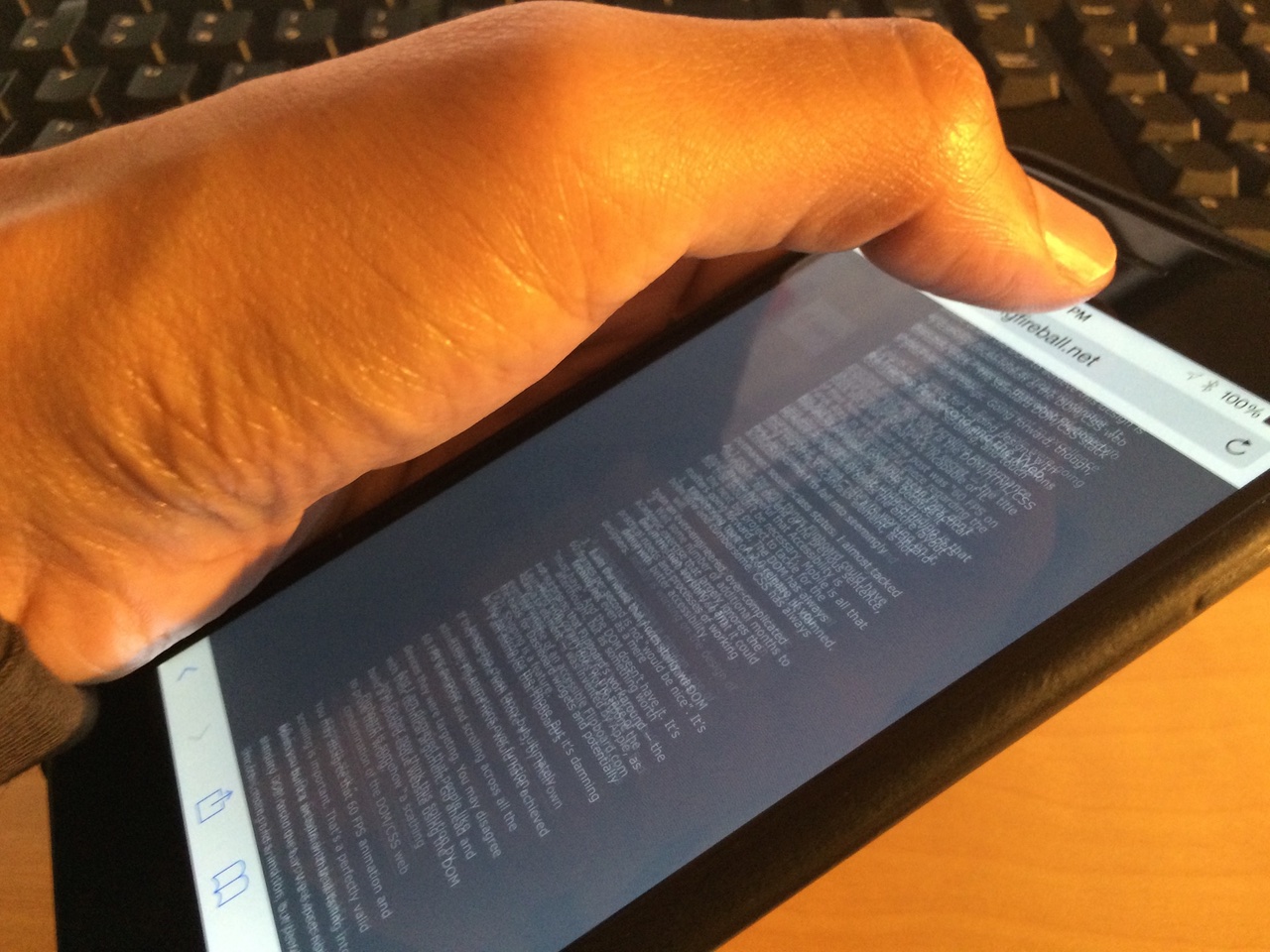
Skrollerz: tap the status bar to scroll to the bottom of a page

On this week's episode of Let's Talk Jailbreak, I brought up one of the tweak concepts that I worked on recently. That concept, entitled Scrottom, envisions a jailbreak tweak that allows you to tap the status bar to scroll to the bottom of a page, similarly to how a tap on the status bar currently takes you to the top of a page.

I also reviewed a long-existing jailbreak tweak called TapToScroll. That tweak brought similar functionality to the table, but it required configuration, and it didn't perfectly implement my idea. In other words, it was satisfactory, but not totally ideal.

Today, a new jailbreak tweak entitled Skrollerz brings the closest representation of my concept thus far. In fact, I think it's pretty much executed it to a tee, and I'm extremely happy with it. If you're looking for a way to quickly scroll to the top or the bottom of a page, then you should definitely take a look at this free jailbreak tweak.

Sift, Evil Genius Online, WiFi Priority, and more apps to check out this weekend

Some weekends, you have too much free time on your hands and want to fill the void with some form of mobile entertainment. Other times, you are so busy that you need an app that will help you get through everything faster.

No matter what this weekend looks like for you, we’ve got a list of apps and games we want you to check out. If you want to speed up or slow down, there is always an app for that.

ReStats: automatically reset cellular statistics after a set time interval

If you have a limited data plan with your wireless carrier, then you're no doubt at least vaguely aware of how much data you burn through each month. While iOS has some built in statistics that can help you measure your wireless data usage, it's easy to forget to reset the usage statistics to correspond with your billing cycle. That's where a brand new jailbreak tweak called ReStats comes into play...

Axial brings new quick launch features to Control Center

Axial is a brand new jailbreak tweak for iOS 8 that brings new app launching features to Control Center. Wherever you're able to open Control Center, including while on the Lock screen, you'll be able to launch apps via Axial.

One of the tweak's hallmark features is its temporary auto-unlock for quicker access to your favorite apps while on the Lock screen. Auto-unlock makes it so that your device automatically inserts your passcode. This allows you to use pre-approved apps without manually entering a passcode or verifying with Touch ID.

AG Drive review: get behind the wheel of an anti-gravity racecar

I’ve mentioned before that there are just too many racing games on the market. It gets to the point where, unless a game is doing something different, it starts to feel like a new skin on an old title.

AG Drive does something different. Instead of putting the pedal to the metal on hyper realistic pavement, players get behind the wheel of anti-gravity ships and blast off at incredible speeds across the skyways of the universe. We’ve got a full game review of AG Drive for you today.

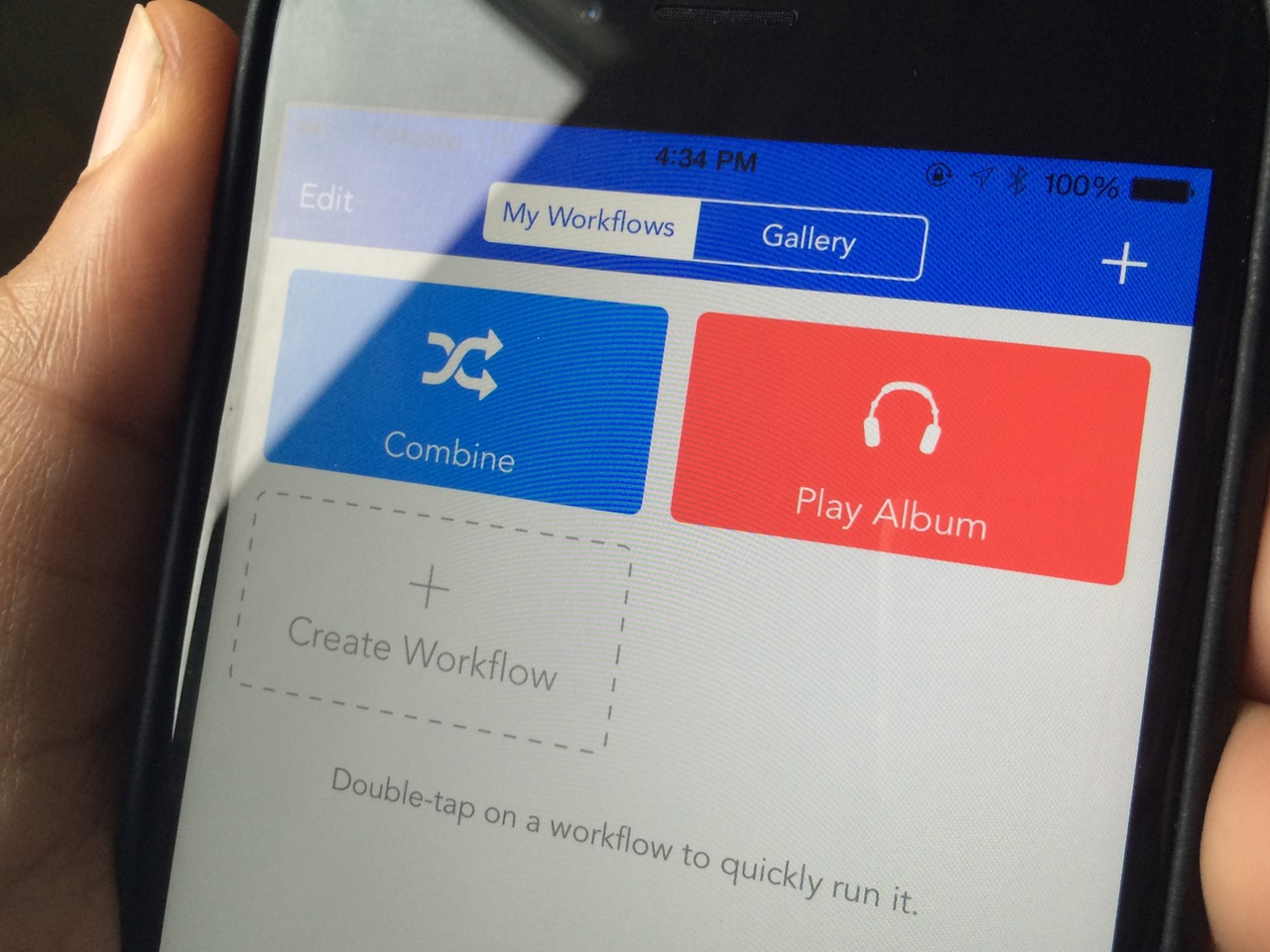
Profluence lets you assign Workflow automation to Activator gestures

Workflow, the powerful automation app available on the App Store, is extremely popular right now, and for good reason. It's one of the first apps that brings true power-user features to the iPhone in an easy to digest package, and it capitalizes on the openness brought to the fore by iOS 8.

In fact, yesterday, our own Timothy Reavis posted an article to showcase 10 popular workflows. In his post, he highlights ways to view source code, shorten URLs, scan QR codes, and more—all with Workflow.

In and of itself, Workflow is a powerful app. But how much more powerful could it be if it were able to work closer together with Activator for jailbroken iPhones? Profluence, a brand new tweak that lets you invoke Workflow automation by means of an Activator gesture, helps to answer the question.

How to use Facebook stickers in iMessage conversations

One of the things that I learned while visiting Korea last year is that Koreans love using an app called KakaoTalk. Kakao is a messaging app that pretty much everyone in Korea uses. It's an app that's instantly recognizable due to the bright, colorful, animated stickers that litter the conversations of passersby.

I've always thought that it would be cool if iMessage users could use animated stickers within the Messages app, and now it's a reality thanks to a new jailbreak tweak called StickerMe. StickerMe takes the stickers available within the Facebook Messenger app, and brings them to an iMessage conversation near you.

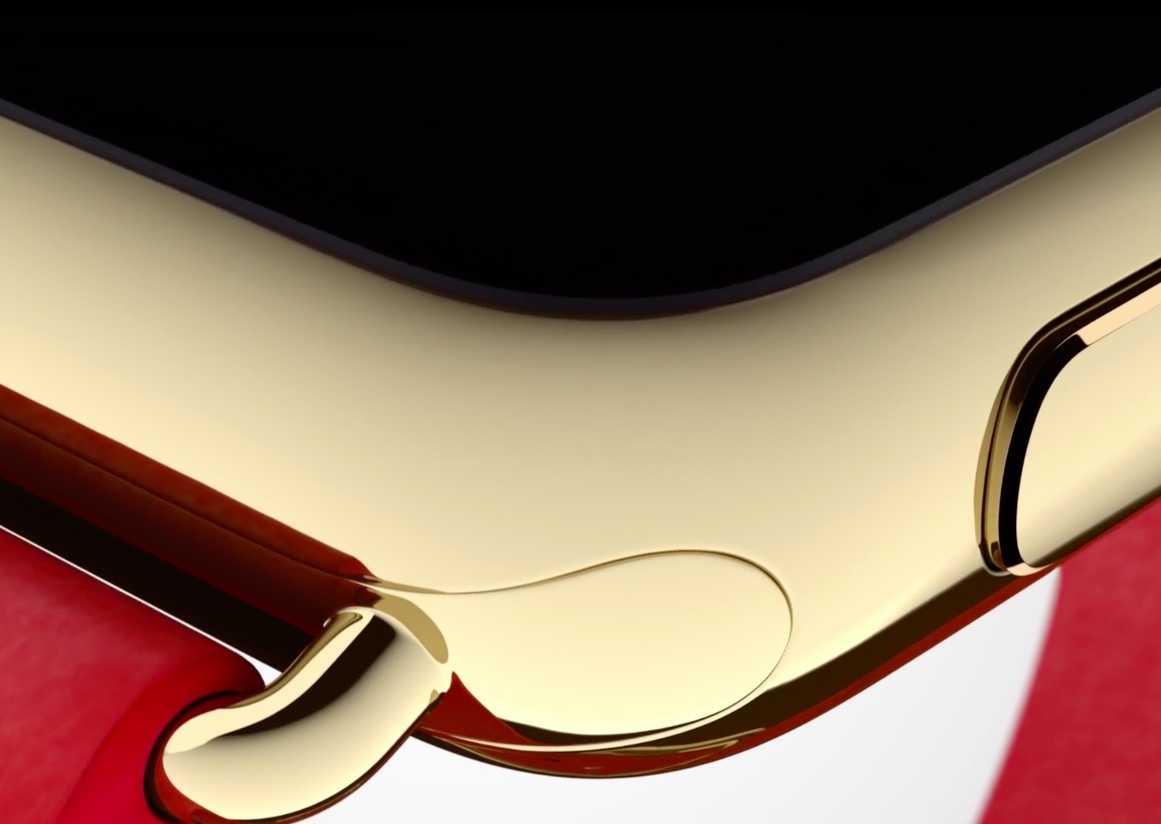
Apple Watch Edition: tech vs luxury

People will get their panties in a bunch when Apple announces the Watch Edition costs several thousand dollars, but that's mostly because these people don't understand what Apple is doing.

This quote from John Gruber's post about Apple Watch pricing hits the nail on the head:

Google Wallet: your personal data is the priority

The differences between Apple and Google's strategies in the mobile space couldn't be more obvious. One company is making a big bet on privacy. The other, is making a big bet on everything but privacy. These strategies give each companies different priorities, and mobile payments is once again a clear illustration of that.

Apple clearly states that absolutely no data is collected or shared when making purchases with Apple Pay. As Tim Cook said before, the transaction is just between you and the merchant. No one in between. Your privacy is one of Apple's priorities.

Google, on the other hand, has different priorities when it comes to mobile payments. Based on its long-time business model, Google wants to collect data about what you buy so it can serve you more targeted ads.