You can change the language of your iPhone and your Apple Watch together in one go or only change it for your Apple Watch while your iPhone’s language remains unaffected. Here are the steps for both.
How to change your Apple Watch language
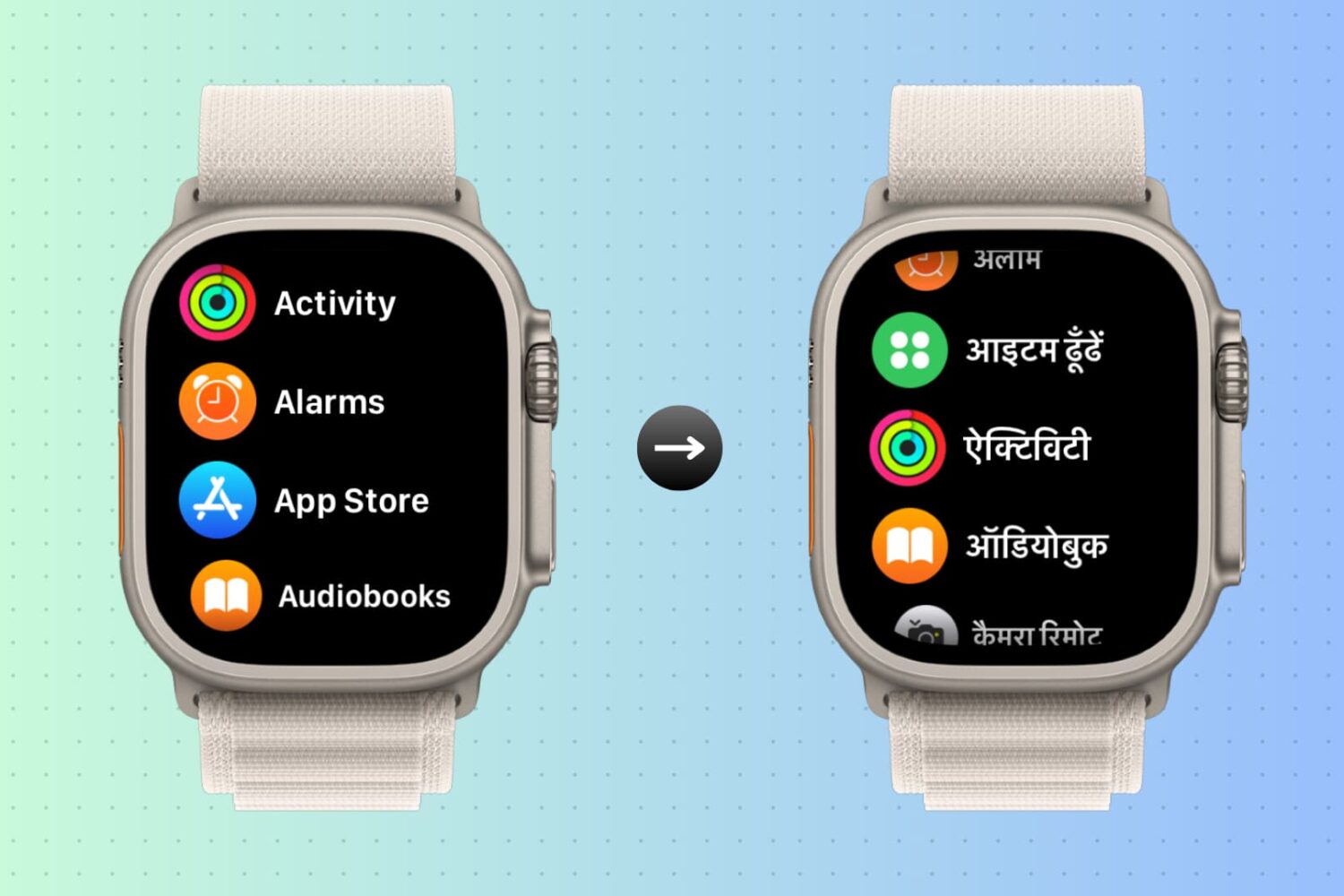
You can change the language of your iPhone and your Apple Watch together in one go or only change it for your Apple Watch while your iPhone’s language remains unaffected. Here are the steps for both.

In standard Wallpapers of the Week fashion, we try to maintain modern relevance. That means, keeping in touch with the big pop culture items of our time. One of the biggest comic book franchises released their newest installment of the Avengers series, Age of Ultron.
We are still in opening weekend, so a total box office number is currently unknown. However, it will certainly be a hit with lines waiting to get a ticket. What better way to get excited than deck your iOS devices with Avengers wallpaper? Step inside for an assortment of treasures.
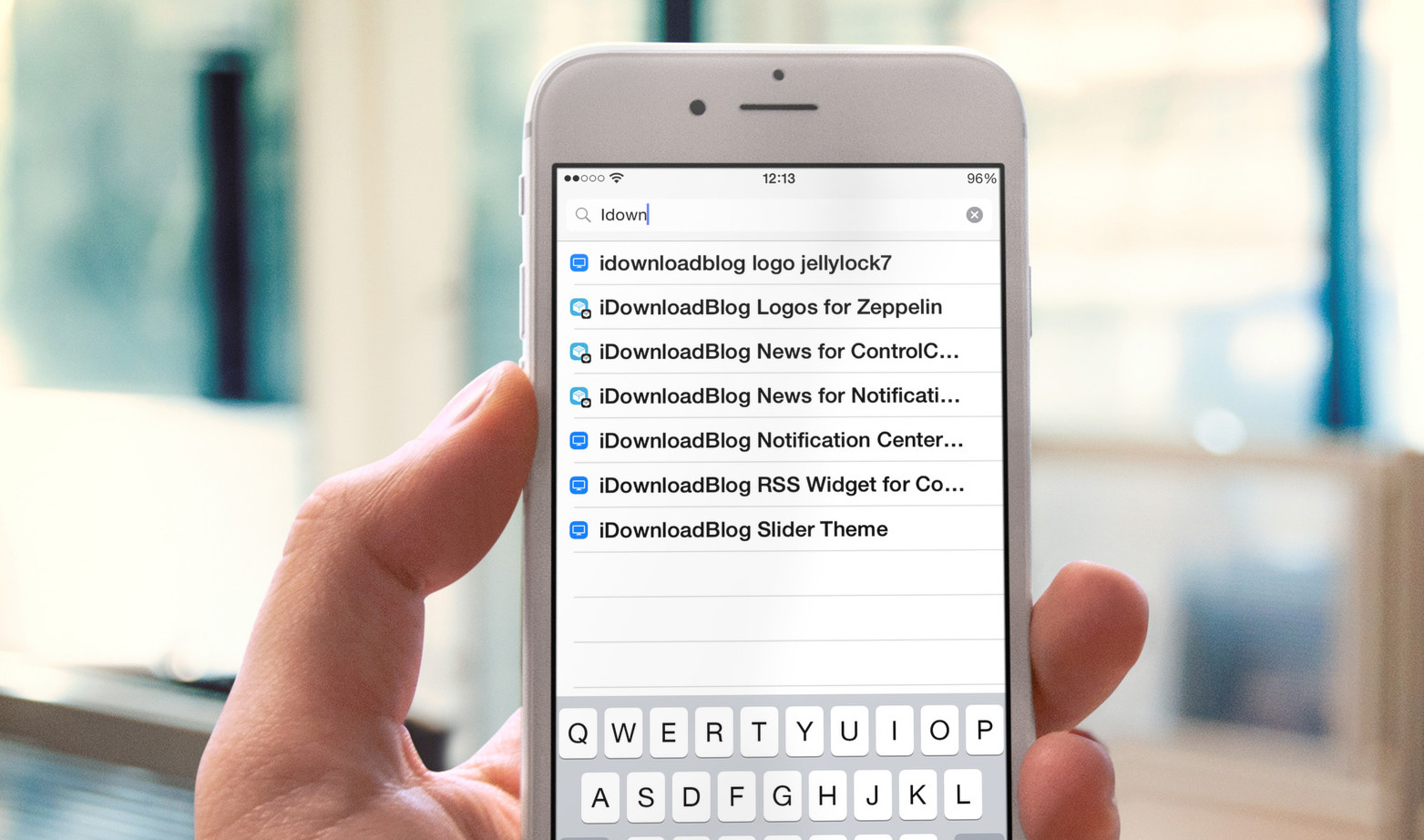
Recently, we've been busy dreaming up the possible jailbreak tweaks for Apple Watch and discussing the topic on Let's Talk Jailbreak, and to be honest, we kind of lost sight of the tweaks for iOS lately. Hopefully we can rectify this as the Apple Watch hype goes down. In the meantime, we listed all the tweaks that were released on Cydia this past week. There aren't many of them, but we do have a couple interesting ones.

If you have kids, or if you were a kid at some point, you probably remember opening your presents each Christmas, using them to no end for the rest of the day, and forgetting about most of them the day after. That never happened to me, actually, but it's a long-standing stereotype, so go with it.
The difference between your RC car and your Apple Watch is that your car began collecting dust after a day or two, and your Apple Watch is becoming an integral part of your life. The initial novelty of the Digital Crown has become a natural scrolling mechanism, and the urge to constantly try a new watch face turned into changing the color to match today's shirt, or switching from an informative to a simple face from a work day to the weekend. Apple Watch has become a background track in your day-to-day life, and that's a good thing.
However, there is always more room for great apps to expand horizons and streamline workflows, which is why App Watch exists. So let's see what Santa (bearded app developers) has for us this week.
While wearing my Apple Watch on week one, I kept feeling like something was missing. After listening to this week's Let's Talk iOS, Jeff clued me in. I was missing the music capability. It is somewhat surprising that Apple precluded Apple Watch from playing music through the speaker. Most likely, it is a move to conserve battery power and prevent a poor listening experience on such a small speaker.
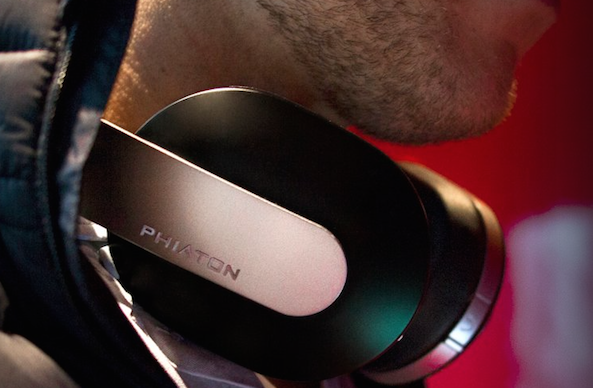
Enter a renewed need or desire to have a good set of Bluetooth headphones. Coincidentally, I was contacted by Phiaton to review their Chord MS 530 headphones and happily accepted. The M-series headphones are known for bold styling with a modern appeal and high build quality. Having previously reviewed the Bridge MS 500 wired headphones, I was happy to take a look at the more robust, wireless and noise canceling older brother.

Like every Sunday, we get to take a look at some of the most popular posts that were published on iDB during the week that just ended. Whether it is a news item, a new jailbreak tweak, a tutorial, or an app review, we sum it all up in one convenient place for you.
As always, if you like what you're reading, please feel free to spread the love by sharing our posts on your favorite social network.
We're usually hanging out a lot on Twitter and Facebook, more rarely on Google+.
Don't forget to listen to the latest episode of our new podcast, Let's Talk iOS:
Subscribe on iTunes
And of course, make sure to catch up with the new episode of Let's Talk Jailbreak:
Want to support iDB? Download our iOS 8 Interactive User Guide or Yosemite Interactive Starter Guide in the iBooks Store.
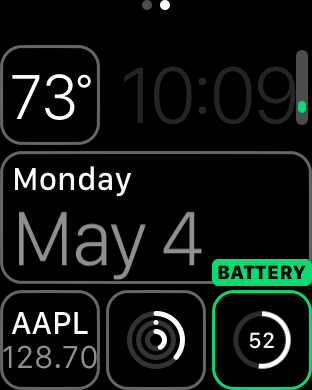
Although battery life has been much better than most anticipated with Apple Watch, you should still expect a day or, at tops, a day and a half of battery life after a full charge. For that reason, it's pretty important to keep a close eye on your Apple Watch battery throughout the day, especially if you decide to use battery hogging functions like phone calls and the workout app.
Fortunately, Apple makes it super easy to monitor battery life on Apple Watch. In fact, it's more verbose than it is on the iPhone since the watch shows you the full battery percentage by default. Inside, we'll show you two easy ways to monitor battery life on Apple Watch.
Glances on Apple Watch are quick summaries of information that can be quickly viewed at a glance—hence the name. Glances contain, or at least should contain, information that you view the most frequently.
Why did Apple include Glances in Watch OS? How many glances can you have configured at once? These questions, and others are answered in this Glances overview.
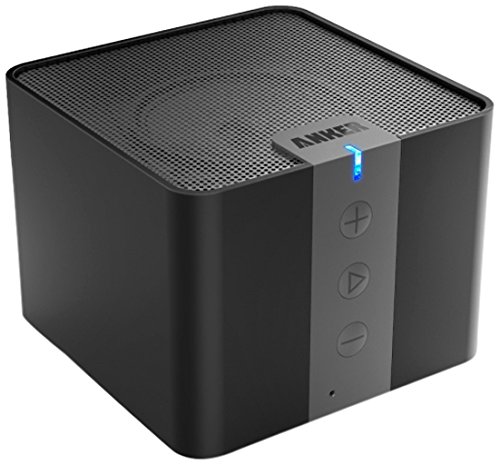
There is no reason to even bring up the fact that the iPhone’s internal speaker system sucks, but I just did. So the best solution to a terrible sound is boosting it with something else.
The Anker A7908 Portable Bluetooth Speaker is a box speaker that fits in the palm of your hand, but packs a punch when it comes to increasing the volume of your iPhone 6. The nearly 20-hour battery life makes it possible for you to keep the party going, all night long.

So, you’ve got your Apple Watch and all you want to do is look at its tiny screen and wait for that subtle tap. You’re not interested in any normal sized apps. Well, why don’t you just check out our Apple Watch app list.
The rest of our readers, the ones that are still waiting anxiously for Apple to tell them that their watch has shipped, we’ve got a list of apps and games we think will help you forget your woes.

In this quick tutorial, we’ll show you how to delete apps from your Apple Watch with or without your iPhone.
The Tapbots issued an update for their iPhone Twitter client Tweetbot 3 today, bringing the app to version 3.6. The release includes a number of bug fixes, and it adds support for the new 'Quote Tweet' feature Twitter rolled out last month.
For those who haven't used the feature yet, it's actually pretty handy. Unlike the typical retweet, which will insert the tweet between quotation marks and count toward your character limit, Quote Tweet embeds the tweet like a card or photo.