Spotify responds to Apple Music by extending free trial to 60 days for non-US users

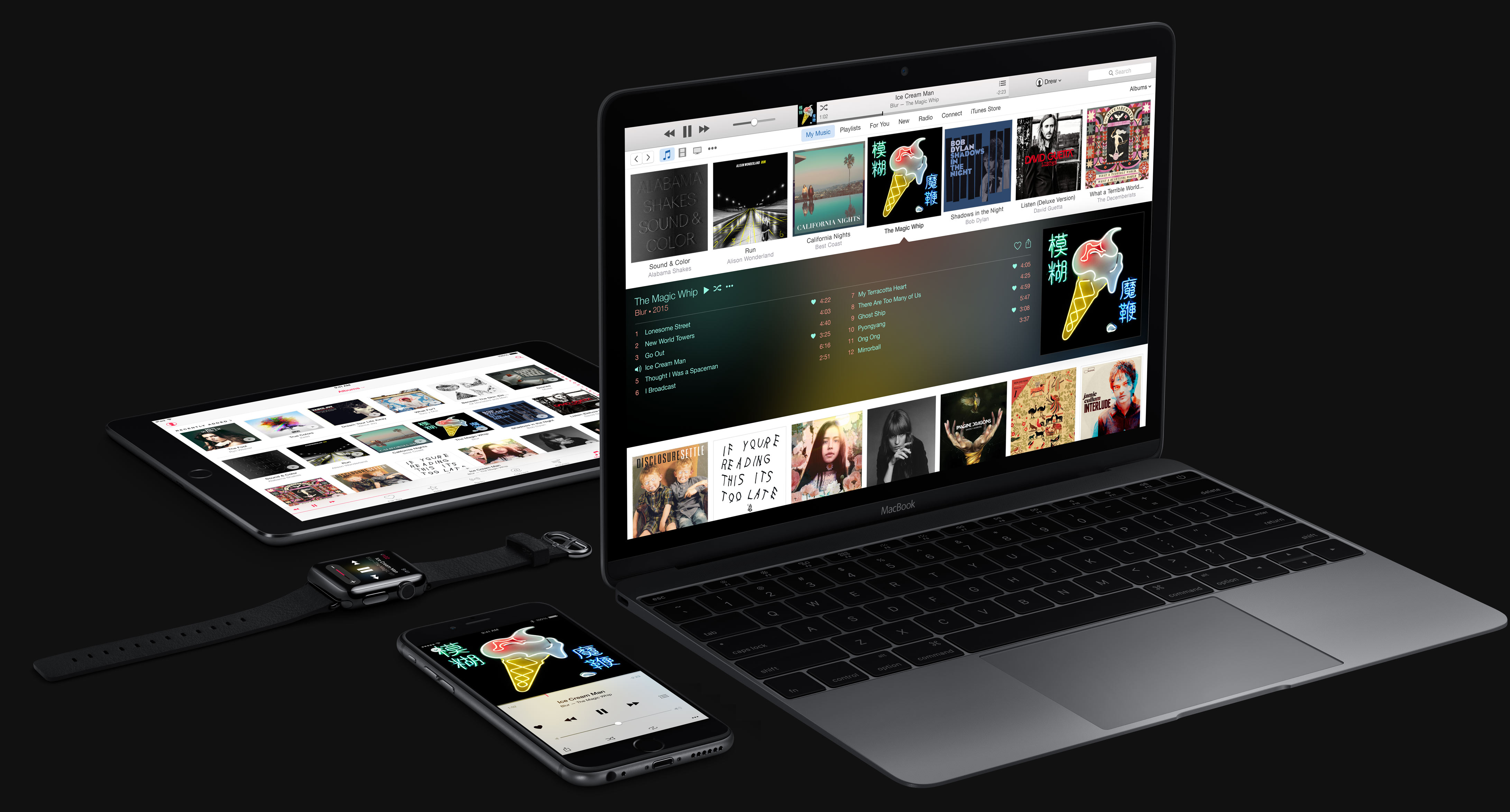
Following Apple Music ad blitz with a massive Beats 1 billboard on Times Square ahead of the service's public launch next Tuesday, the world's leading music-streaming service Spotify has decided to extend its Premium trial from 30 to 60 days for users outside the United States, as noted by Android Authority.

Like Apple Music, Spotify Premium costs $9.99 per month, but Apple's service offers a three-month free trial period before charging users' credit cards. It was also revealed this morning that Apple Music pays an industry-standard royalty rate for free users of 0.2 cents per stream, comparing roughly to Spotify's 35 percent revenue share during the trial period.

Apple Music free trial pays record labels industry-standard 0.2 cents per stream royalty rate

Lots of ink was spilt regarding Apple's decision to not pay artists during the free trial only to reverse course after Taylor Swift raised a stink about it. Apple's said it'll pay for free users and keep the royalty a bit higher for subscribers but stopped short of specifying the exact sum paid during the free trial.

According to unnamed record label executives who spoke to The New York Times newspaper, Apple is paying an industry-average royalty rate of 0.2 cents per each streamed song during the free three-month trial, roughly on par with Spotify.

Trianium Atomic S Battery Case doubles the life of your iPhone 6

When you are going to be out and about for an entire day, do you worry that you will exhaust your iPhone's battery before you can get directions home? Even though the iPhone 6 is estimated to last about 10 or 11 hours with straight internet usage, we regularly drop to 20 percent while still trying to get video of the kids playing.

Trianium's Atomic S case for iPhone 6 has a 3100mAh battery that will double the life of your iPhone so you don't have to worry about running out of juice.

How to fix the dreaded virtual machine error when attempting to run the TaiG jailbreak

In a previous post, I lamented about the fact that I received a dreaded virtual machine error when trying to run the TaiG jailbreak tool on VMware Fusion 7. The error went something like this: Sorry, this application cannot run under a Virtual Machine.

Not only is that totally ambiguous, but it really didn't make much sense when you consider that the prior TaiG tool ran with no problems. After trying a few solutions I found via Google, I resigned myself to the fact that I would probably just have to settle and use the old tool instead..

Fortunately, however, one of our awesome readers has come though with a fix. Mohamed Elkady shared this interesting little trick to help bypass a frustrating error. In this post and video, I'll walk you through the entire process step-by-step.

TaiG issues a statement regarding “leaked” jailbreak packages

TaiG has commented on the "leaks" of its TaiG jailbreak tool and the untether debian package that has spread like wildfire on the Internet this evening. Earlier today, it was discovered by a reddit users that TaiG had uploaded new versions of its tool to the official TaiG server. In fact, the naming convention, which follows a naming standard, made it extremely easy to guess the exact location of the file.

On Chinese microblogging site Weibo, TaiG is advising against using these leaked files, as they are only for testing, and not official versions. It states that only the initial 2.0.0 version was an official release.

Users were understandably anxious to get their hands on these updated versions due to the fact that they packed in the much anticipated Cydia Substrate fixes. These fixes were necessary for users to be able to enjoy the many jailbreak tweaks that rely on this framework.

The iOS 8.3 jailbreak roundup

It's been a crazy last couple of days, but it's also been very exciting. It all started when the jailbreak for iOS 8.3 came unexpectedly on Tuesday morning, and it culminates with the release of a Cydia Substrate compatible update this evening. No doubt, there's still much more to come, but now we'd like to take the time to wrap up the ongoings of the last two days.

In this post, we'll tell you everything you need to know about the iOS 8.3 jailbreak, and what you might expect in the future.

TaiG issues another update to its iOS 8.3 jailbreak tool

I think it's safe to say that it's been a whirlwind the last few days. TaiG isn't showing any signs of slowing down, as they've now made yet another update to their jailbreak tool available online. This update, dubbed TaiG 2.1.1 comes mere hours after the 2.1.0 update—a release that aimed to fix the Cydia Substrate issues—was discovered.

As far as what's included in TaiG 2.1.1, my guess is bug fixes. Judging by the minor release version, there's likely some minor fixes that were important enough to warrant an update.

At any rate, it's always best to use the latest and greatest when it comes to jailbreak tools, so if you've yet to jailbreak, you might as well use TaiG 2.1.1 to do so.

Poll: Will you jailbreak iOS 8.3?

Now that Cydia Substrate is available, users can now enjoy the many jailbreak tweaks and apps available on Cydia. Given the timing of this iOS 8.3 release, we're interested to know what our readers think about the jailbreak overall.

Are you jailbroken? Do you plan on doing so soon? Or are you holding off altogether? Sound off in our poll, and check to see where you stand with regard to other jailbreakers.

How to enable Cydia Substrate on the iOS 8.3 jailbreak

If you're jailbroken on iOS 8.3, you've likely been frustrated by the lack of Cydia Substrate support up until now. As you're no doubt aware of by now, Cydia Substrate hasn't worked on iOS 8.3 due to a fix that needs to be implemented by the folks at TaiG.

The good news is that the fix is out, and I've confirmed that it works. If you've jailbroken your device with the TaiG 2.0 tool yesterday or earlier today, you can use a simple .deb file install to fix Cydia Substrate in just a few minutes.

In this tutorial, I'll show you how to install the TaiG 8.3 Untether .deb on your jailbroken iOS 8.3 device and fix Cydia Substrate.

TaiG 2.1 released to fix Cydia Substrate

It looks like several reddit users have unearthed the next version of the TaiG jailbreak for iOS 8.3. Several users have posted screenshots of the tool, which is said to fix the Cydia Substrate issues, iTunes issues, etc.

I've tested the untether myself, and I can confirm that it works. Cydia Substrate now works, and jailbreak tweaks that are compatible with iOS 8.3 now work.

Saurik releases Cydia Installer 1.1.18 for jailbroken iOS devices

Hot on the heels of the 1.1.17 release of Cydia Installer comes yet another update. This version, aptly dubbed 1.1.18, is another bug fix.

Saurik states that this bug fix is the result of another "proactive" fix for iOS 8.3 and the just released Cydia Installer 1.1.17. To download this update, simply launch Cydia and refresh. You should be automatically prompted to install the update.

What tweaks are compatible with iOS 8.3? Here’s a list

Our friends over at r/jailbreak have compiled a list of compatible jailbreak tweaks for iOS 8.3. Unsurprsingly, most of the tweaks on the list have problems or don't work at all. This is due to the fact that a fix needs to be implemented by the TaiG team to ensure Cydia Substrate compatibility.

Even still, there are a few jailbreak apps that don't rely on Cydia Substrate, and thus work. Once Cydia Substrate compatibility is restored, this list will likely change rapidly as developers lend attention to their tweaks and apps.